

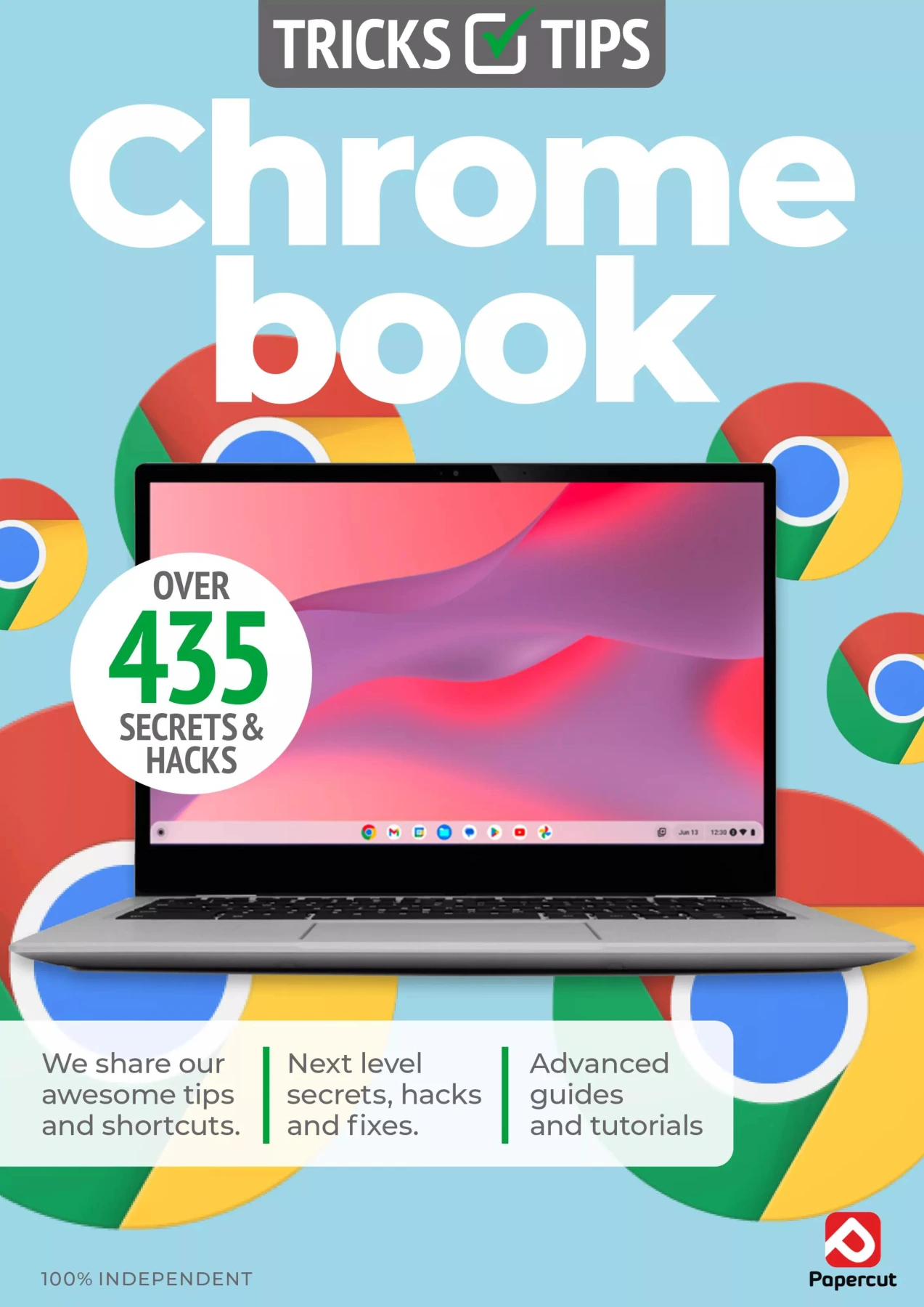
Chromebook Tricks & Tips
Original price was: $5.00.$2.50Current price is: $2.50.

Papercut
Product Specs:
- File Type: PDF
- File Size: 53.6 MB
- Book Language: English
- Total Page Count: 98
- Instant Download
A Chromebook can be more than a browser in a laptop shell. Chromebook Tricks & Tips gathers practical, illustrated guidance on Chrome OS, Chromebook features, and the Google apps many users rely on every day. The 15th edition’s contents move from everyday settings and app management to communication, productivity, media, and coding.
Make Chrome OS Feel More Familiar
The opening section looks at personalizing Chrome OS and working with features such as Chrome settings, autofill, apps, and virtual desks. Short, task-led explanations and screenshots give readers a visual reference as they explore the system.
Get More from Google’s Everyday Apps
Gmail, Calendar, Maps, Photos, YouTube, Drive, Docs, Sheets, and Google Pay all appear in the contents. The guide covers a range of common tasks, from organizing email and planning routes to handling files and using Google’s creative and media tools.
Beyond the Basics: Work, Play, and Coding
Additional sections touch on gaming and game streaming, Office 365, video and music services, and coding on a Chromebook. Pydroid 3 and online coding environments are among the topics listed, giving the book a wider scope than system setup alone.
A Visual, Topic-by-Topic Reference
Rather than focusing on one app, this guide samples features across the Chromebook experience. Its step-by-step format may suit readers who prefer to look up a particular task and follow along. Because software menus and services evolve, treat instructions about older features as edition-specific guidance and check current settings where needed.
User Reviews
Be the first to review “Chromebook Tricks & Tips”
You must be logged in to post a review.
Adobe Elements User Manual – 19th Edition, 2024
Sold by Papercut
Adobe Photoshop for Beginners – 23rd Edition 2026
Sold by Papercut
Android For Beginners
Sold by Papercut
Adobe Lightroom User Manual Issue 6
Sold by Papercut
Coding User – The AI Issue, Autumn 2025
Sold by Papercut
Adobe Photoshop User Manual
Sold by Papercut Original price was: $5.00.$2.50Current price is: $2.50.






There are no reviews yet.