

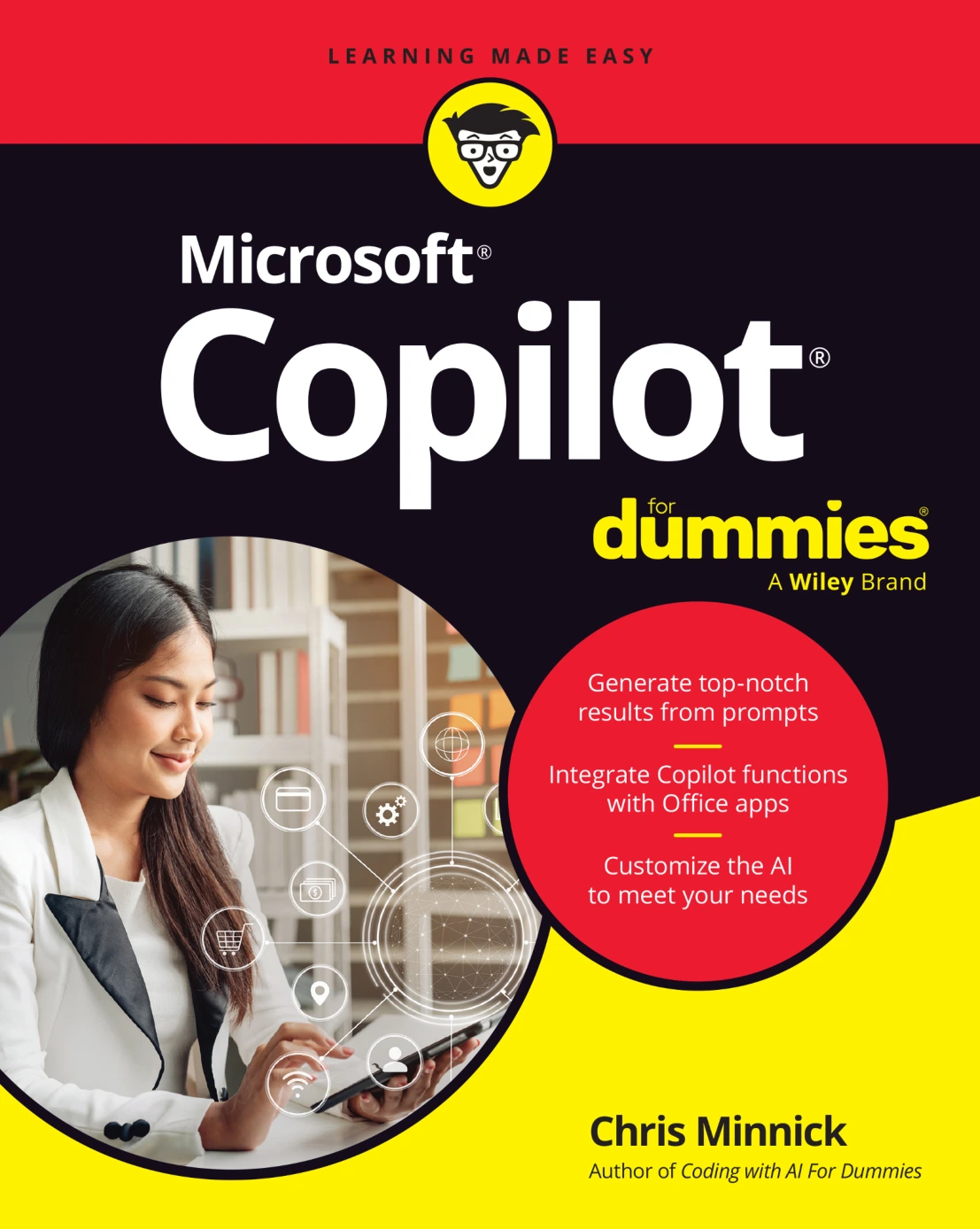
Microsoft Copilot For Dummies
Original price was: $5.00.$2.50Current price is: $2.50.

Chris Minnick
Product Specs:
- File Type: PDF
- File Size: 35.6 MB
- Book Language: English
- Total Page Count: 323
- Instant Download
Your Practical Guide to Microsoft Copilot 🤖
Microsoft Copilot is changing how people work, write, analyze data, and collaborate. Microsoft Copilot For Dummies is a clear, approachable guide to using this AI assistant across Windows, Edge, Microsoft 365, and mobile devices. Written by Chris Minnick and published by John Wiley & Sons in 2025, the book assumes no prior AI experience and walks you through the essentials step by step.
What You’ll Find Inside
The book is organized into four parts that build your skills progressively:
- Part 1: Meeting Your AI Assistant — Get started with Copilot, learn to chat effectively, browse with Copilot in Edge, use the mobile app, and explore Copilot+ PCs.
- Part 2: Getting Work Done with Microsoft 365 Copilot — Use Copilot in Word, Excel, PowerPoint, Outlook, and Teams to write, analyze numbers, design presentations, manage email, and run meetings.
- Part 3: Jumpstarting Your Productivity — Create custom Copilots, expand capabilities with plugins, and troubleshoot common issues.
- Part 4: The Part of Tens — Discover ten useful plugins and ten hidden Copilot gems.
From Chatting to Creating ✍️
Early chapters cover the fundamentals of prompting: writing text prompts, using voice input, engineering effective requests, and refining them for better results. You’ll learn how to avoid common pitfalls and understand Copilot’s limitations, so you can get reliable output without frustration.
Copilot Across Microsoft 365 📊
A major portion of the book focuses on practical workplace tasks. In Word, Copilot helps summarize, edit, and brainstorm. In Excel, it assists with formulas, data analysis, and charts. PowerPoint users can generate slides, redesign layouts, and practice presentations. Outlook users can draft emails and summarize threads. Teams users can prepare for meetings, get real-time assistance, and access post-meeting summaries.
Going Mobile and Beyond
The mobile chapter shows how to install and configure Copilot on iPhone, iPad, and Android. It covers unique features like camera prompts, audio prompting, location-specific queries, and sharing responses. There’s also dedicated coverage of Copilot+ PCs and their exclusive features, such as Cocreator in Paint, Live Captions, and Windows Studio Effects.
Customization, Plugins, and Troubleshooting
Later chapters explain how to build custom Copilots, extend functionality with plugins, and solve common problems. The “Part of Tens” sections are packed with practical recommendations that can save you time and reveal lesser-known capabilities.
Who This Book Is For
If you’re a professional, student, or curious user who wants to integrate AI into your daily workflow, this guide offers a structured, hands-on approach. It’s especially useful for Microsoft 365 users who want to get more done with the tools they already have. No technical background is required.
Why It’s Worth Your Time
Microsoft Copilot For Dummies doesn’t just explain what Copilot is — it shows you how to use it. With clear explanations and practical examples, it helps you move from tentative experimentation to confident, productive use. Whether you’re writing a report, analyzing a spreadsheet, or preparing a presentation, this book can help you work smarter with AI.
User Reviews
Be the first to review “Microsoft Copilot For Dummies”
You must be logged in to post a review.

A Developer’s Guide to Integrating Generative AI into Applications
Sold by Chris Minnick Original price was: $5.00.$2.50Current price is: $2.50.






There are no reviews yet.