

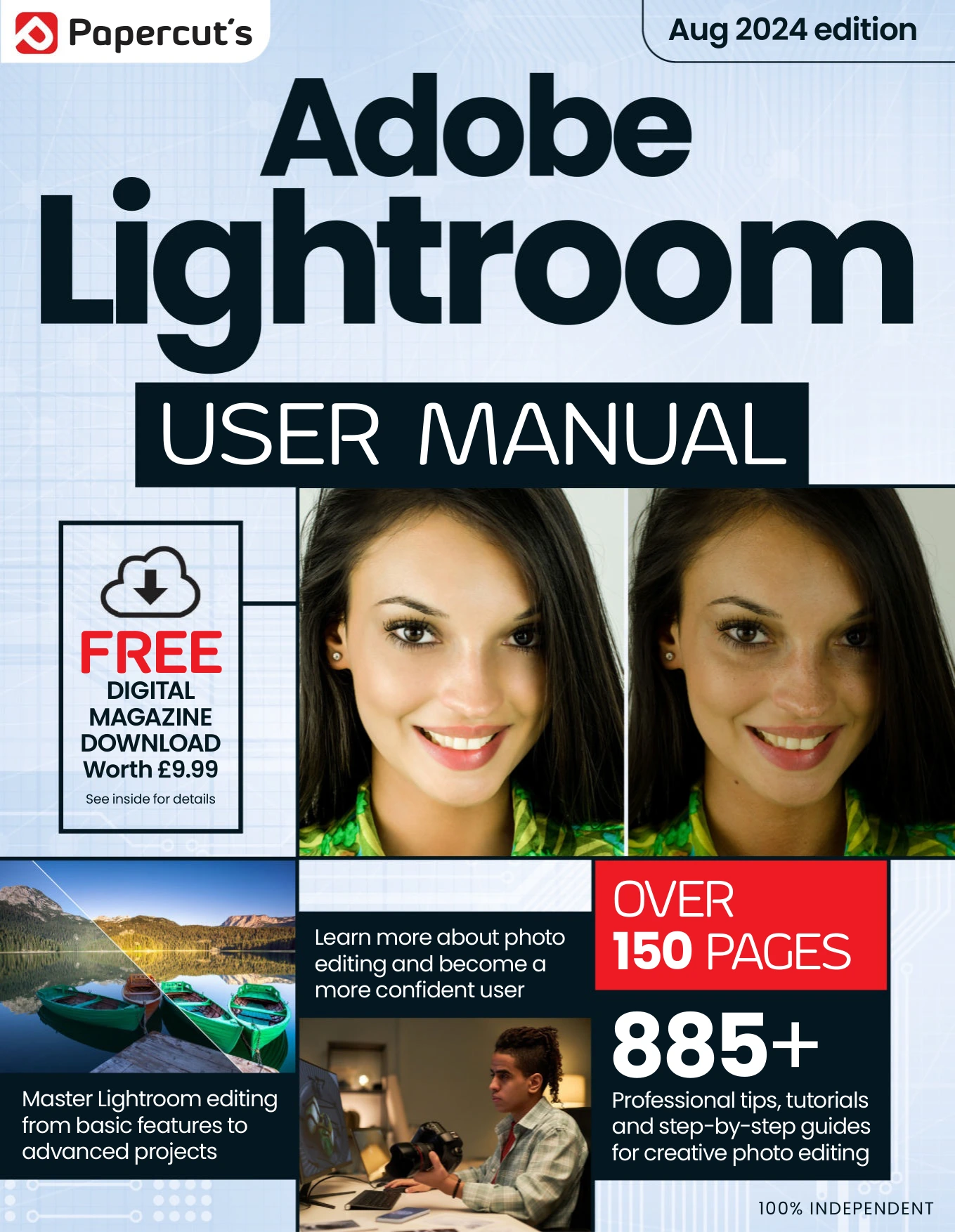
Adobe Lightroom User Manual Issue 5
Original price was: $13.36.$6.68Current price is: $6.68.

Papercut
Product Specs:
- File Type: PDF
- File Size: 73.3 MB
- Book Language: English
- Total Page Count: 162
- Instant Download
Adobe Lightroom User Manual for photographers
This August 2024 issue of Adobe Lightroom User Manual is a practical, independent guide to one of the most widely used tools in modern photography. It brings together the essentials of Lightroom Classic and the cloud-based Lightroom experience, with a clear emphasis on helping photographers organise, edit, and publish images more confidently.
The tone is hands-on from the start: the early pages explain what Lightroom does, how it differs from Photoshop, and why many photographers rely on it as part of a real-world workflow. From there, the manual moves into the parts of the program that matter most day to day — importing, sorting, rating, developing, masking, mapping, printing, and sharing.
Inside the manual
- Lightroom history and context — useful background on how the software evolved and why it matters.
- Lightroom Classic basics — workspace, raw workflow, importing, and early editing decisions.
- Library and organisation tools — sorting, collections, search, face recognition, and photo management.
- Develop and editing techniques — exposure, tone, colour, noise reduction, lens correction, presets, and more advanced adjustments.
- Masking, map, print, and publish modules — practical output-focused features for photographers finishing their work.
A useful guide for Lightroom users
The issue is especially relevant for photographers who want a structured, guided path through Lightroom rather than a scattered set of tips. It balances beginner-friendly explanations with more advanced editing tools, making it a solid fit for readers who want to move beyond the basics without getting lost in jargon.
If you are building a library of digital photography resources, this manual sits neatly among practical workflow guides: focused, organised, and aimed at helping you get more from Lightroom’s editing and publishing tools.
What to expect
You can expect a software manual that treats Lightroom as a working photographer’s companion — not just an editing app, but a full system for managing and refining images. That makes it a strong pick for readers who value clarity, process, and step-by-step instruction over flashy promises.
User Reviews
Be the first to review “Adobe Lightroom User Manual Issue 5”
You must be logged in to post a review.

Windows 11 For Beginners
Sold by Papercut
Windows 11 User Manual Issue 7
Sold by Papercut
Adobe Lightroom For Beginners – 18th Edition, 2024
Sold by Papercut
Apple Watch & watchOS 10 – The Complete Manual – 3rd Edition 2024
Sold by Papercut
Android For Beginners – 23rd Edition 2026
Sold by Papercut
Windows 11 For Beginners
Sold by Papercut Original price was: $13.36.$6.68Current price is: $6.68.





There are no reviews yet.