

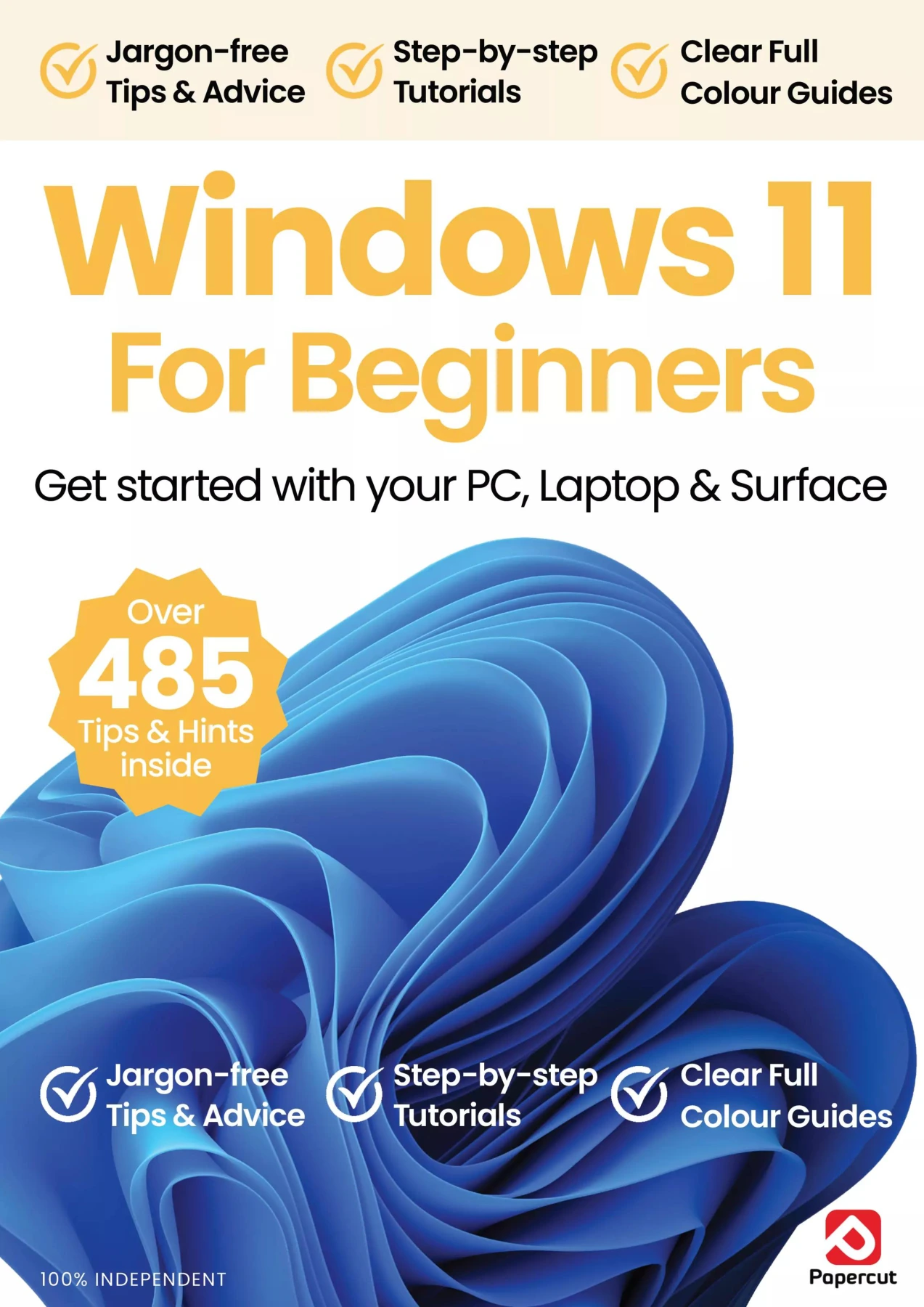
Windows 11 For Beginners
Original price was: $13.31.$6.66Current price is: $6.66.

Papercut
Product Specs:
- File Type: PDF
- File Size: 53.8 MB
- Book Language: English
- Total Page Count: 88
- Instant Download
A Friendly Introduction to Windows 11 💻
If you have just unpacked a new PC, laptop, or Surface, or if you are upgrading from an older version of Windows, Windows 11 For Beginners is here to make the transition smooth and even enjoyable. This independent guide from Papercut removes the guesswork and replaces it with plain-English explanations, fully illustrated tutorials, and practical advice you can actually use. There is no assumption that you already know the jargon.
Step-by-Step Guidance for Everyday Tasks
The publication starts where every new user starts: installing and updating to Windows 11 and getting comfortable with the Start screen. From there, you will learn how to use the Start menu, taskbar, notifications, Quick Settings, snap layouts, and multiple desktops. Clear chapters cover File Explorer, creating and managing folders, connecting your PC to the internet, and adjusting network settings.
Explore the Apps You’ll Use Most
Windows 11 comes with a rich set of built-in tools, and this guide helps you understand them without feeling overwhelmed. You will find dedicated sections on Microsoft Edge, Windows Mail, Calendar, the Microsoft Store, Teams Chat, OneDrive cloud storage, and the Focus Assist tool. The guide also introduces Copilot, sharing to nearby devices, connecting your phone to your PC, importing and editing photos, and using the Maps app.
Personalisation, Backups, and Useful Shortcuts ⚙️
Once you are comfortable with the basics, the guide shows you how to make Windows 11 feel like your own. Learn how to personalise the interface, use Windows Backup to protect your files, and speed up everyday tasks with keyboard shortcuts. A helpful section offers ten ways to get more from Copilot, giving you practical ideas for using Microsoft’s AI assistant in your daily routine.
Whether you are a first-time computer user or simply moving to Windows 11, this 15th edition keeps the focus on real tasks and clear answers. It is designed to be read in order or used as a quick reference whenever you need help.
User Reviews
Be the first to review “Windows 11 For Beginners”
You must be logged in to post a review.

Samsung Galaxy For Beginners – 23rd Edition 2026
Sold by Papercut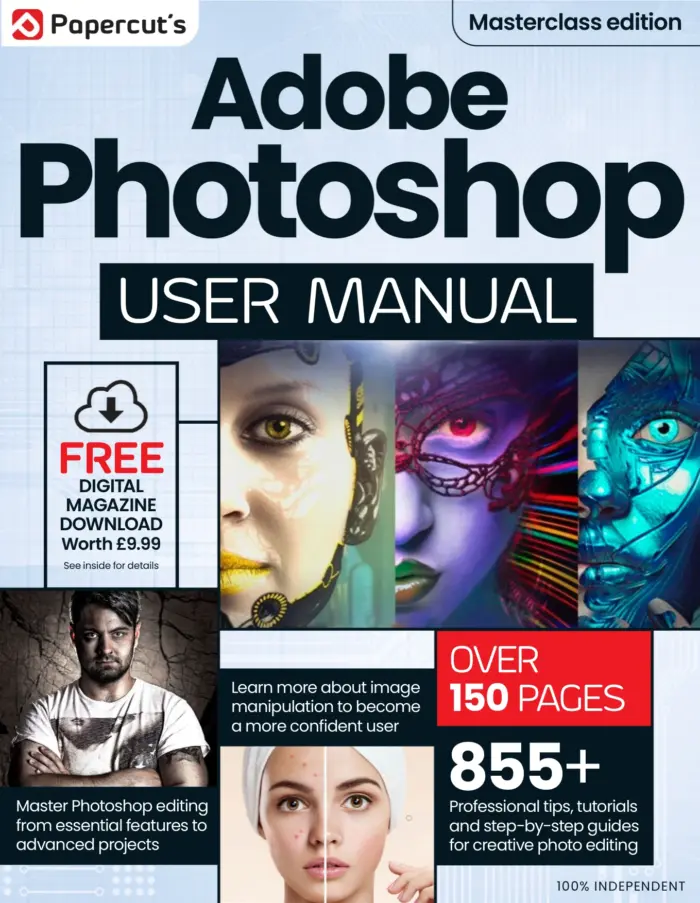
Photoshop Image Editing The Complete Manual
Sold by Papercut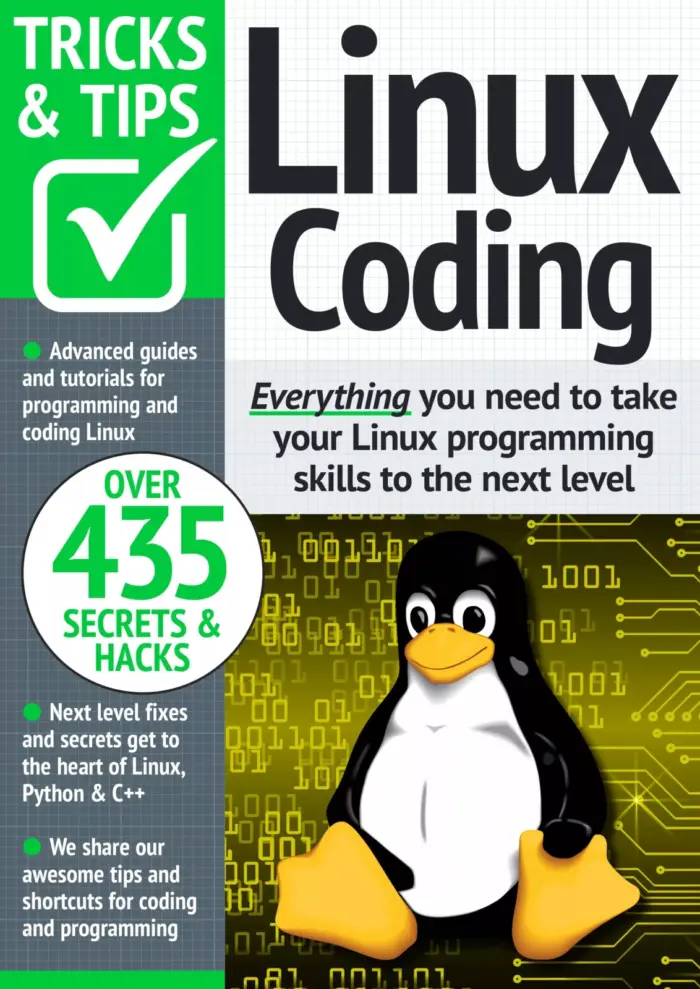
Linux Coding Tricks & Tips
Sold by Papercut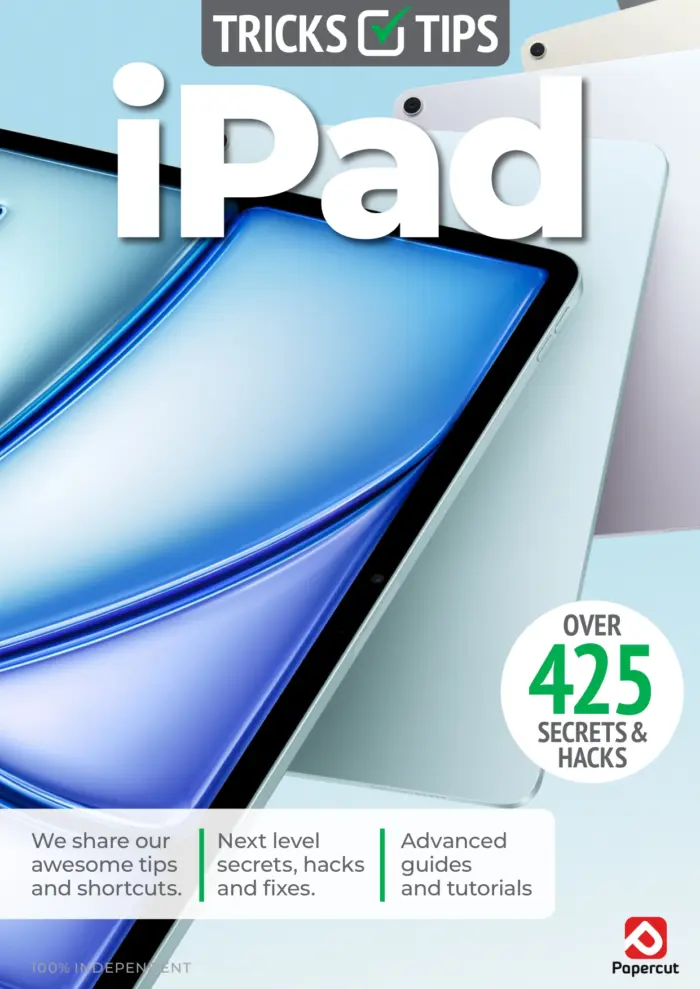
iPad & iPadOS Tricks & Tips — 8th Edition 2026
Sold by Papercut
Coding & Programming The Complete Manual (Issue 6)
Sold by Papercut
Coding For Beginners — 3rd Edition
Sold by Papercut Original price was: $13.31.$6.66Current price is: $6.66.






There are no reviews yet.