

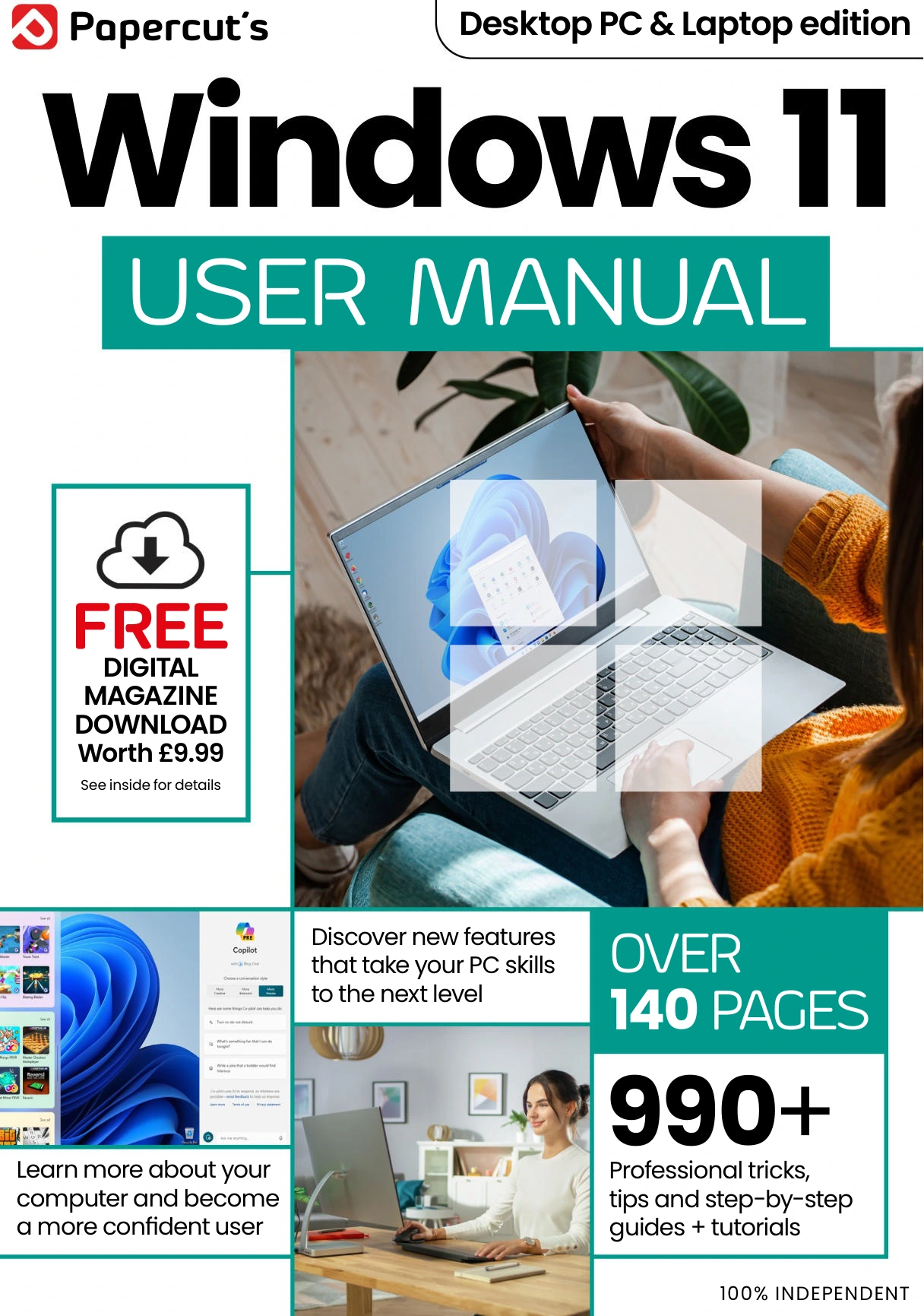
Windows 11 User Manual Issue 7
Original price was: $13.31.$6.66Current price is: $6.66.

Papercut
Product Specs:
- File Type: PDF
- File Size: 50.5 MB
- Book Language: English
- Total Page Count: 146
- Instant Download
Windows 11 changed the way many people use their PC, but getting comfortable with every new feature takes time. Papercut’s Windows 11 User Manual brings those features into focus with clear, hands-on guidance for desktop and laptop users alike. Instead of simply listing options, the manual explains how to put Windows 11 to work in everyday tasks, from the first setup to advanced customization.
A Practical Windows 11 Companion 💻
This issue of the Desktop PC & Laptop edition is built around the real questions users ask. The manual covers installation and updates, getting started with OneDrive, navigating the Start menu and taskbar, using Snap layouts and multiple desktops, managing files in File Explorer, and exploring Edge and Bing AI. Each topic is presented as a practical tutorial rather than a dry reference.
What This Manual Covers
- Installing and updating to Windows 11
- Mastering the Start screen and taskbar
- Using Snap layouts, Snap groups, and multiple desktops
- Managing files and folders with File Explorer
- Personalizing Windows 11 and using widgets
- Exploring Edge, Bing AI Chat, and the Microsoft Store
- Staying secure with Windows 11 security tools
- Maintaining performance and troubleshooting common problems
Step-by-Step Learning Without Guesswork
The manual’s strength is its step-by-step approach. Whether you’re enabling TPM 2.0 before an upgrade, linking an Android phone, importing photos, or setting up a recovery drive, the instructions are clear and easy to follow. Even readers who have used Windows for years will find useful tips for getting more from the newest version.
Who Will Find It Useful
This guide suits beginners moving from older Windows versions, intermediate users looking to unlock hidden features, and anyone who wants a reliable desktop reference. The content is straightforward enough for first-time Windows 11 users but detailed enough to serve as a go-to manual for daily troubleshooting.
Beyond the Basics ⚙️
Later sections dive into maintenance and protection, covering task manager, storage sense, firewalls, VPNs, malware removal, and performance tips. These chapters help you keep Windows 11 running smoothly long after setup is complete.
Digital Delights is pleased to offer this independent manual as part of our technology collection. Whether you’re on a desktop PC or laptop, this issue provides a practical path to mastering Windows 11.
User Reviews
Be the first to review “Windows 11 User Manual Issue 7”
You must be logged in to post a review.
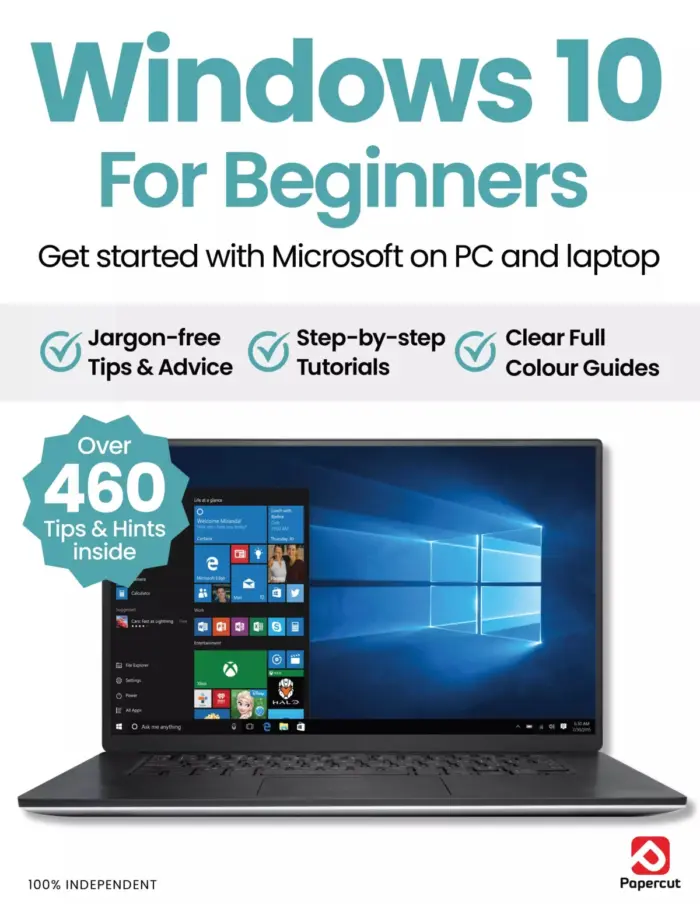
Windows 10 For Beginners
Sold by Papercut
Outdoor Photography For Beginners
Sold by Papercut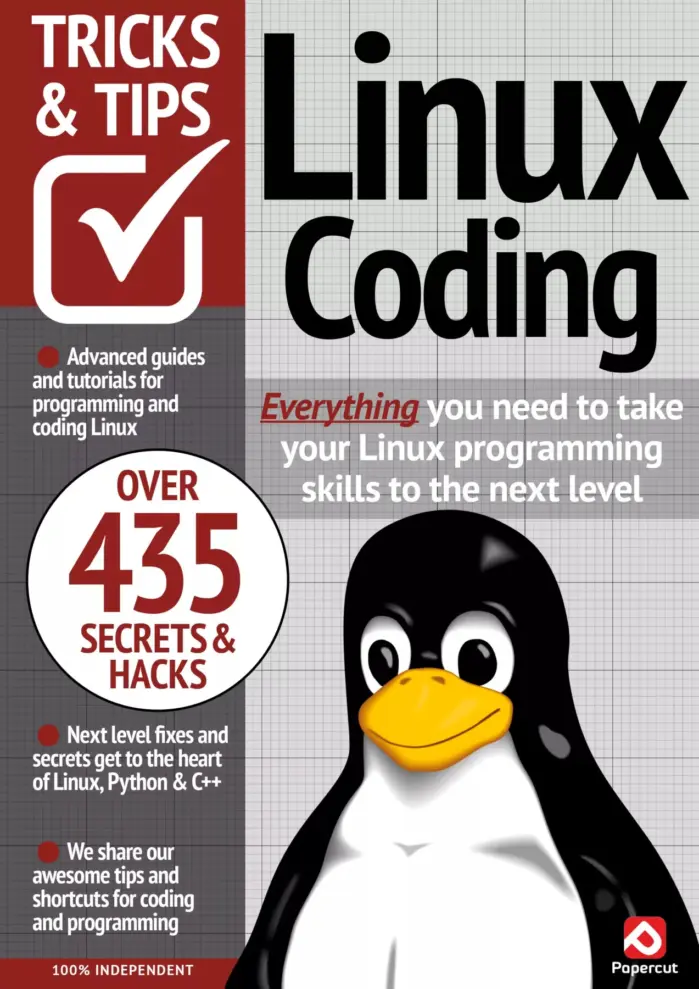
Linux Coding Tricks & Tips – 20th Edition (2024)
Sold by Papercut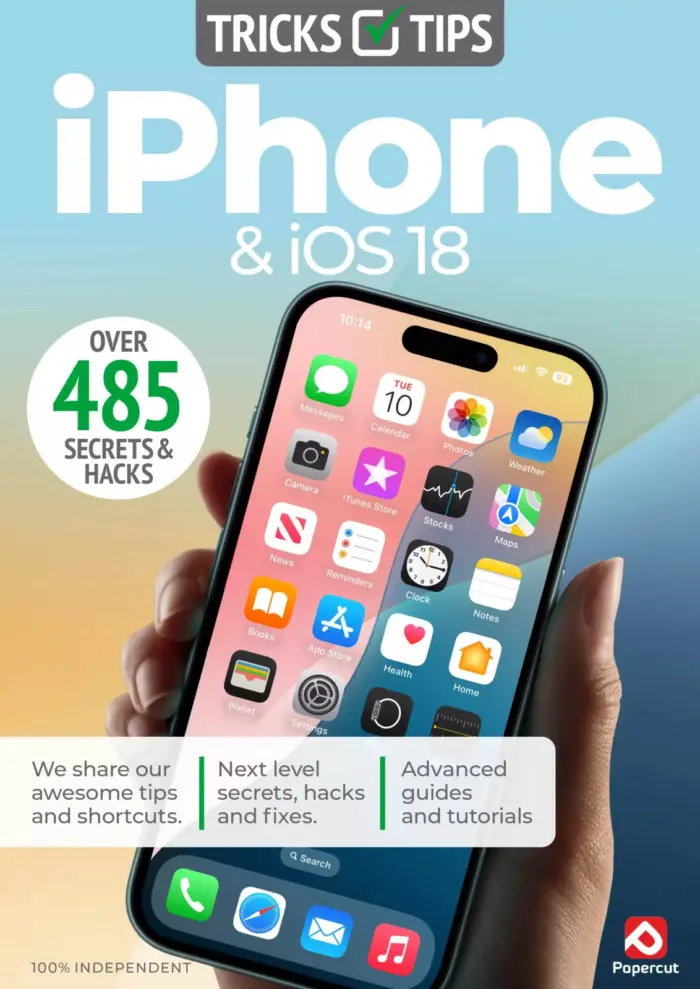
iPhone & iOS 18 Tricks & Tips — 7th Edition 2025
Sold by Papercut
Adobe Photoshop User Manual
Sold by Papercut
Online Security Tricks & Tips – 22nd Edition, 2025
Sold by Papercut Original price was: $13.31.$6.66Current price is: $6.66.






There are no reviews yet.