How to Practise Algorithms Using Python
Algorithm practice gets more useful when you follow a repeatable process instead of rushing to write code. First clarify the problem and its constraints, then work through a small example, implement a straightforward solution, test edge cases, and analyze how the solution scales. Only after that should you consider alternatives or optimization.
You can start with familiar Python basics; advanced language features are not a prerequisite. This guide lays out a practical practice loop, a sensible topic progression, a worked example, and ways to check correctness and efficiency. It also explains when to build a data structure yourself for learning and when Python’s standard library is the practical choice.
What Should You Know Before Practising Algorithms in Python?
You will find algorithm exercises easier to approach if you can read and write simple Python using variables, conditionals, loops, functions, and lists. Basic familiarity with dictionaries and strings is helpful, but you can learn those alongside the problems that use them. You do not need to master advanced Python before beginning.
The official Python tutorial covers control flow, functions, and core data structures. Its intended audience already has some programming knowledge, so a complete beginner may benefit from learning basic programming concepts first.
Before moving on, make sure you can:
- Write a function that accepts input and returns a result.
- Use
ifstatements and loops to control program flow. - Work with lists, strings, and simple dictionaries.
- Print or inspect intermediate values while debugging.
- Read an error message and trace which line caused it.
If one of these feels unfamiliar, practise it in a small script. You can build algorithm skills without waiting until you feel like an expert in Python.
A Step-by-Step Algorithm Practice Loop
Use the same sequence each time you solve a problem. The goal is not to make every exercise take the same amount of time; it is to make your reasoning visible and give yourself a reliable way to find mistakes.
1. Restate the problem and identify the constraints
Describe the required input and output in your own words. Note important details: Can the input be empty? Are values repeated? Is the input sorted? Does the answer need to include positions or values? Are there limits on input size?
Constraints affect which approaches are sensible. A method that checks every possible pair may be easy to understand, but could do too much work for a large input. Without the constraints, it is difficult to decide whether that trade-off matters.
2. Work through a small example by hand
Choose a typical example and trace what should happen step by step. Then try an awkward example, such as an empty input, a one-item list, repeated values, or a case with no answer. Hand-tracing helps expose assumptions before those assumptions become tangled in code.
3. Write the simplest correct approach
Start with a solution you can explain. It may not be the most efficient option. A clear baseline gives you something to test and compare with a later improvement. Avoid adding clever shortcuts before you know what the basic algorithm needs to do.
4. Test ordinary cases and edge cases
Check that the result is right for the example, then test cases chosen to challenge your assumptions. Consider empty input, a single item, duplicates, already-sorted data, reverse order, and missing results where those situations fit the problem.
For each test, ask not only whether the code returns an answer, but whether that answer meets the stated requirement. A function can run without errors and still return the wrong index, omit a valid case, or mutate data unexpectedly.
5. Explain the time and space costs
Estimate how the work grows as the input grows. For example, one pass through a list usually involves work proportional to the number of items, often described as O(n). Two nested passes over the same list may involve work proportional to n × n, often described as O(n²).
Also consider extra memory. Does the solution create a second list, store items in a set, or use a recursive call stack? State your assumptions, particularly when costs depend on operations such as dictionary lookup.
6. Compare alternatives, then revisit the problem
Once the baseline works, compare it with another approach. What extra data structure does the alternative use? Does it make the code clearer? Does it improve growth as the input gets larger? Write down the trade-off in a sentence.
Revisiting a problem later is a useful way to check whether you can still explain the reasoning without copying a previous solution. Treat that as a practical study habit, not a guaranteed formula: the supplied sources do not establish one universally best practice schedule.
A Sensible Order for Algorithm Topics
There is no single topic order that suits every learner. The sequence below moves from familiar collections toward structures and problems that require more concepts at once. Spend enough time on each stage to explain the idea and test a basic implementation before moving on.
- Lists and strings: practise indexing, traversal, counting, filtering, reversing, and building a result.
- Searching and sorting: compare a simple search with binary search on sorted data, and learn what sorting changes about later operations.
- Dictionaries and sets: use them to track frequencies, membership, and previously seen values.
- Recursion: identify a smaller subproblem and a stopping condition; trace how calls return.
- Stacks and queues: practise last-in-first-out and first-in-first-out processing, including common traversal patterns.
- Trees and graphs: represent relationships and practise traversals such as depth-first and breadth-first search.
- Heaps and priority queues: practise repeatedly selecting the next smallest or highest-priority item.
For each topic, connect three things: the problem pattern, the data structure or algorithm, and the reason it fits. Memorizing names without understanding when an approach applies makes it harder to adapt when an exercise is phrased differently.
Worked Example: Find Two Numbers That Add to a Target
Problem: Given a list of integers and a target, return the indices of two different items whose values add up to the target. Return None if no pair is found. Assume there is at most one valid pair.
For [4, 6, 1, 9] and target 10, the answer is (0, 1), because the values at those indices add to 10. A simple starting point is to check each pair. A more efficient approach stores values already seen in a dictionary, so each new value can be checked against the complement it needs.
def find_pair_indices(numbers, target):
    seen = {}

    for index, number in enumerate(numbers):
        needed = target - number
        if needed in seen:
            return (seen[needed], index)
        seen[number] = index

    return None

assert find_pair_indices([4, 6, 1, 9], 10) == (0, 1)
assert find_pair_indices([], 10) is None
assert find_pair_indices([5], 10) is None
assert find_pair_indices([3, 3], 6) == (0, 1)
assert find_pair_indices([1, 2, 4], 20) is None
The dictionary contains only values from earlier positions. That matters: the function cannot use the same list item twice to make a pair. The tests check a regular match, empty and one-item inputs, repeated values, and a missing pair.
Complexity: The function makes one pass, so its expected time is O(n) when dictionary membership and insertion take expected constant time. The dictionary can store up to n values, so the extra space is O(n). These are growth estimates, not promises about a fixed number of seconds.
How to Test Correctness and Measure Performance
Keep tests that you can run again after changing the code. Python’s unittest documentation describes a framework for organizing repeatable test cases and suites. For a small exercise, a few clear assertions may be enough; for a growing project, named test cases can make failures easier to interpret.
Useful test categories include:
- Typical input: a straightforward case with an expected answer.
- Boundary input: empty, minimal, or maximum-size input as relevant.
- Repeated values: duplicates that could expose assumptions about uniqueness.
- No-solution input: a case where the function should report that no answer exists.
- Special ordering: sorted, reverse-sorted, or otherwise patterned input when order matters.
For timing, reason about complexity before relying on a stopwatch. The timeit documentation is intended for measuring small snippets and discusses common timing pitfalls. A result from one run describes that measured code and setup; it does not establish how an algorithm behaves across all input sizes or environments.
If you compare approaches, use the same data, repeat the measurement, and test more than one input size. Consider the observed results alongside the algorithm’s expected growth, and avoid claiming a general winner based on one small example.
When Should You Implement a Data Structure Yourself?
Implement a structure yourself when the learning goal is to understand its mechanics. Building a simple stack, queue, linked list, or search tree can make its operations and trade-offs concrete. Keep the implementation small and test its behavior against the operations you expect it to support.
Use Python’s standard library when the purpose is to solve an application problem clearly and reliably, rather than to study how the structure works internally. The standard library’s heapq documentation, for example, describes heap operations and a min-heap whose smallest item is at index 0. It also discusses practical priority-queue details, including ties and tasks that cannot be compared directly.
These are different goals, not contradictory rules: implement a structure to learn its behavior; use a well-fitting library tool when it helps express practical code. Check the Python version used by your course or coding platform before relying on a particular library feature.
Common Algorithm Practice Mistakes
- Coding before clarifying the problem: Pause to identify input, output, constraints, and edge cases first.
- Testing only the supplied example: Add tests that challenge assumptions, especially around empty input, duplicates, and missing results.
- Optimizing before establishing correctness: Write a clear baseline, verify it, and then compare alternatives.
- Copying a solution without explaining it: Close the reference and try to describe the approach, its invariant, and its complexity in your own words.
- Confusing one benchmark with proof: Timing is affected by the tested data and environment. Use it as supporting evidence, not a substitute for growth analysis.
- Using a data structure without knowing why: Explain what information it stores and how that helps solve the problem.
A Flexible Practice Session
There is no evidence in the supplied sources that one session length or weekly schedule is best for everyone. As a starting point, try a focused session with a small number of stages and adjust it to your available time:
- Choose one problem and restate its requirements.
- Trace an example and list edge cases.
- Implement a straightforward solution and run tests.
- Write a short complexity explanation.
- If time permits, compare one alternative or revisit an older problem.
Keep brief notes about the pattern, the mistake you made, and what helped resolve it. The purpose is to make your reasoning easier to review, not to complete a fixed quota of problems.
Books to Support Your Algorithm Practice
If you prefer structured reading alongside coding, choose a resource that fits your current goal rather than trying to read several books at once.
| Resource | Useful for | Why it may fit |
|---|---|---|
| The Practice of Computing Using Python | Learners building programming fundamentals through exercises | The catalog description covers algorithm development, data structures, recursion, and hands-on exercises within a broader Python and computer-science introduction. |
| Essential Algorithms: A Practical Approach to Computer Algorithms Using Python® and C# | Readers looking for broader algorithm and data-structure coverage | The catalog description covers structures such as lists, stacks, queues, trees, and hash tables, as well as sorting, searching, graph-related topics, and performance analysis, with Python and C# examples. |
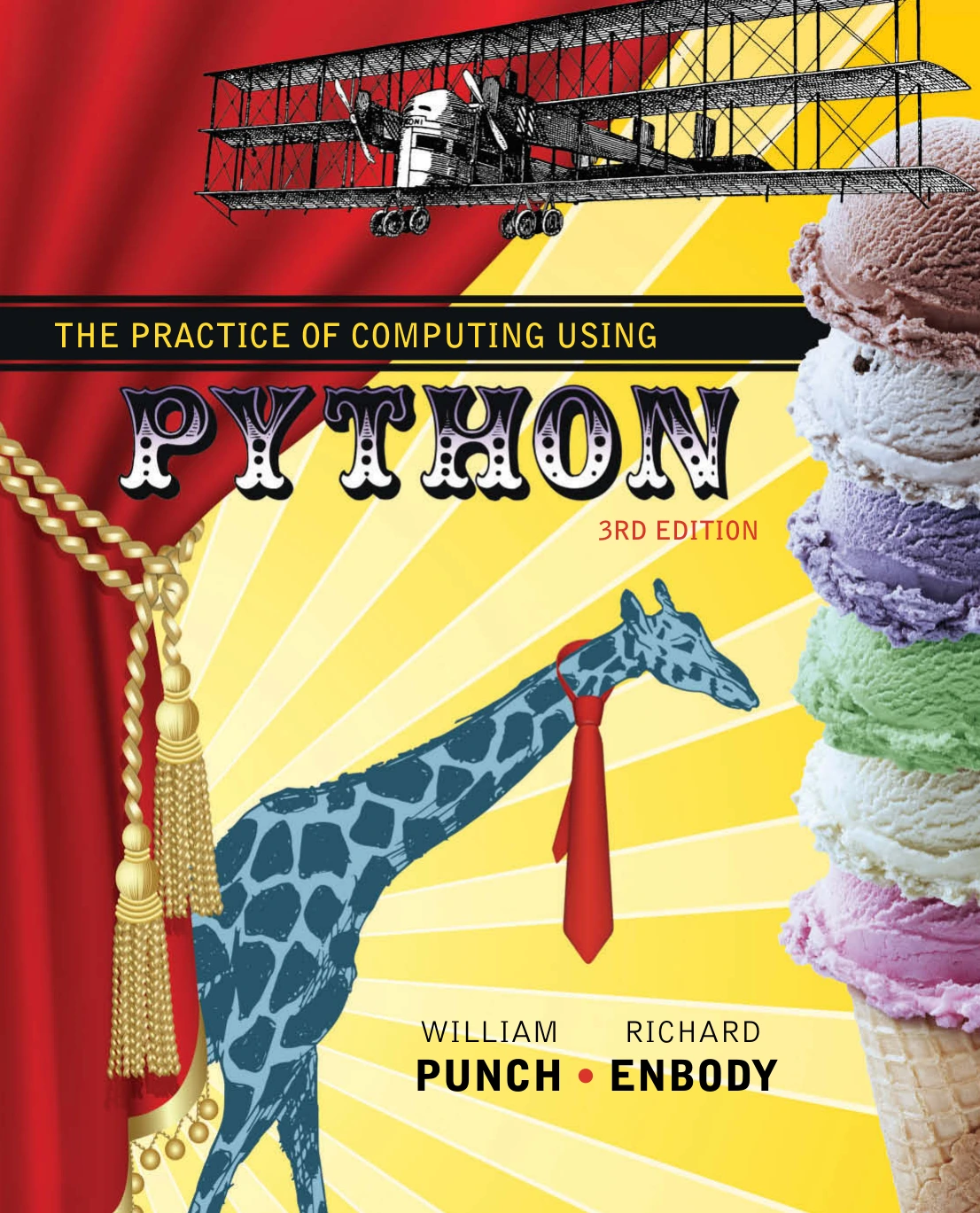
The Practice of Computing Using Python
Learners who want to build general Python and computer-science foundations through practice.
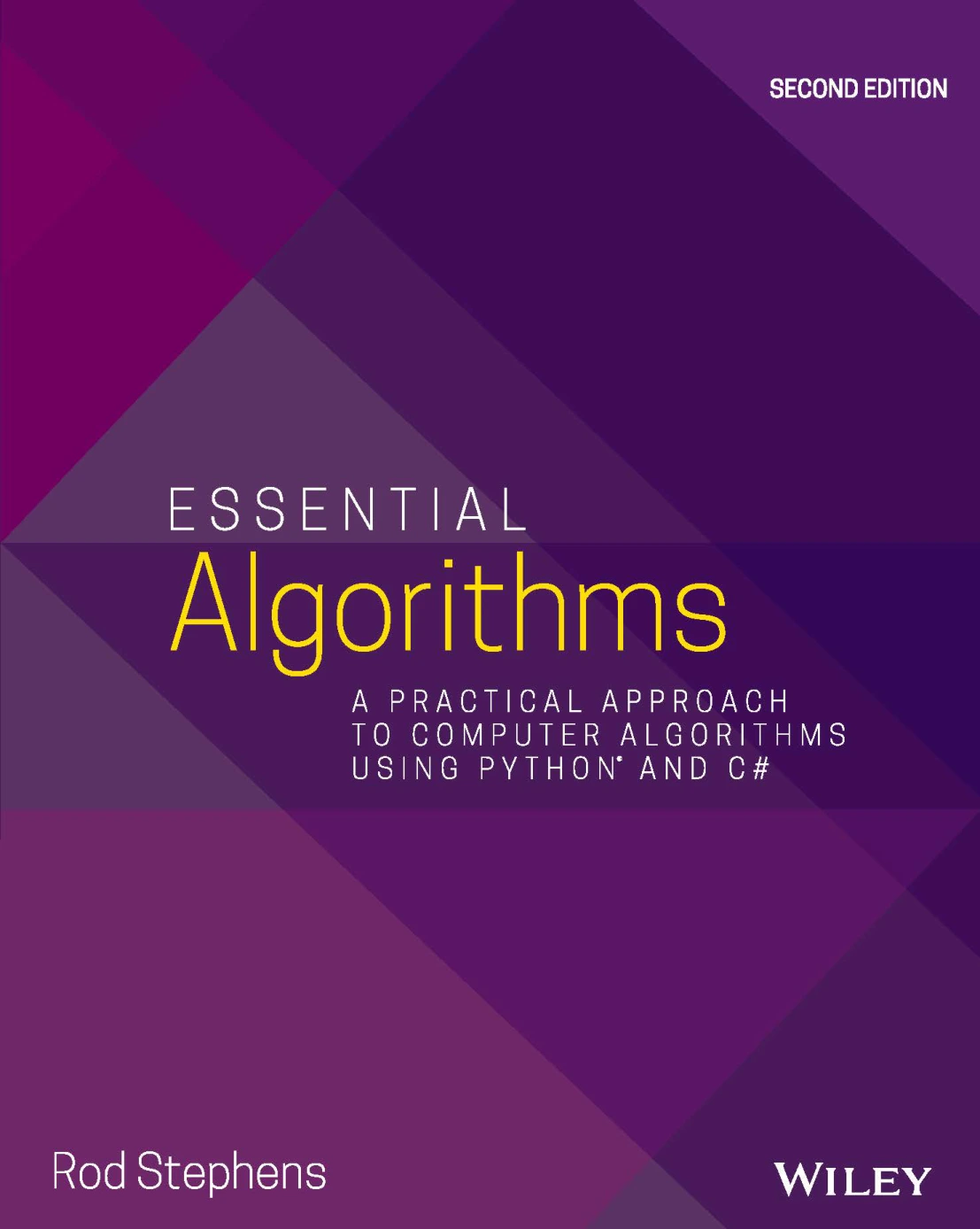
Essential Algorithms: A Practical Approach to Computer Algorithms Using Python® and C#
By Rod Stephens
Readers ready to explore a wider range of algorithm and data-structure topics.
The first resource may suit someone who wants to strengthen general programming skills while practising. The second is more directly centered on algorithm and data-structure topics. Neither replaces writing, testing, and explaining your own solutions.
Frequently Asked Questions
Do I need to be advanced in Python before practising algorithms?
No. Start with functions, loops, conditionals, lists, and basic debugging. Learn additional language features as problems call for them; advanced Python is not a prerequisite for beginning algorithm practice.
Which algorithm topics should I learn first?
Begin with lists and strings, then practise searching, sorting, dictionaries, and sets. Recursion, stacks, queues, trees, graphs, and heaps can follow as you become comfortable tracing smaller problems. This is a practical progression, not a universal or research-validated sequence.
Should I use Python’s built-in tools or implement data structures myself?
Implement a structure when understanding its mechanics is the objective. Use the standard library when your objective is to solve an application problem and the available tool fits. Make the goal of the exercise clear before choosing.
How can I tell whether my algorithm is efficient?
Describe how its time and memory needs grow as the input grows, then support that reasoning with measurements if useful. Timing a small snippet can help compare implementations, but one result alone cannot establish general performance.
How many algorithm problems should I practise at a time?
There is no single evidence-backed number in the supplied research. Focus on understanding a problem, checking edge cases, and explaining the solution rather than aiming for a quota. Adjust the amount to your available time and learning goals.
Conclusion: Make Every Solution Explainable
To practise algorithms in Python, repeat a simple cycle: understand the requirements, trace examples, implement a baseline, test it, analyze time and space, and compare alternatives when there is a clear reason to do so. Build up from lists and strings toward more complex structures, and distinguish exercises designed to teach a structure from application code that should use an appropriate library.
Most importantly, make each solution explainable. If you can state why it works, which cases you tested, and how its resource needs grow, you are practising more than syntax—you are learning to reason about programs.
Sources and Further Reading
- The Python Tutorial — control flow, functions, and core data structures.
unittestdocumentation — repeatable test cases and suites.timeitdocumentation — measuring small code snippets and timing considerations.heapqdocumentation — heap operations and priority-queue considerations.