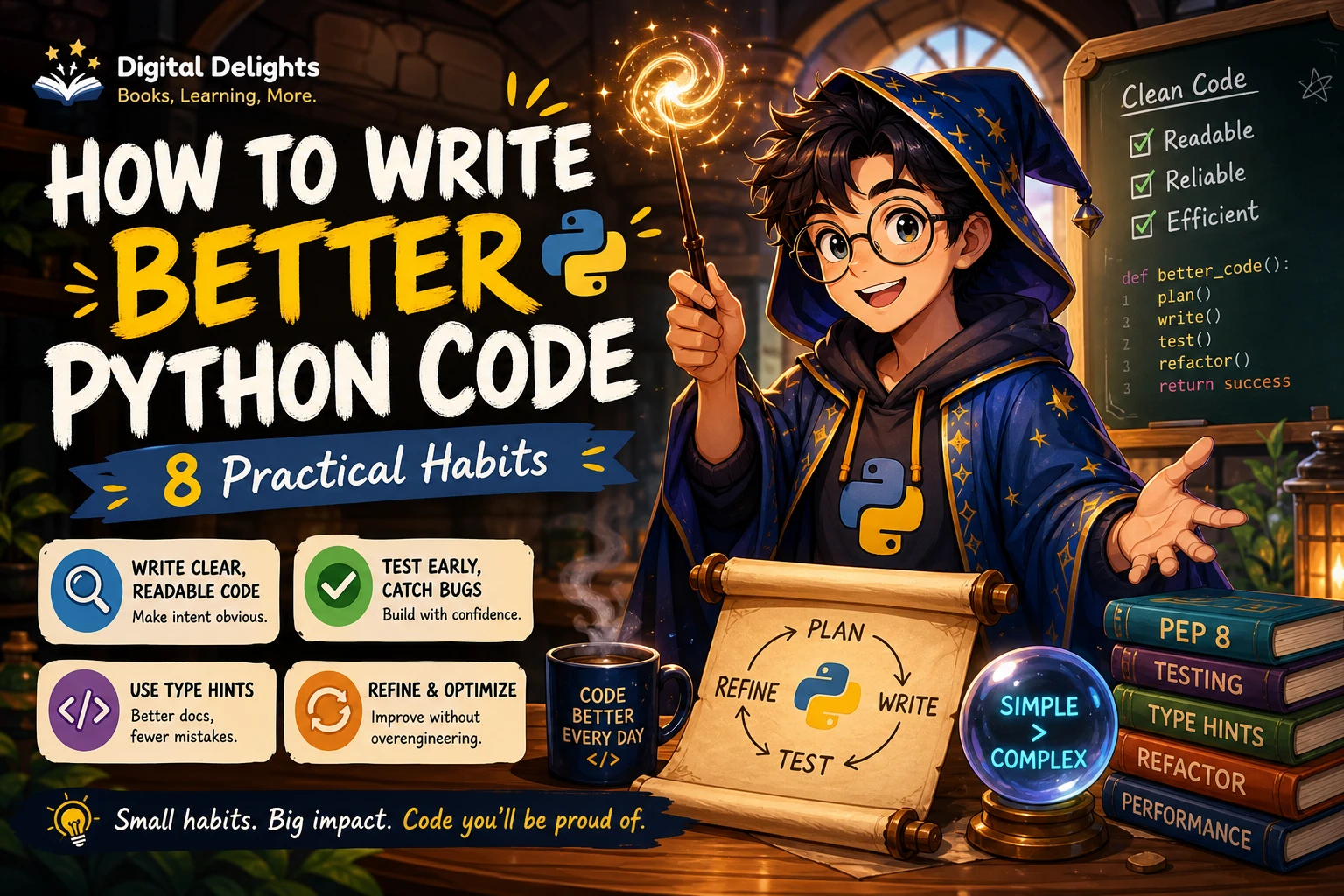
How to Write Better Python Code: 8 Practical Habits
Code that runs is a good start, but better Python code also makes its purpose clear, behaves predictably, and stays manageable when requirements change. That usually comes from a handful of deliberate habits—not from squeezing every operation onto one line or reaching for advanced features too soon.
To write better Python code, make intent easy to see, keep functions focused, choose data structures that fit the task, test behavior as you build, handle failures deliberately, and measure performance before optimizing. The practices below offer a practical way to improve existing code as well as new projects.
1. Make the purpose obvious
A reader should be able to understand the broad purpose of a function or block without mentally simulating every line. Start with names that communicate meaning, then organize work into steps that are easy to follow.
- Choose names that explain a value’s role, such as
invoice_totalrather thanx. - Keep functions focused on one coherent task.
- Prefer straightforward control flow over clever nesting or compressed expressions.
- Use comments to explain a decision or constraint, rather than restating what the code already says.
For example, calculate_total(items) tells a reader more than process(data). A useful function name can also prompt a useful question: if it is difficult to describe the function’s job in a short phrase, consider whether it is doing too much.
Short code is not automatically clear code. A compact expression is helpful when its meaning is familiar and obvious; when it makes a reader stop to decode it, a few extra lines may be the better choice.
2. Choose data structures and idioms for the job
Python offers several ways to represent and process information. Choose based on what the code needs to do, not on which option looks most advanced.
- Use a list when order matters and the collection may change.
- Use a tuple for a fixed group of related values that should not be changed as a collection.
- Use a dictionary when values need to be looked up by meaningful keys.
- Use a set when you need distinct values or membership checks.
Use familiar Python features when they make intent clearer. A comprehension can express a simple transformation compactly; a regular loop may be easier to understand when the logic includes several steps, conditions, or side effects. The aim is readable Python, not the shortest possible source file.
When a data structure choice is not obvious, write down the operations the code needs: lookups, updates, ordering, or uniqueness. That small decision can make later code simpler because the representation matches the problem.
3. Test behavior while you build
Tests help you check what a function does, including how it behaves at important boundaries. Python’s tutorial describes writing tests for functions and running them frequently as one way to support software quality. See the Python tutorial’s standard-library overview.
Start with a small function and a few expected cases. For example, a total-calculation function should be checked with ordinary input and an empty collection if that is a valid case:
def calculate_total(prices):
    return sum(prices)


def test_calculate_total():
    assert calculate_total([4.50, 2.00]) == 6.50
    assert calculate_total([]) == 0
This simple assertion is not a complete testing strategy, but it illustrates the key idea: make expected behavior explicit and check it after changes. As a project grows, use a test framework and add cases for meaningful edge conditions, such as missing data or invalid input.
Tests are especially useful before refactoring. They provide a way to check that changes to structure have not changed behavior the program depends on.
4. Handle errors deliberately
Exceptions are a normal part of programming. The important question is whether your code can recover from a particular failure and what it should do next. Python’s tutorial distinguishes syntax errors from runtime exceptions and discusses handling specific exceptions; consult the Python errors and exceptions tutorial.
Catch an exception when you can respond usefully, and catch the specific type that describes the failure you expect. For example, when converting user-provided text to an integer, a ValueError can be handled with a clear message:
def parse_quantity(text):
    try:
        return int(text)
    except ValueError:
        raise ValueError("Quantity must be a whole number")
A broad except Exception can hide unrelated problems if it simply suppresses the error or continues as if nothing happened. If an unexpected failure cannot be handled safely at that point, allow it to surface rather than disguising it as success.
5. Use type hints when they clarify the interface
Type hints can make a function’s inputs and outputs easier to understand, and external tools such as type checkers and IDEs can use annotations. They are not runtime validation: Python does not automatically enforce annotations when the program runs. The official typing documentation explains their role and limitations.
For a small function, annotations can document the expected shape of its interface:
def format_names(names: list[str]) -> str:
    return ", ".join(names)
Add hints where they help people or tools reason about the code. In a project with a type-checking workflow, consistent annotations may be useful across more of the codebase. In a quick script, annotating every temporary value may add little. Treat hints as communication and tooling support, not as proof that input values are valid.
Also check the Python versions your project supports before adopting newer syntax. Some typing syntax is only available in newer Python releases; the documentation notes, for instance, that type-parameter syntax was introduced in Python 3.12. Choose forms that work for the project’s target environments.
6. Refactor in small, verifiable steps
Refactoring changes the organization of code while aiming to preserve what it does. Small changes are easier to inspect and diagnose than a large rewrite.
- Identify one specific problem, such as duplicated logic or a function with several unrelated responsibilities.
- Check the behavior that must remain the same, using tests or a small set of documented examples.
- Make one focused change, such as extracting a helper function or improving a name.
- Run the relevant tests and review the result before continuing.
Resist adding an abstraction merely because the code might need it someday. An abstraction should make a real, recurring problem easier to express. If it makes the current code harder to follow without a concrete benefit, keep the simpler version for now.
7. Measure before optimizing
A section of code that looks slow is not necessarily the part limiting the program. For a small piece of code, Python’s timeit tool can help compare execution time; for larger programs, the standard library’s profiling tools can help locate time-critical sections. The Python standard-library tutorial introduces these tools.
A practical sequence is:
- Make sure the code produces the correct result.
- Measure the relevant workload.
- Use profiling to find where time is being spent when the program is large enough to need it.
- Change the bottleneck, then measure again and check correctness.
Optimization can introduce complexity, so avoid trading away clarity based only on a hunch. If performance is not a demonstrated concern, prioritize code that is easy to understand and maintain.
Common mistakes that make Python code harder to maintain
- Catching every exception and carrying on: This can conceal failures the code cannot safely recover from.
- Optimizing before measuring: It spends effort without confirming where the actual bottleneck is.
- Making code shorter at any cost: Dense expressions can make simple behavior harder to read.
- Building abstractions too early: Extra layers can obscure a problem that has not yet repeated or become complex.
- Using syntax beyond the project’s supported Python version: Check compatibility before relying on newer language features.
- Changing structure without checking behavior: Run relevant tests after refactoring so accidental changes are easier to catch.
A practical Python code review checklist
Before sharing or extending a piece of code, review it with these questions:
- Do names and function boundaries make the purpose clear?
- Is the control flow straightforward enough to follow?
- Does each data structure suit the operations being performed?
- Are expected behaviors and important edge cases checked?
- Are exceptions handled only where the code can respond appropriately?
- Would type hints make an interface easier to understand or check?
- Does the syntax work with the project’s supported Python versions?
- Is a performance concern measured rather than assumed?
You do not need to apply every technique everywhere. Good judgment means choosing practices that solve a real problem in the code you have.
Which resource can help you keep improving?
If you want a structured set of topics to revisit, Effective Python: 125 Specific Ways to Write Better Python, Third Edition covers Python idioms, data structures, testing, debugging, performance, and collaboration according to its catalog description. It may suit Python programmers looking for focused guidance beyond basic syntax. You can also browse the Python books and learning resources collection for other topics.
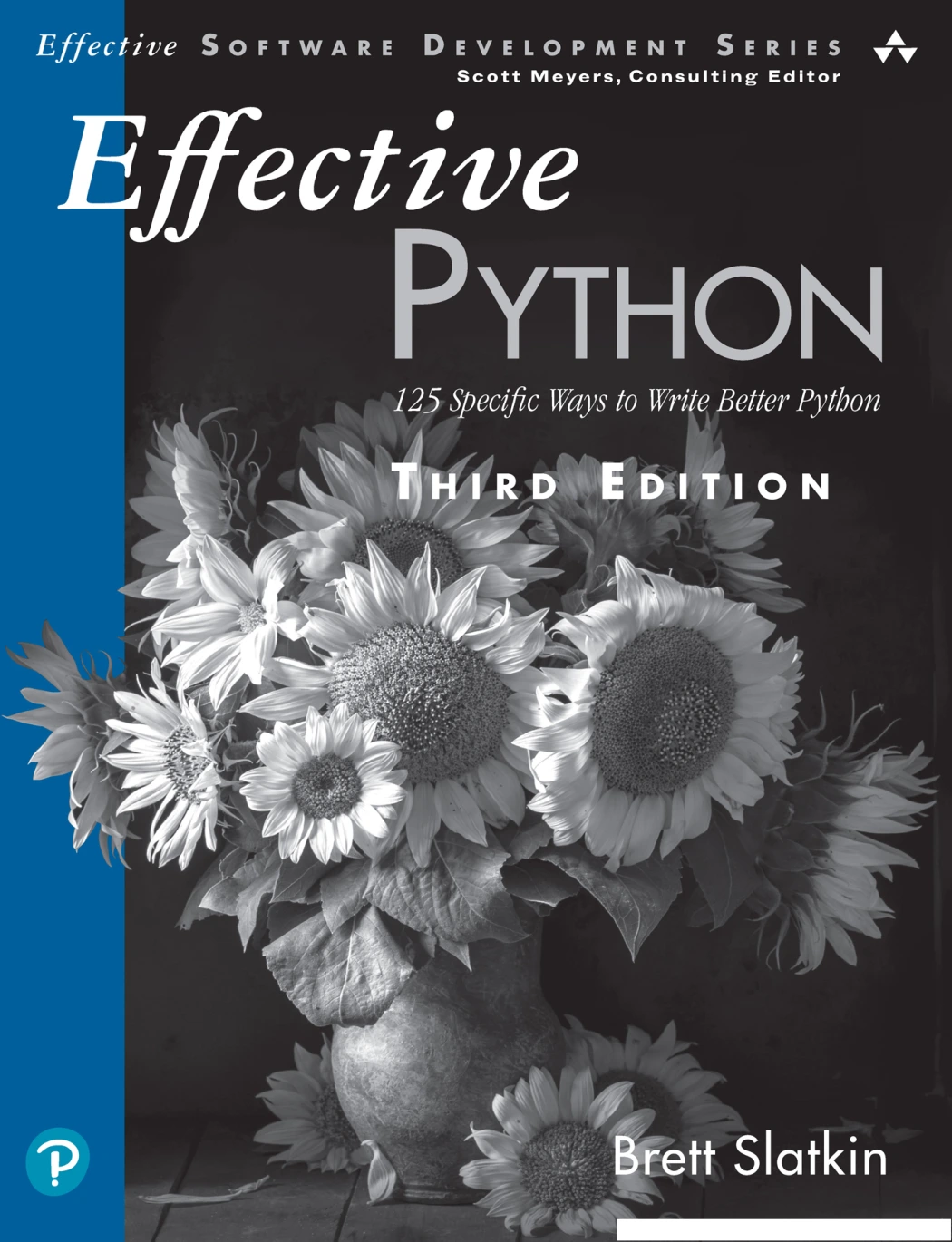
Effective Python: 125 Specific Ways to Write Better Python, Third Edition
Python programmers seeking focused guidance on idioms, testing, debugging, performance, and collaboration.
Frequently asked questions
What makes Python code “better”?
Better code makes its intent clear, behaves as expected, and is practical to change. Shortness alone is not a reliable measure of quality.
Should I add type hints to every Python function?
Not necessarily. Type hints can help readers and external tools, but Python does not enforce them at runtime. Use them where they add useful information or support the project’s tooling.
When should I catch an exception?
Catch an exception when your code can respond appropriately, such as by asking for corrected input or choosing a safe fallback. Prefer the specific exception you expect, and do not silently suppress failures you cannot handle.
How can I tell whether my Python code needs optimization?
Measure the relevant workload first. Use timing for a small operation or profiling to locate time-critical sections in a larger program, then focus on evidence rather than guesses.
How do I keep newer Python syntax compatible with my project?
Check the Python versions your users, deployment environment, or project configuration support. Use syntax and library features available across those versions, or clearly establish a newer minimum version.
Conclusion
Writing better Python code is a repeatable practice: make intent visible, choose suitable structures, check behavior, handle recoverable errors carefully, and make changes in small steps. Add type hints when they help, and let measurements—not assumptions—guide performance work. These habits help keep code understandable as a program grows, without turning every simple task into an elaborate engineering exercise.
Python documentation
- Python tutorial: A brief tour of the standard library — tests, timing, and profiling tools.
- Python tutorial: Errors and exceptions — exception concepts and handling.
- Python documentation: typing — annotations and type-hint behavior.