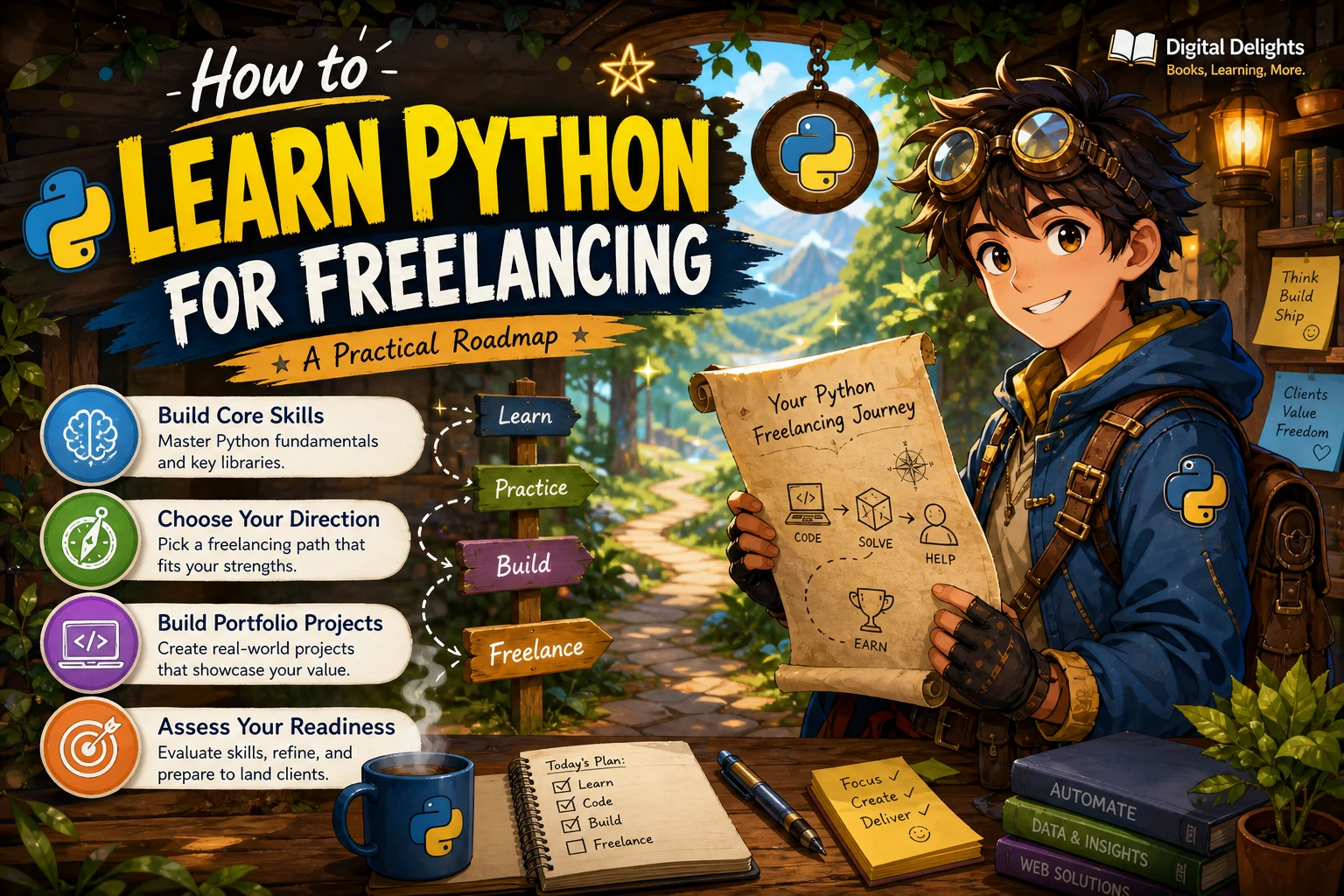
How to Learn Python for Freelancing: A Practical Roadmap
To learn Python for freelancing, combine programming fundamentals with a specific kind of work you want to deliver. Learn enough Python to write and debug useful programs, choose a service direction such as automation or data handling, then build small projects that show what you can do. Reading tutorials is a start; being able to explain, test, and document a finished solution is more meaningful evidence of your skills.
You do not need to master every Python library before exploring freelance work, and learning Python alone cannot guarantee clients or income. This guide lays out a practical learning path, project ideas, professional habits, and a checklist for judging whether you are ready to discuss a small, clearly defined project.
Start with the right learning path
Your first step depends on whether you have programmed before. The official Python tutorial says it is intended for people who are new to Python but have a basic understanding of programming. If you have never coded, begin with a resource that introduces programming concepts gradually, then use the official tutorial as a reference once its assumptions fit your background. Read the official Python tutorial.
- Completely new to coding: learn what variables, conditions, loops, functions, and errors mean before moving quickly through a language reference.
- Know another language or basic programming: you may be able to use the official tutorial sooner, while pausing to practise unfamiliar Python features.
- Know the kind of work you want to do: keep that goal in view, but do not skip the fundamentals. They help you adapt when a task differs from a tutorial example.
A beginner-focused resource such as Python for Beginners covers setup and core language concepts. If you prefer a more extensive introductory text, Getting Started with Python progresses from basic commands through functions, files, debugging, and further applications. Choose one main learning resource at a time; switching between several introductory courses can make it harder to see your progress.
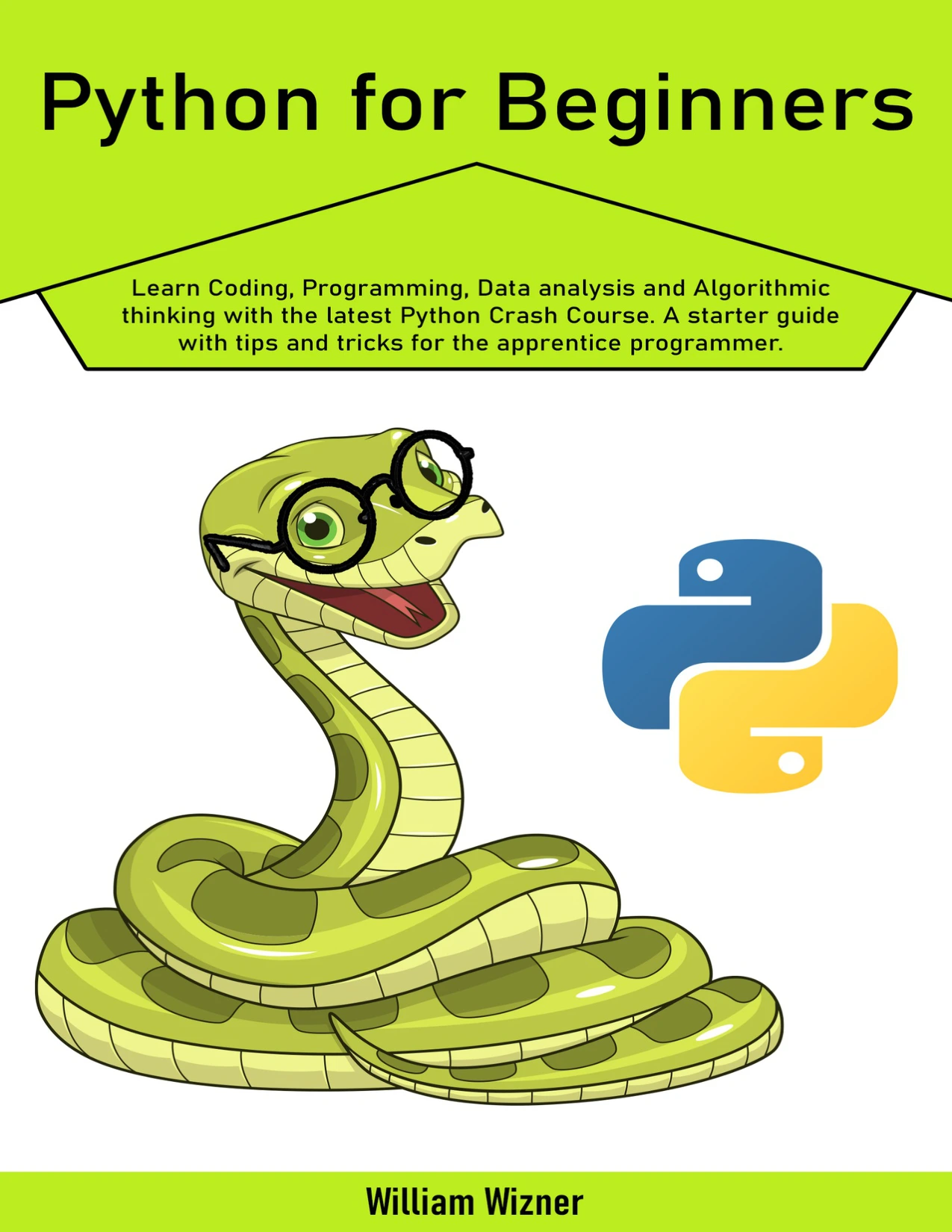
Readers starting from the beginning; the catalog describes coverage of setup and core Python concepts.
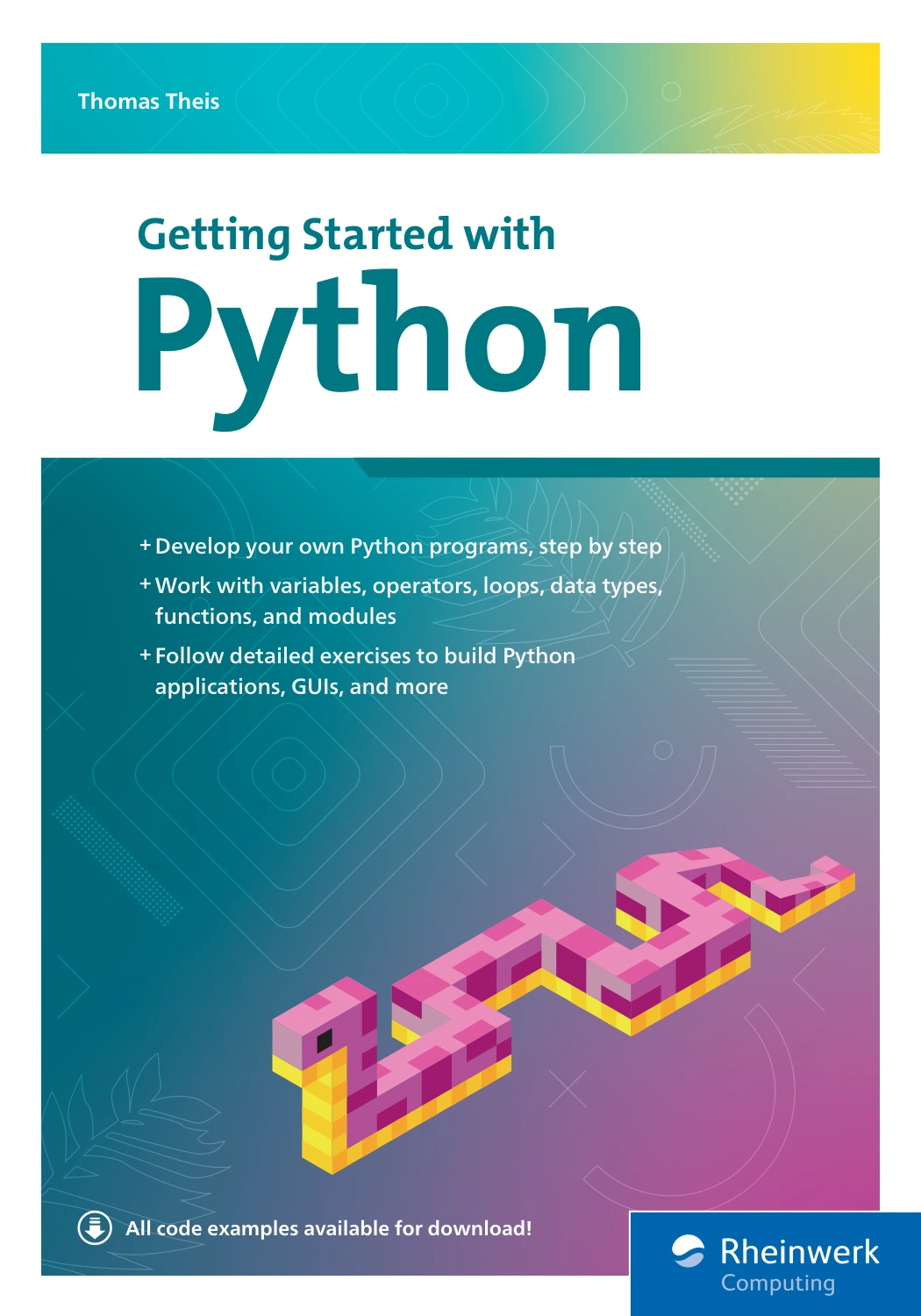
By Thomas Theis
Learners seeking a longer progression through Python basics, functions, files, debugging, and applications.
Learn the Python skills you will use in real projects
Freelance tasks vary, so there is no single list of Python topics that guarantees readiness. A useful foundation is being able to understand a problem, break it into steps, write and revise code, and explain how the solution behaves. Build these abilities in a sensible order.
1. Get comfortable with the fundamentals
Practise variables and common data types, including strings, numbers, lists, and dictionaries. Then work with conditions and loops to make a program respond to different inputs. These are the building blocks for tasks ranging from renaming files to transforming records.
2. Write functions and use modules
Functions let you give a task a clear name, accept inputs, and return results. They also make it easier to test a small piece of a program or reuse it in another part. Learn how to import standard-library modules and third-party packages, and how to organize a project into more than one file when it grows.
3. Work with files, errors, and data
Many practical scripts read information, change it, and save a result. Practise opening and writing files, handling expected problems such as a missing file or malformed input, and checking the output rather than assuming each step worked. Learn to read tracebacks so you can locate where a failure occurred and investigate it methodically.
4. Install packages and isolate project dependencies
Packages can add capabilities, but a project should not depend on an unexplained setup on your computer. Learn to create a virtual environment, install the packages a project needs, and record those dependencies so someone else can reproduce the setup. Python’s documentation explains how virtual environments help keep one project’s package requirements separate from another’s, and how to create them with venv. See the Python documentation on virtual environments.
Use a supported stable Python release for learning, but check the version and dependencies of the environment where a project must run. A client’s computer or hosting platform may not match your own setup; avoid assuming that the newest version is automatically the right deployment target. Check Python.org’s downloads page when choosing an installer.
Choose a service direction to guide your practice
Python can be applied in different areas, but the materials here do not establish which freelance services are most in demand or pay best. Treat these as possible learning directions, not market rankings. Pick one that matches your interests and the kinds of problems you can practise solving.
| Learning direction | Skills to explore | Practice project idea |
|---|---|---|
| Task automation | Files, folders, text processing, and clear error handling | Organize a sample folder using consistent rules and produce a summary of changes |
| Spreadsheet and data handling | Reading structured data, cleaning values, validation, and exporting results | Turn a messy sample spreadsheet into a cleaned file with a short quality report |
| Web or API work | HTTP basics, working with API responses, data formats, and application structure | Retrieve public sample data and generate a small, documented report |
Keep the first version small. A narrow project that works reliably and is easy to explain is more useful for practice than a large app with unfinished features. If spreadsheet work interests you, Python for Excel Users: Know Excel? You Can Learn Python is catalogued as a resource connecting Python learning with Excel, automation, and data tasks.
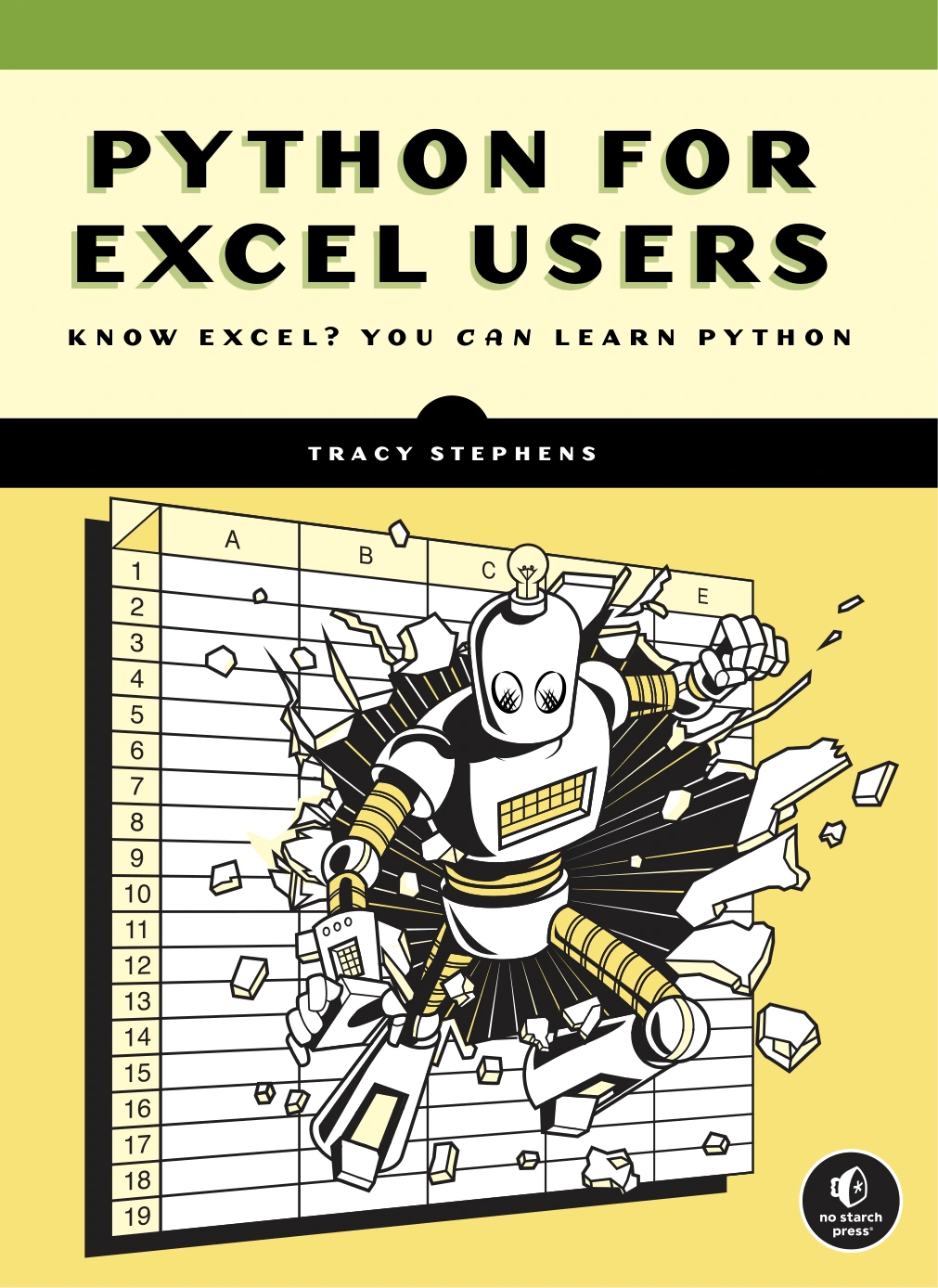
Python for Excel Users: Know Excel? You Can Learn Python
Excel users exploring Python through spreadsheet-related work and automation.
Build portfolio projects that show your process
A portfolio project should make it clear what problem you chose, what the program accepts, what it produces, and what limitations remain. Use data you are allowed to share; for practice, sample or synthetic data avoids exposing someone else’s private information.
Project 1: A file-organizing script
Write a script that sorts a test folder into subfolders according to a clearly stated rule, such as file extension. Start with a dry-run option that reports intended changes before moving files. Add sensible handling for duplicate names and missing folders. Document how to run it and include an example of the before-and-after folder structure.
Project 2: A spreadsheet cleanup tool
Use a sample spreadsheet with deliberately inconsistent dates, blank fields, or duplicate rows. Write a program that checks the input, applies documented cleaning rules, and saves a separate output file rather than silently overwriting the original. Include a short report of what was changed and what needs manual review.
Project 3: A repeatable data report
Take a small public or sample dataset, calculate a few clearly defined summaries, and save the results in a format another person can inspect. Explain the input columns, the transformations, and any assumptions. The point is not to make a flashy dashboard; it is to show that the result can be reproduced and checked.
For each project, include a concise README with the purpose, setup steps, example command, expected input and output, and known limitations. Where possible, add a few tests for important behavior and show how you handled an error case. A practice-focused book such as Python Bookcamp: Exercises and Projects may suit learners who want further work with Python fundamentals and project exercises.

Python Bookcamp: Exercises and Projects
Learners looking for exercises, case studies, and projects covering Python fundamentals.
Practise professional habits alongside coding
Technical code is only part of delivering a useful result. Before accepting or starting a project, make sure you understand what the other person needs and agree on how completion will be judged. For a small task, clarify:
- The input: What files, data, or systems will the program use?
- The output: What should the client receive, and in what format?
- The rules: How should edge cases, errors, and unusual records be handled?
- The environment: Where must the code run, and what Python version or dependencies are available?
- The boundary: What is included in the task, and what would count as a separate feature?
- The handoff: What setup instructions or explanation will someone need to use the result?
Keep communication plain and specific. If an assumption is uncertain, ask rather than quietly building around it. Describe what your solution does and does not do, and never claim that a project has been tested in an environment where it has not. These habits help make expectations visible; they do not guarantee a client relationship or a particular outcome.
How can you tell whether you are ready for a first small project?
There is no universal time-to-readiness checklist. Use the questions below as a practical self-assessment for a small, well-scoped task—not as a promise that you will win work.
- Can you turn a short description of a problem into a list of inputs, steps, and expected outputs?
- Can you write a small program, run it, and explain its main parts without relying on a tutorial line by line?
- Can you recognize and investigate common errors instead of hiding them or ignoring failed output?
- Have you checked the solution with ordinary input and at least one plausible edge case?
- Can another person follow your setup and usage instructions?
- Can you state what your program does not handle yet?
- Can you confirm the target environment and agree on what counts as finished?
If several answers are no, that is useful information: choose one gap and make a small practice project around it. If you can answer yes for a narrowly defined task, you may be prepared to discuss that kind of work honestly, while continuing to learn as new requirements arise.
Common mistakes when learning Python for freelancing
- Trying to learn every library first: Learn enough core Python to solve a small problem, then study a library when your chosen project needs it.
- Watching without building: After following an example, close the instructions and recreate the idea in a slightly different situation.
- Making portfolio projects too large: Reduce the scope until you can finish, test, and document the result.
- Ignoring setup and handoff: A script that works only on your machine is difficult for someone else to use. Practise recording dependencies and setup steps.
- Assuming Python knowledge guarantees freelance work: Programming is one part of delivering a service. Finding clients, defining scope, communicating, and agreeing on terms are separate challenges.
- Claiming more than you have verified: Describe what you actually built and tested, including limitations.
Frequently asked questions
Do I need coding experience to learn Python for freelancing?
No prior coding experience is required to begin learning Python, but choose a beginner resource that teaches programming concepts instead of assuming you already know them. The official Python tutorial expects basic programming familiarity, so a complete beginner may want a gentler introduction first. The appropriate starting point depends on what you already know.
Can learning Python guarantee freelance work?
No. Learning Python can help you build technical skills, but it cannot guarantee clients, paid projects, or income. Freelance outcomes also depend on factors beyond the language, including the specific service, project fit, communication, and how you find work. The available sources do not establish a reliable earnings estimate or a universal route to clients.
What should I build first?
Build a small tool connected to a problem you can explain: for example, a file organizer, a spreadsheet cleaner, or a repeatable report from sample data. Keep the input and output clear, test at least one edge case, and document how to run it.
Should I learn the newest Python version?
Use a current stable release for ordinary practice, but check the required version for the project and its dependencies before deployment. Python.org’s downloads page lists available releases; a project’s target environment may not use the newest one.
Conclusion: Learn by delivering small, clear solutions
A practical way to learn Python for freelancing is to build a foundation, choose one service direction, and create small projects that demonstrate your process. Practise reading errors, managing dependencies, testing results, documenting setup, and clarifying what a project includes. These steps will not guarantee work, but they give you concrete skills and examples to discuss as you explore freelance opportunities.
For more structured study, Digital Delights has a Python learning collection with resources for different stages and interests. Pick a resource that fits your current level, then put the ideas to use in a project of your own.