What Should You Learn Before Django?
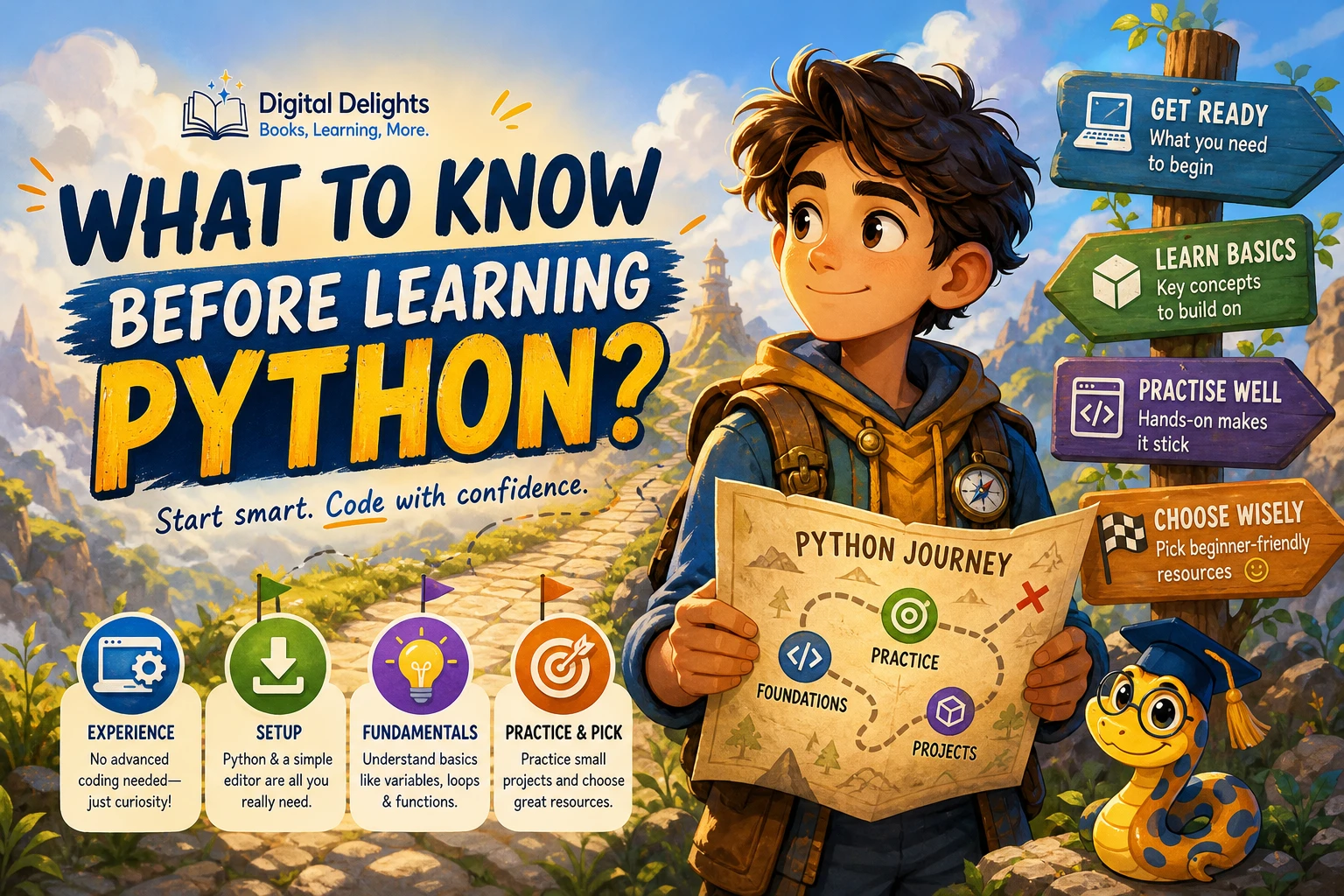
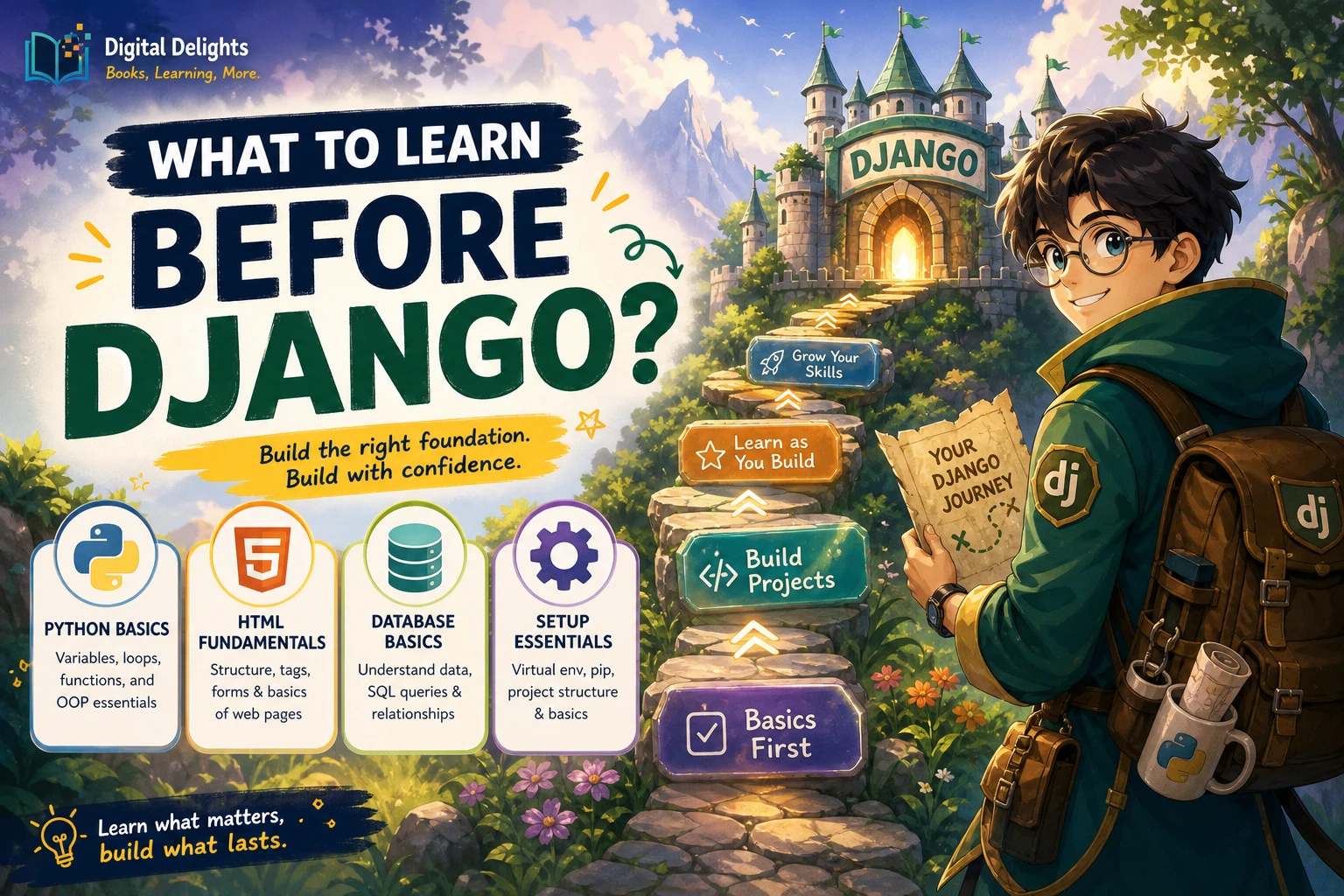
You do not need to master Python or learn every part of web development before starting Django. A practical starting point is being able to write and run small Python programs, understand basic HTML forms, and recognize what a database stores. You can build your knowledge of CSS, JavaScript, and SQL as your Django projects need them.
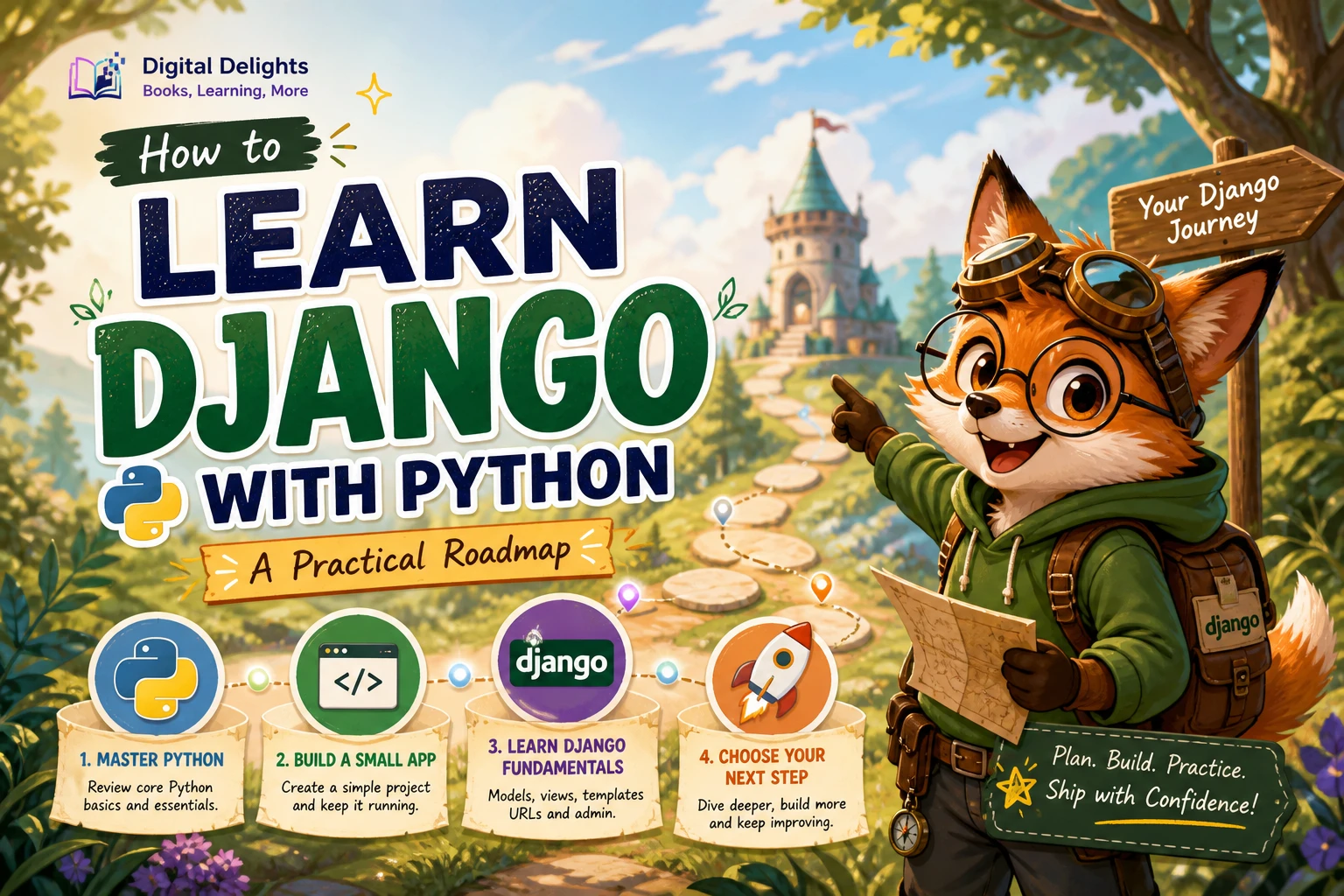
The goal is to arrive with enough foundation to understand the examples—not to complete a long list of prerequisites first. Here is what to focus on, what can wait, and a simple check to help you decide when to begin.
What to learn before Django: the short answer
Start with core Python: variables, conditionals, loops, functions, common collections such as lists and dictionaries, and the ability to work with imports and modules. Basic classes and exceptions are useful, too. You should also be comfortable running a script and making sense of an error message.
Alongside Python, learn enough HTML to recognize page structure and forms. Understand the basic idea of a database—how information is stored in tables and connected—and set up a separate virtual environment for each project. These are readiness recommendations, not formal Django entry requirements. The Python tutorial covers classes, modules, and virtual environments, including how environments keep project packages separate (Python documentation on classes; Python documentation on virtual environments).
Python skills to have before Django
Django is a Python web framework, so being able to read and write simple Python will make its examples easier to follow. You do not need advanced language knowledge. Aim to understand what your code is doing well enough to change it and troubleshoot basic problems.
Core syntax and control flow
Practise writing small programs that use:
- Variables and common data types, such as strings, numbers, and booleans
ifstatements to make decisionsforandwhileloops to repeat work- Functions to give a task a name and reuse it
- Lists and dictionaries to group and look up data
For example, you might write a short program that stores a few book titles in a list, prints them one by one, and uses a function to format each title. The point is not the project itself; it is getting used to reading code, testing changes, and seeing how Python handles data.
Imports, modules, and basic classes
Learn how to import code and how a module helps organize a program across files. Django projects contain multiple files, so recognizing where code comes from is useful. Basic familiarity with classes and objects also helps when you encounter Python code structured around them. You do not need to study advanced object-oriented design before building your first Django project.
If you would benefit from a structured Python refresher, The Python Apprentice covers topics including Python 3 fundamentals, functions, modules, classes, exceptions, testing, and debugging. It is a general Python resource rather than a Django guide, so use it to strengthen the language foundation—not as a requirement to finish before moving on.
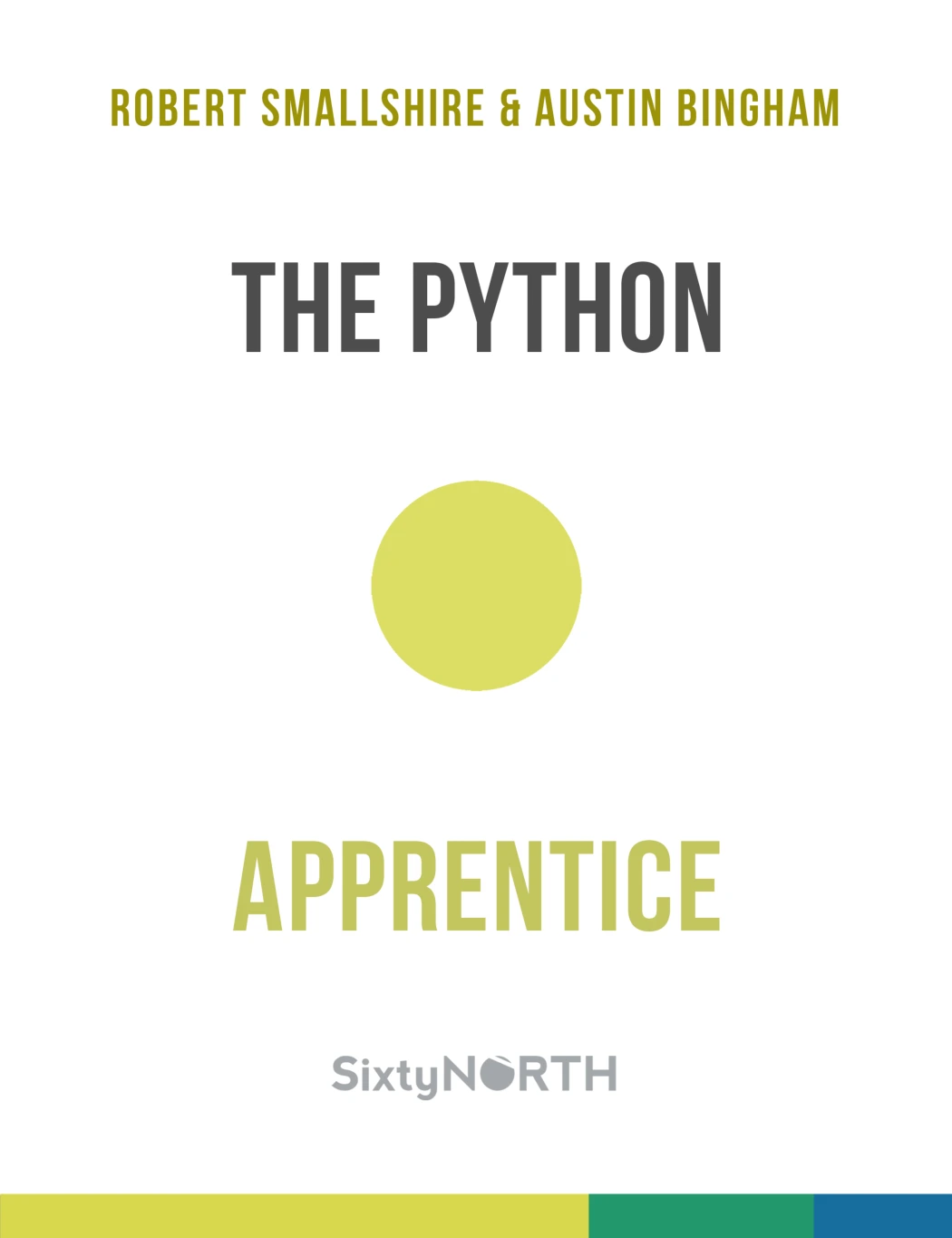
Learners who want a structured refresher covering Python fundamentals, modules, classes, exceptions, testing, and debugging before or while starting Django.
Exceptions, tracebacks, and the terminal
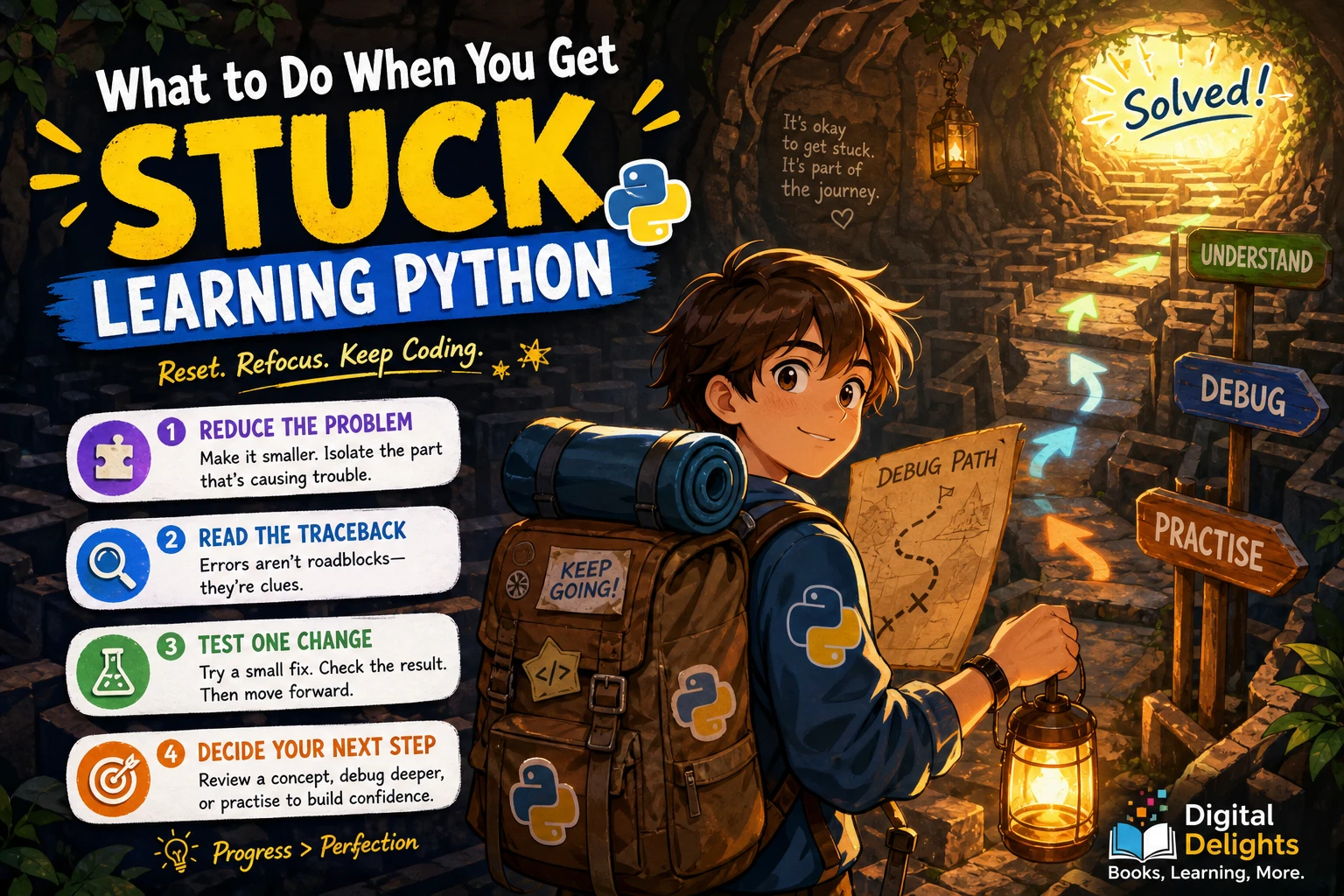
Programs sometimes fail. Practise reading an error message from the last line upward to find the reported exception and the location that triggered it. You do not need to understand every traceback immediately; learn to use it as a clue rather than treating it as a dead end.
It also helps to run a Python file from a terminal and recognize which folder you are working in. Django tutorials often involve commands, so being able to enter a command, read its output, and correct a simple mistake makes the learning process smoother.
Web concepts that make Django easier
You do not need to be a front-end developer to begin. A little familiarity with how a browser displays a page and sends information to a server is enough to give Django’s role some context.
Learn basic HTML and forms
HTML describes the structure of a web page. Learn to recognize headings, links, paragraphs, and form elements such as text fields and buttons. A form is especially useful to understand: a visitor enters information, submits it, and the server receives it for processing.
It also helps to understand the broad request-response pattern. A browser requests a page or submits data; a server handles that request and sends a response. Django helps organize the server-side work, while HTML provides the page structure presented to the visitor.
CSS is useful; JavaScript can wait
CSS controls presentation, including layout, spacing, and colors. It is useful when you want to make a Django page look polished, but it does not need to be a barrier to learning server-side basics.
JavaScript adds behavior in the browser, such as updating part of a page without a full reload. It is valuable for interactive features, but a first Django project can focus on server-rendered pages and forms. Learning materials set different expectations: some introduce Django alongside broader web skills, while others present Python experience as helpful rather than mandatory. Those are differences in teaching approach, not a universal prerequisite rule (O’Reilly’s Web Development with Django 6 listing).
Database basics: what to know before Django
Django applications often store information, so learn the basic vocabulary: a table holds records, a record represents one item, and fields describe its properties. For example, a table for books might have fields for a title and publication year. Relationships describe how records in different tables connect.
It is also useful to understand CRUD: create, read, update, and delete. These are the common operations an application performs on stored information.
SQL is the language commonly used to query relational databases. Knowing a little SQL can help you understand what is happening behind Django’s database tools, but you do not have to become proficient in it before starting. Some learning materials teach SQL and relational database ideas alongside Django and its object-relational mapper, which is one reasonable way to learn the concepts in context (O’Reilly’s Django learning material).
Set up your learning environment carefully
Use a project-specific Python virtual environment so that the packages for one project are kept separate from those for another. Python’s documentation explains how virtual environments isolate installed packages. This habit can make it easier to follow a tutorial and avoid confusing one project’s dependencies with another’s.
Before installing Django, check the current official Django documentation for installation instructions and supported Python versions. The supplied research does not establish a current Django compatibility matrix, so avoid choosing a Python version based on an old tutorial or an undated recommendation. Follow instructions that match the versions you are actually using.
A practical readiness check
You are probably ready to start learning Django if you can do most of the following, even if you still need to look things up:
- Write and run a short Python program using variables, a condition, a loop, and a function.
- Use a list or dictionary to store and retrieve a few values.
- Import a module and recognize that code can be organized across files.
- Read a basic error message and try to locate the line that caused it.
- Recognize the purpose of a simple HTML form and the information it submits.
- Explain, at a high level, why an application might save data in a database.
You do not need to check every box perfectly. If you can follow a small Python program and are willing to look up unfamiliar terms, a beginner Django project can help you learn the next layer.
What you can learn alongside Django
There is no need to finish every related subject before writing your first Django view. Learn additional skills when a project gives them a purpose:
- Deeper object-oriented programming: Build on basic classes as you meet more complex code.
- More HTML and CSS: Add structure and styling as you create pages and templates.
- JavaScript: Pick it up when you want richer browser-side interactions.
- SQL and database design: Explore them as your application’s data and relationships become more involved.
- Testing and debugging: Improve these habits as you add features and need to check that they work.
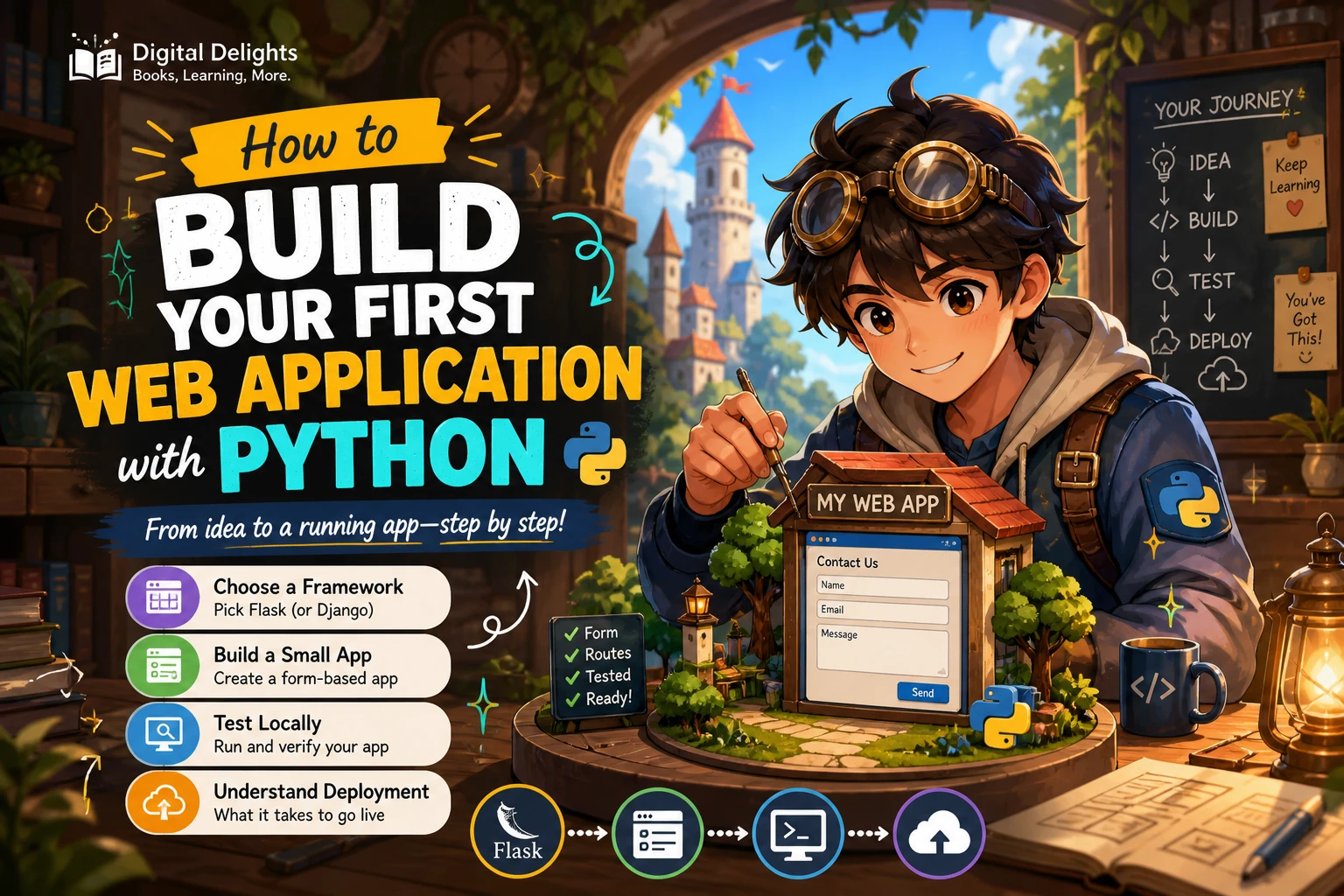
Starting with a small project—a personal reading list, for instance—gives these ideas a practical home. You could begin with a page that displays a few items, then add a form and a way to save entries. Keep the scope modest and let questions from the project guide what you learn next.
Frequently asked questions
Can you learn Django without Python?
You can encounter Django as a beginner, but some Python familiarity makes it easier to understand and adapt the examples. Start with basic syntax, functions, collections, and running small programs; you do not have to master Python first.
Is HTML required before Django?
You can begin without extensive HTML knowledge, but basic familiarity with page elements and forms will help you understand what a Django application displays and receives. Learn more as you build templates and pages.
Do you need JavaScript before Django?
No, not for a first server-rendered Django project. JavaScript becomes useful when you want more interactivity in the browser, so it can be learned later or alongside a project that needs it.
Do you need SQL before Django?
No. It helps to understand tables, records, relationships, and basic data operations. SQL can deepen that understanding, but you can learn it as you explore how Django works with databases.
How much Python is enough before Django?
There is no official skill threshold established by the supplied sources. As a practical guide, aim to write and run small programs using variables, conditions, loops, functions, lists or dictionaries, and imports. Basic classes and comfort reading errors are helpful, but advanced Python can wait.
Start when the basics feel workable
Before Django, focus on practical Python fundamentals, a little HTML, basic database vocabulary, and the habit of using a project-specific virtual environment. Treat CSS, JavaScript, SQL, and advanced Python as skills to develop when they become relevant—not reasons to postpone your first project.
When you are ready, choose a small application and follow current framework documentation for setup and version compatibility. Learning Django is not a test of how many prerequisites you completed; it is a process of using what you know, noticing what you do not, and filling in the gaps as you build.