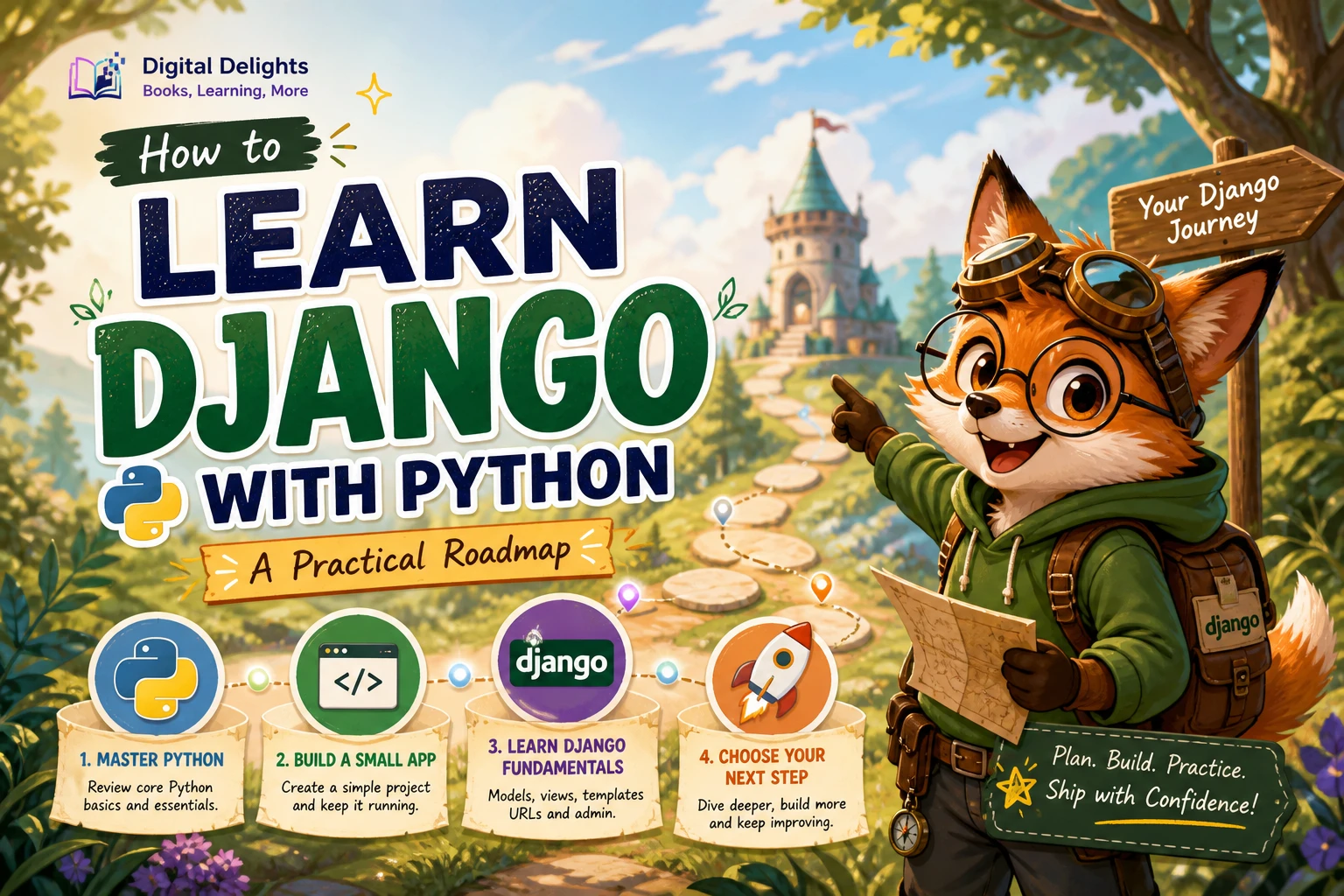
How to Learn Django with Python: A Practical Roadmap
To learn Django, build up in four stages: get comfortable with core Python, understand Django’s main building blocks, make a small working application, then add testing and deployment skills. You do not need to master every part of Python before you begin, but functions, modules, and basic classes will make Django’s patterns easier to follow.
Start with one small project, such as a task tracker or a simple blog. Learn how URLs connect to views, how templates display information, and how models store it. Add forms and user accounts only after the basic application works. This roadmap keeps the learning focused on understanding how the pieces fit together instead of copying a long tutorial without knowing what each part does.
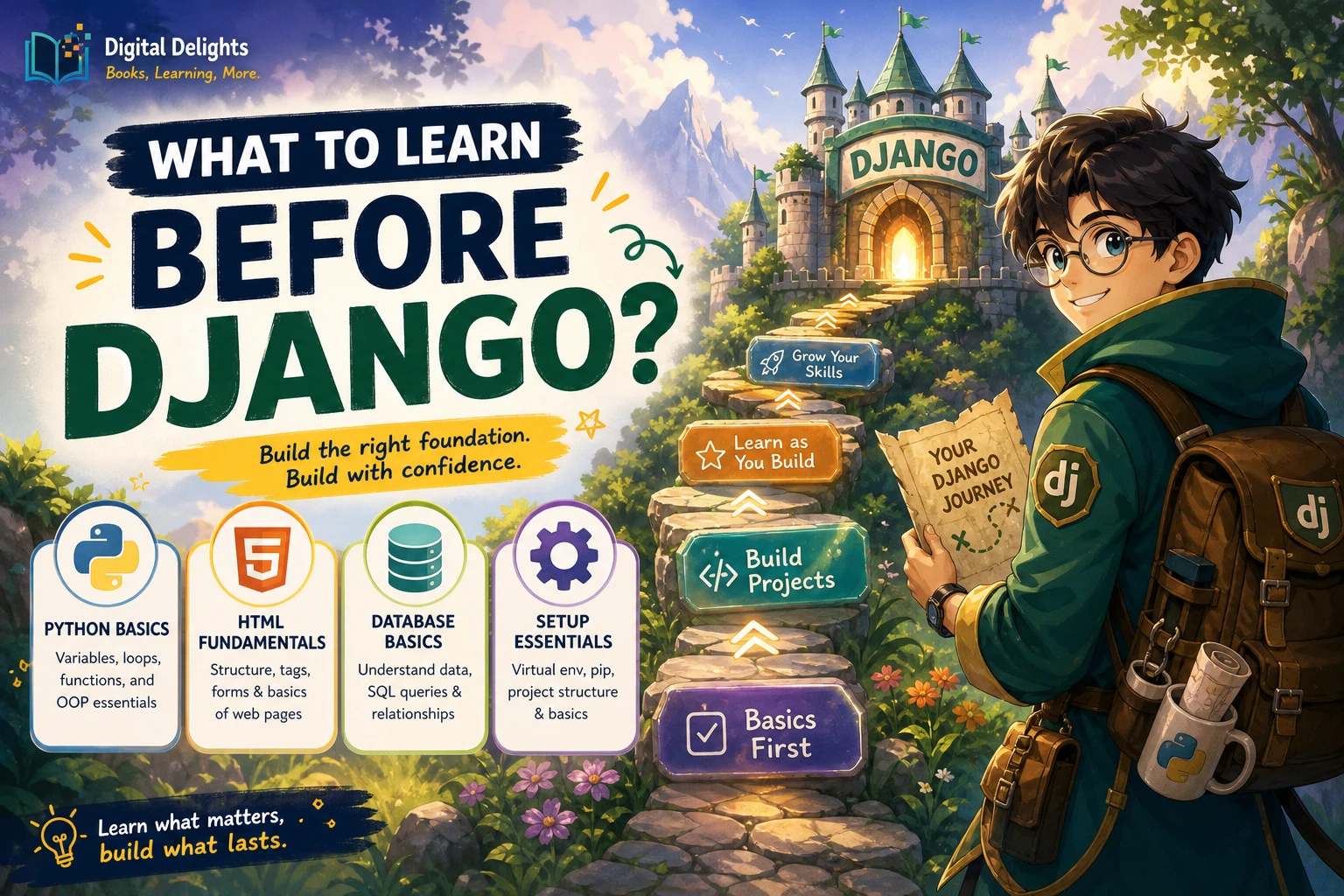
1. Learn the Python you will use in Django
Django is a Python web framework, so a foundation in the language helps you make sense of its code. You do not need advanced Python expertise to start, and there is no formal prerequisite level established by the sources available for this guide. As practical preparation, aim to read and write small programs using:
- Variables, strings, numbers, lists, and dictionaries
- Conditions and loops
- Functions, arguments, and return values
- Modules and imports
- Basic classes, methods, and objects
- Exceptions and reading tracebacks
Classes are especially useful context: Python’s tutorial describes them as a way to bundle data and functionality, including methods and inheritance. That background can help when encountering class-based code, but Django learning does not require you to understand every advanced object-oriented concept first. See the Python classes tutorial for the official explanation.
If you are new to programming, spend time writing short Python scripts before beginning a framework. A beginner resource such as Unlocking Python: A Comprehensive Guide for Beginners covers Python fundamentals and introduces Django among other applications. If you already know the basics, you can move directly into a Django project and fill gaps as they arise.
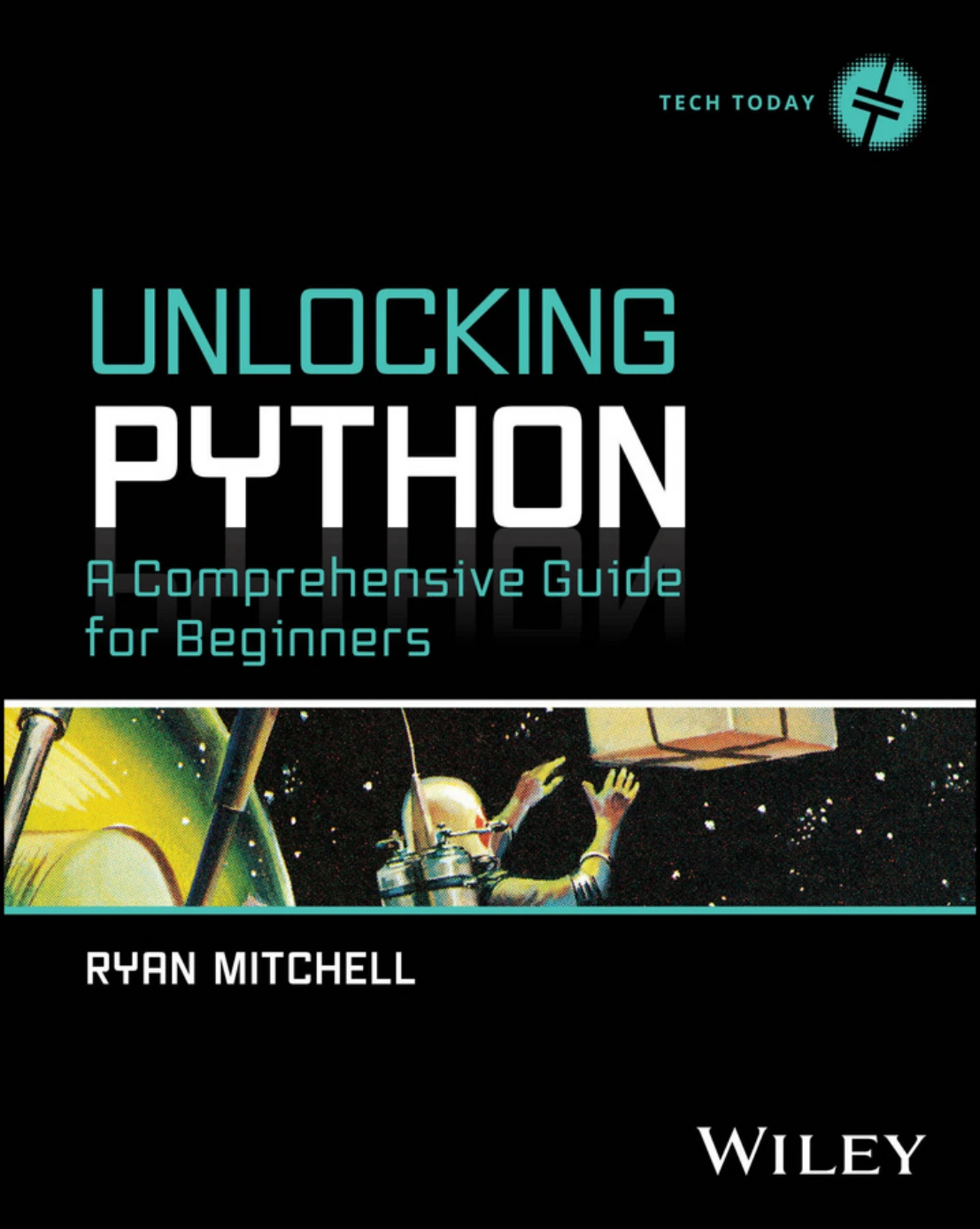
Unlocking Python: A Comprehensive Guide for Beginners
Useful for new programmers who want to practise Python fundamentals; its catalog description also introduces Django.
2. Set up a version-aware learning environment
Before installing anything, choose learning material that identifies the Django version it uses. Framework commands and dependencies can change, so avoid combining instructions from tutorials written for different versions without checking whether they still apply. The research available for this article does not verify Django’s current release or its current Python-version support.
Use Django’s official documentation to check the compatibility information for the specific release you plan to install, and select a supported stable Python version that matches it. Create an isolated environment for each project so that its packages are kept separate from other Python work. Record the versions you use; that makes it easier to reproduce the project and diagnose setup problems.
For a first project, a sensible setup checklist is:
- Install a supported Python version after checking it against the Django release you intend to use.
- Create and activate a project-specific virtual environment.
- Install Django within that environment, following the documentation for your chosen version.
- Start a small project and confirm that it runs locally before adding extra tools.
Treat books and tutorials as version-specific guides, not timeless installation instructions. For example, Django 5 By Example is explicitly about Django 5 and describes setup material for Python 3.12. Its publisher listing identifies its scope, but those version labels alone do not confirm compatibility with a later release.
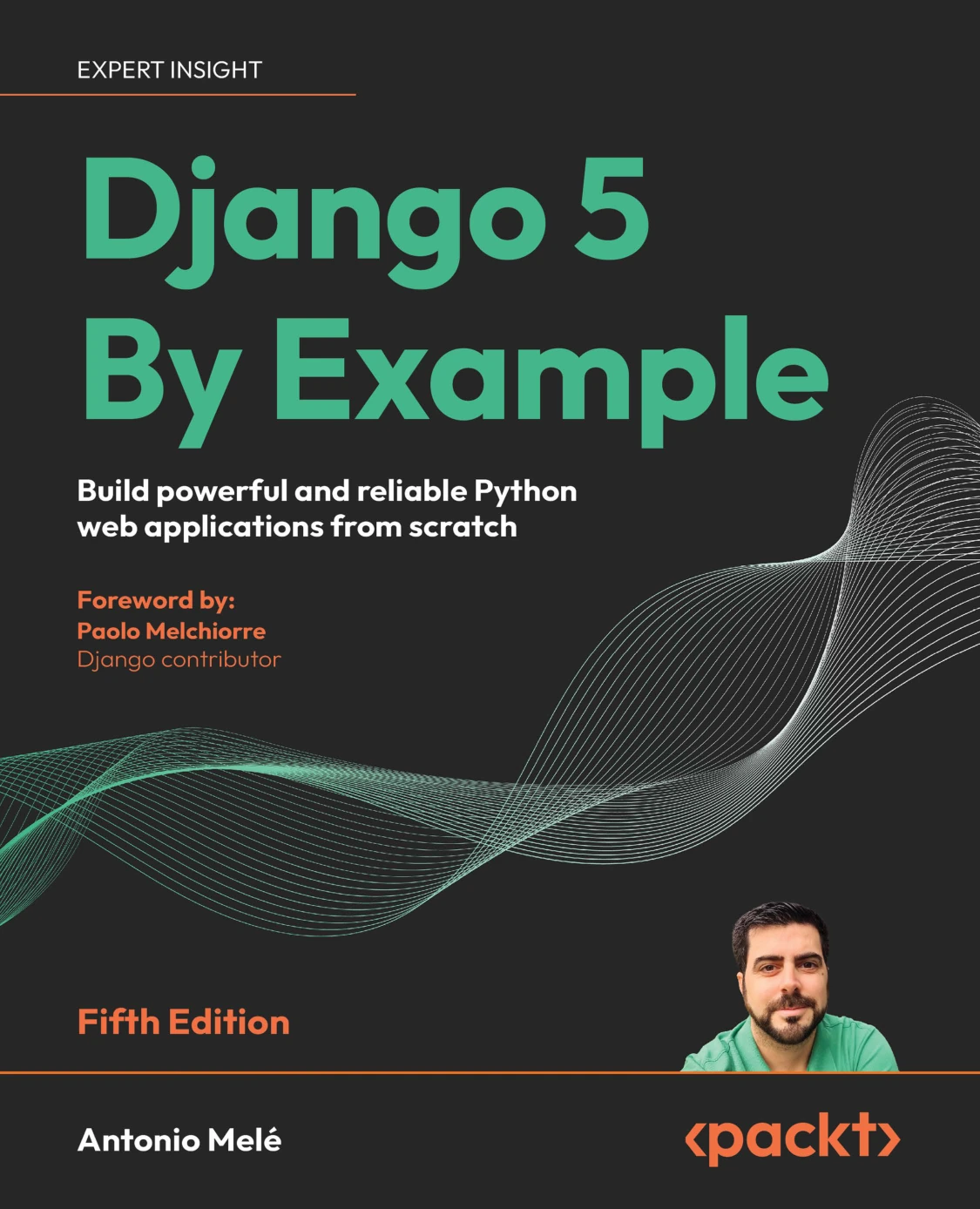
Django 5 By Example: Build Powerful and Reliable Python Web Applications from Scratch
By Antonio Melé
Python learners ready to follow projects covering Django 5, core framework features, APIs, and related tools.
3. Understand Django’s core building blocks
Learn the parts of Django in a sequence that lets you see the request-to-response flow. Django projects and apps provide the basic structure; URLs route requests, views decide what response to produce, templates shape displayed pages, and models represent data. Migrations apply model changes to the database, while the admin provides an interface for managing data.
Projects and apps
A project is the overall site configuration. An app is a component that handles a particular area of functionality. For a task tracker, for instance, the project could contain an app for tasks. Keeping that distinction clear helps you organize code as a project grows.
URLs, views, and templates
Follow a page request through the application: a URL pattern directs it to a view, and the view prepares a response. When a page needs to show structured content, a template can render that information into HTML. Build a single page first, then add another route and compare how the flow works.
Models, migrations, and the admin
A model describes data your application needs, such as a task title and completion status. A migration records a change to the database structure based on model changes. The admin site can help you inspect and manage records while developing. Make a small model, apply its migration, add a few records, and then display them through a page.
Project-based books can make these connections easier to observe. Django – The Easy Way (3rd Edition) follows a blogging project through setup, URLs, views, templates, models, forms, authentication, and later topics such as APIs, testing, and deployment. The catalog description identifies its broad coverage; check the edition’s instructions against the Django version you choose.
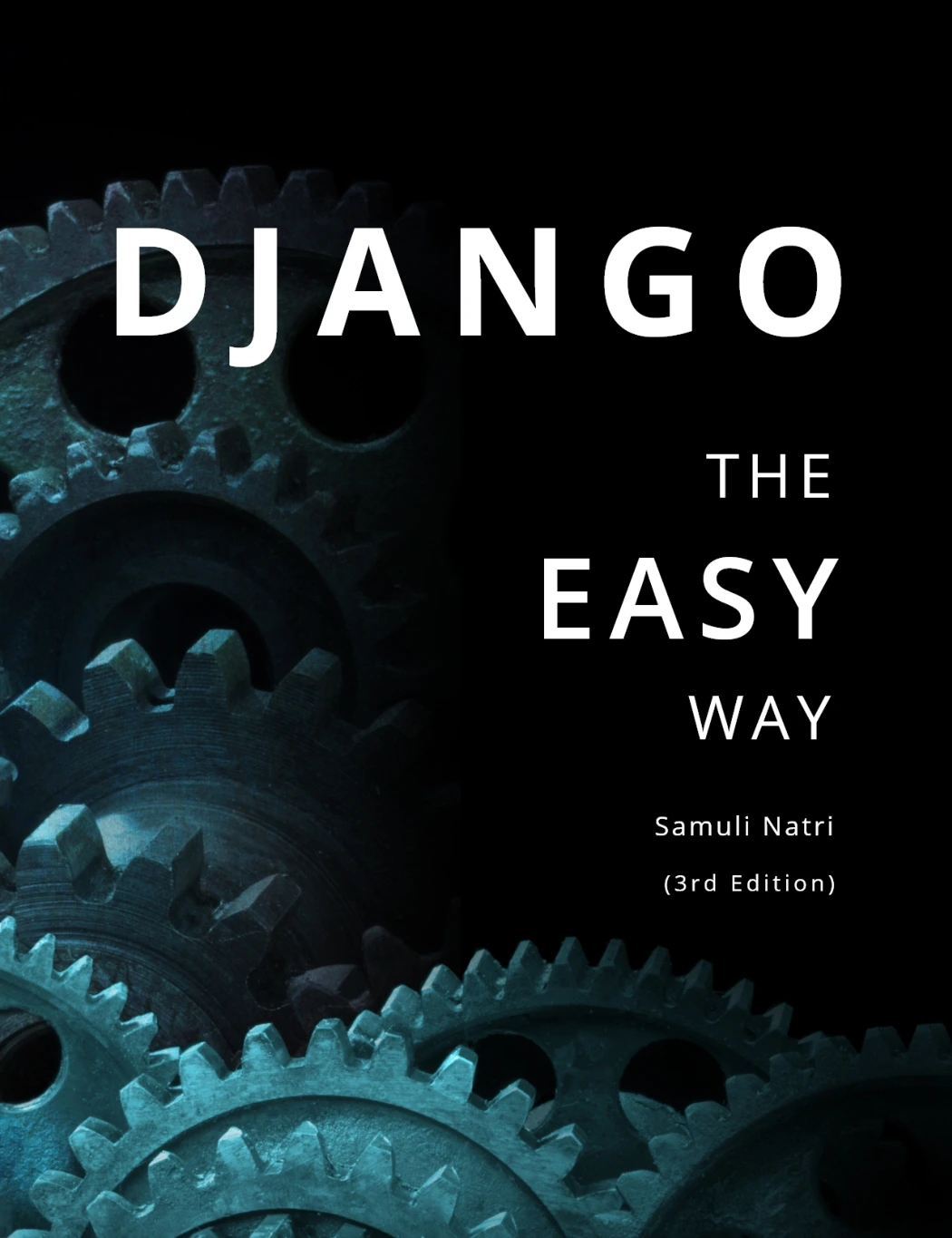
Django – The Easy Way (3rd Edition): How to build and deploy web applications with Python and Django
By Samuli Natri
Learners who want a task-by-task example spanning setup, models, templates, forms, authentication, APIs, testing, and deployment.
4. Build a first Django project in small stages
A small project gives each new concept a purpose. Choose an idea with a clear data model and only a few pages. A task tracker is a good scope for practice: users need to view tasks, add one, and mark it complete. A basic blog can also work, with a list of posts and a detail page.
- Make one page work. Create a project and app, add a URL and view, and return a simple response.
- Render a template. Move the page content into a template and pass a small piece of data from the view.
- Add a model. Define the information your application needs, then apply the corresponding migration.
- Display stored data. Query records and show them on a list or detail page.
- Add a form. Let a visitor submit or update information, and validate the input.
- Add authentication only when needed. If the project needs personal task lists or author accounts, then introduce sign-in and access rules.
Keep the first version deliberately plain. A working list and detail page teach more about Django’s flow than a collection of unfinished features. After the core path works, improve the layout, add validation, and decide what the project genuinely needs next.
5. Practise by changing the tutorial
Following along can help you get started, but understanding improves when you make changes without simply repeating the example. After each step, try a small variation and predict what it will affect. Rename a field, add a filter, change how an item is displayed, or create a new route.
When something breaks, read the complete error message rather than changing several things at once. Check which file and line are named, compare the code with the last working version, and make one correction at a time. For database or routing problems, inspect the relevant model, migration, or URL configuration rather than assuming the template is at fault.
Testing is part of this practice. Start by checking the behavior you care about: does the page show the expected records, does a form reject invalid input, and does a completed task stay completed after reloading? Automated tests become more useful as you add features, because they help catch regressions when you change code.
6. Choose a next step after the first application
Once the core project works, choose a direction based on what you want to build rather than trying to study every Django topic at once.
- Build a fuller website: extend the blog or task tracker with search, pagination, user permissions, and clearer form handling.
- Build an API: learn how a server can provide structured data to other clients, then explore serializers, authentication, permissions, and API tests. Django for APIs focuses on REST concepts and project examples using Django REST Framework. Its catalog description specifies an older Django version, so check its instructions against your chosen environment.
- Improve reliability: write tests for important application behavior and learn how to investigate failures.
- Prepare for deployment: first understand how the local application is configured and what production settings, database choices, static files, and hosting steps it needs.
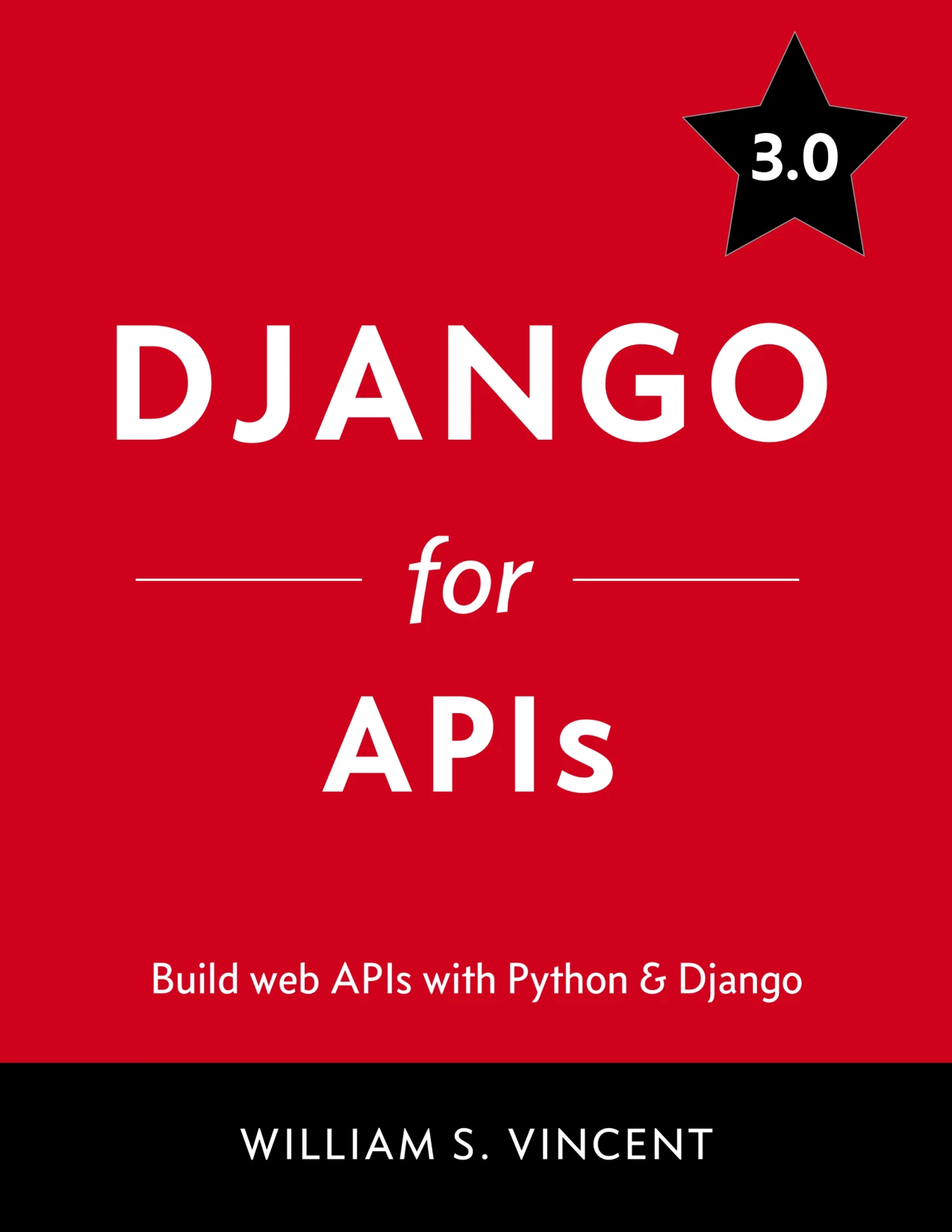
Django for APIs: Build web APIs with Python and Django
Learners moving beyond a basic site who want API-focused projects; the catalog identifies an older Django version.
For a wider project-based route beyond a first tutorial, Learn Web Development with Python combines Python foundations with Django projects and RESTful services. It may suit readers who want to revisit the language while learning web development. The catalog describes its edition and topics; verify version-specific steps before applying them to a current setup.
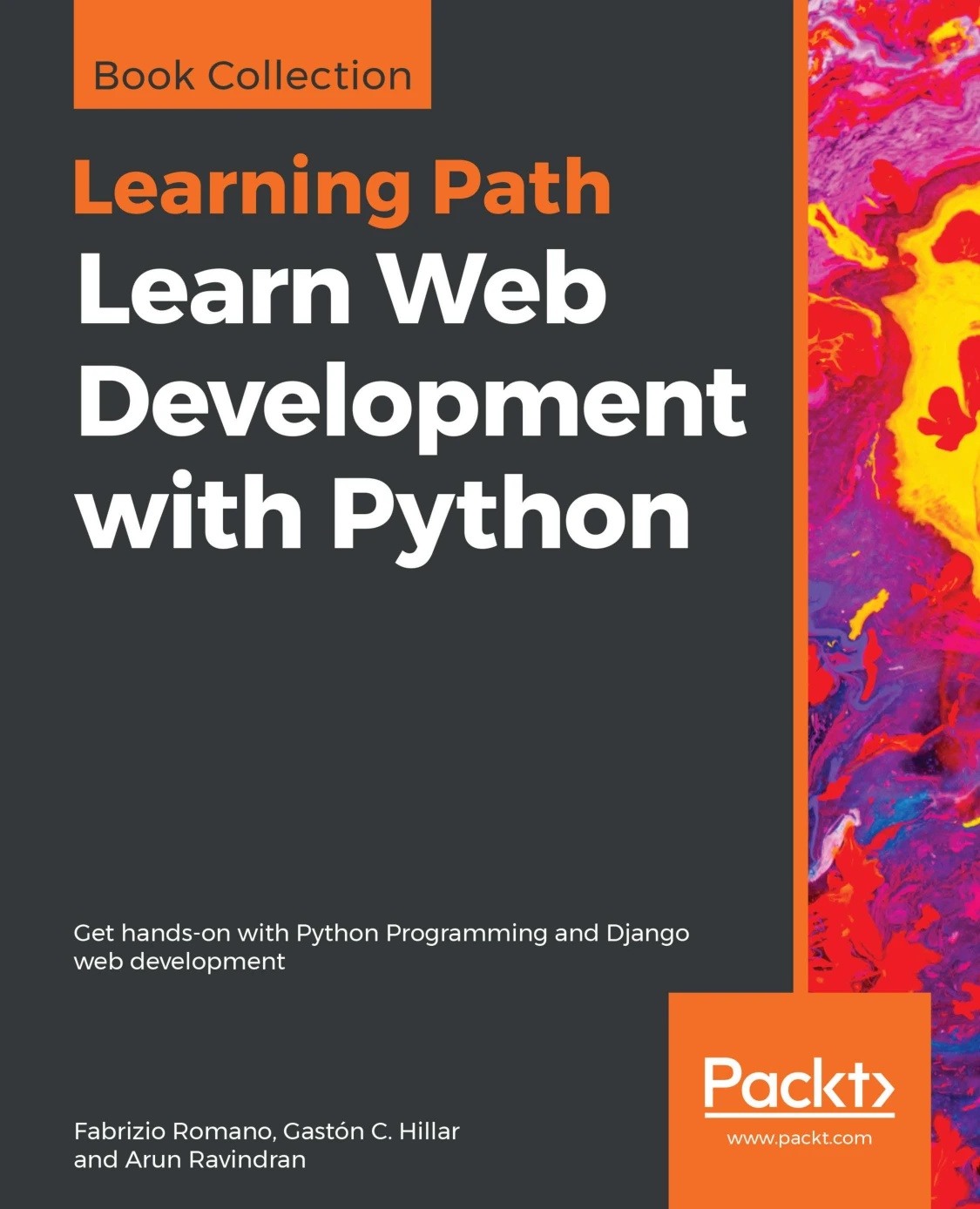
Learn Web Development with Python: Get hands-on with Python Programming and Django web development
Readers who want to revisit Python foundations alongside Django projects and RESTful services.
Common mistakes when learning Django
- Starting with no Python practice: You can learn while building, but basic functions, imports, and classes reduce the number of unfamiliar ideas you face at once.
- Mixing tutorials with different versions: Follow one versioned resource at a time and check official compatibility guidance before installing packages.
- Copying without experimenting: Make small changes and explain what each part does before moving on.
- Adding too many features too early: Get one complete request-to-response path working before adding APIs, complex authentication, or third-party services.
- Deploying before understanding the local app: First make the application work locally and understand its configuration; then approach deployment as a separate learning stage.
Frequently asked questions
How much Python should I know before learning Django?
Be comfortable with basic data types, conditions, loops, functions, imports, and simple classes. This is practical advice, not a formal prerequisite. You can learn additional Python as your project requires it.
Can I learn Django as my first programming framework?
Yes, but Django will be easier to follow if you first practise writing small Python programs. A framework introduces its own structure and conventions, so a little language familiarity helps separate Python questions from Django questions.
What should I build first with Django?
Choose a small blog or task tracker. Both give you opportunities to practise URLs, views, templates, models, and forms without requiring a large product design. Add accounts only if they serve a clear feature.
How do I choose a Django tutorial or book?
Check that it names the Django and Python versions it covers, then compare its projects and depth with your current skills. A guided first build may help you connect the core components; a broader project-based resource may be more suitable once you want to explore APIs or larger applications. No supplied evidence establishes one resource as universally most effective.
Should I learn Django APIs or deployment first?
Start with the part that matches your immediate goal, but make sure you understand a basic local application first. APIs are a natural next step if another client needs your data. Deployment is relevant when you are ready to make an application available beyond your development environment.
Conclusion: learn Django by building and understanding
The most practical way to learn Django with Python is to start with useful Python fundamentals, work through Django’s core components in order, and build a small application that you can explain. Then practise by changing it, testing its behavior, and choosing one next skill—such as APIs or deployment—when the project gives you a reason to learn it.
Keep your learning material aligned with the version you install, and use the official documentation to verify current compatibility details. A modest project completed thoughtfully is a stronger foundation than a much larger one assembled by copying steps you do not yet understand.
Sources and further reading
- Python 3.14.7 documentation: Classes — Python’s explanation of classes, methods, and related concepts.
- Django 5 By Example, Fifth Edition — publisher listing used for the book’s Django 5 edition and project-based scope.
- Django in Action — publisher listing referenced in the research for an alternative beginner-oriented framing.