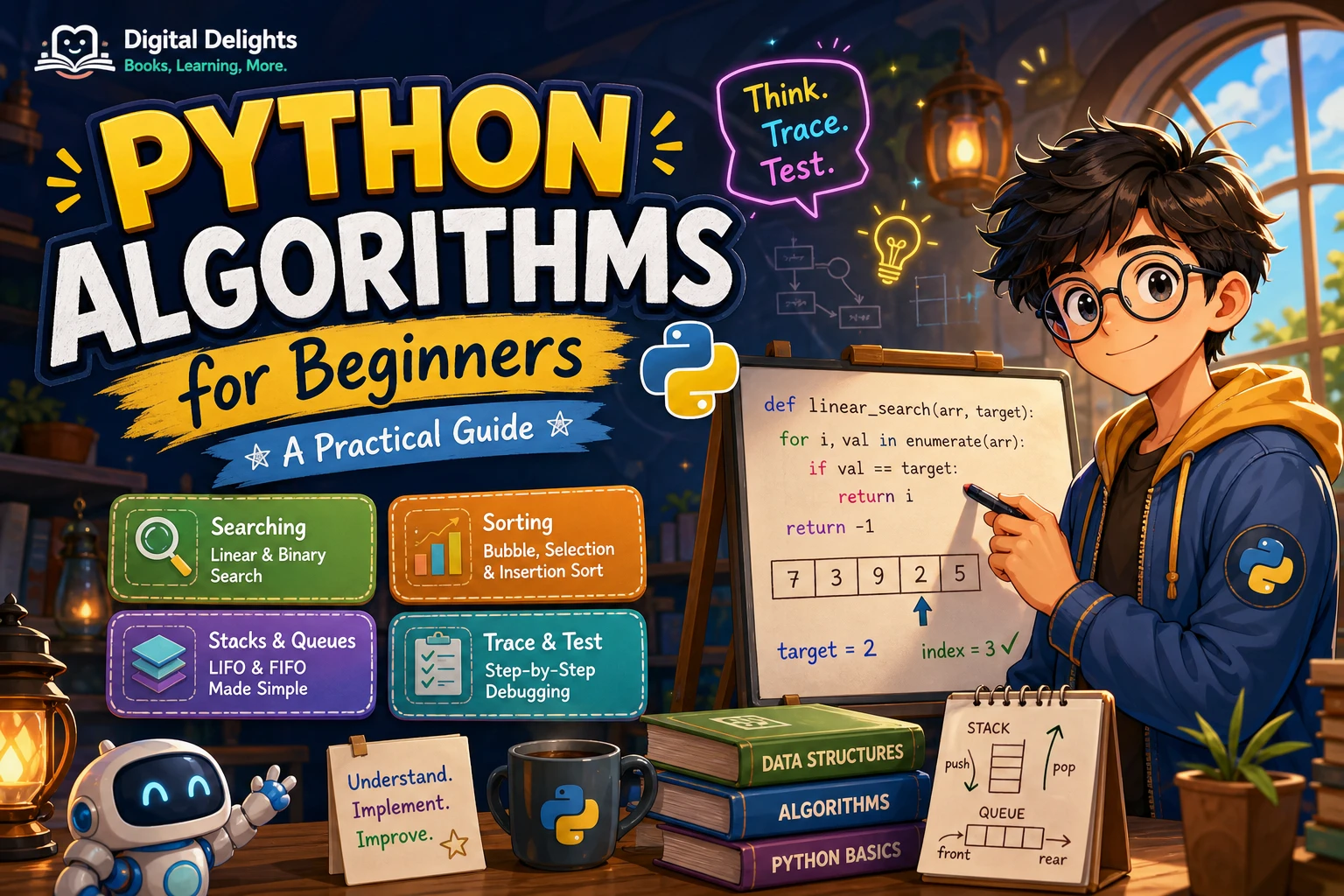
An algorithm is a set of steps for solving a problem. You already use them when you follow a recipe or choose the shortest queue at a shop; in programming, you describe those steps precisely enough for a computer to carry them out. Learning Python algorithms for beginners is about more than memorising code: it is learning how to break a problem down, choose an approach and check that it works.
This guide covers the Python basics that help with algorithm practice, a repeatable way to design a solution, and approachable examples involving searching, sorting, stacks and queues. You do not need to start with advanced mathematics. Begin with small inputs, trace what your code does, and gradually ask whether it handles more cases or larger collections well.
What should beginners know before learning algorithms?
It helps to be comfortable with variables, conditional statements, loops, functions and lists. You should also be able to run a short program and inspect an error when something goes wrong. These skills let you focus on the logic of a solution instead of being stopped by every syntax detail.
Learning Python syntax and learning to design algorithms are related, but they are not the same task. Syntax tells you how to express an instruction in Python. Algorithm design asks which instructions are needed, in what order, and how to know when the problem is solved.
The official Python tutorial is a useful reference for language fundamentals, but it says it is intended for people new to Python who already have a basic understanding of programming. If you are entirely new to coding, first practise simple expressions, conditions, loops and functions before taking on algorithm problems.
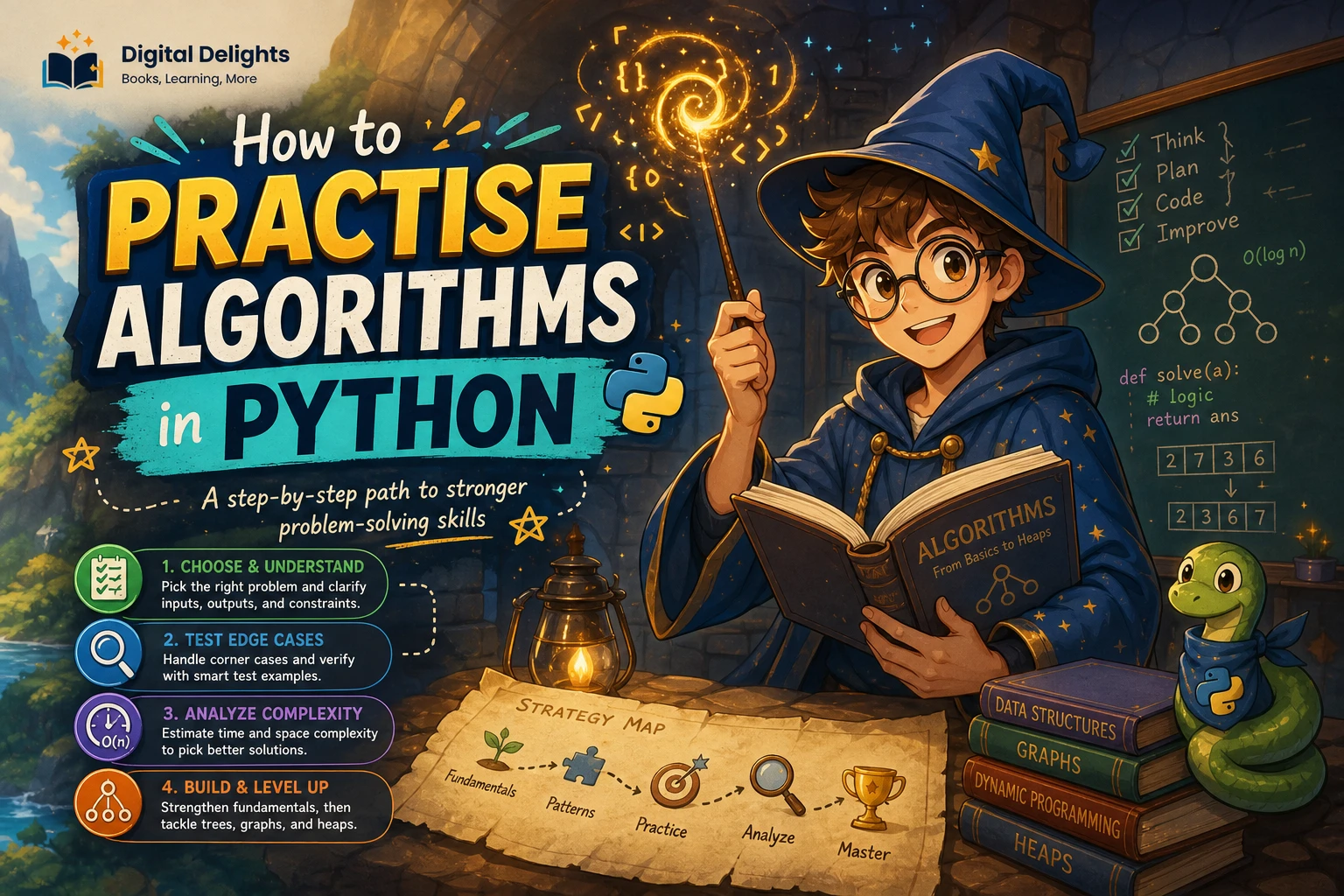
A practical method for working through an algorithm
Use the same process whether you are searching a list or solving a more involved task. Writing down the problem before coding makes assumptions visible and gives you something concrete to test against.
- State the problem. Describe the task in one sentence, including any rules or limits.
- Identify inputs and outputs. Decide what information the program receives and what it should return.
- Trace a small example. Work through a short input by hand, one step at a time.
- Write pseudocode. Describe the steps in plain language before worrying about Python syntax.
- Implement and test. Turn the plan into code, then try ordinary and boundary cases.
For example, suppose the task is to find whether a name appears in a list. The input is a list of names and a target name; the output could be the target’s position or an indication that it is absent. A simple plan is: check each name in order, stop when it matches, and report that it was not found if the list ends first.
Starter Python algorithms and data structures
Linear search: check items one at a time
Linear search is a straightforward way to find a value. It checks each item from left to right and stops when it finds a match. It works whether or not the list is sorted, which makes it a sensible first search algorithm to implement and trace.
def linear_search(items, target):
    for index, item in enumerate(items):
        if item == target:
            return index
    return -1

scores = [12, 7, 19, 4]
print(linear_search(scores, 19))  # 2
print(linear_search(scores, 8))   # -1
This example returns an index when it finds the target and -1 when it reaches the end without a match. Try tracing the loop with a target at the beginning, at the end, and not in the list.
Binary search: narrow the range in a sorted list
Binary search repeatedly checks the middle of a range and keeps the half that could still contain the target. The important condition is that the input must already be sorted. If it is not, the decisions about which half to discard are not reliable.
def binary_search(items, target):
    low = 0
    high = len(items) - 1

    while low <= high:
        middle = (low + high) // 2

        if items[middle] == target:
            return middle
        elif items[middle] < target:
            low = middle + 1
        else:
            high = middle - 1

    return -1

values = [3, 8, 12, 17, 25, 31]
print(binary_search(values, 17))  # 3
Notice how the search range changes after each comparison. When practising, write down low, middle and high for each pass. That makes it easier to spot an incorrect boundary update.
Sorting: use Python’s built-in tools when appropriate
Many programs need ordered data, but beginners do not always need to write a sorting algorithm themselves. Python’s built-in sorting operations are useful when the goal is simply to arrange values. Use an algorithm you implement yourself when the purpose is to learn its steps or when a task has a specific requirement that the built-in operation does not meet.
numbers = [8, 3, 6]
ordered = sorted(numbers)
print(ordered)  # [3, 6, 8]
print(numbers)  # [8, 3, 6]

numbers.sort()
print(numbers)  # [3, 6, 8]
sorted() returns a new sorted list, leaving the original iterable unchanged. list.sort() sorts the list in place and returns None; do not assign its return value expecting to get the sorted list. Both operations can accept a key function for custom ordering. See the official Python sorting guide for details.
Stacks and queues: choose a structure to match the task
A stack follows “last in, first out”: the most recently added item is the first one removed. A queue follows “first in, first out”: items leave in the order they arrived. These ideas appear in tasks such as tracking undo actions or processing a line of work.
Python’s collections.deque supports adding and removing items at either end, making it convenient for these examples:
from collections import deque

# Stack: add and remove from the same end
stack = deque()
stack.append("first")
stack.append("second")
print(stack.pop())  # second

# Queue: add at the end, remove from the front
queue = deque(["first", "second"])
queue.append("third")
print(queue.popleft())  # first
The Python documentation notes that removing the first item from a list with pop(0) requires shifting the remaining items, while a deque is designed for efficient operations at both ends. See the collections documentation when choosing a container for queue-like work.
Recursion: a useful next step
Recursion is a technique in which a function solves a problem by calling itself on a smaller version of that problem. Each recursive solution needs a stopping condition, often called a base case; without one, the calls can continue until Python raises an error. Recursion is worth exploring after you are comfortable with functions and tracing, particularly for problems that naturally break into smaller subproblems.
How to think about algorithm efficiency
Efficiency asks how an approach behaves as the amount of input grows. A solution that feels immediate for five values may require much more work for a very long list. Start by counting the basic work your algorithm performs: does it inspect every item, or can it rule out part of the input at each step?
Also consider the data structure. The same high-level task can involve different amounts of work depending on how the data is stored and accessed. For a beginner, it is enough to compare two clear approaches on the same inputs and explain what each one does. Formal complexity notation can come later, once you can trace the steps and justify the result.
Correctness comes first. A fast solution that fails on an empty list or misses a boundary value is not a useful solution. Check that the algorithm gives the right answer before trying to make it more efficient.
A simple routine for practising Python algorithms
- Trace by hand: Write down the values that change on each loop or recursive call.
- Start with a small example: Use a short list whose contents make the expected result obvious.
- Test edge cases: Include an empty collection, one item, a missing target, and values at the first and last positions.
- Explain the approach: Describe why each step moves the solution closer to the answer.
- Compare thoughtfully: Try a direct implementation, then consider whether a built-in function or different data structure is more suitable.
Good starter exercises include finding a value in a list, counting how many times it appears, checking whether a word reads the same backward, and processing a set of tasks in arrival order. For each exercise, define the expected input and output before writing code.
Common beginner mistakes to watch for
- Off-by-one errors: Check whether an endpoint is included and whether an index should stop at
len(items) - 1or before it. - Ignoring empty inputs: Decide what the algorithm should do when it receives no items, and test that case explicitly.
- Changing a collection while iterating over it: Modifying a list as a loop traverses it can cause elements to be skipped or handled unexpectedly. Build a separate result or use an iteration strategy suited to the task.
- Using binary search on unsorted data: Sort first if appropriate, or choose a method that does not depend on ordering.
- Confusing a method’s effect with its return value:
list.sort()changes the list itself and returnsNone;sorted()produces a new sorted result.
Choosing a Python algorithms learning resource
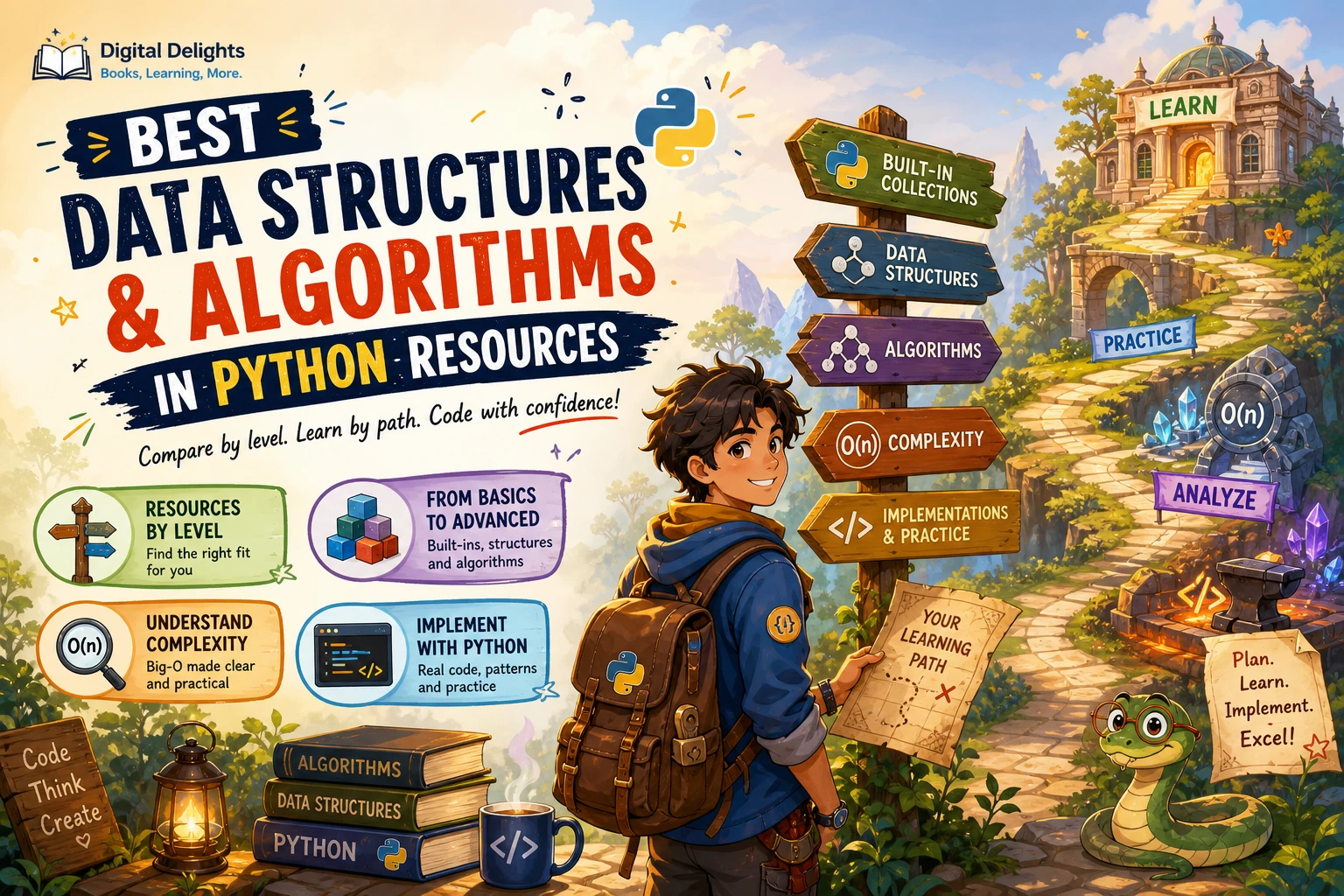
A helpful book should match what you need to learn next. Some resources take a broad computer science approach, while others emphasize a structured practice schedule or concept-driven explanations of recursion and data structures. The descriptions below identify stated subject coverage, not independent evaluations of how effectively each book teaches.
| Resource | Stated coverage | May suit readers who want |
|---|---|---|
| The Practice of Computing Using Python | Python fundamentals, algorithm development, data structures, recursion and programming practice. | A broad introduction connecting Python with computer science topics. |
| 100 Days of Coding in Python | A guided learning structure covering Python, algorithms, data structures and design patterns. | A paced route with recurring coding practice. |
| Conceptual Programming with Python | Programming ideas, data structures, recursion, backtracking and different programming styles. | Connecting algorithmic ideas to problem-solving examples such as a Sudoku solver. |
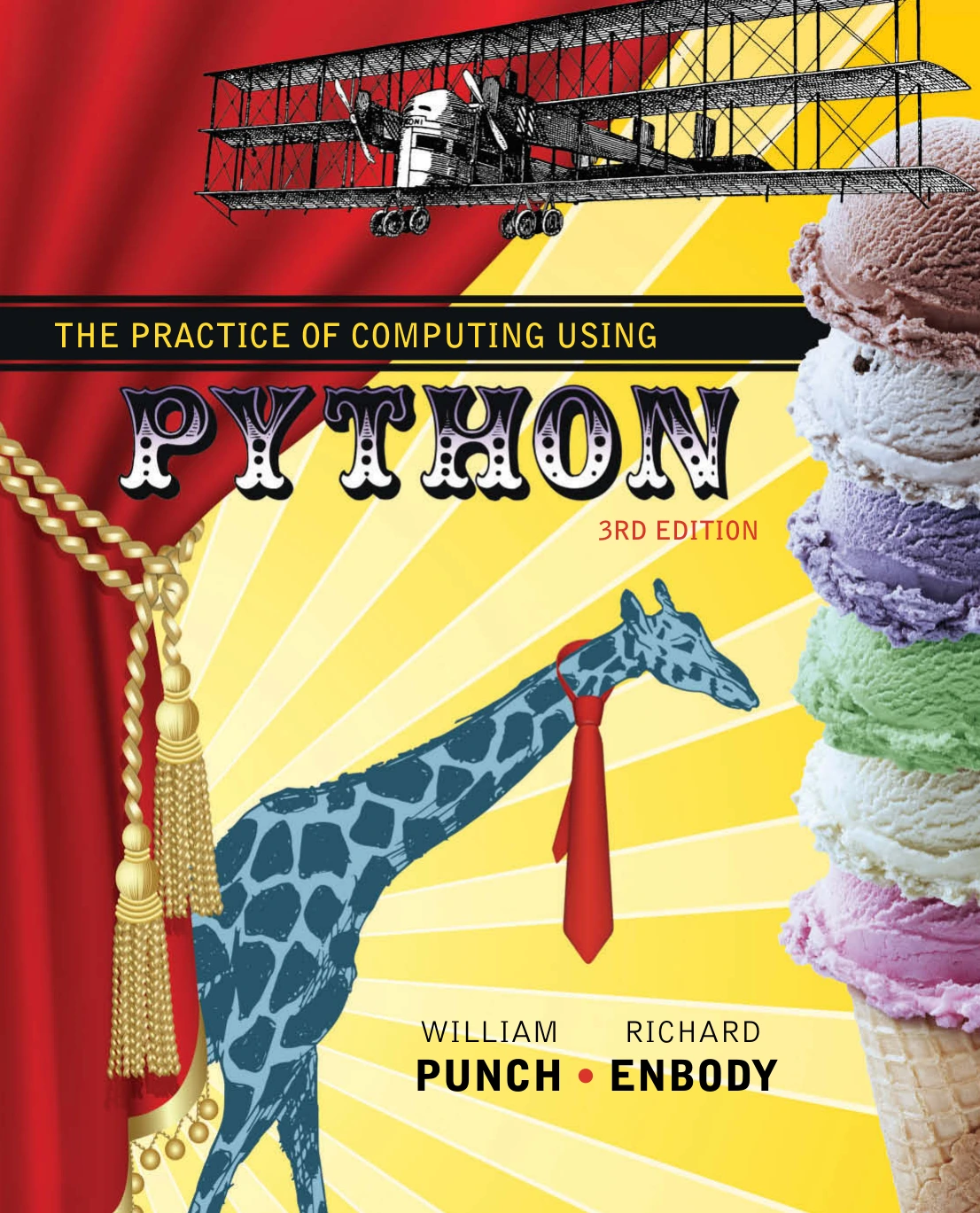
The Practice of Computing Using Python
Learners who want algorithm development, data structures, recursion and programming practice in one resource.
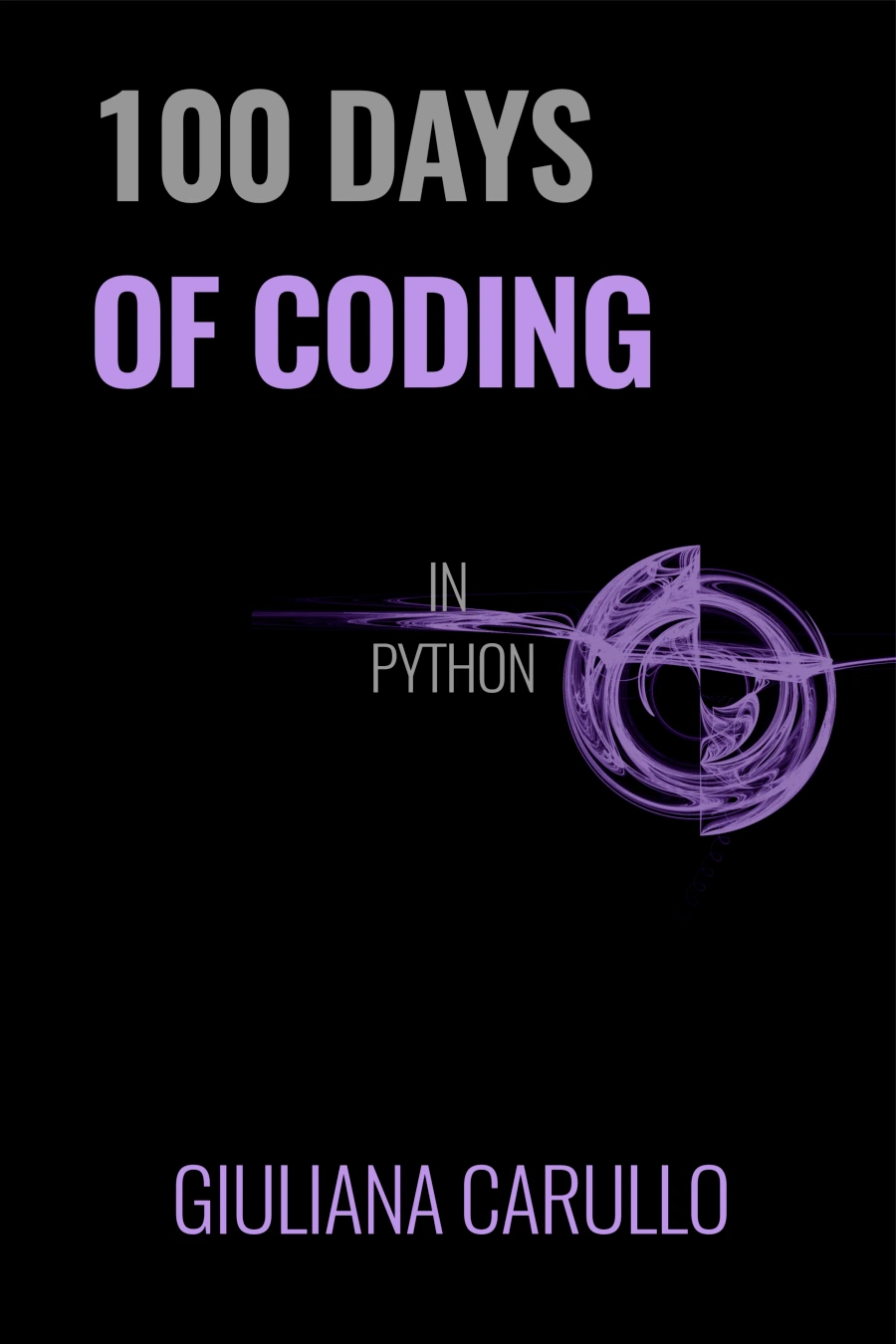
Beginners who prefer a paced path with recurring coding exercises.
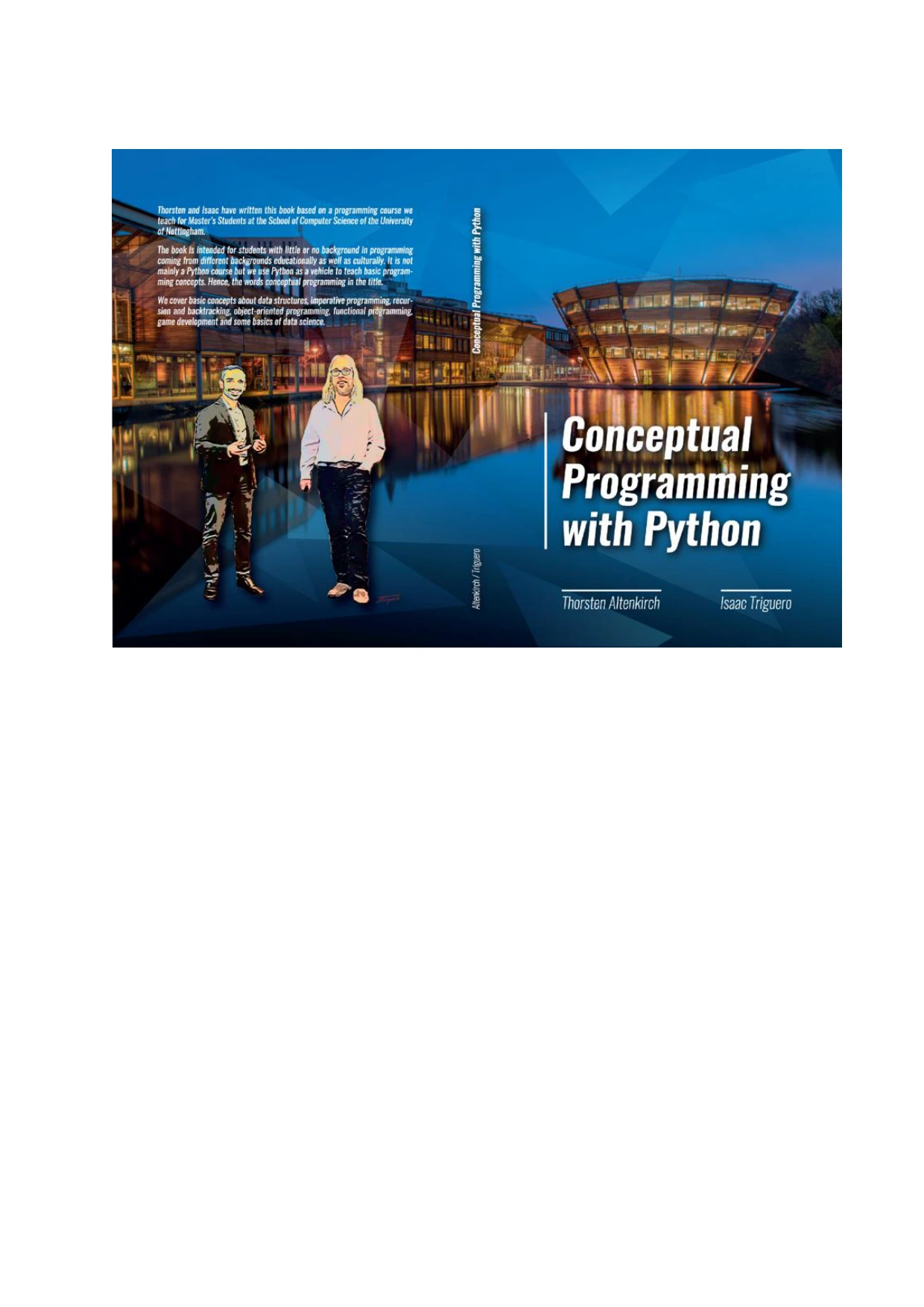
Conceptual Programming with Python
Learners interested in recursion, backtracking and examples such as a Sudoku solver.
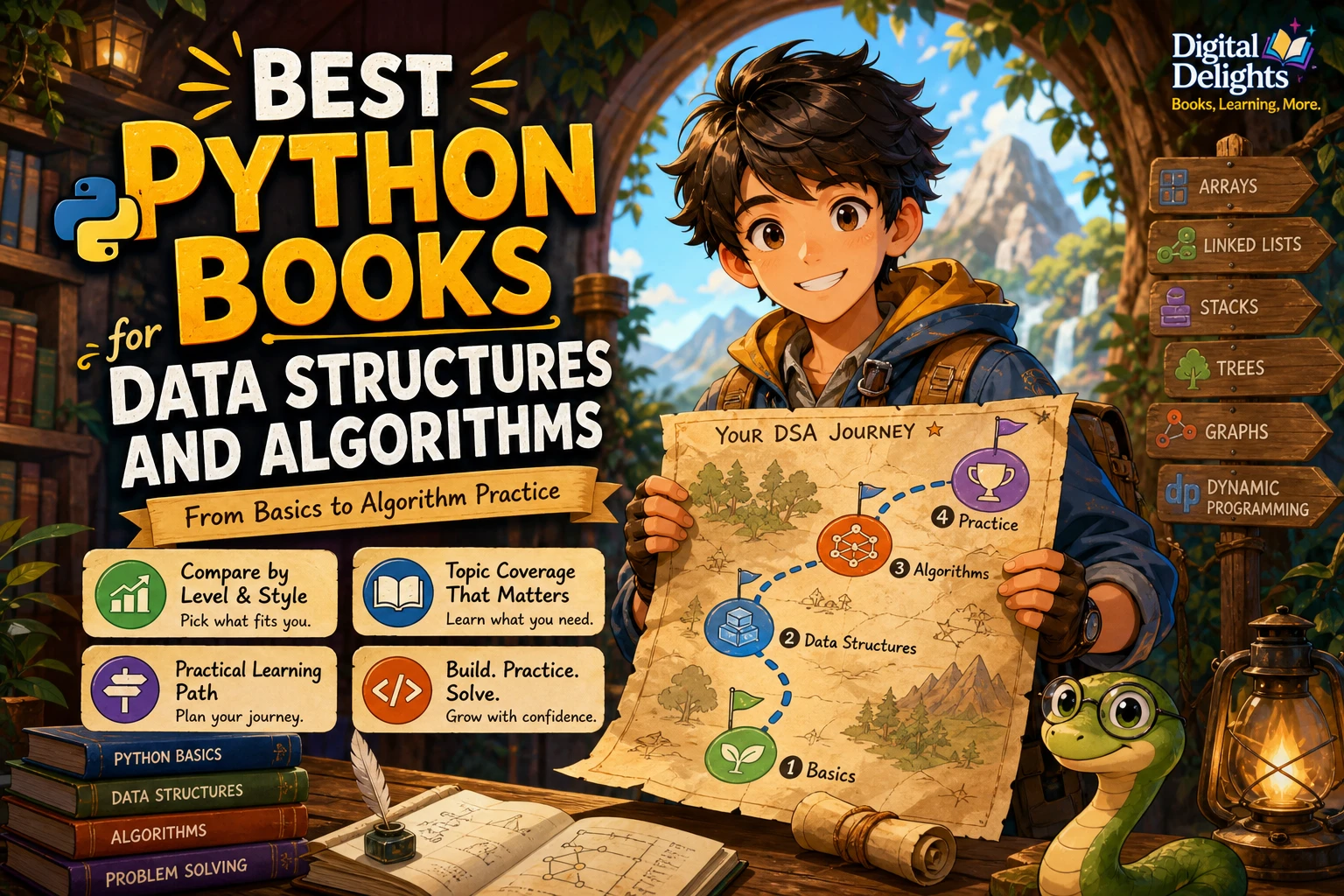
Choose based on your current gap: a wider foundation, regular practice, or a closer look at concepts such as recursion and backtracking. You can also browse the Digital Delights Python book category for related learning resources.
Frequently asked questions
What should I learn before Python algorithms?
Start with variables, conditionals, loops, functions and lists, along with basic debugging. You should be able to read a short Python function and follow how its values change. If you are new to programming itself, learn those foundations before relying on the official Python tutorial, which expects basic programming knowledge.
Do I need to implement sorting algorithms myself?
Not for ordinary sorting tasks: Python’s built-in sorted() and list.sort() handle common ordering needs. Implement a sorting algorithm when you are studying how it works, or when an exercise specifically asks you to do so. Remember that sorted() returns a new result, while list.sort() changes the existing list.
Which algorithm should I practise first?
Linear search is a clear first exercise because it works through a list one item at a time and does not require sorted data. After you can trace it and test its boundary cases, try binary search with a sorted list, then practise sorting and simple stack or queue operations.
Is binary search suitable for any list?
No. Binary search relies on the list being sorted so that each comparison can rule out one part of the remaining range. For an unsorted list, use linear search or sort the data first if that fits the task.
Conclusion
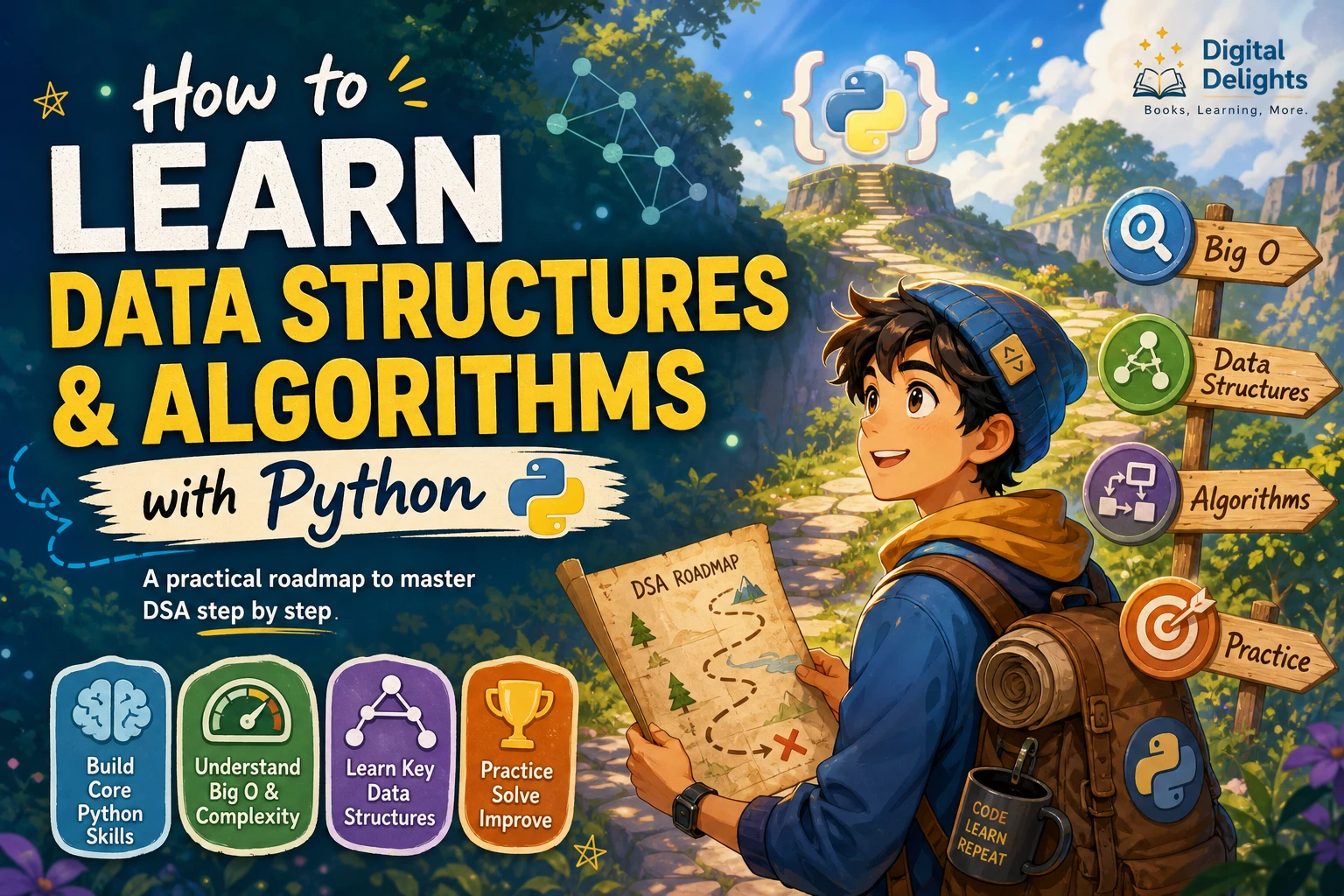
Learning Python algorithms is a gradual shift from writing individual instructions to designing a dependable solution. Begin with familiar tools such as loops, functions and lists; define the problem; trace a small case; and test empty and boundary inputs. Then compare approaches and choose the right Python operation or data structure for the job. The habit of explaining why your steps work is just as important as getting the code to run.