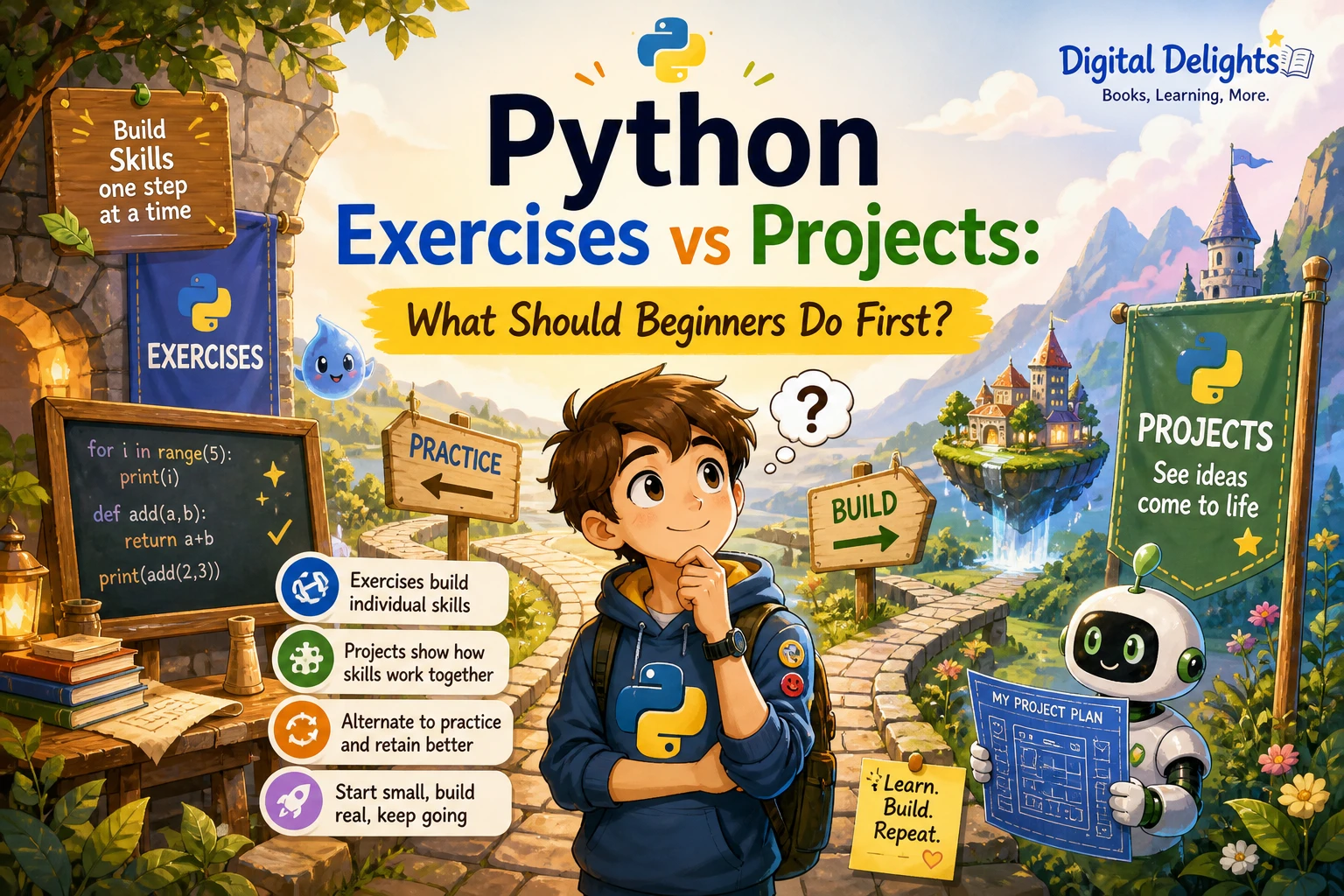
Python Exercises vs Projects: What Should Beginners Do First?
If you are learning Python, it is easy to wonder whether you should keep solving exercises or start building something of your own. The practical answer is to do both, in sequence: begin with short exercises that help you practise one idea at a time, then try small projects early enough to see how those ideas fit together. When a project reveals a gap, return to a focused exercise and practise that skill.
There is no research in the supplied sources establishing one perfect schedule for every learner. The approach below is a useful way to structure practice, not a guaranteed formula or a test you must pass before building.
Python exercises vs projects: what is the difference?
For this comparison, a Python exercise is a small, focused task designed to practise a particular concept. A Python project is a program built to achieve a goal, usually by combining several concepts. The distinction is about scope, not difficulty: a project can be tiny, and an exercise can still require careful thinking.
| Practice type | Typical scope | Example | What it helps you practise |
|---|---|---|---|
| Exercise | One concept or a narrow skill | Use a loop to add a series of numbers | Understanding and applying a specific Python feature |
| Project | A small goal that combines concepts | Make a quiz that asks questions and reports a score | Connecting logic, input, data, and program flow |
The official Python Tutorial introduces topics including data types, control flow, functions, data structures, input and output, and exceptions. That topic sequence can help you choose what to practise, but the documentation does not prescribe an exercises-first or projects-first learning order. It also notes that readers are expected to have some basic understanding of programming, so an absolute beginner may want a more guided introduction.
Why start with Python exercises?
Exercises make it easier to focus on one new idea without also having to plan an entire program. If you are learning loops, for example, you can practise repeating an action before worrying about how a whole game should work. If a condition behaves unexpectedly, the task is small enough to inspect and adjust.
Focused practice can help you build familiarity with fundamentals such as:
- Variables and data types: store values and understand what kind of information they represent.
- Conditions: make a program choose what to do based on a value.
- Loops: repeat instructions without writing them over and over.
- Functions: group instructions into reusable units.
- Data structures: keep related values in structures such as lists and dictionaries.
Try to solve an exercise before reading its answer. If you get stuck, identify the specific point of confusion, make a small attempt, and then consult a solution or explanation. Afterwards, close the answer and rewrite the idea yourself. Merely recognizing a finished solution is different from being able to produce or adapt it.
For learners who want examples centred on loops, Python Code Examples – 2: Solved Exercises to Practice | Python Code Examples – 2 is listed as a collection of solved loop exercises. Its description covers topics such as for and while loops, range(), and break. Treat the solutions as material to study after making your own attempt, rather than as a substitute for writing code.
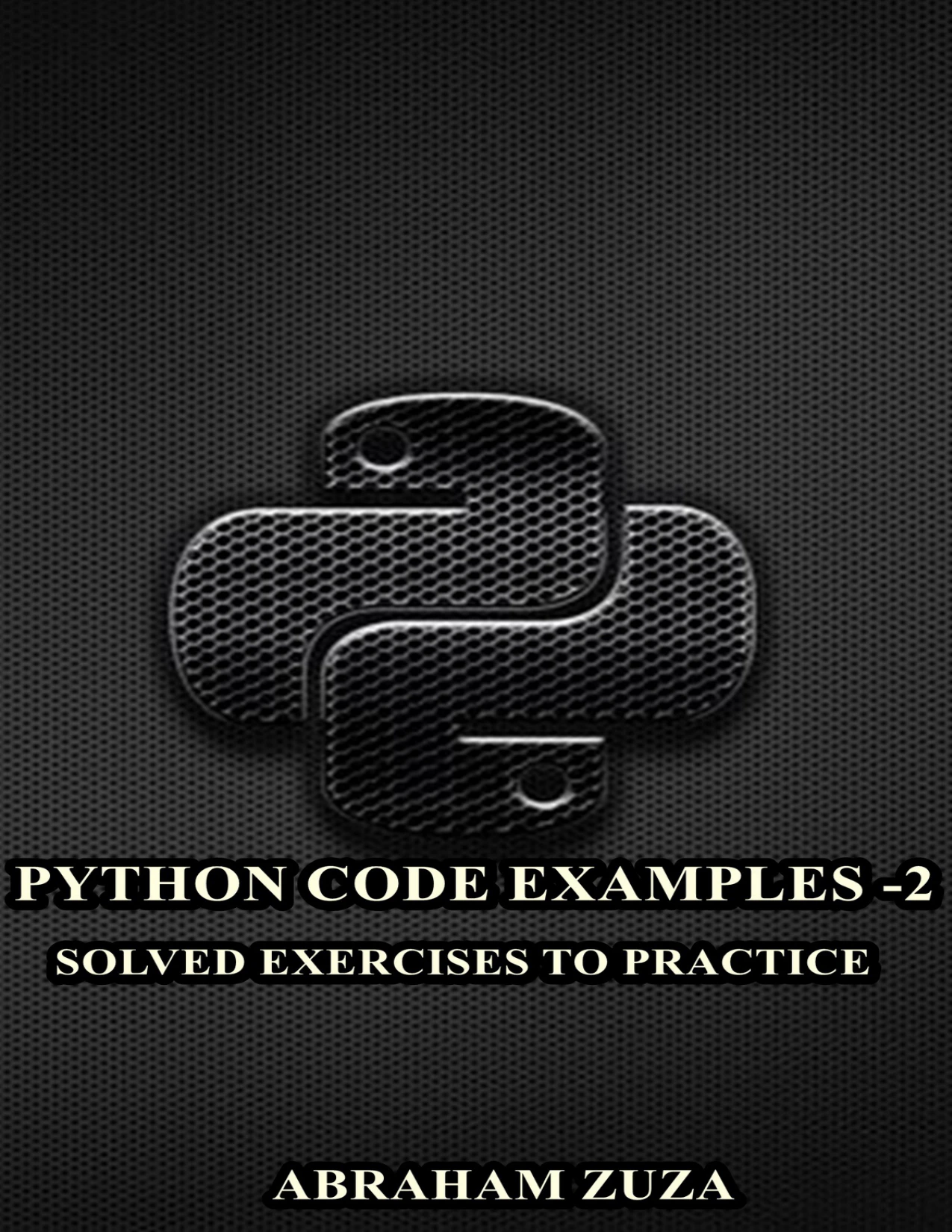
Python Code Examples – 2: Solved Exercises to Practice | Python Code Examples – 2
By Abraham Zuza
Beginners who have met basic Python and want examples focused on for loops, while loops, range(), and break.
Why Python projects matter, too
Exercises help you practise individual tools; projects give you a reason to combine them. Even a modest program raises practical questions: What should happen first? What information does the program need? What if the user enters something unexpected? How can you tell whether the result is right?
Projects also help you notice which concepts you understand only in isolation. You may know how a loop works in a short example but need practice deciding where it belongs in a quiz. That is not a failure. It is useful feedback about what to practise next.
Keep the first project small enough that you can describe its purpose in one sentence. A number-guessing game, for instance, can begin with a hidden number, a prompt for a guess, and a message indicating whether the guess is correct. You can add features later, such as a limited number of attempts or a replay option. Each addition creates a manageable problem to solve rather than requiring you to design a large application all at once.
Tiny Python Projects is a catalog option for learners interested in small programs and a test-driven approach. Its description lists projects such as word generators, a password-strength checker, and Tic-Tac-Toe, alongside Python fundamentals and testing with pytest. That listed coverage may suit someone looking for compact builds to study and try; it does not show that one particular learning sequence works best for everyone.
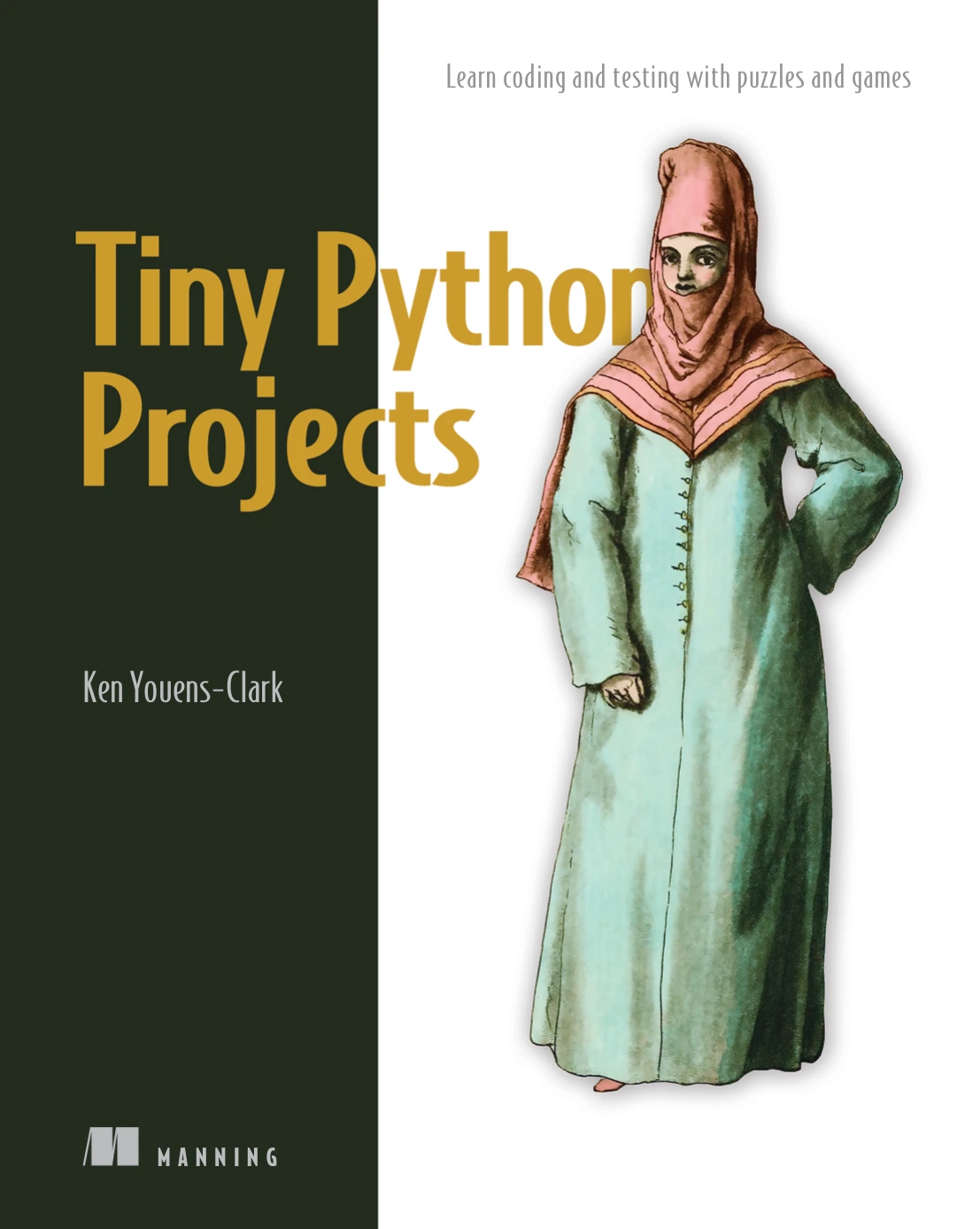
Learners ready to practise combining Python fundamentals in compact command-line projects.
A practical progression: learn, practise, build, review
Instead of choosing exercises or projects as an either-or decision, use a repeating cycle. Adjust the size of each step to your own pace.
- Choose one concept. For example, learn how an
ifstatement makes a decision or how a list stores several values. - Try a few focused exercises. Use small variations so you practise the idea rather than memorizing one answer.
- Build a tiny program. Give the concept a purpose, such as checking a quiz answer or storing a few scores.
- Notice what becomes difficult. Is the problem about the concept, the order of the steps, or an error in your code?
- Return to targeted practice. Work through a smaller example related to the gap, then try that part of the project again.
- Add one improvement. Once the basic version works, make one change—such as handling an invalid response—and test it.
This is a practical study structure, not a scientifically established ratio. The official documentation offers examples and a sequence of language topics, while a publisher’s Python Crash Course, Third Edition is one example of a book that presents fundamentals before a separate project section. These are different instructional approaches; neither source proves a universal best order.
How can you tell when to try a project?
There is no validated readiness threshold in the supplied research. As a practical guide, try a small project when you can make a start on its basic steps—even if you still need to look up syntax or ask questions. You do not need to master Python before making something simple.
Before you begin, see whether you can:
- Describe the program’s purpose in one sentence.
- Break the goal into a few actions, such as getting input, checking it, and showing a result.
- Recognize at least some of the concepts the program may need, such as conditions, loops, or a list.
- Test one small part and read the result or error message.
If those steps feel unclear, reduce the project. A one-question quiz is a reasonable starting point; a quiz with multiple categories, saved player profiles, and a graphical interface can wait. The aim is not to avoid difficulty, but to keep the next problem small enough to investigate.
Beginner Python project ideas
- Simple calculator: ask for two numbers and an operation, then display the result. Start with one operation and add others later.
- Number-guessing game: compare a user’s guess with a chosen number. Add repeated guesses only after the basic comparison works.
- Short quiz: ask a few questions, check responses, and keep score. A list can hold questions or answers once you are ready to use one.
- Unit converter: convert one kind of measurement using a clear input and calculation. Add validation as a later improvement.
- Personal checklist: let a user add and display a few tasks. Begin with a list in the running program before considering saving data to a file.
For each idea, write down the smallest working version first. Then add features one at a time. This makes it easier to identify which change introduced a bug and gives you clear opportunities to practise a particular skill.
Common mistakes when practising Python
Waiting until you feel completely ready
There is always another concept to learn. If you can make a small attempt, you can start a small project and learn from the parts you cannot yet solve. Keep the scope modest and treat questions as a guide to your next practice task.
Choosing a first project that is too large
A full website, multiplayer game, or complex automation tool can involve many ideas at once. Reduce the goal to one useful feature, get that working, and expand only when you have a reason to do so.
Copying solutions without attempting the problem
A worked answer can explain a technique, but copying it line by line may leave you unsure how to use the idea elsewhere. Make an attempt first, study the explanation, then close it and recreate or modify the solution.
Interpreting every error as a sign you cannot code
Errors are information about what happened when the program ran. Read the message, check the line it points to, and reduce the problem until you can test one part at a time. If the same concept keeps causing trouble, return to a focused exercise before continuing.
Using too many new tools at once
For early practice, a Python interpreter and a way to edit and run code are enough. You do not need external packages for basic exercises. If a later project needs packages, Python’s documentation explains how virtual environments can keep a project’s dependencies separate: see Virtual Environments and Packages.
Choosing a practice resource
Choose a resource according to the kind of help you need now, not according to a claim that one format is always superior. The Digital Delights catalog includes resources with different emphases:
| Your immediate need | Catalog resource | Listed focus |
|---|---|---|
| Practise loop concepts with worked examples | Python Code Examples – 2: Solved Exercises to Practice | Python Code Examples – 2 | Solved exercises covering Python loops and related constructs |
| Try compact programs and testing-oriented practice | Tiny Python Projects | Small command-line projects, Python fundamentals, and test-driven development |
These descriptions help distinguish the resources, but they do not provide comparative learning-outcome evidence or establish which one is right for every beginner. You can also browse the Python collection for other programming resources, and select one whose level and topic match the next skill you want to work on.
Frequently asked questions
Should an absolute beginner start Python with projects?
Start with a few short exercises to get comfortable with basic ideas, then try a very small project early. You do not need to finish a long course first. If the project feels too broad, shrink it or practise the specific concept that is blocking you.
How much Python should I learn before starting a project?
There is no evidence-backed number of topics that marks readiness. A practical starting point is being able to make a simple program accept or use information, make a basic decision, and display a result. Look things up as needed and keep the first goal small.
Are Python exercises still useful after I start building projects?
Yes. Exercises are useful whenever a particular skill needs focused practice. A project may show that loops, lists, or input validation are unfamiliar; a short exercise can help you work on that one area before returning to the larger program.
Do I need to install packages for beginner Python practice?
No external packages are necessary for basic exercises or many small starter programs. Begin with the Python features your task needs. If a project later requires packages, use instructions appropriate to that project and consider a virtual environment to manage its dependencies.
Conclusion: use exercises and projects together
For most beginners, the useful choice is not exercises or projects. Practise a concept in a small exercise, use it in a tiny project, and return to focused practice whenever the build exposes a gap. Keep the first project narrow, make changes in small steps, and let the problems you encounter guide what you learn next.