How to Improve Your Python Problem-Solving Skills
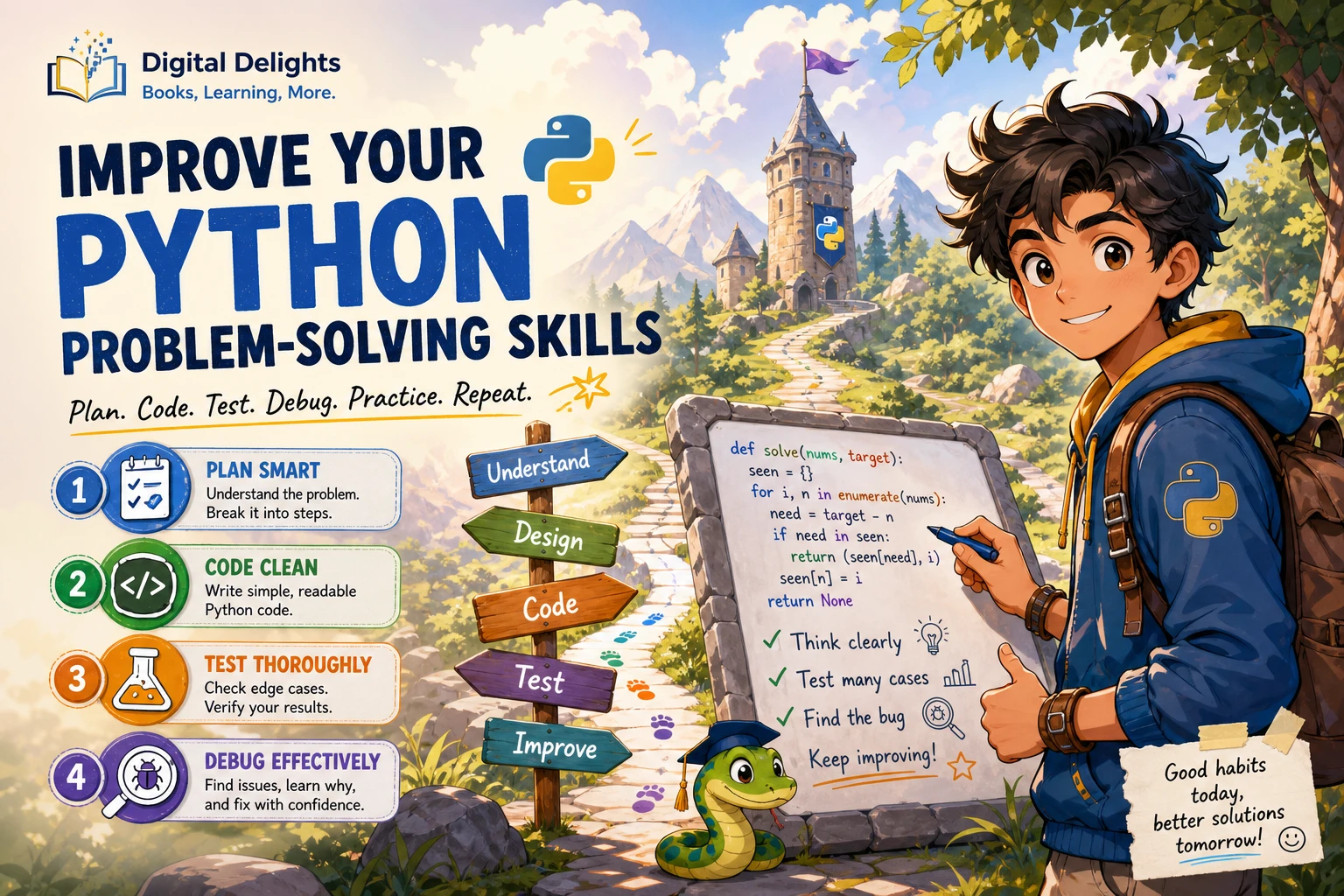
When a Python problem feels difficult, writing more code is rarely the first useful move. Start by clarifying what the task asks, breaking it into smaller steps, and checking each step with examples. A repeatable cycle—understand, plan, code, test, and review—helps you make progress while building habits you can reuse on different problems.
To improve your Python problem-solving skills, combine short exercises with small projects. Practise tracing code, testing edge cases, and investigating errors instead of treating a failed attempt as wasted effort. There is no single practice schedule proven best for every learner, so choose a pace you can sustain and adjust it as you discover what needs work.
Make sure you know the Python basics
You do not need to master every feature of Python before solving problems. You should, however, be comfortable with the building blocks that let you express a solution:
- Variables and basic types: store and work with numbers, strings, and Boolean values.
- Conditionals: choose what happens when a condition is true or false.
- Loops: repeat steps over a range or collection of values.
- Functions: give a task a name, accept inputs, and return a result.
- Common collections: use lists, dictionaries, sets, and tuples to organize data.
The official Python tutorial covers these fundamentals along with modules, input and output, and errors. Use it as a reference when a concept gets in the way; you do not have to read it cover to cover before attempting practical exercises.
Follow a repeatable problem-solving process
A deliberate process keeps you from guessing at a solution before you understand the task. Try these steps whenever you meet a new coding problem.
1. Restate the task in your own words
Describe the goal without repeating the prompt word for word. Ask yourself: what information do I receive, and what result must I produce? If you cannot explain the task simply, reread it and identify any unfamiliar terms.
2. Identify inputs, outputs, constraints, and edge cases
Write down the expected input and output. Note any limits or rules, such as whether a list can be empty, whether values can repeat, or how invalid input should be handled. These details affect what a correct solution means.
For example, if a task asks you to find the largest number in a list, consider whether the list might contain negative numbers, repeated values, or no values at all. Do not assume an edge case is handled unless the prompt or your program defines what should happen.
3. Work through a small example by hand
Choose a simple input and solve it without code. Track how the information changes at each step. This can reveal the pattern your program needs to follow and expose questions that are still unanswered.
If you are asked to count how many times each word appears, a tiny example such as "red blue red" helps you see that you need to keep a count for each distinct word.
4. Write a plain-language plan
Turn your reasoning into a short sequence of actions before translating it into Python. For the word-count example, the plan could be:
- Start with an empty dictionary.
- Visit each word in the input.
- Add one to that word’s count, or start its count at one.
- Return or display the dictionary.
This plan is detailed enough to guide your code without tying your reasoning to Python syntax too early.
5. Implement and test one piece at a time
Translate the plan into a small amount of code, then run it. Check whether the result matches your hand-worked example before adding more complexity. If you are using multiple functions, test them separately where practical. Small steps make it easier to locate the point where your program diverges from your plan.
Test beyond the sample input
A program that works for one example may still fail on ordinary variations or boundary cases. Create a small set of tests that covers more than the example in the prompt:
- A typical case: an ordinary input the program is expected to handle.
- A boundary case: a minimum, maximum, empty, or single-item input, when relevant.
- A repeated-value case: useful when duplicates could affect the result.
- An unusual but valid case: for example, negative numbers or mixed capitalization if the task permits them.
- An invalid-input case: consider this when the task asks you to validate input.
Before running a test, predict what the output should be. Then compare that prediction with the program’s result. This checks not just whether the code runs, but whether your understanding of the problem is right.
Learn to debug by investigating
An error message is information about what happened, not a verdict on your ability. First, read the traceback from the bottom: the final line names the exception and usually includes a short explanation. Then look at the referenced line and the surrounding code. Python’s documentation explains the difference between syntax errors and exceptions that occur while a program runs in its errors and exceptions guide.
When the program runs but produces an unexpected result, inspect the values it is using. Add a temporary print() statement or step through the code with a debugger. Python’s pdb documentation describes tools for setting breakpoints, moving through execution, and examining program state.
Use a focused debugging loop:
- Describe what you expected and what actually happened.
- Find the smallest input that still shows the problem.
- Check the relevant values at the point where the result goes wrong.
- Change one thing, then run the same test again.
- Once fixed, keep the test so the problem is less likely to return.
Avoid changing several unrelated parts of the code at once. If the result changes, you will have a harder time knowing which edit mattered.
Balance exercises with small projects
Short exercises give you focused practice with a particular idea, such as loops, dictionaries, or functions. Small projects ask you to decide how several ideas fit together. Both can be useful: exercises help isolate a skill, while projects reveal whether you can choose and combine skills in a less prescribed setting.
For practice, try a problem, make a plan, and test your solution before looking at another explanation. If you get stuck, use hints or a worked solution to identify the missing idea, then close it and try to reproduce the reasoning yourself. Simply reading an answer can feel clear in the moment without showing whether you can apply the approach independently.
When you want a structured set of varied challenges, Python Workout, Second Edition (MEAP V03) is an exercise-focused resource covering areas such as strings, collections, files, and functions. The catalog identifies it as a MEAP V03 early-access edition, so it should not be mistaken for a final edition.
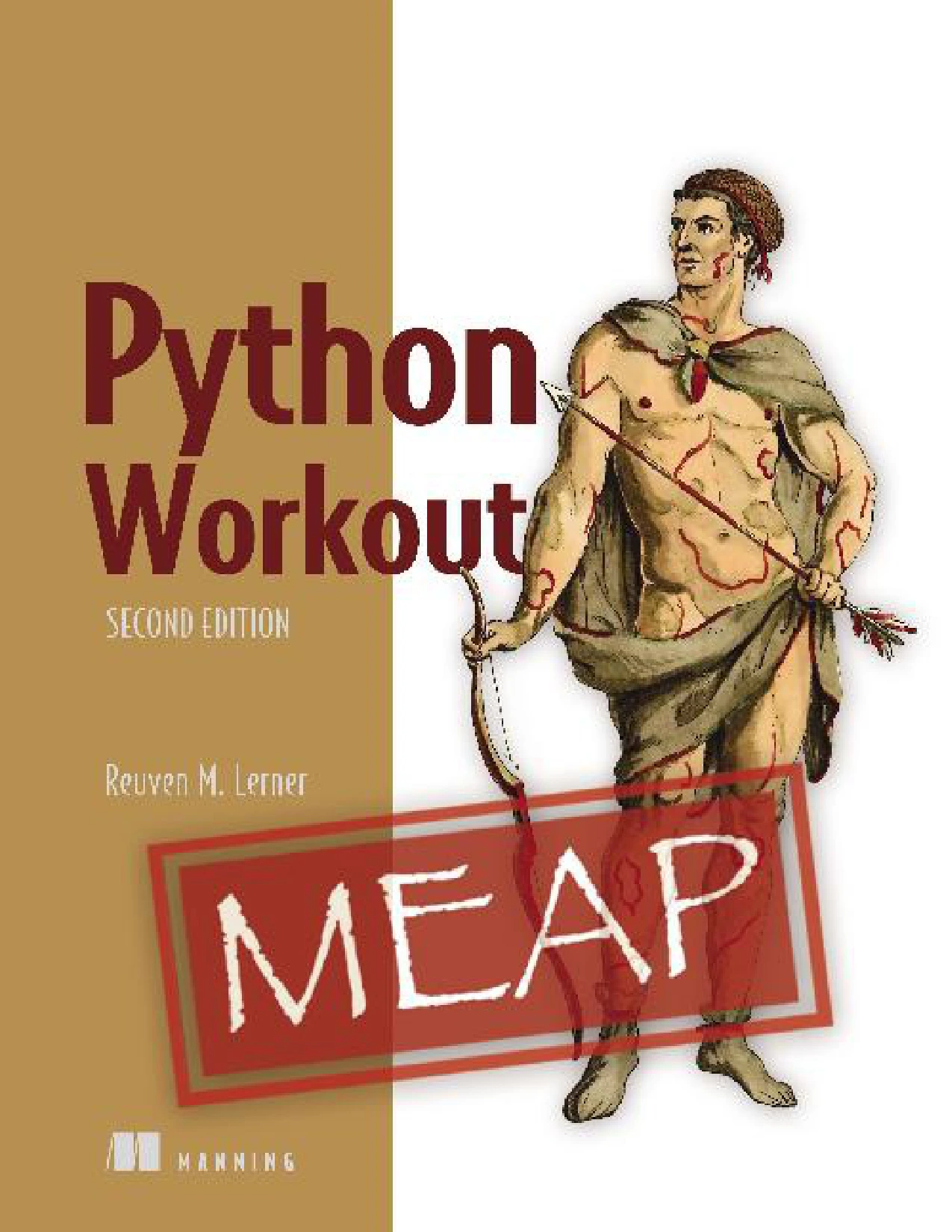
Python Workout, Second Edition (MEAP V03)
Learners who want exercises covering topics such as strings, collections, files, and functions; the catalog identifies this as an early-access MEAP V03 edition.
For examples that connect programming to everyday problem-solving, Problem Solving with Python focuses on computational thinking through practical problems. Its catalog description covers ideas such as breaking problems into smaller parts, recognizing patterns, and designing algorithms.
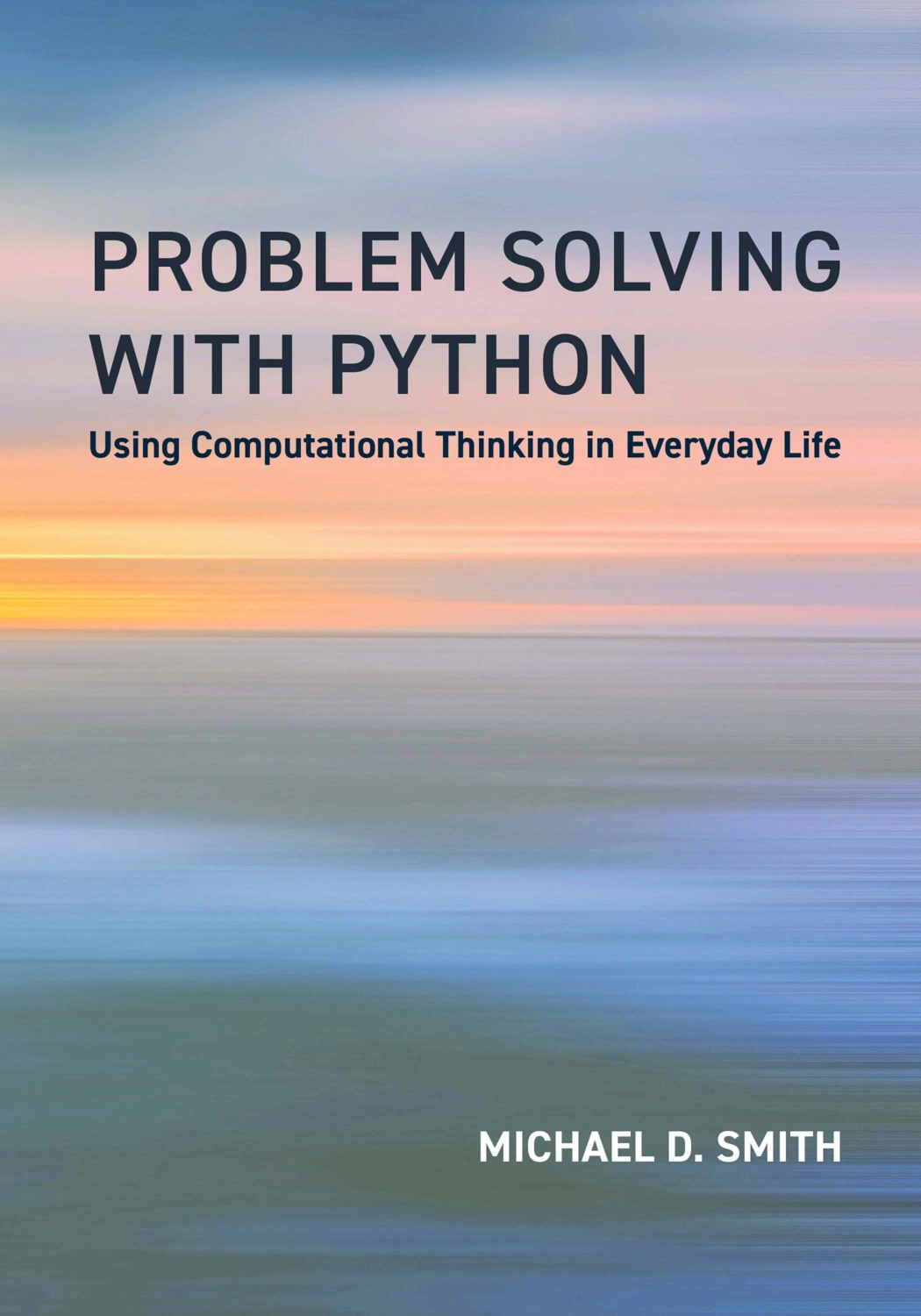
Readers who want to practise breaking problems into parts, recognizing patterns, and planning algorithms through applied examples.
To browse more titles, visit the Python books and learning resources category. Choose a resource that fits the skill you want to practise rather than collecting several books that cover the same ground.
Common mistakes that slow your progress
- Coding before understanding the task: pause to define the expected input, output, and rules first.
- Trusting only the sample case: test additional ordinary and boundary inputs.
- Changing many things at once: make one deliberate change, then check its effect.
- Reading errors as personal failures: treat tracebacks and unexpected results as clues about the program’s behavior.
- Jumping to a more advanced topic too early: practise the basic control flow and data structures needed for the task at hand.
- Measuring progress only by solved problems: review whether your plan, tests, and explanations are getting clearer too.
Try a flexible practice routine
There is no evidence in the supplied research establishing one schedule as best for everyone. Instead, use a manageable routine and adjust it to your time and current level. A session might include:
- Review: revisit one Python concept you have used recently.
- Solve: attempt a short problem using the understand-plan-code-test process.
- Investigate: debug any mismatch and note what caused it.
- Apply: make a small change to a personal script or project.
- Reflect: write down one thing you learned and one question to explore next.
Keep the routine small enough to repeat. If a task is consistently too difficult, reduce its scope or return to a relevant Python fundamental. If it feels straightforward, add a constraint or adapt the idea into a small project.
Frequently asked questions
What Python basics should I know before solving coding problems?
Start with variables and basic types, conditionals, loops, functions, and common collections such as lists and dictionaries. You can learn additional features as a problem calls for them. The Python tutorial is a reference for these language fundamentals.
What should I do when I cannot solve a Python problem?
Restate the task, write down what you know about its inputs and outputs, and work through a smaller example by hand. Try outlining the steps in plain language. If you still need help, look for a hint or explanation, identify the missing idea, and then attempt the problem again without copying the solution.
Should I practise coding exercises or build projects?
Use both when you can. Exercises provide focused practice with individual concepts; small projects help you combine those concepts and make design choices. The right balance depends on your current goals and what you find difficult, rather than on a single proven schedule.
Keep improving one problem at a time
Better Python problem-solving comes from making your thinking visible: define the task, plan a solution, test your assumptions, and investigate what happens when the code does not behave as expected. Start with manageable problems and review your reasoning as carefully as your final output. Over time, this process gives you a practical way to approach unfamiliar tasks without relying on guesswork.
Sources and further reference
- The Python Tutorial — language fundamentals and core concepts.
- Errors and Exceptions — Python error and exception guidance.
- pdb — The Python Debugger — debugger commands and inspecting execution.