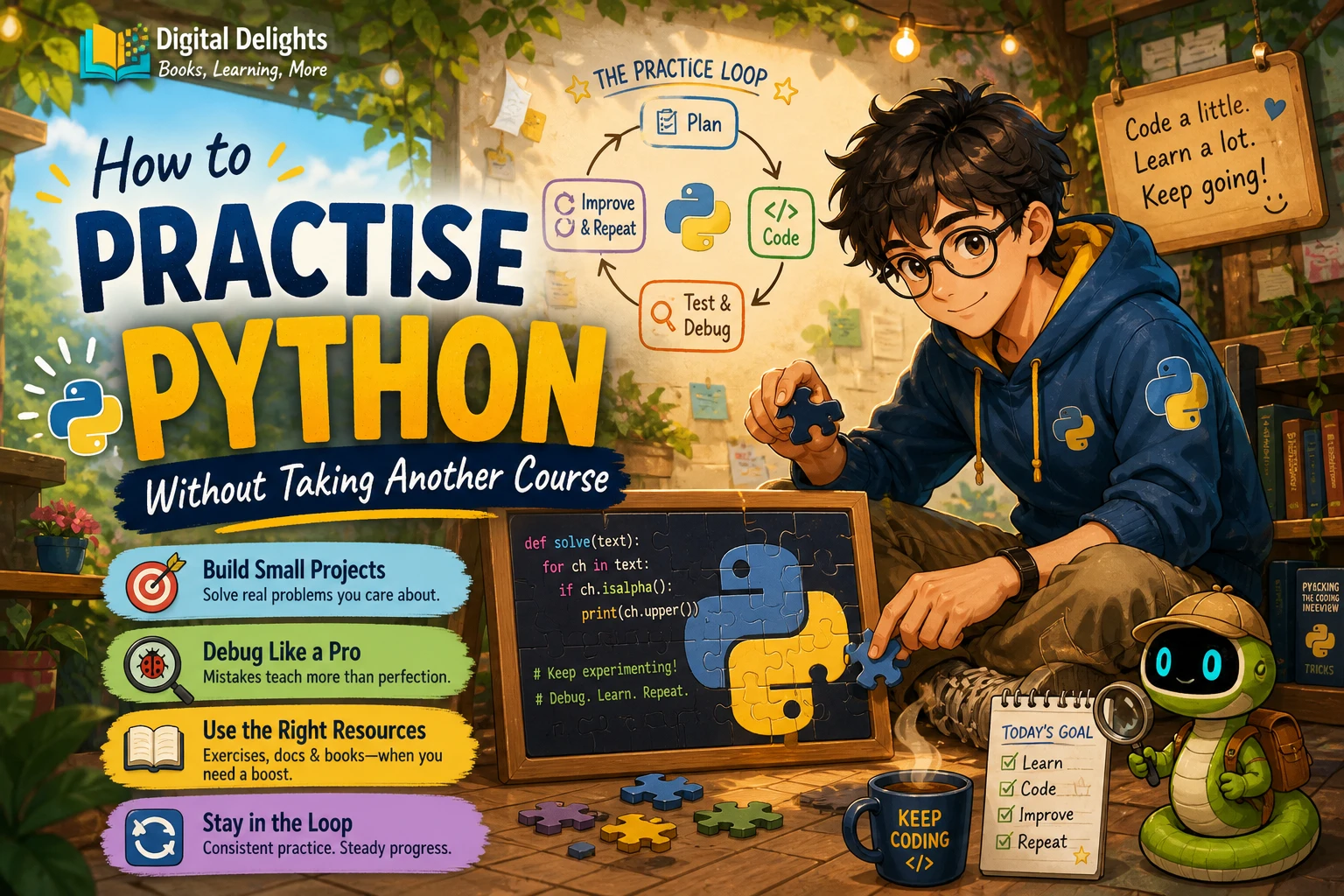
How to Practise Python Without Taking Another Course
If you have already watched lessons or read a beginner guide, another course may not be what you need. To practise Python, pick one small task, try to solve it without copying a walkthrough, check how it behaves, and revise your code. That cycle gives you a concrete way to use what you know and notice what still needs work.
You do not need an impressive app or a strict study schedule to begin. A short script that answers a question, handles an unexpected input, and is understandable when you return to it is worthwhile practice. This guide shows you how to set up a simple workspace, choose manageable tasks, learn from errors, and decide when a reference or book can help.
Set up a simple Python practice environment
Use a Python interpreter and editor you can comfortably run. The official Python tutorial covers core language topics and explains that having an interpreter available is useful for hands-on learning. You can consult it when you need to check syntax or clarify a language feature; you do not have to read it from beginning to end before writing code.
Before choosing a Python version, check the instructions for the project, workplace, or library you are using. If there is no specific requirement, consult the official Python downloads page for current releases. When a project uses third-party packages, Python’s venv documentation explains how to create an isolated environment, which helps keep dependencies for separate projects apart.
Keep the setup modest at first: one folder, one Python file, and a way to run it. You can add tools as a project needs them rather than turning setup into a project of its own.
Use a repeatable Python practice loop
A simple cycle helps you turn a concept into code you can reason about. It is a practical suggestion, not a claim that there is one proven routine for every learner.
- Choose one small problem. Focus on a single idea, such as a conditional, a loop, a function, or reading a text file.
- Write a first attempt from memory. Start with what you understand. Avoid opening a complete solution as soon as you feel uncertain.
- Run it with ordinary input. Check whether the result matches what you intended.
- Try an unusual or edge-case input. Ask what should happen with an empty value, a number outside the expected range, or a missing file.
- Read the error and investigate. Look at the line mentioned, inspect the relevant values, and make one change at a time.
- Add a check or usage example. Record an input and expected output, or write a small test for the behavior you want to preserve.
- Review the code. Rename unclear variables, remove unnecessary steps, or split repeated work into a function.
For example, a temperature converter is a useful bounded task. First make a function that converts one value. Then test a typical value, zero, and a negative value. If the result is wrong, inspect the formula and the inputs rather than replacing the whole script with someone else’s answer.
Beginner Python project ideas you can finish
A project should be small enough that you can describe its purpose in one sentence. Start with a minimum version, then add one feature only after the basic behavior works.
- Command-line quiz: Ask a few questions, compare each response with an answer, and show a final score. Start with questions written directly in the code; add a file of questions later if useful.
- File organizer: List files in a test folder and sort them into categories based on their extensions. Begin by printing the proposed changes before moving any files, so you can check the plan safely.
- Expense summary: Read a small set of amounts, calculate a total, and group the entries by category. Add input validation only after the basic summary works.
For each idea, write down what the program should do before you code. Keep the first version narrow: one input, one main result, and a clear way to see whether it worked. A finished small program gives you more material to inspect and improve than an ambitious project that remains unfinished.
Exercises or projects: which should you practise?
They offer different kinds of practice, and you can use both. Short exercises isolate a concept; projects make you decide how several concepts fit together. Neither is automatically the right choice for every situation.
| Practice format | Useful when | Example |
|---|---|---|
| Short exercise | You want to focus on one topic or check a specific skill. | Write a function that counts vowels in a string. |
| Small project | You want to combine familiar ideas and make design decisions. | Build a quiz using a list of questions, a loop, and a score counter. |
| Project revision | You have working code and want to practise testing or clarity. | Handle empty input, add a function, or improve the messages. |
If you are not sure what to choose, use an exercise to warm up, then apply the same concept in a small project. For instance, practise a loop with a short counting exercise before using a loop to ask quiz questions.
How to tell whether you understand a Python concept
Finishing a walkthrough shows that you followed its steps. To check whether you can use the idea independently, close the example and try a related task with a small change.
- Can you explain what the relevant lines do in your own words?
- Can you write a similar solution without copying the original?
- Can you adapt it when the input or expected result changes?
- Can you predict what the code will do before you run it?
- Can you find and correct a mistake when the output is unexpected?
You do not need to answer every question perfectly before moving on. Treat uncertainty as a useful signal: identify the specific part that is unclear, review that concept, and try again with a different example.
Common Python practice traps to avoid
- Consuming lessons without writing code: Reading can introduce an idea, but set aside time to type and run a small example yourself.
- Copying a solution too quickly: Give yourself time to make an attempt. If you consult a reference, close it afterward and recreate the solution from memory.
- Choosing a project that is too large: Reduce the scope until you can describe the first working version clearly.
- Treating every error as failure: An error is information about what happened. Read the message, inspect the relevant code, and test a focused change.
- Changing too many things at once: Make one revision and run the program again. This makes it easier to see whether the change helped.
When a Python book or reference can help
A reference is useful when you have a specific question; a practice-focused book can offer a sequence of tasks when you are unsure what to try next. Neither needs to become another course you must finish before building anything.
For readers who want structured hands-on prompts, Python Bookcamp: Exercises and Projects is described in the Digital Delights catalog as covering Python fundamentals through exercises, case studies, and projects. Use a resource like this to choose a task, then make sure you do the coding and testing yourself. You can also browse the Python collection for other relevant reading if your needs change.

Python Bookcamp: Exercises and Projects
Self-directed learners who want practice material covering Python basics, case studies, and projects.
Frequently asked questions
How often should I practise Python?
The supplied sources do not establish an ideal practice schedule. Choose a routine that fits your life and lets you return to code regularly. A small, clearly scoped task is easier to resume than a plan that depends on long sessions.
What should I build first in Python?
Choose something with a simple input and visible result, such as a quiz, a converter, or a basic expense summary. Keep the first version small and add features after it works.
What should I do when I get stuck?
Reduce the problem to the smallest part that is not behaving as expected. Check the error message, inspect the values involved, and test one change at a time. Look up the specific syntax or concept you need, then return to your own code.
Do I need another Python course to improve?
Not necessarily. If you can run a Python file and understand basic syntax, try a focused exercise or a small project before signing up for another course. If a missing foundational concept repeatedly blocks you, use a reference or structured learning resource to address that gap.
Choose one small task and start
To practise Python without taking another course, pick one task you can finish, attempt it without copying, and check how it behaves with more than one input. Then read any errors, revise the code, and leave yourself a short note about what you learned. Start with a quiz, converter, or expense summary; the useful next step is the one you can begin coding now.