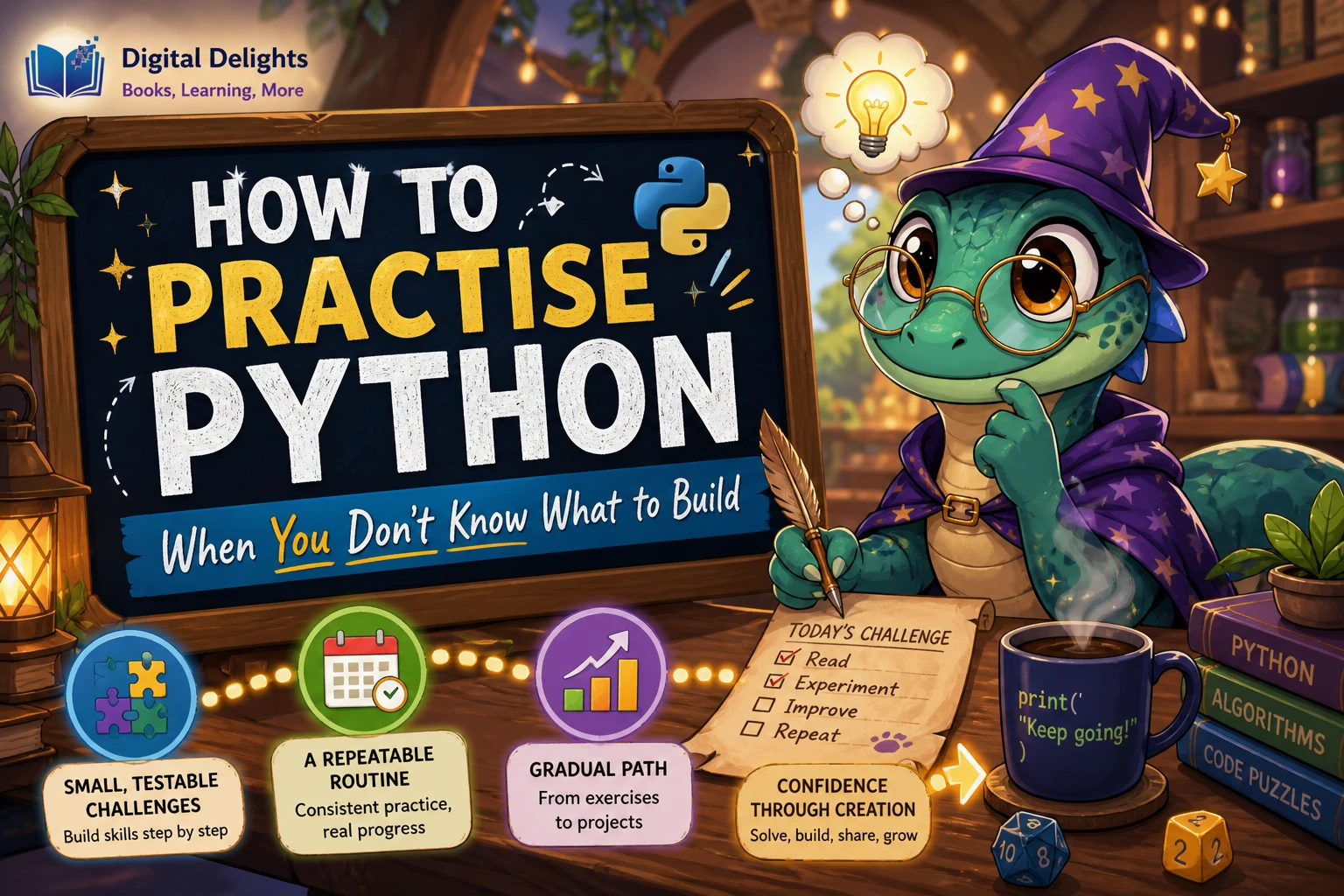
How to Practise Python When You Don’t Know What to Build
You don’t need a clever app idea to practise Python. Choose one concept you already know, turn it into a small task, check the result, and then change one thing. Counting words in a sentence or filtering a short list is real practice—and often a better starting point than planning a large project before you’re ready.
If you’re wondering how to practise Python when your mind goes blank, start smaller than “build an app.” This guide shows how to choose a task that fits your current skills, work through it in manageable steps, and decide when to expand an exercise into a project. The examples are suggestions, not a proven formula; the goal is to give you a practical way to begin coding today.
Start with what you already know
A useful practice task gives you a chance to use something familiar while stretching it slightly. Pick one topic from your recent lessons—such as strings, lists, loops, functions, or files—and make that topic the centre of your exercise.
- Strings: clean up a phrase, count its characters, or check whether it contains a word.
- Lists: select items that meet a condition, remove duplicates, or calculate a simple total.
- Loops: repeat a calculation for several values or print a short sequence.
- Functions: take a task you have already written and give it inputs and a return value.
- Files: after you have practised the basics, read a small text file and summarize its contents.
Keep the first version small enough that you can describe what it should do in one sentence. For example: “Given a list of temperatures, return the values above 20.” You can add complexity after that basic task works.
If you’re completely new to programming
Open-ended prompts can feel frustrating if you haven’t yet learned variables, conditionals, loops, and basic data types. In that case, follow a guided introduction or lesson sequence first, and use its examples as practice material. The official Python tutorial says it is intended for people who already have a basic understanding of programming, rather than complete newcomers. It also introduces hands-on work in the interpreter. Read the official Python tutorial’s introduction.
You don’t have to wait until you know a lot. Just choose exercises that use concepts you have actually encountered, and look up new ideas as needed rather than expecting yourself to invent an entire program from scratch.
Turn a Python concept into a small challenge
When you have a topic but no project idea, use this simple prompt:
- Name the concept: for example, loops or string methods.
- Choose a small input: a short list, sentence, or handful of numbers.
- Describe the expected result: write down what the code should produce before running it.
- Try the simplest version: use only the Python features needed for that task.
- Add one variation: change the input or add a condition, then check the result again.
Suppose you are practising loops and strings. Try counting the words in a sentence you type yourself:
sentence = "Python practice can start small"
words = sentence.split()
print(len(words))
Before running it, predict the number you expect. Then try a sentence with extra spaces or an empty string. Those variations help you notice what your code does in different cases, without requiring a large project.
Move from an expression to a function, then a script
A short exercise can grow in three steps. First, experiment with an expression in the interactive interpreter. Next, wrap the task in a function so you can try different inputs. Finally, save the function in a file if you want to reuse it.
def count_words(sentence):
    return len(sentence.split())

print(count_words("Python practice can start small"))
print(count_words("Try another sentence"))
These steps are a practical progression, not a requirement that every exercise become a saved program. Python’s documentation covers using the interpreter interactively as well as organizing definitions for reuse. See the Python documentation on interactive input and history.
Use a repeatable practice routine
A routine can reduce the time you spend deciding what to do. Try this sequence whenever you sit down to practise:
- Set a narrow goal. “Practise filtering a list” is more manageable than “get better at Python.”
- Write a tiny prompt. State what the program receives and what it should return or display.
- Predict the output. Make a note of what you expect before executing the code.
- Run the simplest attempt. Focus on making one correct version rather than designing a complete application.
- Compare output with your prediction. If they differ, inspect the input and the steps in your code.
- Try one variation. Use a different input or check an edge case, such as an empty string or an empty list.
- Keep a short note. Record what worked, what surprised you, or what you want to revisit.
For each exercise, write down at least one example input and its expected result. You can check a simple task by hand, or add a small test once you are comfortable doing so. Python’s doctest module can run examples written in a documentation-style format and compare their output with expected results. Learn about Python’s doctest module.
For example, if a function should return the number of items in a list, check both a list with values and an empty list. You do not need a full testing setup for every beginner exercise; a clear expected result is already a helpful way to notice mistakes.
When you’re ready, extend an exercise into a project
A project can begin as a small exercise that you make more useful one feature at a time. Once the basic version works, choose a single extension:
- Accept input: let someone enter a phrase or a list of values.
- Handle edge cases: decide what should happen if the input is empty or unexpected.
- Save a result: write the output to a file after you have practised file basics.
- Make it reusable: move repeated logic into functions.
- Add a second capability: for a word counter, perhaps show the most frequent words after the count works.
Stop when the next feature would require several unfamiliar ideas at once. You can learn those ideas separately, then return to the task. A finished, modest program is a perfectly reasonable outcome; a polished application is not the entry fee for practising.
Try prompts that don’t require a big setup
Here are a few small starting points. Use your own sample data so the task stays focused on Python rather than on finding or preparing a dataset:
- Take a list of numbers and return only the even ones.
- Count how many times a chosen character appears in a sentence.
- Ask for a number and report whether it falls within a range.
- Convert a list of names into a consistent format.
- Write a function that returns the shortest item in a list of words.
- Read a short text file and count its lines, once you have covered file handling.
These are starting prompts, not assignments with one required solution. You can solve them in different ways, compare the results, and then adjust the requirements.
Common practice traps
Choosing a project that is too large
An idea like “make a social network” can involve many topics at once. Reduce it to a feature you can describe and test: for example, store a few names in a list and search for one. Add another piece only when the first works.
Copying code without attempting the task
Examples and solutions can help you learn, but reading code is different from deciding what to write. Before consulting a solution, try to outline the steps in plain language or write a partial version. Then compare approaches and explain to yourself what each line does.
Moving on without checking the output
If code runs, that does not automatically mean it produces the result you intended. Use a small, known input and check the output against your prediction. When there is a mismatch, reduce the example to the smallest case that still shows the problem.
Making every exercise depend on a new library
Libraries are useful, but adding one can distract from the concept you meant to practise. Start with Python’s built-in features where they are sufficient. Bring in an external package when it supports a specific next step, not simply to make a small task look more like a larger project.
Python practice resources for different starting points
If you prefer a structured set of prompts, Python Workout, Second Edition (MEAP V03) is described in the catalog as an exercise-focused resource covering topics such as strings, collections, files, and functions. It may suit learners who want to work through varied problems and compare their solutions.
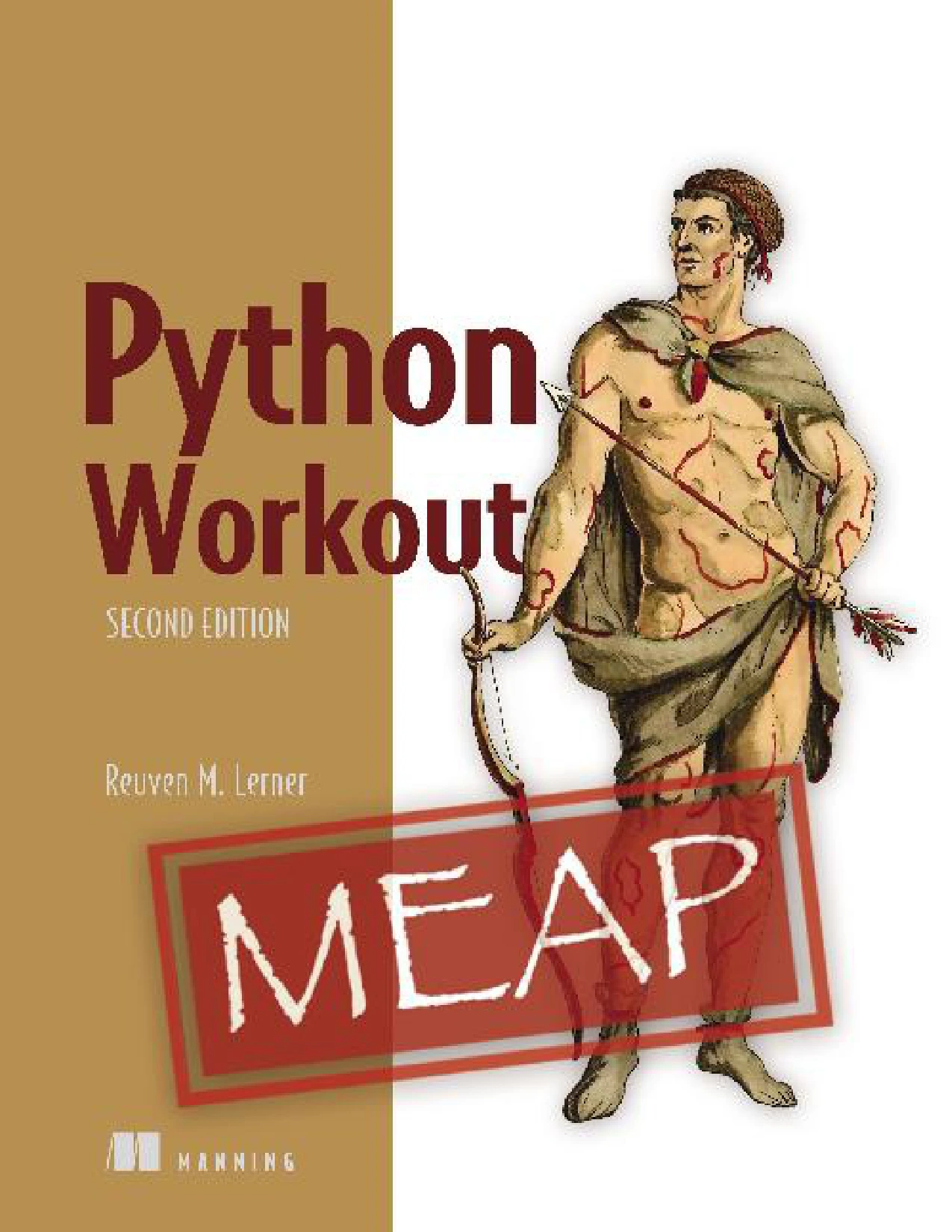
Python Workout, Second Edition (MEAP V03)
Learners who know some Python and want practice problems across topics such as strings, collections, files, and functions.
Once you are comfortable with the fundamentals and want project prompts with more varied themes, Impractical Python Projects: Playful Programming Activities to Make You Smarter uses challenges involving subjects such as puzzles, science, language, and probability. It is aimed at readers ready to build on their existing Python foundations, rather than those looking for a first introduction.
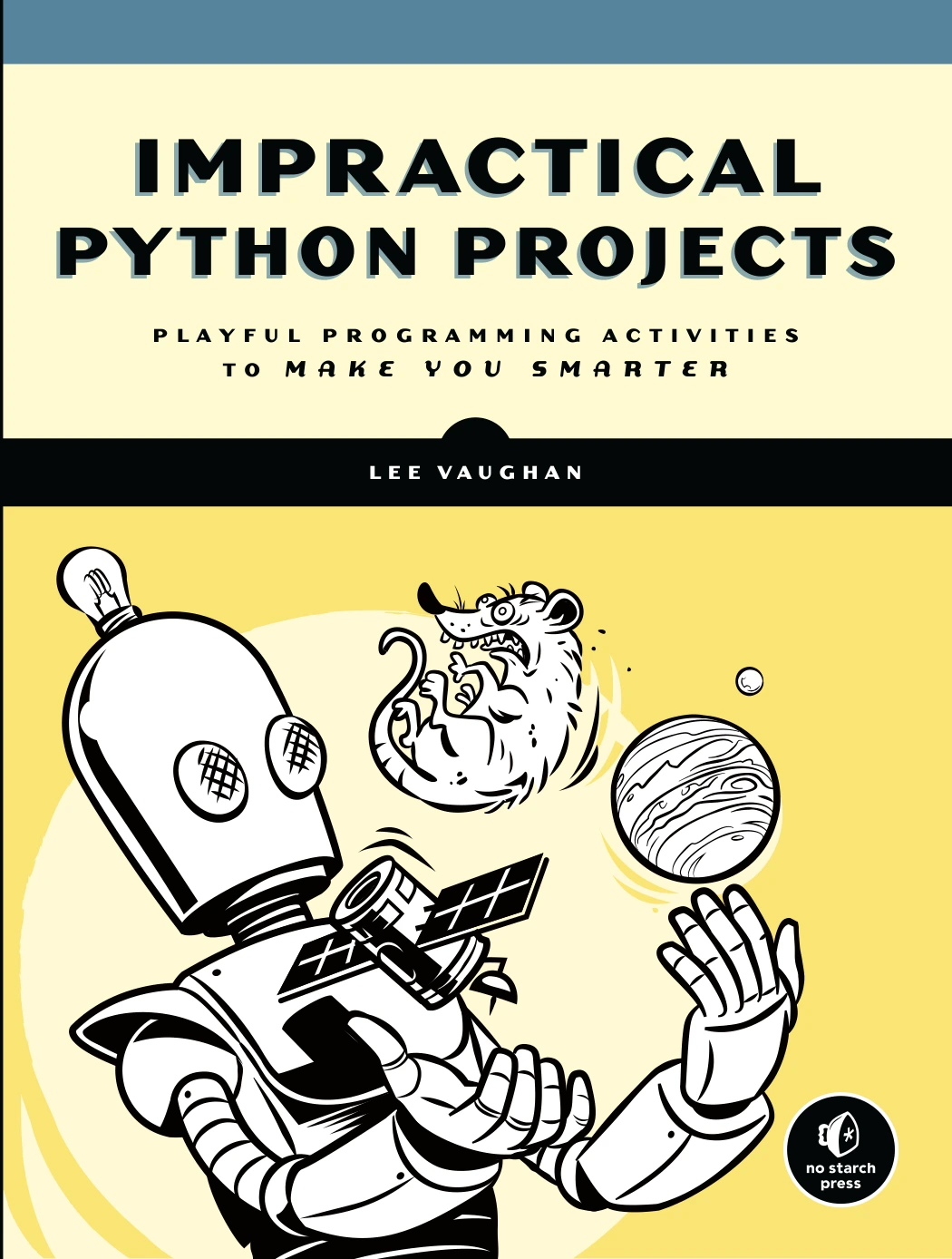
Impractical Python Projects: Playful Programming Activities to Make You Smarter
By Lee Vaughan
Learners with Python foundations who want varied challenges involving puzzles, science, language, or probability.
You can also browse Python books and resources if you want to compare other learning materials.
A simple weekly Python practice plan
If choosing a new exercise each time feels like a chore, use this flexible three-session plan. Adjust the pace to suit your schedule; the sequence matters more than the number of days.
- Session 1 — Repeat: solve a small task using a concept you have already studied.
- Session 2 — Vary: change the input or add one condition, then check the expected result.
- Session 3 — Reuse: turn the task into a function or save it in a script if that feels appropriate.
At the end, note one thing you understand better and one question to explore next. That question can become the next small challenge. You do not need a grand project roadmap: a clear task, a checked result, and one manageable variation are enough to keep practising.
Frequently asked questions
Do I need a project idea before I can practise Python?
No. You can practise with a short expression, a small function, or a simple task using a list or sentence. A project idea can come later, after you have explored a concept in a smaller setting.
What can I do in the Python interpreter?
You can try expressions, assign values to variables, call functions, and inspect what Python returns. The interactive interpreter is useful for quick experiments; save code in a file when you want to keep or reuse a longer exercise.
How do I know if my Python code works?
Choose a small input and decide what output you expect before running the code. Compare the actual result with that expectation, then try another input—especially an edge case such as an empty value.
Which Python version should I use for practice?
Use the version required by your course, tutorial, or project. If no version is specified, install a supported Python 3 version and follow the instructions for that version. You generally do not need a particular new feature to practise basic concepts.
What should I do when I get stuck?
Reduce the task to a smaller input, check what each step produces, and confirm that your expected result is clear. If you consult an example or solution, return to the code afterward and try a variation without copying it line for line.
Conclusion: make the next task small enough to start
When you don’t know what to build, pick one Python concept and give it a small job. Predict what should happen, run your code, check the result, and make one change. If the exercise becomes useful or interesting, extend it gradually. That approach gives you something concrete to practise without requiring a perfect idea or a finished app.