Python Projects for Beginners: 20 Ideas You Can Actually Build
Choosing your first Python project can be harder than writing the first few lines of code. Pick something too ambitious and setup or unfamiliar tools can get in the way; pick something tiny and you may not see how programming concepts fit together. A good starting point is a small, testable program you can finish in stages.
Below are 20 Python projects for beginners, from short text games to programs that save data, display graphics, or retrieve online information. Each idea includes a practical first version and a possible next step. The list is an editorial selection—not a measured ranking—and the aim is to help you choose a project that fits what you already know.
What you need before starting
You do not need to master Python before building something small. It helps to understand variables, input and output, conditions, loops, and basic functions. Projects that save information introduce files or databases; projects with windows, charts, or online data bring additional setup and concepts.
The official Python tutorial is useful reference material, but it expects readers to have some basic programming knowledge. If you are brand new to coding, work through the fundamentals alongside a small project rather than assuming every tutorial is aimed at absolute beginners: The Python Tutorial.
Use a current stable Python 3 release and check the official Python downloads page for the available version. Many ideas below can be approached with Python’s standard library, which includes tools for JSON, SQLite, URL access, and Tkinter. Some projects may still need extra configuration or a third-party package, depending on your computer and chosen approach. The Python standard library reference is a useful place to check what is included.
20 Python project ideas for beginners
Start with the first version described for an idea; treat the extension as a later challenge. You do not need to build all 20, or follow them in a fixed order.
Text and logic projects
- Number guessing game. Have the program choose a number and let the player guess. After each guess, report whether it is too high or too low. First version: use a fixed range and count attempts. Extend it: add replay, difficulty settings, or input validation.
- Quiz with a score. Ask a series of questions and track correct answers. First version: keep questions and answers in a short list in your script. Extend it: shuffle questions or show a summary of missed answers.
- Rock-paper-scissors. Let a person choose an option and have the computer make its own choice. First version: compare the two choices and report a win, loss, or tie. Extend it: play several rounds and keep a running score.
- Mad Libs generator. Ask for words such as a name, place, or adjective, then insert them into a short story template. First version: use one story with a few blanks. Extend it: let the user choose among several templates.
- Simple calculator. Ask for two numbers and an operation, then display the result. First version: support addition, subtraction, multiplication, and division. Extend it: handle invalid operations and division by zero with a clear message.
- Dice-rolling simulator. Simulate rolling one or more dice and show the results. First version: produce one random result in the familiar range for a standard die. Extend it: let the user choose the number of dice and summarize the total.
- Choose-your-own-adventure story. Present a situation and let the reader choose what happens next. First version: write a short story with a few branching choices. Extend it: track an item or decision that changes a later scene.
Useful small tools
- Password generator. Create a random password from characters the user selects. First version: ask for a length and generate a string. Extend it: offer separate options for letters, numbers, and symbols. Be clear about what your program does; do not claim security properties you have not evaluated.
- Terminal to-do list. Let a user add tasks, view them, and mark them complete. First version: keep tasks in memory while the program runs. Extend it: save and reload the list from a file.
- Flashcard quiz. Show a prompt, accept an answer, and reveal the correct response. First version: use a small set of question-and-answer pairs. Extend it: track which cards need another review.
- Word-count tool. Accept a block of text and report its word count. First version: split the input into words and count them. Extend it: also report character or sentence counts, explaining how your program treats punctuation.
- Countdown timer. Ask for a duration and count down to zero. First version: print the remaining time at intervals. Extend it: accept a duration in minutes and seconds or let the user stop the timer.
- File-renaming utility. Rename a chosen group of files using a consistent pattern. First version: test the naming plan on a temporary folder containing copies of files. Extend it: add a preview before renaming and handle duplicate names. Work carefully: a file operation can change real files.
Projects that save and organize data
- Contact book saved to JSON. Add, view, and search a few contacts, then store them in a JSON file. First version: save a name and one contact detail for each entry. Extend it: add editing and deletion, and handle a missing or malformed data file.
- CSV expense tracker. Record a description, amount, and category for each expense. First version: write entries to a CSV file and display a total. Extend it: summarize spending by category or month. Use sample entries while you develop and avoid putting sensitive information into a practice project.
- SQLite book or movie tracker. Store titles and a simple status, such as planned or finished. First version: add and list records in a local database. Extend it: search by title or update a record. This is a useful step after you are comfortable with basic data structures and files.
Interfaces and visual output
- Basic Tkinter desktop app. Turn a small tool—such as a unit converter or checklist—into a window with input fields and buttons. First version: make one button perform one clear action. Extend it: show validation messages and improve the layout. Tkinter setup can vary by platform; check the documentation and your Python installation if it is unavailable.
- Tic-tac-toe. Build a two-player game that checks turns, valid moves, and winning lines. First version: represent the board in the terminal and print it after each move. Extend it: add a basic computer opponent or a graphical board.
- Sample-data visualization. Read a small dataset and create a chart that answers one specific question, such as how values change across a few categories. First version: use a provided or hand-made sample file and make one chart. Extend it: compare two groups or add labels that make the result understandable. A plotting library may require separate installation.
Working with online data
- Fetch and display webpage data. Retrieve information from a permitted, documented source and display a small selection in your program. First version: request one public endpoint or page and print a useful result. Extend it: handle connection failures and missing fields. Check the source’s terms and access guidance, and do not assume every website provides a stable format or permits automated requests.
How to choose your first Python project
Pick an idea that uses mostly concepts you have already encountered, with one new concept to learn. If you know input, conditions, and loops, a guessing game or quiz is a sensible place to begin. If you have used lists and functions, try flashcards or tic-tac-toe. If you can read and write files, consider a contact book or expense tracker.
Use this quick guide as a way to choose—not as a difficulty ranking:
| If you want to practise | Try | What you will work with |
|---|---|---|
| Decisions and loops | Guessing game or quiz | Input, conditions, repetition |
| Small useful programs | To-do list or word counter | Lists, functions, text handling |
| Keeping information | Contact book or expense tracker | Files and structured data |
| Visible interaction | Tic-tac-toe or Tkinter app | Program state, interface events |
| Charts or online information | Visualization or data fetcher | Data formats and additional setup |
If you would like a structured companion while practising game-based projects, Invent Your Own Computer Games with Python, 2nd Edition is catalogued as a beginner resource that teaches programming through complete game examples, including fundamentals and Pygame. For interactive examples that extend beyond games, Python Practice Lab: Learn How to Code through Interactive Examples covers projects such as chatbots and recommendation systems. These are optional learning resources, not prerequisites for the project list.
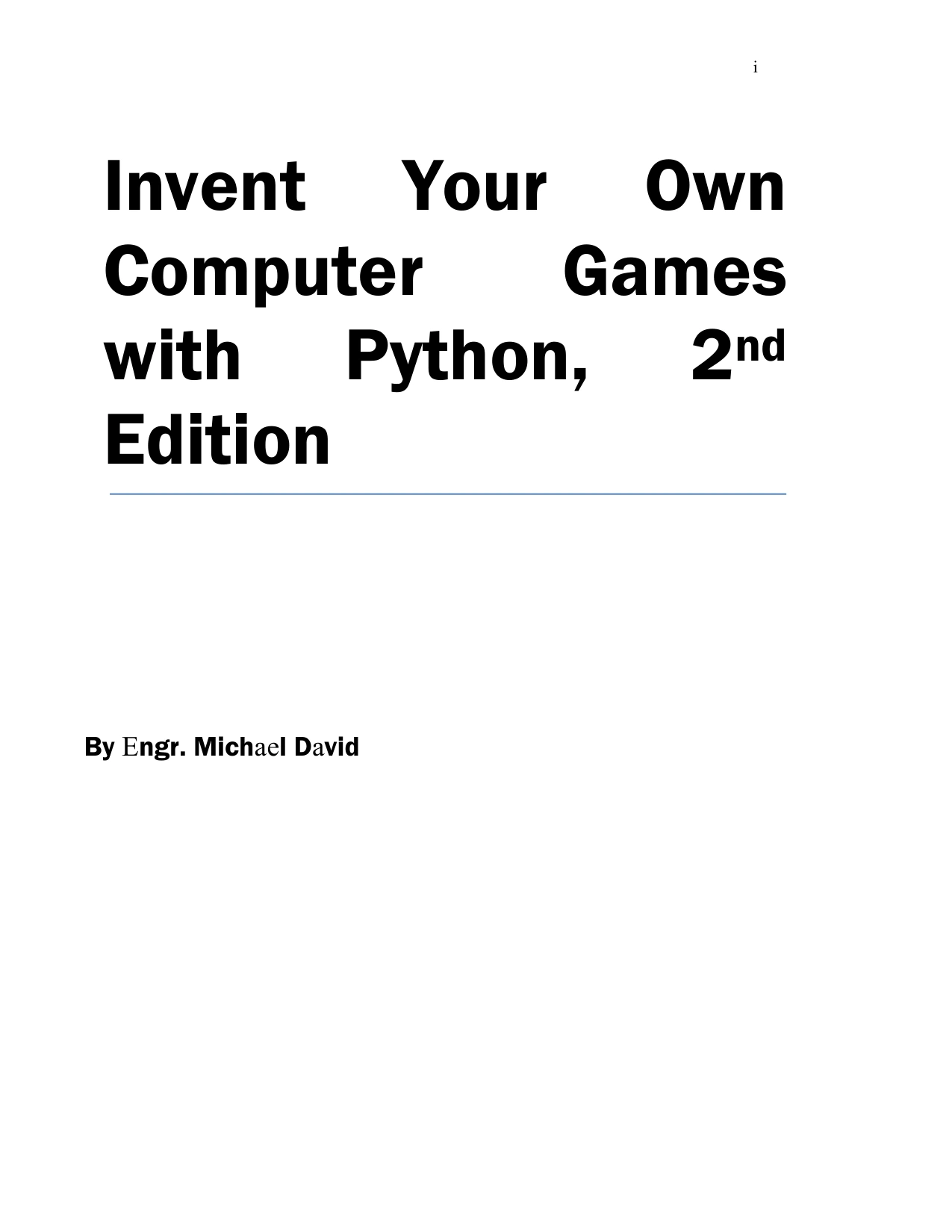
Invent Your Own Computer Games with Python, 2nd Edition
By Al Sweigart
Beginners who want to study programming through complete game examples, including fundamentals and Pygame.
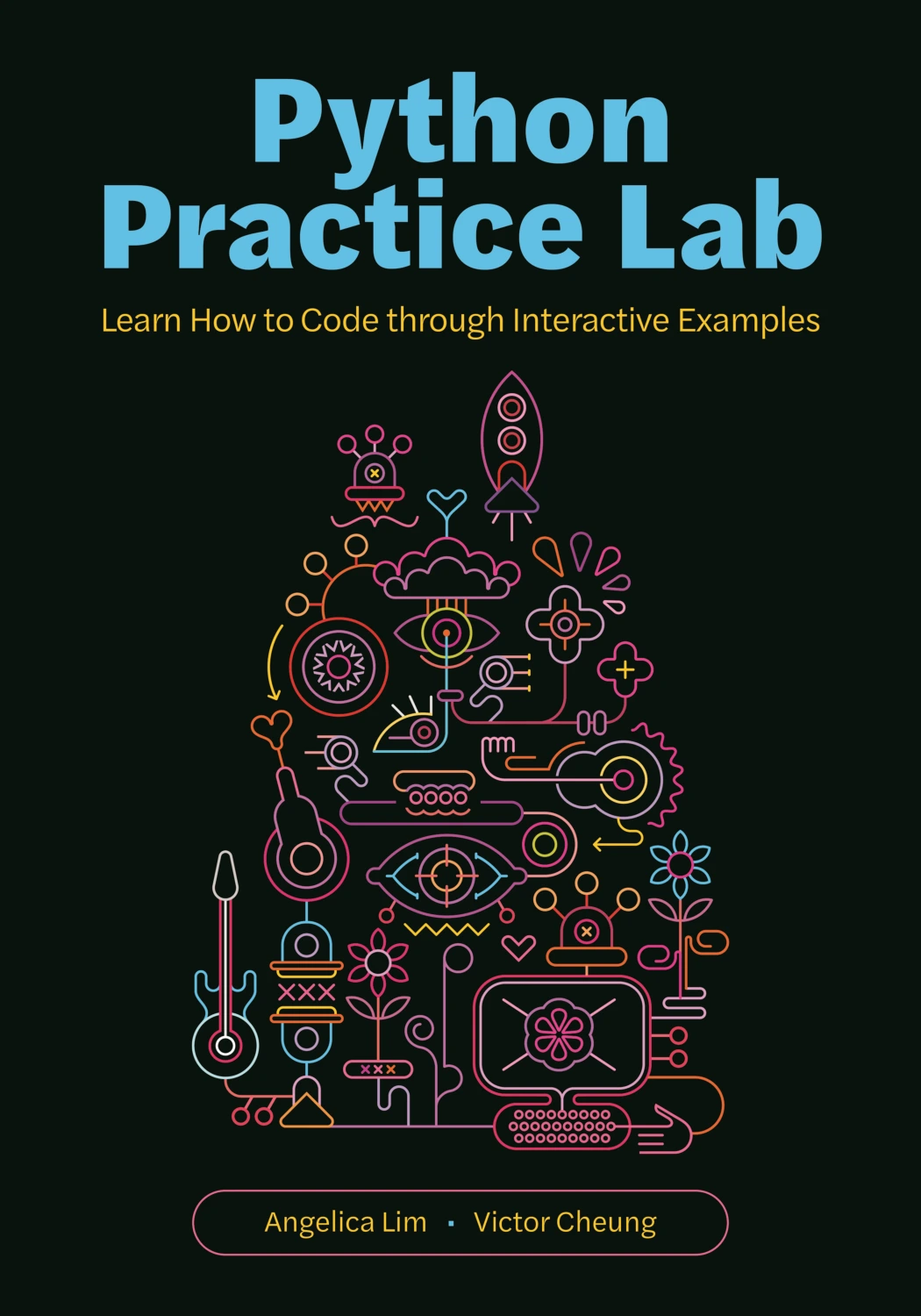
Python Practice Lab: Learn How to Code through Interactive Examples
By Angelica Lim
Learners looking for examples involving chatbots, recommendation systems, and other interactive projects.
A repeatable process for building each project
- Describe the smallest usable version. Write down what the program should do in one or two sentences. For a quiz, that might be: ask three questions, check answers, and show a score.
- Break the job into steps. Identify the input, the decision or calculation, and the output. Build one step at a time rather than trying to write the whole program at once.
- Test a normal case. Try the program with the kind of input you expect someone to enter.
- Test an unexpected case. Try blank input, a value of the wrong type, or a choice outside the options. Decide what a helpful response should be.
- Fix one issue at a time. Read error messages and check the part of the program connected to the problem. Small tests make it easier to see what changed.
- Add one improvement. Once the basic version works, add a single feature—such as saving a score or offering another round—and test again.
Common beginner project pitfalls
- Starting with too many features. A game with accounts, graphics, online play, and saved progress is several projects bundled together. Begin with the core interaction.
- Copying code without tracing it. If you use an example, change one part and predict what will happen before running it. That turns a code sample into a learning exercise.
- Only testing the happy path. Users may enter an empty response, type a word where a number is expected, or choose an unavailable option. Decide how the program should respond.
- Adding dependencies before they are needed. Start with built-in Python features when they can do the job. Additional packages can be useful, but they also add installation and compatibility considerations.
- Changing real files while experimenting. For renaming and file-management tools, work on copies in a test folder and add a preview before making changes.
- Treating a first version as a finished product. A beginner project is a learning exercise. Keep its purpose modest and describe its limitations honestly.
Frequently asked questions
Do I need programming experience to build beginner Python projects?
You can start with little or no experience, but learn a few fundamentals as you go: variables, input and output, conditions, loops, and functions. Choose a project with a small first version and look up new concepts when you reach them.
Which Python project should I build first?
Choose one that uses concepts you have already seen. A number guessing game or a short quiz is a practical first choice if you are learning input, conditions, and loops. The best choice depends on your current experience and what you want to make.
Can I build these projects using only Python’s standard library?
Many can start with built-in modules and basic Python features. For example, the standard library includes JSON and SQLite tools, URL-related modules, and Tkinter. A charting package or a particular online service may require additional setup. Check the relevant documentation and the requirements for your chosen data source.
How long will a beginner Python project take?
There is no dependable time estimate for every learner or project. The amount of work depends on your experience, the features you choose, and any setup involved. Keep the first version small, and add features only after it works.
What should I do after finishing the first version?
Test it with different inputs, improve an unclear message, or add one feature that builds on what you learned. You could also explain how the program works in a short README or save a few example inputs and outputs. Then choose another project that introduces one new concept.
Make one small thing work
You do not need an original app idea or a complicated setup to begin practising Python. Choose one project, define the simplest version that would be useful or enjoyable, and get that version working before expanding it. A guessing game, text tool, or small data file is enough to practise real programming decisions. The next step is not to build everything—it is to build one thing, test it, and learn from the result.
Sources and further reading
- The Python Tutorial — official tutorial and guidance on its intended prerequisites.
- The Python standard library reference — documentation for included modules and tools.
- Python downloads — official page for checking current releases.