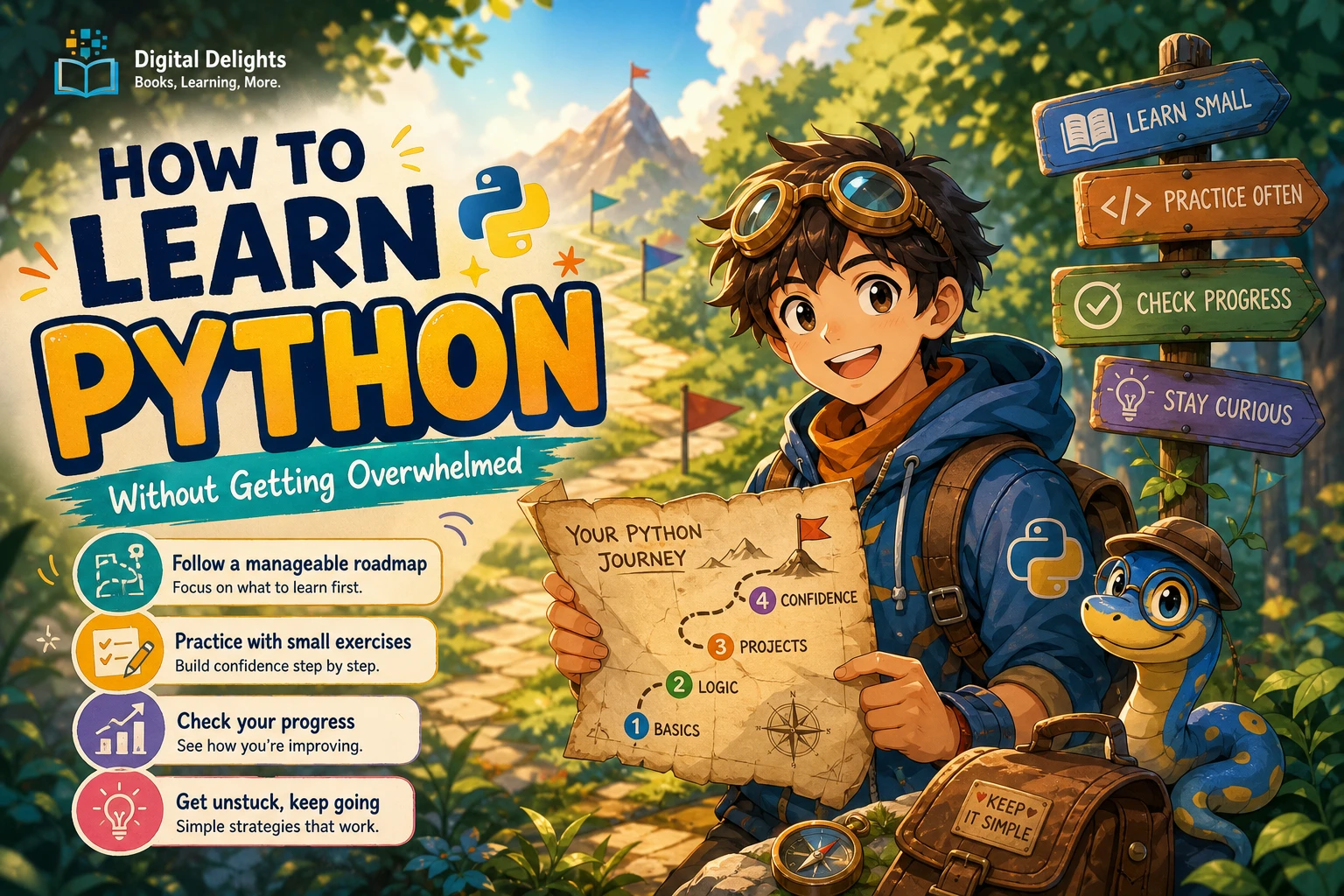
How to Learn Python Without Getting Overwhelmed
Learning Python can feel manageable until you start collecting everything you might need: tutorials, editors, libraries, project ideas, and advice about what to learn next. Suddenly, writing your first program has become a much bigger task than it needs to be.
If you want to know how to learn Python without getting overwhelmed, start by narrowing the job: choose one beginner-appropriate resource, use one coding environment, and work toward one small, concrete goal. Learn a concept, practise it, and use it in a tiny program before adding more tools or topics.
The roadmap below gives you practical checkpoints rather than fixed deadlines. You will learn what to study first, how to move beyond copying examples, and what to do when your code stops working. These are suggestions for organizing your learning—not a guaranteed timetable or a proven formula for eliminating overwhelm.
1. Choose a starting point that matches your experience
Before choosing a book or course, answer one question: are you new to programming, or only new to Python? Those are different starting points.
If you have never programmed before
Look for a resource that explains programming ideas as well as Python syntax. You need explanations of what variables represent, how a program makes decisions, and why a loop repeats—not just examples showing how to write them.
A suitable starting resource should help you:
- Set up the tools needed for its examples.
- Run a first program before introducing a large collection of features.
- Understand unfamiliar terms when they appear.
- Practise with small exercises that build on earlier material.
Do not assume that an official resource automatically teaches programming from scratch. The official Python Tutorial explicitly assumes a basic understanding of programming. It can be useful as you develop that foundation, but it is not designed as a complete first introduction to programming.
If you already know another programming language
You can focus more directly on Python’s syntax and conventions: indentation, collections, functions, modules, and exceptions. You may not need lengthy explanations of what a conditional or loop does.
However, give yourself permission to slow down when Python behaves differently from the language you know. Familiarity with programming does not remove the need to experiment.
Choose for fit, not promises of speed
Read the description and any available sample. Can you follow the explanation? Does it show the setup you will use? Are there opportunities to write code yourself?
A short resource is not necessarily easier, and a comprehensive book does not have to be read cover to cover immediately. Choose something that makes the next step clear.
2. Keep your Python setup simple
Your first setup goal is not to assemble a professional development workspace. It is to save and run a short Python script.
Use Python 3 and the environment supported by your chosen resource. For current download options, consult the official Python downloads page. Check your resource’s compatibility notes rather than assuming its examples require whichever release is newest.
If the resource uses IDLE, begin there. If it teaches Visual Studio Code, follow that setup. Avoid mixing instructions from several unrelated tutorials while you are still learning what each tool does.
Your first setup checkpoint
- Create a folder for your learning files.
- Open the editor used by your resource.
- Save a file named
hello.py. - Add the code below and run it using that environment’s instructions.
print("Hello, Python!")When you see the message, change it and run the file again. Being able to edit, save, and rerun your own script is a useful first milestone.
For now, postpone additional editors, web frameworks, cloud accounts, and unrelated packages. When a later task requires another tool, learn it in the context of that task. If your chosen resource introduces an environment or package-management step early, follow its sequence rather than adding a second setup guide.
3. Follow a small, checkpoint-based Python learning roadmap
You do not need to understand every Python feature before making something useful. Start with the building blocks below. Move forward when you can use each group in a small exercise—not when you have memorized every detail.
Stage A: Variables, basic types, input, and output
Begin with text, numbers, variables, and simple calculations. Practise collecting input and displaying a result.
Exercise: ask for a person’s name and print a greeting. Then make a separate program that asks for a quantity and calculates a total.
Ready to continue when: you can explain which values are text, which are numbers, and where each value comes from. You can change the calculation without copying a replacement program.
Stage B: Conditionals and loops
Learn how to choose between actions and repeat a task. Start with if and else, then practise a simple for loop. Introduce while when you have a task that needs repetition until a condition changes.
Exercise: write a program that asks a question and responds differently to different answers. Next, display each item in a short list.
Ready to continue when: you can predict which branch will run and explain what makes a loop stop. If the output surprises you, you can walk through the relevant lines.
Stage C: Lists, dictionaries, and functions
Use lists to keep a sequence of items together. Explore dictionaries for values associated with keys, such as names and scores. Then write functions that perform a clearly defined task.
Exercise: store several expenses in a list and calculate their total. Move the calculation into a function that accepts the list and returns a result.
Ready to continue when: you can add an item, retrieve a value, call your function, and explain the difference between its input and its return value.
Stage D: Basic file handling and exceptions
Learn how to read or write a simple text file and what to do when an expected operation fails. Use disposable practice files so a mistake does not damage anything important.
Exercise: save a short note to a file, then read it back. Separately, practise handling a nonnumeric response when a program expects a number.
Ready to continue when: you can identify where the file is saved and explain the specific failure your error-handling code addresses.
These checkpoints are not exams. If an exercise exposes a gap, revisit that topic and try a smaller variation. You can build a project before completing the entire roadmap.
4. Turn examples into independent practice
Following an example and writing a program yourself are different tasks. To bridge them, use a repeatable practice loop: read → run → change → rebuild.
- Read: explain what you think the example will do.
- Run: compare the result with your prediction.
- Change: alter one part and predict the new result.
- Rebuild: close the example and make a similar program from a short description.
A small Python practice example
name = input("What is your name? ")
print(f"Hello, {name}!")
The first line collects text and assigns it to name. The second displays a greeting that includes that value.
Try these changes:
- Change the question and greeting.
- Ask a second question about a favourite activity.
- Include both answers in the output.
- Close the example and write a program that asks for a city and recommends an imaginary day out there.
The goal is not to create an impressive application. It is to make decisions about your own code.
Track capabilities, not just chapters
Keep a brief learning note with three entries:
- I can: describe a task you completed independently.
- I still need help with: name a specific difficulty.
- Next: identify one small action.
For example: “I can collect two answers and display them. I still need help converting input into numbers. Next, I will make a quantity calculator.” That is more actionable than “Finish more Python.”
Looking up syntax is allowed. The important question is whether you understand how the pieces serve your program’s purpose.
5. Build one tiny project—not an entire application
A beginner Python project should have a clear finish line. Write down its inputs, its output, and what it will deliberately leave out.
| Project | Smallest working version | One optional improvement | Leave out initially |
|---|---|---|---|
| Text quiz | Ask one question and display whether the answer matches. | Add more questions and a score. | User accounts and a graphical interface. |
| Unit converter | Convert kilometres to metres. | Handle input that is not a number. | Web hosting and many conversion categories. |
| Expense totaler | Total a list of sample expenses. | Read sample amounts from a file. | Bank connections, payments, and databases. |
Choose the project that uses concepts you have already started learning. If you understand input and arithmetic, the converter is a reasonable next step. If you are practising collections, try the expense totaler.
Break the project into observable steps
For a quiz, your plan might be:
- Display a question.
- Collect an answer.
- Compare it with the expected answer.
- Display feedback.
Get that version working before adding a score or more questions. Test both a matching answer and a nonmatching answer. When the original scope works, call it finished; improvements can belong to a later version.
6. Use a clear routine when you get stuck
An error tells you something about the program. Your immediate task is to turn that information into a smaller question—not to decide whether you are good at programming.
A practical debugging sequence
- Read the error message: note the error name and explanation.
- Find the relevant line: inspect that line and the code around it.
- Check your assumptions: what values and types are present?
- Reduce the example: remove unrelated code or reproduce the problem in a separate file.
- Change one thing: rerun the program and observe what changed.
Consider this example:
quantity = input("How many notebooks? ")
print(quantity + 1)
The program tries to add a number to text collected by input(). For a response representing a whole number, you can convert the text before calculating:
quantity = int(input("How many notebooks? "))
print(quantity + 1)
This still needs further handling if someone enters a word instead of a whole number. That is a separate problem to address when you practise exceptions—not a reason to add every possible safeguard immediately.
If a program runs but produces the wrong result, compare expected and actual values at intermediate steps. A temporary print() can help show what your code is doing.
Ask for help with a specific question
Include:
- The smallest code example that demonstrates the problem.
- What you expected to happen.
- What actually happened.
- The exact error message, if there is one.
- Relevant environment details and what you have tried.
Remove passwords, API keys, and personal information before sharing code. “Why does this input remain text?” gives someone a clearer starting point than “My Python doesn’t work.”
7. Choose resources without creating another overwhelming list
You do not need several beginner books open at once. Choose a main resource for progression and consult something else when it addresses a particular gap.
These three Digital Delights catalog titles serve different roles. Their listed coverage supports the distinctions below; it does not establish that one will produce better learning outcomes.
| Your current need | Resource | Relevant catalog coverage | Suggested role |
|---|---|---|---|
| A structured introduction to the language | Python Essentials For Dummies | Setup, syntax, variables, control flow, collections, functions, exceptions, files, and JSON. | A possible main resource for core Python topics. |
| Visual explanations alongside beginner instruction | Python Illustrated | Illustrated explanations, setup guidance, first programs, and beginner concepts. | An alternative starting resource, not an additional required book. |
| Help with the practice of programming | How to Write Good Programs: A Guide for Students | Debugging, testing, clear code, version control, and refactoring, with examples in Python, Java, and Haskell. | A supplement for programming habits rather than a Python-only introduction. |
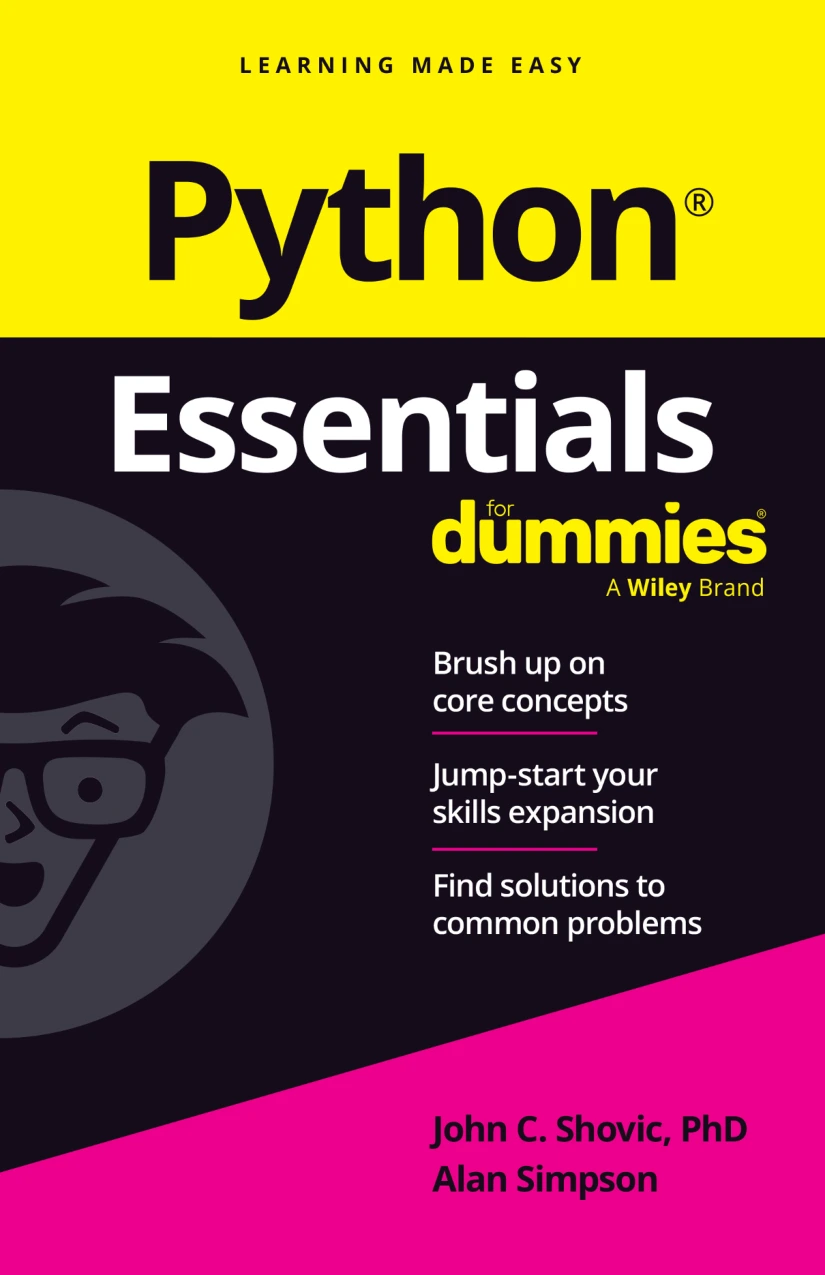
Beginners seeking coverage from setup through functions, exceptions, files, and JSON.
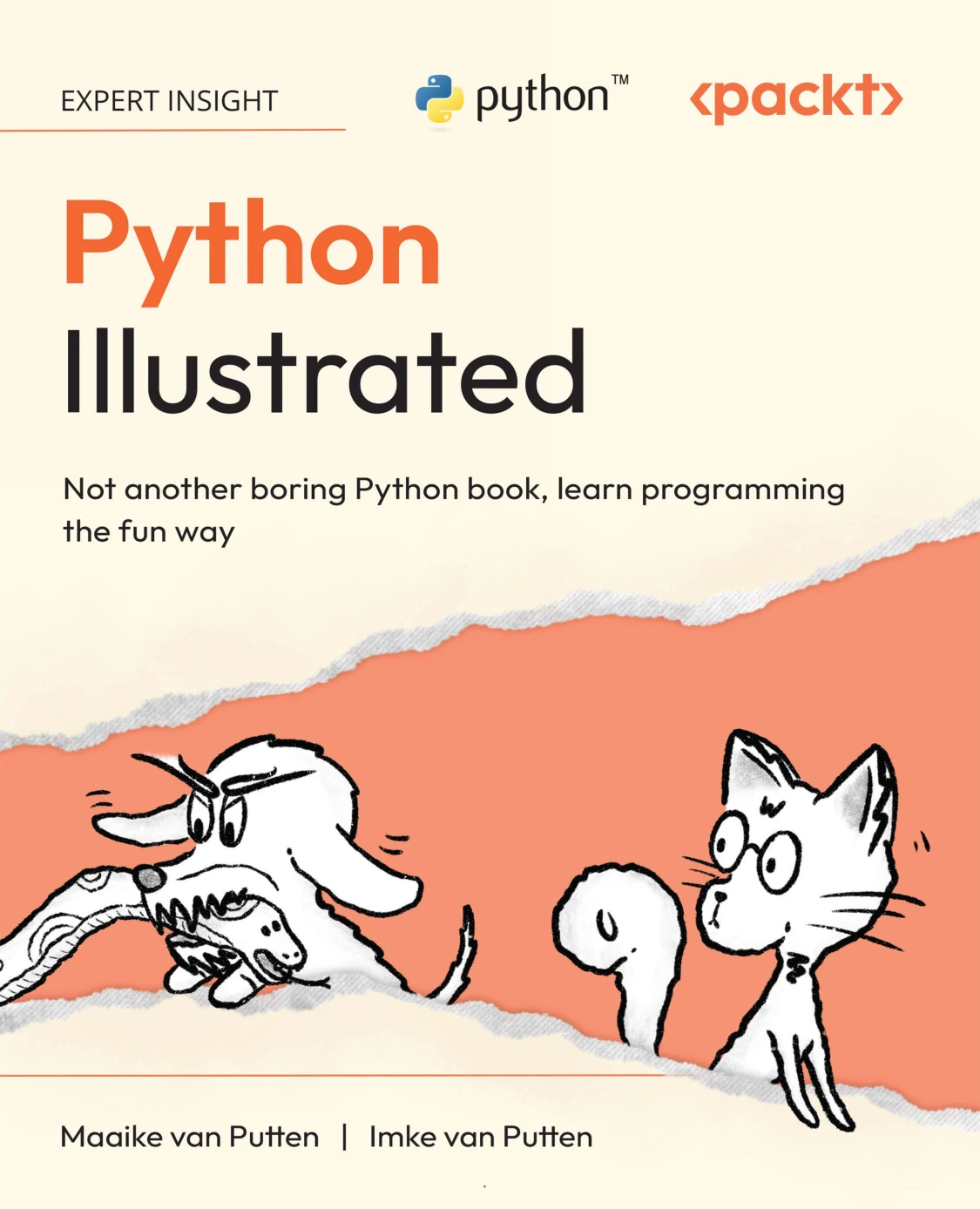
New programmers who want illustrated explanations alongside setup and first-program guidance.
How to Write Good Programs: A Guide for Students
Learners seeking programming habits beyond syntax, with examples across Python, Java, and Haskell.
Choose between the first two based on the explanations and format that suit you. Consider the third when debugging, testing, or organizing your work becomes a specific need.
If you want to explore alternatives, the Digital Delights Python collection offers a place to browse. Use your current learning gap as a filter rather than treating every interesting title as another assignment.
8. Avoid expanding the syllabus too early
Keep a “later” list for topics that interest you but are not needed for your current exercise. This preserves the idea without turning it into today’s obligation.
- Do not switch resources after every difficult lesson. First identify whether the obstacle is a missing concept, unclear explanation, or setup problem.
- Do not measure progress only by watching or reading. Include a task where you decide what code to write.
- Do not add a framework just to make a project look more complete. Finish the underlying calculation or logic first.
- Do not interpret every unfamiliar term as an immediate prerequisite. Ask whether you need it to complete the next step.
After the basics, choose a direction connected to your goal: automation, data analysis, web applications, or another area. You can explore one without committing to all of them.
Frequently asked questions
How long will learning Python take?
There is no single useful completion time. Writing small scripts, analysing data, and developing larger applications are different goals. Define what you want to do, then assess progress through tasks you can complete and explain. The supplied sources do not establish a universal learning timeline.
Do I need to learn Linux before Python?
No. Start on the operating system supported by your chosen resource. Linux can become relevant for a later project or development environment, but you do not need to make it a separate prerequisite for writing your first Python programs.
When should I start beginner Python projects?
Start when you can combine a few concepts into a small task. Input, output, and arithmetic are enough for a basic converter. You do not have to finish an entire book before building something.
What can I postpone while learning Python?
Usually, you can postpone deployment, databases, web frameworks, advanced language features, and specialized libraries until your goal requires them. Follow necessary setup steps in your main resource, but avoid adding unrelated tools.
Do I need to memorize Python syntax?
You can consult a reference while coding. Focus on understanding the program’s logic and knowing what information to look up. Try rebuilding small examples so reference material supports your thinking rather than replaces it.
Should I use AI tools when I get stuck?
If you use one, ask for an explanation or a hint before requesting a complete solution. Treat generated code as something to inspect and check, not something automatically correct. Keep sensitive information out of prompts, and try solving a similar exercise independently afterward.
Your next step: write one small script
Choose a beginner resource, open its recommended environment, and write a script with one visible result. A greeting, a conversion, or a single quiz question is enough.
Then change one thing and explain what happened. That gives you a concrete next step in learning Python—without making you take on an entire ecosystem at once.
Sources and scope
- The Python Tutorial: supports the distinction between learning Python and learning programming from scratch.
- Python.org downloads: the official destination for checking Python download options.
Resource comparisons use the supplied Digital Delights catalog descriptions. The roadmap, exercises, and scope limits are editorial guidance, not claims of measured learning effectiveness.