Best Python Books for Automation
The best Python books for automation connect programming concepts to a task you actually need to finish: organizing files, combining spreadsheet reports, collecting permitted web data, or repeating a browser workflow. For beginners tackling office and file tasks, Automate the Boring Stuff with Python, 2nd Edition is a strong starting choice because its documented contents pair Python fundamentals with those practical applications.
There is an important edition distinction: Digital Delights’ supplied catalog lists the second edition, while publisher research describes a newer third edition. Their contents should not be treated as interchangeable. This guide compares catalog-listed resources by reader need, separates full tutorials from practice and reference companions, and explains how to turn your choice into a small, dependable automation project.
Best Python books for automation by reader need
Start with your workflow, not the longest subtitle or the largest bundle. The selections below are editorial judgments based on supplied catalog descriptions and publisher information—not a tested ranking or a comparison of learning outcomes.
| Book and edition | Best fit | Relevant coverage | Main limitation |
|---|---|---|---|
| Automate the Boring Stuff with Python, 2nd Edition | Beginners automating office chores | Files, spreadsheets, documents, scraping, scheduling | A newer edition exists; check dependencies for the examples you need |
| Python Automation Crash Course: 3 Books in 1 | Learners seeking a structured automation path | File organization, email, scraping, scheduling, REST APIs | The supplied description is incomplete; confirm detailed coverage |
| Selenium WebDriver Recipes in Python | Readers focused on browser workflows and web testing | Selectors, controls, windows, waits, debugging | Narrower than a general automation guide; verify current tool compatibility |
| Automate the Boring Stuff with Python Workbook | Learners who need more active practice | Questions, exercises, mini-projects, solutions | Alignment with the catalog’s second edition is not established |
| Python in a Nutshell: A Desktop Quick Reference, Fourth Edition | Readers who already write basic Python | Language features, exceptions, files, libraries, concurrency | A reference rather than a sequential automation course |
| Python How-To: 63 Techniques to Improve Your Python Code | Readers improving growing scripts | Readable code, data structures, functions, text processing, type hints | A follow-on coding resource, not an office-automation curriculum |
You do not need every book in the table. For most learners, one main guide and a project that matters to them make a more focused starting point than several overlapping introductions.
For beginner office and file automation: Automate the Boring Stuff
Al Sweigart’s Automate the Boring Stuff with Python, 2nd Edition is the clearest task-first starting point in this shortlist. The catalog describes an introduction to variables, flow control, functions, lists, dictionaries, and strings, followed by practical automation topics.
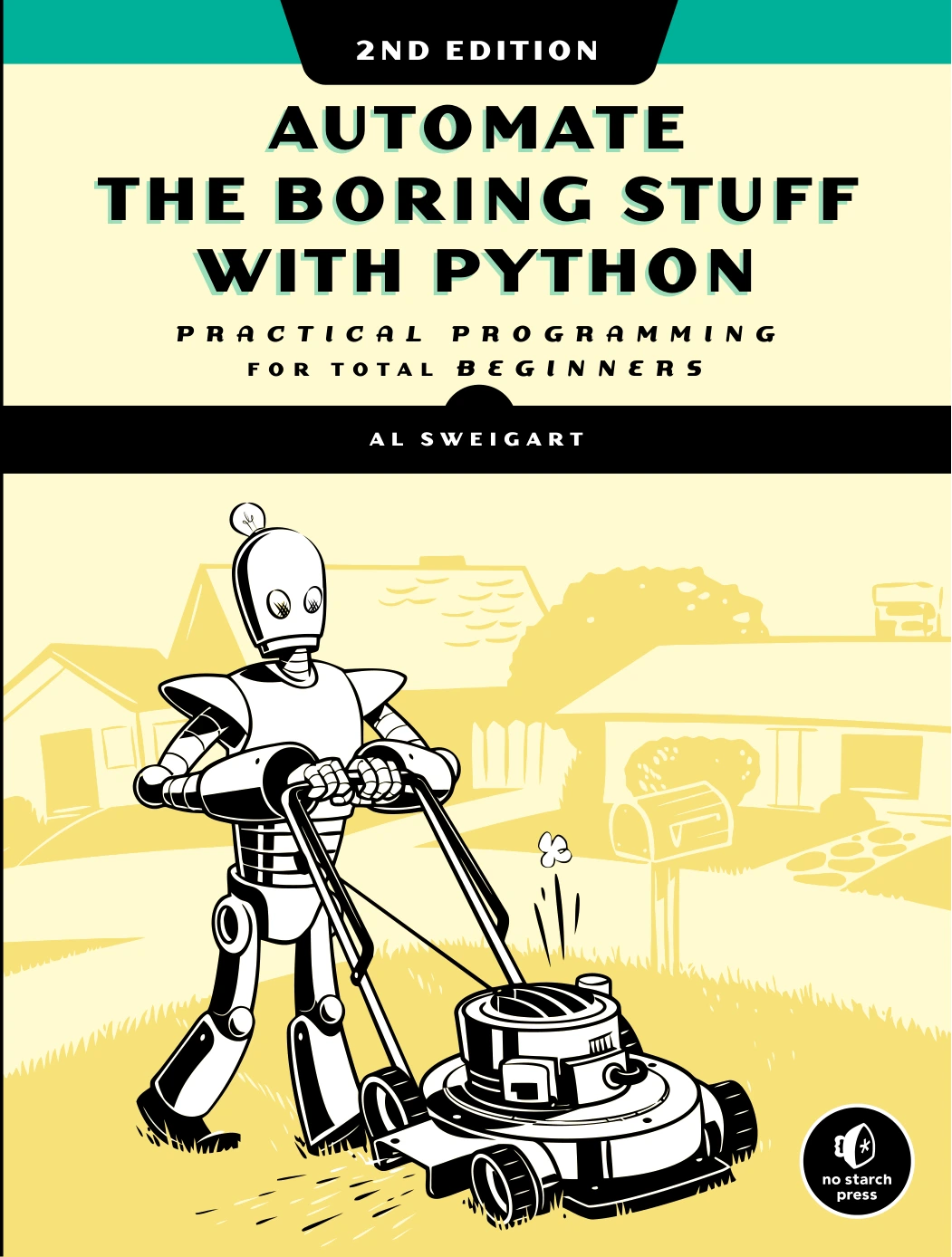
Automate the Boring Stuff with Python, 2nd Edition
By Al Sweigart
New programmers who want fundamentals connected to files, spreadsheets, documents, and other repetitive tasks.
Its documented coverage includes:
- Reading, writing, renaming, and organizing files.
- Regular expressions and input validation.
- Web scraping and spreadsheet work.
- PDF, Word, CSV, and JSON processing.
- Scheduling, notifications, and keyboard or mouse automation.
That combination suits a reader whose motivation is concrete: “I want to stop handling these files manually.” It also gives beginners a reason to learn loops and functions before attempting a larger workflow.
Edition caveat: No Starch Press’s third-edition page lists publication in April 2025 and states that no previous programming experience is required. Its contents include command-line programs and SQLite alongside everyday automation tasks. That evidence describes the third edition, not the second-edition product linked above. The supplied catalog does not establish that Digital Delights stocks the third edition.
Choose the second edition with a clear understanding of which version you are getting, then check whether the libraries and examples relevant to your project need updates.
For a structured automation-project path: Python Automation Crash Course
Mark Reed’s Python Automation Crash Course: 3 Books in 1 – The Ultimate Guide to Mastering Python Automation from Beginner to Advanced. Learn it Well & Fast offers another task-oriented route. Its catalog description moves from installation and core syntax into reusable scripts and projects.
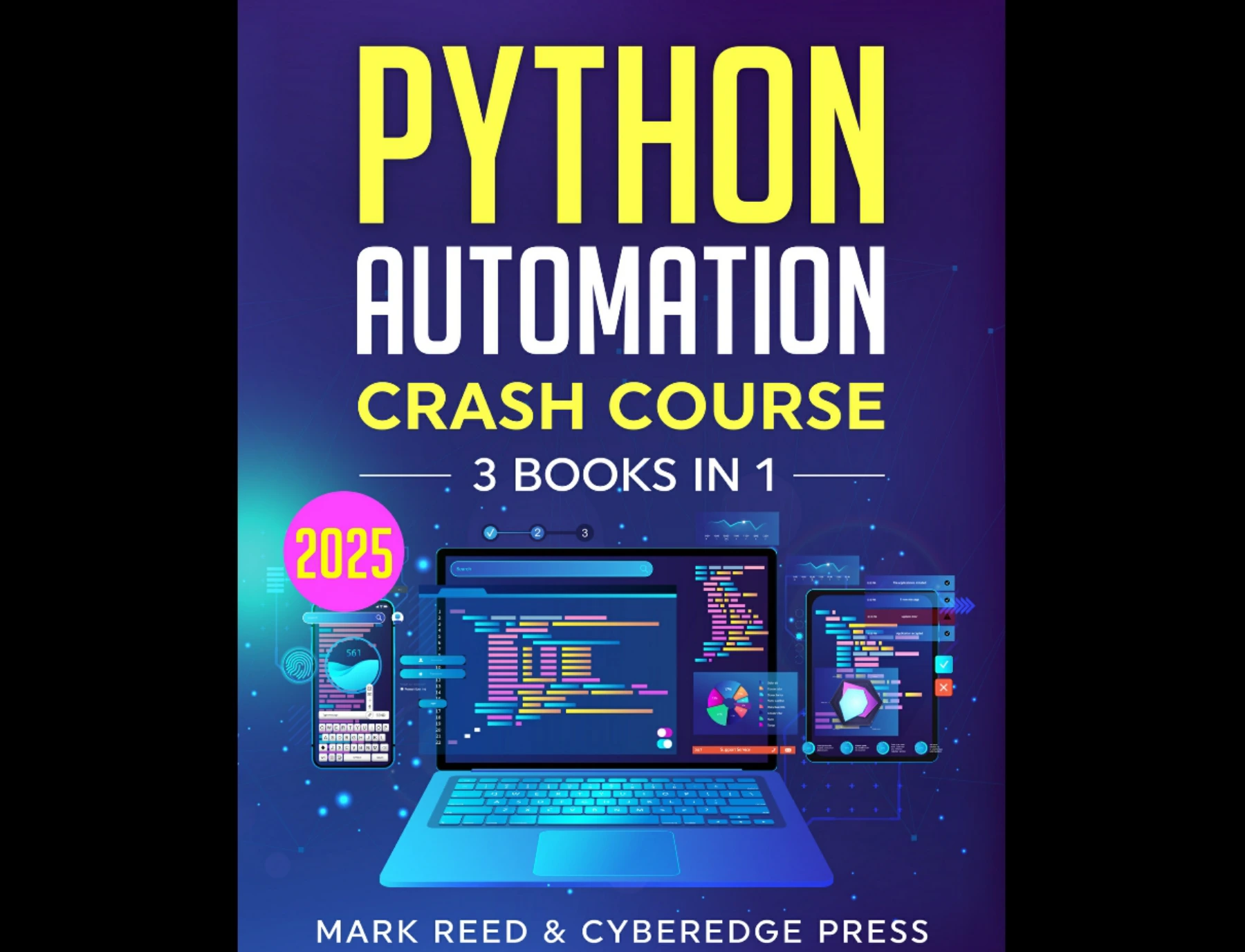
By Mark Reed
Learners interested in progressing from setup and syntax to file organization, email, scraping, scheduling, and REST APIs.
The described topics include file organization, email automation, web scraping, task scheduling, and REST APIs. Named project examples include a file organizer, an email reminder system, and a news scraper. The beginner material also identifies Requests, Beautiful Soup, and several scheduling approaches.
This is a reasonable option for readers who prefer to build toward connected workflows rather than consult isolated recipes. For example, collecting information, saving it to a file, and issuing a reminder can be understood as stages of one process.
The title’s “mastering” and “fast” language is not a guaranteed outcome. Because the supplied description is truncated, confirm the full contents and technical requirements before choosing it for a specialized or advanced project.
For browser automation and web testing: Selenium WebDriver Recipes in Python
Zhimin Zhan’s Selenium WebDriver Recipes in Python is more specialized. Its catalog coverage focuses on locating page elements, interacting with controls, managing windows and tabs, handling dynamic pages, and debugging browser scripts.
Selenium WebDriver Recipes in Python
By Zhimin Zhan
Readers needing focused examples for page elements, browser controls, dynamic pages, waits, and debugging.
It is particularly relevant when your task involves actions within a browser interface: entering text, selecting an option, navigating between pages, or checking how a web application behaves.
The recipe format suits readers who can identify a specific problem and adapt a focused example. It is less suitable as the only resource for someone who still needs to learn basic Python syntax.
Before relying on its examples, verify the Selenium version, browser setup, and installation instructions. Browser-tool compatibility is not established by the supplied material. Use browser automation only within workflows you are authorized to access; a testing example is not permission to bypass another service’s restrictions.
For active practice: Automate the Boring Stuff with Python Workbook
The Automate the Boring Stuff with Python Workbook addresses a different need: turning recognition into independent coding. The catalog describes short-answer questions, fill-in-the-blank exercises, targeted programming practice, mini-projects, and solutions for self-checking.
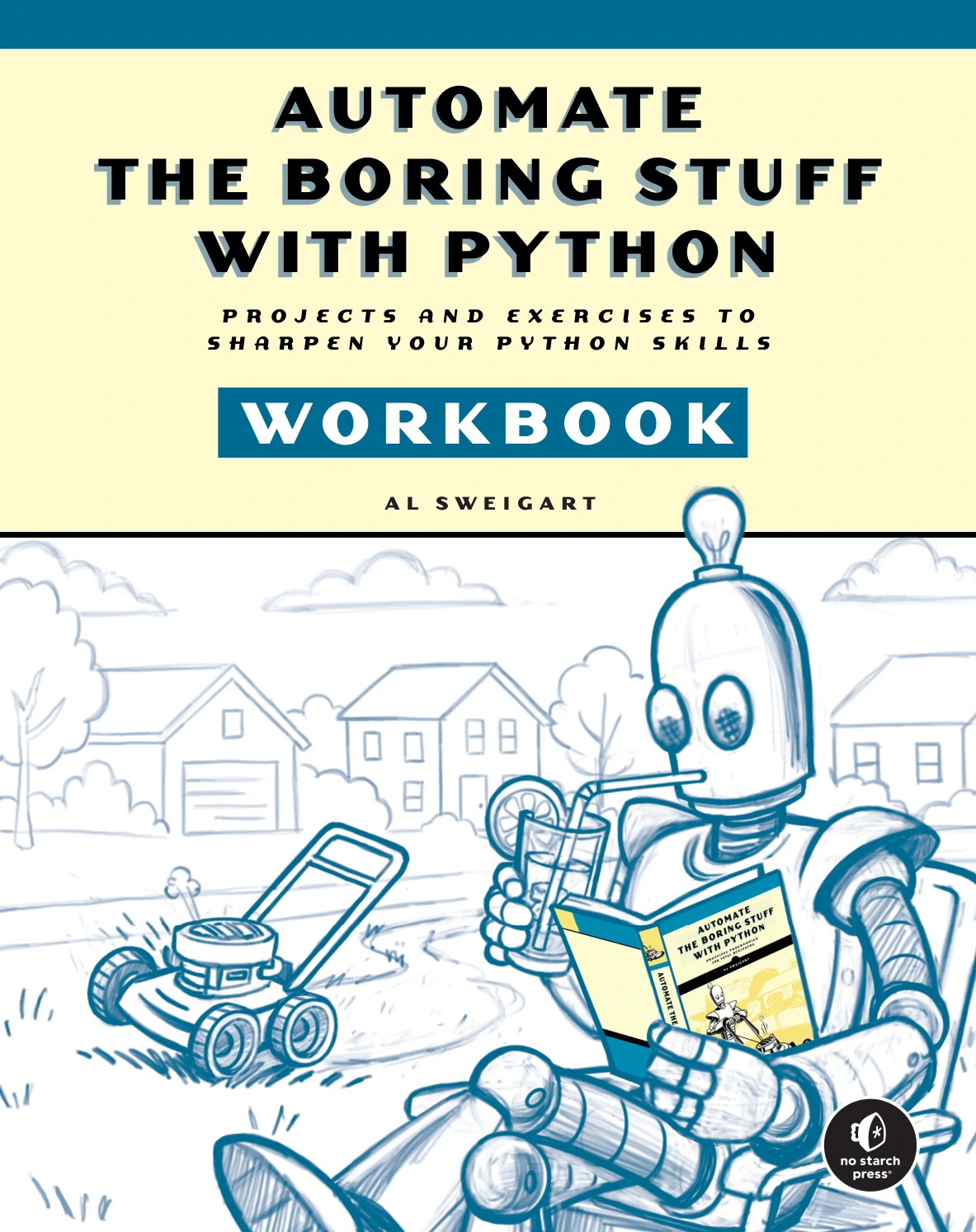
Automate the Boring Stuff with Python Workbook
By Al Sweigart
Beginners and returning learners who want questions, exercises, mini-projects, and solutions for self-checking.
Its listed subjects include variables, loops, functions, regular expressions, files, scraping, spreadsheets, and databases. That makes it relevant if you understand an explanation but struggle to write a similar program without looking back.
Treat it as a practice companion, not automatically as a replacement for a teaching guide. Although the description says it follows Automate the Boring Stuff with Python chapter by chapter, it does not establish which edition it matches. Confirm that alignment before expecting it to track the catalog’s second edition exactly.
For language and library questions: Python in a Nutshell
Python in a Nutshell: A Desktop Quick Reference, Fourth Edition, by Alex Martelli, Anna Martelli Ravenscroft, Steve Holden, and Paul McGuire, is a reference for readers who already have some programming momentum.
Python in a Nutshell: A Desktop Quick Reference, Fourth Edition
Readers already writing Python who need explanations of language behavior, exceptions, files, modules, and libraries.
The catalog describes coverage of the language, standard library, and selected third-party tools, including exceptions, modules, packages, file and text handling, databases, and concurrency. It identifies a focus on Python 3.10 with coverage of Python 3.11; that scope should not be read as a claim to cover every subsequent change.
Its role in an automation learning path is consultation. When a script raises a language or library question, a reference can help you understand the underlying behavior instead of repeatedly copying snippets. It is not the most direct first purchase for someone who wants step-by-step spreadsheet or file projects.
For more maintainable scripts: Python How-To
Yong Cui’s Python How-To: 63 Techniques to Improve Your Python Code is a follow-on resource for the point where a useful script starts accumulating options, repeated logic, and edge cases.
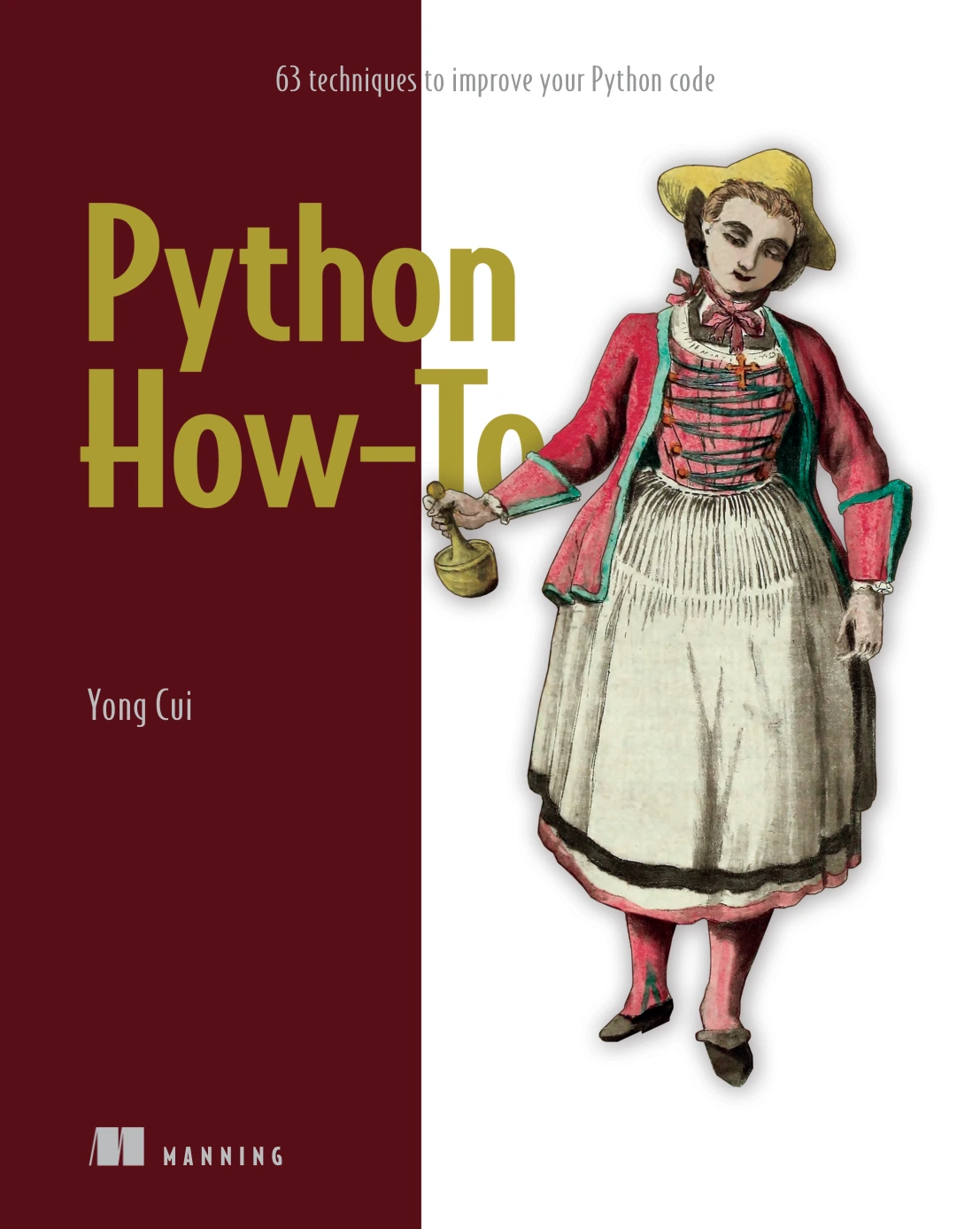
Python How-To: 63 Techniques to Improve Your Python Code
By Yong Cui
Learners whose working scripts need clearer functions, better data-structure choices, and more understandable code.
The supplied description emphasizes readability and maintainability through focused explanations, examples, and challenges. Its listed areas include text processing, data structures, functions, and type hints.
Choose it when your main question changes from “How do I automate this?” to “How do I keep this script understandable?” It complements an automation guide rather than duplicating its workflow instruction.
How to choose a book for your actual task
Describe the input, action, and output
Before buying, write one sentence defining your project. For example: “Read the CSV reports in a sample folder, check that their columns match, and produce one combined report.” That sentence tells you to look for file handling, CSV processing, validation, and error handling—not necessarily browser automation or machine learning.
- Files and office documents: Start with a practical automation tutorial.
- Browser interaction: Consider a Selenium-focused resource after basic Python.
- APIs and connected workflows: Check for HTTP requests, structured data, authentication, and failure handling in the contents.
- Improving existing scripts: Look for code-quality techniques or a language reference.
Match the format to how you learn
A sequential tutorial explains concepts in a planned order. A recipe collection lets you jump to a problem. A workbook asks you to retrieve and apply what you know. A reference helps answer specific questions while coding.
These formats solve different problems. If you cannot yet explain a loop, a recipe collection may leave too much implicit. If you already understand functions and files, another broad beginner introduction may add little to your immediate project.
Check technical support before committing
Inspect the available contents, sample chapters, or publisher resources for:
- Expected Python knowledge and interpreter requirements.
- Dependency installation instructions and version information.
- Code downloads, corrections, and errata.
- Operating-system assumptions.
- Examples that resemble your task, not just a broad mention of automation.
A recent publication date does not establish that every example works with every current library. Equally, an older book can remain useful for concepts while needing updates to particular tool instructions.
Optional hardware route: Raspberry Pi Cookbook
If your goal is to read sensors or control physical devices, a desktop-automation guide is not the whole answer. Simon Monk’s Raspberry Pi Cookbook: Software and Hardware Problems and Solutions, Fourth Edition connects Python with Linux, networking, sensors, motors, and other hardware.
It belongs on a separate learning track because the project requires physical components as well as software. Begin with low-voltage learning projects and appropriate hardware safety guidance; do not treat a general programming book as sufficient instruction for mains electrical work.
Turn your chosen book into a working automation project
The following progression is an editorial practice plan, not a list of exercises confirmed in every recommended book. Each stage adds one kind of difficulty.
- Organize sample files. Create a disposable folder and print proposed changes before moving or renaming anything.
- Combine CSV reports. Check headers, identify invalid rows, and write a new output rather than replacing the originals.
- Retrieve permitted API data. Use a documented service you are authorized to access. Decide what the script should do when a request fails or data is missing.
- Schedule the script. First make it work manually. Then check paths, credentials, logs, and outputs when it runs without your intervention.
Build a safety checklist into the project
- Backups: Keep untouched copies of important inputs.
- Dry runs: Preview destructive or external actions before enabling them.
- Validation: Check the input assumptions before processing.
- Logging: Record what was processed, skipped, or unsuccessful.
- Error handling: Make failures visible rather than silently ignoring them.
- Repeat-run behavior: Decide how to prevent duplicate files, reports, or messages.
- Credential care: Keep secrets out of shared code and logs.
Use an isolated environment for each project. The official Python documentation for venv explains how virtual environments separate a project’s installed packages from other environments and provides platform-specific activation instructions.
A useful completion check is simple: can you explain what the script reads, changes, produces, and does when something goes wrong? If not, reduce the scope before scheduling it.
Common mistakes when choosing Python scripting books
- Choosing by bundle size. More included material does not demonstrate better instruction or closer task coverage.
- Confusing foundations with workflow instruction. A general Python book may teach the language without showing the document-processing task you need.
- Assuming editions are interchangeable. Check chapter alignment, package names, and setup instructions.
- Automating the interface unnecessarily. Check whether an authorized API or export already provides the information before building a browser workflow.
- Reading without changing examples. Rebuild a small example with different inputs and explain why your changes work.
- Testing on important originals. Use copies until you understand the script’s behavior and recovery options.
Frequently asked questions
Can complete beginners learn Python automation from a book?
Yes, if the book teaches Python fundamentals before expecting you to adapt automation code. Among the catalog-listed selections here, Automate the Boring Stuff with Python, 2nd Edition and Python Automation Crash Course describe that progression. Start with a small file task rather than a complex scheduled integration.
Is an older Python automation book still useful?
It can be useful for learning concepts and workflow design. Check library-specific examples separately, especially browser and document-processing instructions. A book’s age alone does not establish either compatibility or incompatibility.
Do I need Selenium for Python automation?
Not for every task. Files, CSV reports, and API data can be handled without a browser workflow. Selenium is relevant when your authorized task requires interacting with or testing a browser interface.
Should I choose a workbook or a full guide?
Choose a guide when you need explanation and a learning sequence. Choose a workbook when you need practice applying concepts. If you pair them, verify edition alignment rather than assuming similarly named resources match chapter for chapter.
Which book should I choose if I already know basic Python?
Choose by the problem you need to solve. Browser testers may benefit from Selenium recipes; readers developing connected workflows can examine the automation bundle’s full contents. For scripts that already work but need clearer structure, consider Python How-To; for language questions, consider Python in a Nutshell.
Do I need AI tools to automate everyday tasks?
No. Start by defining whether the task follows predictable rules. Renaming files or combining consistently structured reports does not automatically require an AI-based workflow. Add complexity only when it addresses a specific requirement.
Choose one book and one repeatable task
For beginner office automation, start by comparing the documented coverage of Automate the Boring Stuff with Python, 2nd Edition with your actual chores. Consider the automation bundle for a project-led progression, Selenium recipes for browser work, and practice or reference companions only when they solve a clear learning need.
You can browse Python books and learning resources at Digital Delights to explore related options. The useful next step is not collecting more titles: it is choosing one resource, building one small workflow, and making its results easy to check.
Sources and edition notes
Book comparisons use the supplied Digital Delights catalog descriptions, with product links beside the relevant discussion. The newer-edition distinction uses No Starch Press’s publisher information; environment guidance uses the official Python documentation linked above. Recommendations reflect documented scope and reader fit, not firsthand testing. Library compatibility, live storefront availability, and workbook edition alignment still require confirmation.