

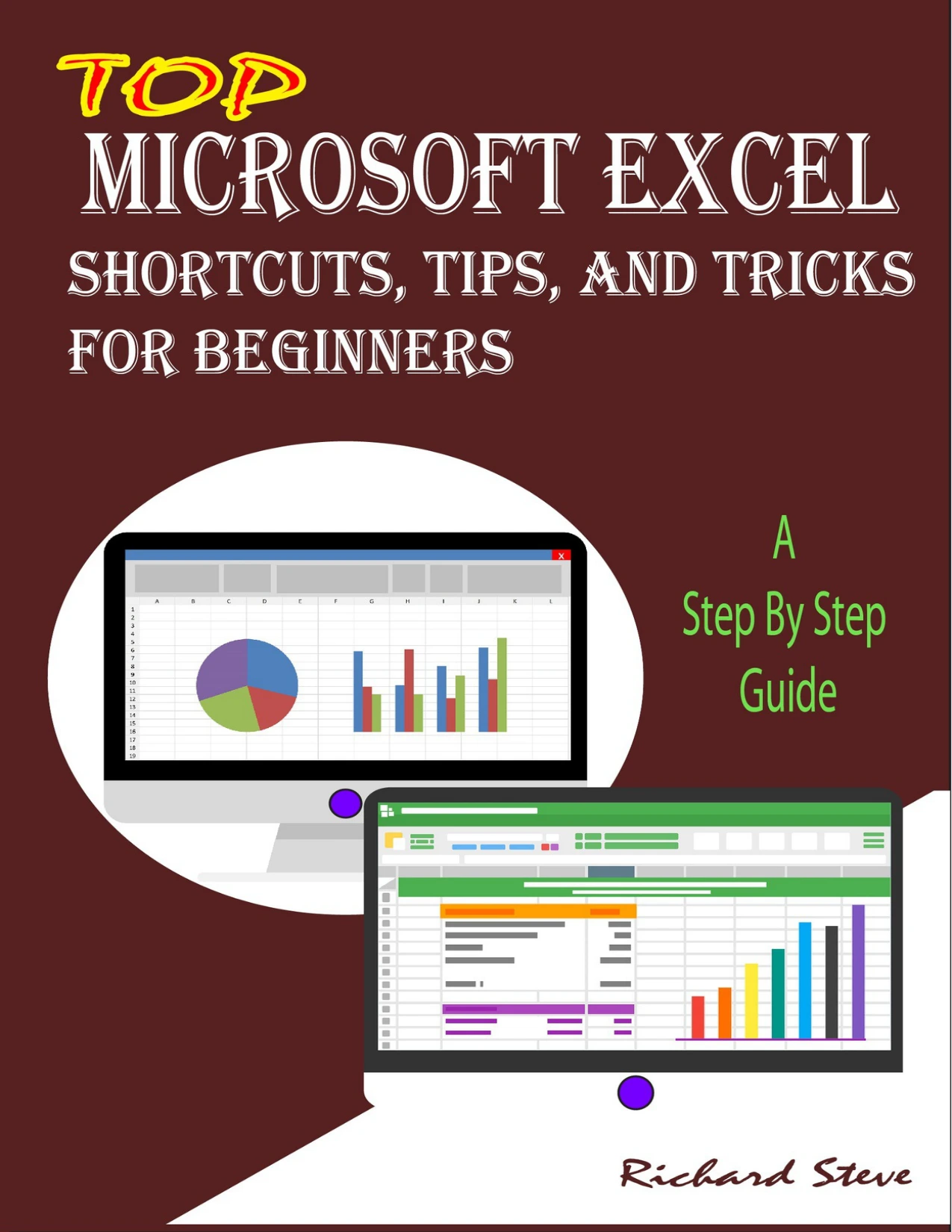
Top Microsoft Excel Shortcuts, Tips, and Tricks For Beginners: A Step By Step Guide
Original price was: $5.00.$2.50Current price is: $2.50.

Richard Steve
Product Specs:
- File Type: PDF
- File Size: 1.6 MB
- Book Language: English
- Total Page Count: 50
- Instant Download
Learn Excel the Practical Way 📊
If you have ever opened Microsoft Excel and felt unsure where to begin, this beginner-focused guide is designed to help you build real confidence without overwhelming technical jargon. Top Microsoft Excel Shortcuts, Tips, and Tricks For Beginners: A Step By Step Guide walks you through the everyday tools and shortcuts that make spreadsheet work faster and far less frustrating.
Master Shortcuts That Save Time
The book begins with the keyboard shortcuts that every Excel user should know. From saving and opening workbooks to copying, cutting, and undoing changes, these simple combinations quickly become second nature. Learning them early helps you move around spreadsheets smoothly instead of relying on the mouse for every action.
Explore Features Step by Step
The real value of this guide is how it connects shortcuts to the features you will actually use. You will discover practical ways to edit, format, and transform data, including:
- Renaming sheets, creating copies, and freezing panes to keep headers visible.
- Merging and transposing cells without losing data.
- Using Flash Fill, Format Painter, and dropdown lists to speed up repetitive work.
- Working with formulas, named ranges, and absolute references.
- Presenting data with AutoSum, Data Bars, and Quick Analysis.
Build Useful Skills for Real Tasks
Whether you need to organize a personal budget, track business expenses, or simply present information more clearly, the techniques covered here apply directly to real spreadsheet work. The explanations stay close to what a beginner needs, so you are not left wading through advanced concepts that do not matter yet.
A Solid Starting Point 💡
Richard Steve keeps the tone direct and the steps easy to follow. If you have been putting off learning Excel because it looked complicated, this guide offers a comfortable entry point that focuses on the tools beginners use most.
User Reviews
Be the first to review “Top Microsoft Excel Shortcuts, Tips, and Tricks For Beginners: A Step By Step Guide”
You must be logged in to post a review.

WORDPRESS FOR BEGINNERS 2020 – 2021: An In-depth Guide To Building WordPress Websites
Sold by Richard Steve
Python for Beginners 2020: A Step By Step Guide
Sold by Richard Steve
ADOBE ILLUSTRATOR FOR BEGINNERS 2020 – 2021: An In-depth Guide To Starting And Growing Your Design Skills
Sold by Richard Steve
Windows 10 for Beginners 2021: Upgrading to Windows 10 and Enjoying All Its Benefits
Sold by Richard Steve
Excel Guide: Learn Beginner and Intermediate Skills, Formulas, Functions, Tips, and Tricks to Becoming an Expert in Excel
Sold by Richard Steve Original price was: $5.00.$2.50Current price is: $2.50.






There are no reviews yet.