

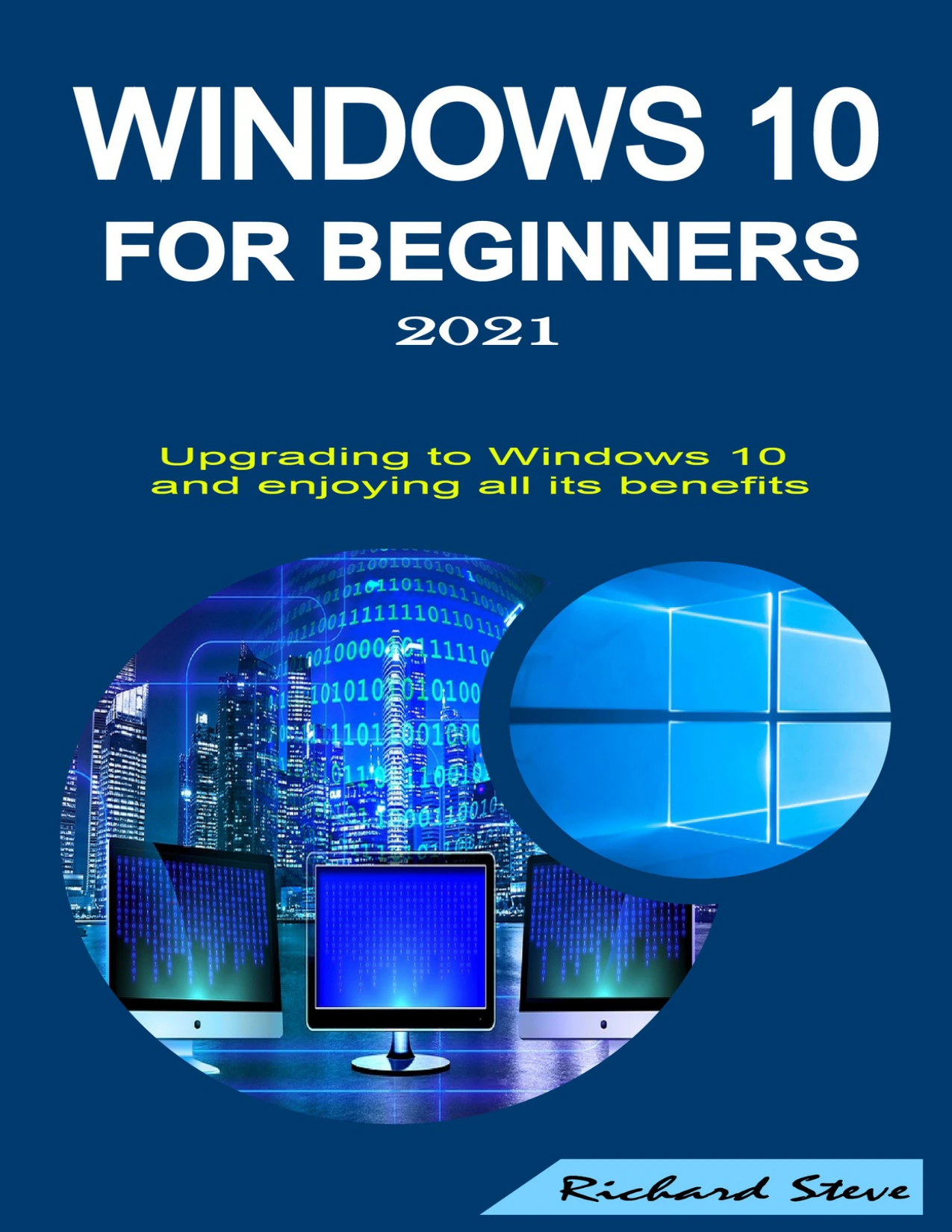
Windows 10 for Beginners 2021: Upgrading to Windows 10 and Enjoying All Its Benefits
Original price was: $5.00.$2.50Current price is: $2.50.

Richard Steve
Product Specs:
- File Type: PDF
- File Size: 2.6 MB
- Book Language: English
- Total Page Count: 71
- Instant Download
Moving to a new operating system can feel like learning to drive a different car—everything looks familiar, but the controls are not quite where you expect them. Windows 10 for Beginners 2021: Upgrading to Windows 10 and Enjoying All Its Benefits is designed to make that transition smooth. Whether you’re coming from Windows 7, Windows 8.1, or simply want a clearer understanding of the system already on your PC, this guide explains each step in plain language.
Plan Your Upgrade Without the Stress 💻
Before any file is moved, the book walks through what upgrading actually involves. You’ll see how to back up important data, check whether your computer meets the minimum requirements, and use the official Windows 10 download tool. The author also explains when a clean start makes sense and how to keep your personal files during the upgrade.
Make the Desktop and Start Menu Yours
Once Windows 10 is running, the guide moves to the desktop and Start menu. Instead of just listing settings, it shows you how to resize the Start menu, manage system folders, customize app tiles, and pin or unpin apps. You’ll also learn how to enable full-screen Start, show recently added apps, and turn off live tile updates to reduce distractions.
Get More from the Taskbar and File Explorer
Taskbar and File Explorer often become afterthoughts, but they play a huge role in daily workflow. This section covers hiding or moving the taskbar, changing its size and color, pinning folders, and organizing shortcuts. File Explorer tips include changing its appearance, using recent locations, and working with Quick Access for faster navigation.
Apps, Microsoft Store, and Everyday Settings
The book explains how to download, install, and remove apps through the Microsoft Store. It then moves to Settings and Control Panel, where you can adjust wallpaper, themes, colors, and other desktop preferences. These sections help you personalize Windows 10 so the system supports your habits rather than forcing you to adapt to defaults.
Connections, Security, and Maintenance
Connecting external devices, Bluetooth, Wi-Fi, and projectors can be confusing when options are spread across different menus. This guide brings those steps together. You’ll also learn about Windows Defender, checking for updates, removing unnecessary apps, and using proper shutdown, sleep, and hibernate options to keep your computer running well.
Common Problems and Practical Solutions
The final chapters address issues that often frustrate beginners, including common Windows 10 problems and their fixes. A section on downgrading from Windows 10 is also included for those who need to revert. Throughout the book, the advice is practical and focused on building confidence through hands-on practice.
User Reviews
Be the first to review “Windows 10 for Beginners 2021: Upgrading to Windows 10 and Enjoying All Its Benefits”
You must be logged in to post a review.
Excel Guide: Learn Beginner and Intermediate Skills, Formulas, Functions, Tips, and Tricks to Becoming an Expert in Excel
Sold by Richard Steve
ADOBE ILLUSTRATOR FOR BEGINNERS 2020 – 2021: An In-depth Guide To Starting And Growing Your Design Skills
Sold by Richard Steve
WORDPRESS FOR BEGINNERS 2020 – 2021: An In-depth Guide To Building WordPress Websites
Sold by Richard Steve
Python for Beginners 2020: A Step By Step Guide
Sold by Richard Steve
Top Microsoft Excel Shortcuts, Tips, and Tricks For Beginners: A Step By Step Guide
Sold by Richard Steve Original price was: $5.00.$2.50Current price is: $2.50.






There are no reviews yet.