

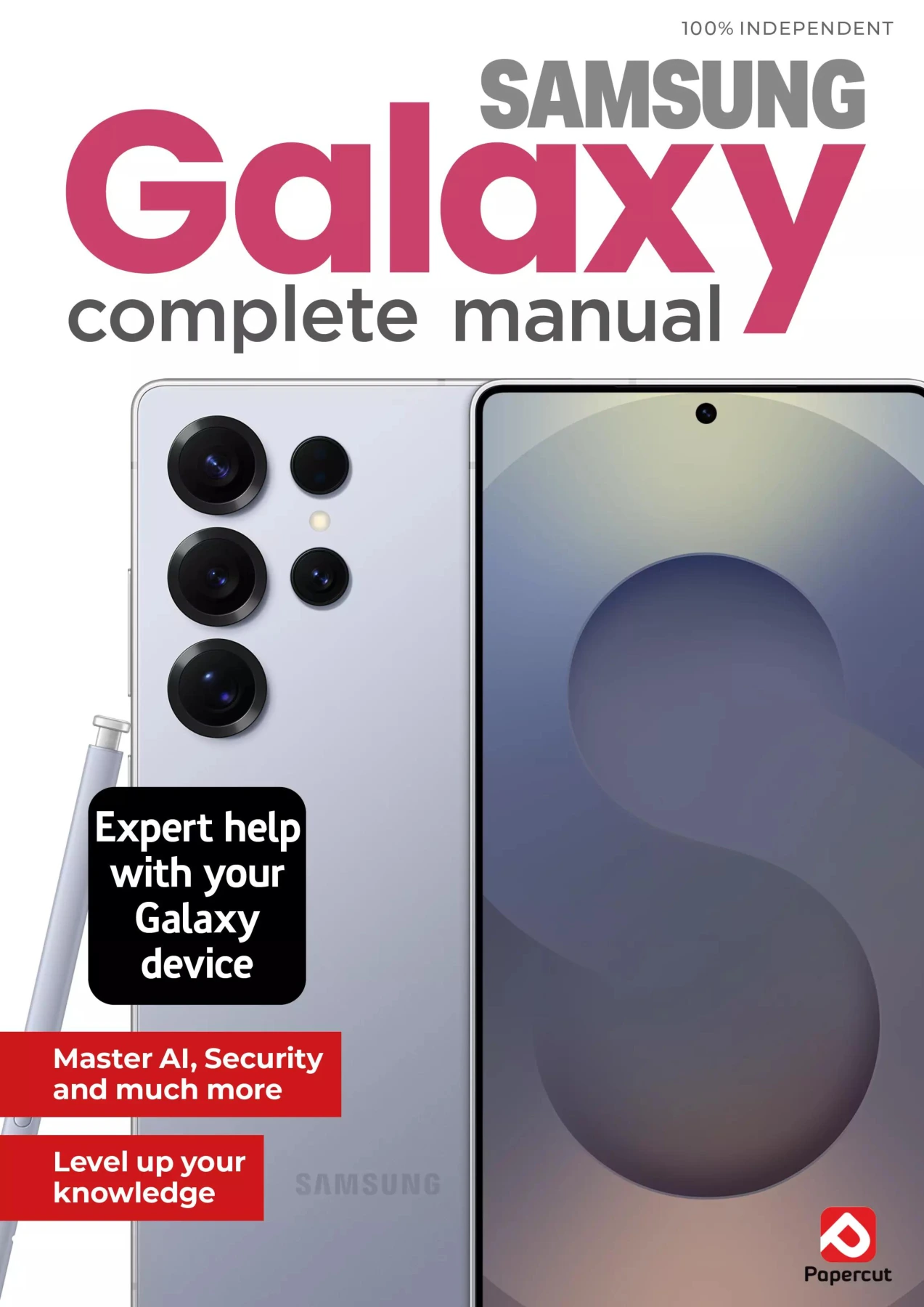
Samsung Galaxy Complete Manual – 27th Edition
Original price was: $5.00.$2.50Current price is: $2.50.

Papercut
Product Specs:
- File Type: PDF
- File Size: 44.9 MB
- Book Language: English
- Total Page Count: 82
- Instant Download
Your Samsung Galaxy can do far more than make calls, send messages, and keep your calendar. This complete manual is a focused companion for owners of the latest Galaxy S24 range, Galaxy tablets, and other Samsung devices. It moves beyond the basics to show how everyday tools and hidden settings can make the phone feel faster, smarter, and more personal.
Get to Know Your Galaxy, Inside and Out
The manual starts with setup and everyday navigation, then explains advanced features that often go unnoticed. It covers the always-on screen, multi-window, screen capture, display widgets, and the Galaxy Edge tools. You will also find clear instructions for managing apps, transferring files, connecting Bluetooth devices, and using Digital Wellbeing to keep your screen time balanced.
Camera Skills That Make a Difference
A large section is devoted to the Samsung Galaxy camera, from understanding the shutter, lens selection, and camera modes to practical advice on composition. The manual explains HDR, when to use it, and when to avoid it, plus how to clean your lens, use digital zoom wisely, and get better photos without relying on the flash. Editing images in the Gallery app is also covered step by step.
Everyday Apps and Smart Features
Popular apps become much more useful when you know the shortcuts. The guide walks through Google Meet, Google Wallet, Google Maps, and the Calendar app, showing how to plan events, make payments, navigate, and chat without confusion. There is also advice on disabling bloatware to free up space and improve performance.
Beyond the Phone: Chromebooks and Google Home
Your Galaxy works best as part of a connected setup. This manual explores Chromebook essentials, personalising Chrome OS, and getting started with Google Home. Learn to stream music, create routines, use voice commands, and connect Bluetooth speakers—so your Samsung devices and Google ecosystem work together smoothly.
Fix Common Frustrations
The final chapters focus on practical troubleshooting: speeding up animations, improving weak signal, streaming content to a TV, boosting battery life, and solving ten common problems. Whether you are brand new to Android or have used Galaxy devices for years, the tips in this manual will help you get more from your technology every day.
User Reviews
Be the first to review “Samsung Galaxy Complete Manual – 27th Edition”
You must be logged in to post a review.
Microsoft Copilot For Beginners: 21st Edition, 2026
Sold by Papercut
Photoshop For Beginners
Sold by Papercut
Chromebook + Google AI Complete Manual: 9th Edition (2026)
Sold by Papercut
Adobe Elements User Manual – 21st Edition 2025
Sold by Papercut
Instagram For Beginners: 19th Edition
Sold by Papercut Original price was: $5.00.$2.50Current price is: $2.50.






There are no reviews yet.