

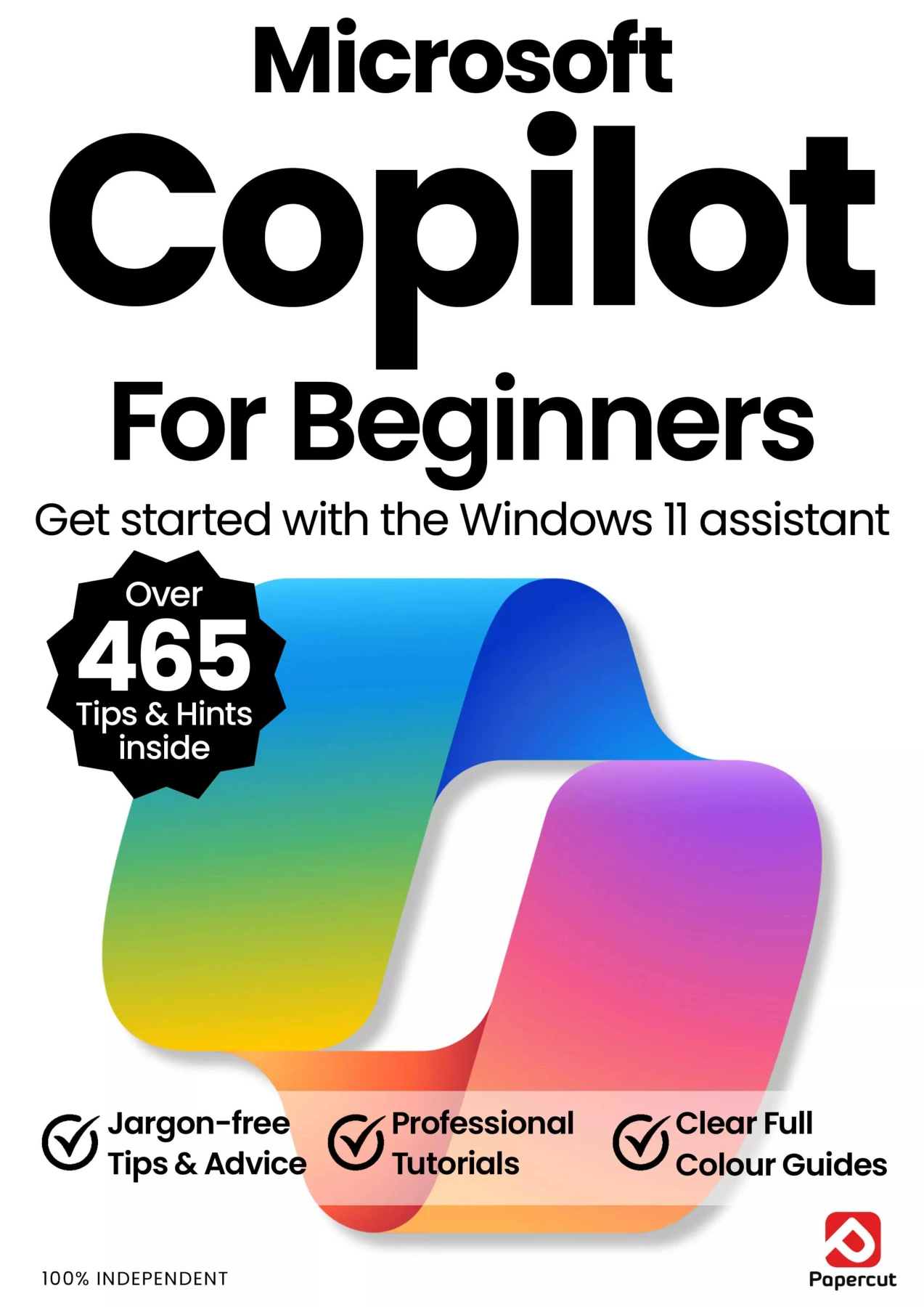
Microsoft Copilot For Beginners: 21st Edition, 2026
Original price was: $5.00.$2.50Current price is: $2.50.

Papercut
Product Specs:
- File Type: PDF
- File Size: 39.7 MB
- Book Language: English
- Total Page Count: 66
- Instant Download
Microsoft Copilot For Beginners: A Plain-English Starting Point 💻
This 21st edition, 2026 manual is built for readers who have a Windows 11 PC and want to understand what Microsoft’s AI assistant can actually do. It opens with the Windows basics that make Copilot easier to use, then moves step by step into Copilot itself—so the learning path feels logical rather than like a pile of disconnected tips.
Before Copilot: Getting Comfortable with Windows 11
The early chapters cover the setup ground floor: getting Windows 11 ready out of the box, connecting to the internet, managing network settings, working with notifications, and using the Start menu. For a complete beginner, these sections provide the context needed to follow the Copilot lessons that come next. More experienced Windows users can also skim for reminders and small adjustments that make the assistant easier to reach.
From First Prompt to Useful Results 🤖
Once the foundations are in place, the guide introduces the Copilot AI service and its key controls. It explains how to ask questions, how to improve writing, and how to create images with Copilot. The emphasis stays practical: what to type, where to look, and how to get help when the first attempt does not produce the result you wanted.
- Getting started with Copilot and understanding its main controls
- Using Copilot to improve writing and create images
- Asking clearer questions and getting help with your PC or an app
- Working with files, podcasts, sharing, and Copilot Vision
Copilot in the Microsoft Apps You Already Use
The manual then shows how Copilot appears across familiar Microsoft software: Word, Excel, PowerPoint, Outlook, Paint, OneNote, and Windows Photos. That range matters because Copilot is not only a standalone chat window. It is also a helper inside the programs many people already open every day, from drafting documents to editing images and organising notes.
Who This Manual Suits
New Windows 11 users are the clearest audience. The language is plain, the tutorials are illustrated, and the sequence assumes no prior experience with Microsoft’s AI assistant. Readers who are curious about generative AI but want a guided, app-by-app introduction will also find a sensible route through the subject.
An Independent For Beginners Manual 📚
Published by Papercut Ltd as part of the For Beginners series, this is an unofficial, independent guide. It is designed to be followed in order or dipped into when a specific Copilot task comes up. The result is a practical companion for anyone who wants to move from simply owning a Windows 11 PC to using Copilot with confidence.
User Reviews
Be the first to review “Microsoft Copilot For Beginners: 21st Edition, 2026”
You must be logged in to post a review.

GoPro The Complete Manual – Summer 2026 (28th Edition)
Sold by Papercut
Google Complete Manual – 26th Edition, 2025
Sold by Papercut
Outdoor Photography Tricks and Tips
Sold by Papercut
Chromebook Tricks & Tips
Sold by Papercut

Adobe Photoshop for Beginners
Sold by Papercut Original price was: $5.00.$2.50Current price is: $2.50.






There are no reviews yet.