

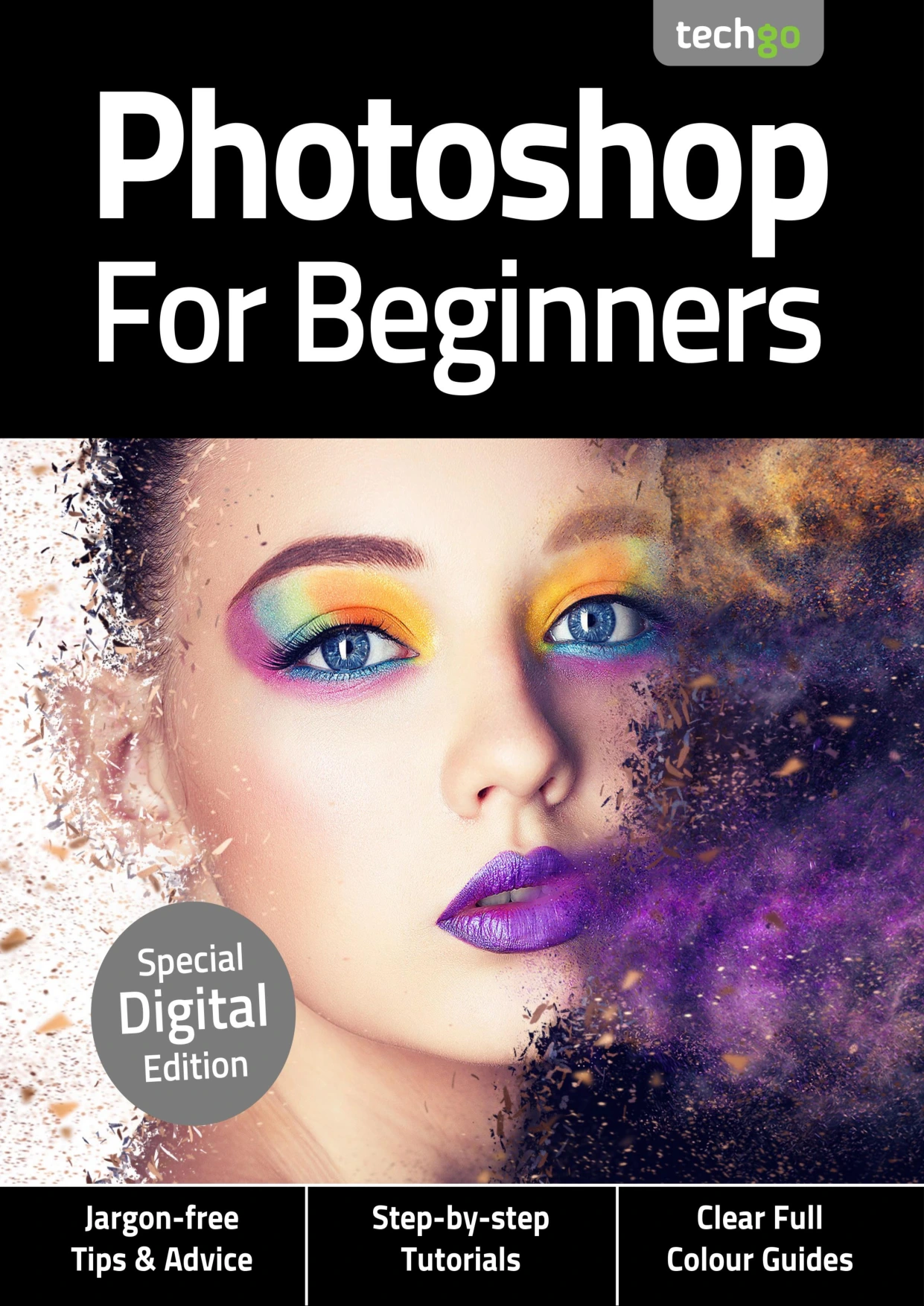
Photoshop For Beginners
Original price was: $2.00.$1.00Current price is: $1.00.

Papercut
Product Specs:
- File Type: PDF
- File Size: 58.3 MB
- Book Language: English
- Total Page Count: 85
- Instant Download
Get Comfortable with Photoshop — From Day One 🎨
Adobe Photoshop is an incredibly powerful tool, but its depth can feel intimidating when you’re just starting out. Photoshop For Beginners is here to change that. This 3rd Edition, published in 2020, is built specifically for newcomers who want to learn by doing. With clear, jargon-free explanations and visual, step-by-step tutorials, it walks you through the essentials without assuming any prior experience.
What You’ll Learn Inside
The book is organised into three progressive sections that take you from the absolute basics to more advanced creative techniques:
- Getting Started: Tour the main interface, menus, toolbar, and keyboard shortcuts. Learn to use selection tools, the Clone Stamp, brushes, gradients, and the Pen tool.
- Basic Editing Techniques: Master making and modifying selections, working with layers and adjustment layers, using Curves and Levels, cropping, Quick Mask mode, layer masks, and Content-Aware Fill.
- Building Your Editing Skills: Adjust exposure, correct colour, work with contrast and saturation, create monochrome images, add graduated filters, fix lens distortion, stitch panoramas, and process Raw files using Adobe Camera Raw.
A Visual, Hands-On Approach 📷
Every technique is presented with full-colour screenshots and straightforward instructions. The book is designed so you can work alongside it, trying each tool and adjustment as you read. It’s not just theory—it’s a practical workbook that helps you build muscle memory.
Readers also get access to a companion media download with practice files, so you can follow the tutorials using the same images and assets as the experts. That means you can see exactly how each step affects the final result.
Who This Book Is For
If you’ve never opened Photoshop before, or if you’ve dabbled but feel overwhelmed by the options, this guide is for you. It’s also a useful refresher for anyone returning to the software after a break. The pace is gentle but thorough, and the focus stays on practical skills you can apply immediately—whether you want to edit family photos, create digital art, or prepare images for social media.
From Interface to Raw Processing
By the end of the book, you’ll have a solid foundation in Photoshop’s core features. You’ll understand how to navigate the workspace, make precise selections, work non-destructively with layers and masks, and apply professional-level adjustments. The final chapters on Adobe Camera Raw give you a taste of more advanced photo workflows, setting you up for further exploration.
Start Your Creative Journey
Photoshop opens up a world of creative possibilities. This beginner’s guide gives you the confidence and skills to start exploring them. Whether you’re a hobbyist photographer, an aspiring digital artist, or simply someone who wants to get more out of their images, Photoshop For Beginners is a friendly and reliable companion.
User Reviews
Be the first to review “Photoshop For Beginners”
You must be logged in to post a review.
The Complete macOS Sonoma Manual – Issue 3, 2024
Sold by Papercut
Instagram Tricks & Tips — 22nd Edition (2025)
Sold by Papercut
Cloud Computing Complete Manual
Sold by Papercut
Papercut’s Windows 10 User Manual – 24th Edition, 2025
Sold by Papercut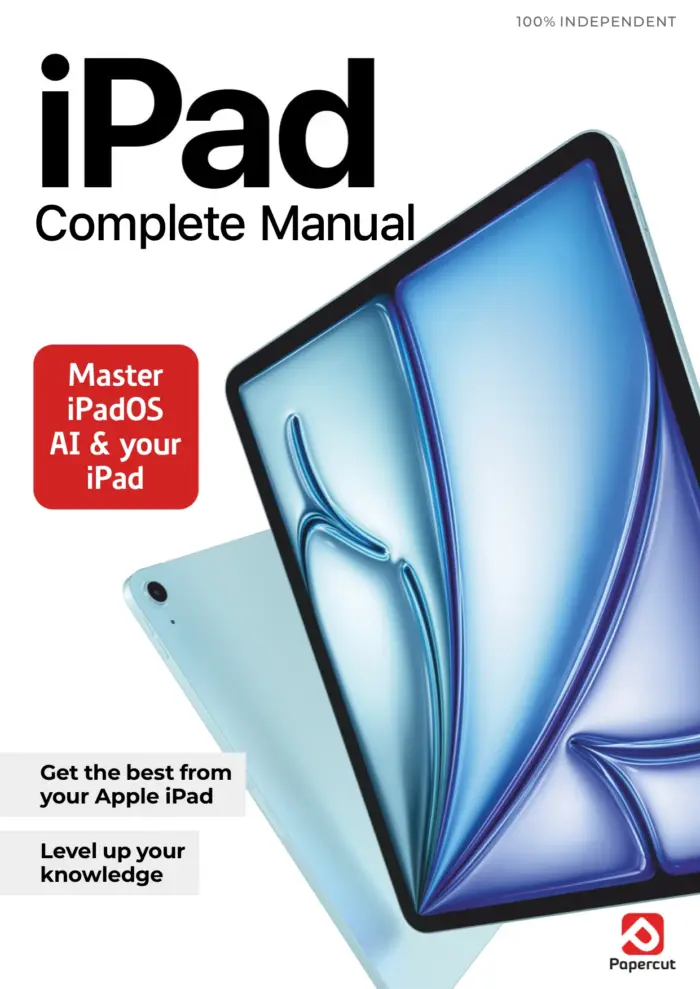
iPad The Complete Manual: 7th Edition 2025
Sold by Papercut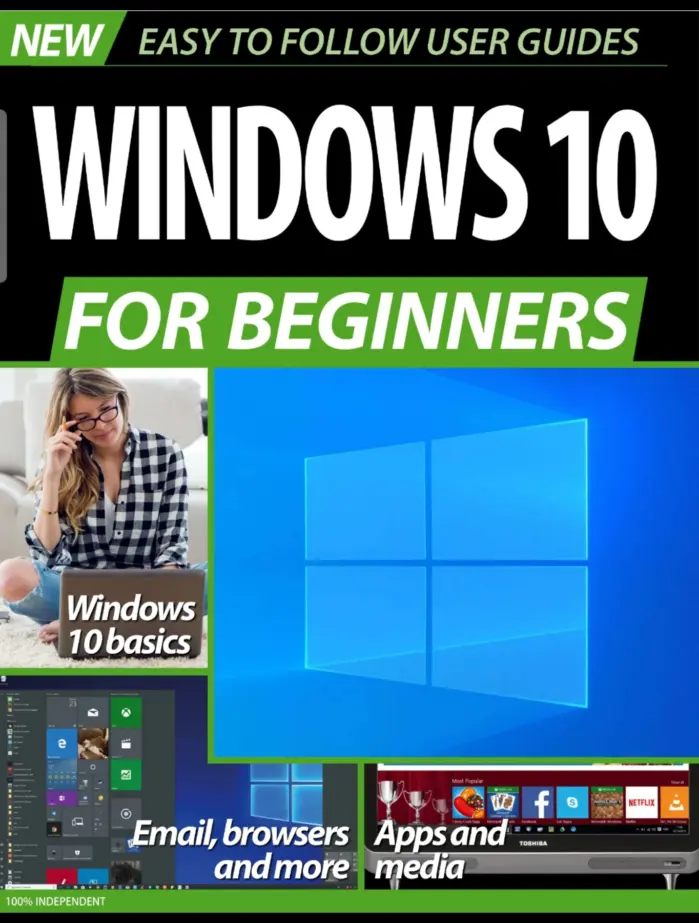
Windows 10 For Beginners No.1
Sold by Papercut Original price was: $2.00.$1.00Current price is: $1.00.






There are no reviews yet.