

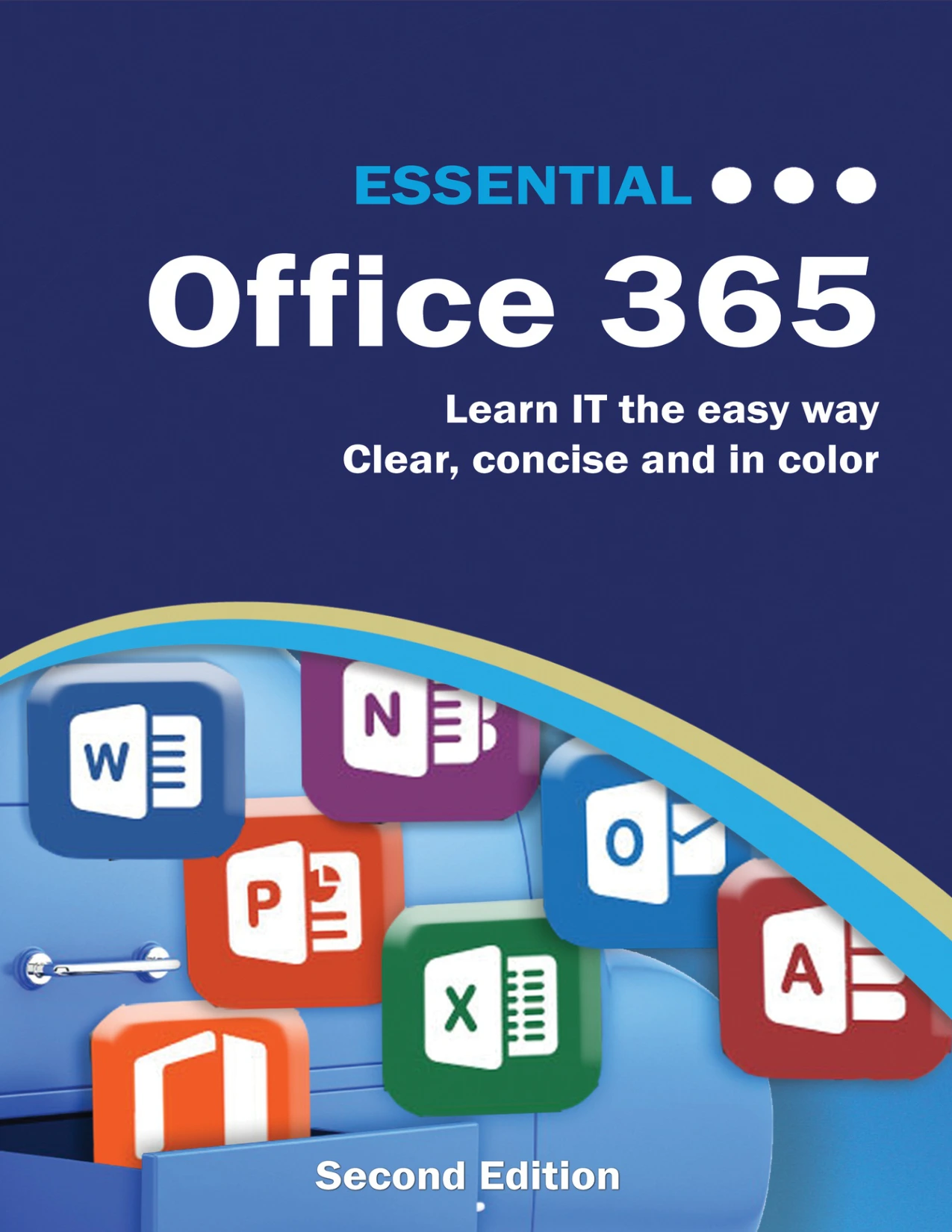
Essential Office 365: Second Edition: The Illustrated Guide to Using Microsoft Office
Original price was: $5.00.$2.50Current price is: $2.50.

Kevin Wilson
Product Specs:
- File Type: PDF
- File Size: 62.1 MB
- Book Language: English
- Total Page Count: 611
- Instant Download
Office is easier to use when the instructions meet you at the task in front of you. Kevin Wilson’s illustrated guide takes that practical route, moving from account setup and online tools to step-by-step work in Word, Excel, and PowerPoint. It is a hands-on reference for readers who want to understand the applications by working through what they can do.
Start with Office and OneDrive
The guide opens with the basics of getting started: choosing an Office package, creating an account, setting up email, and finding your way around Office on the web. It also covers OneDrive across desktop and mobile, including accessing, uploading, editing, and organizing files. That opening gives readers a view of how the applications and file storage fit together.
Make Word work for your documents
Word 2016 receives detailed, task-focused treatment. Topics include paragraph styles, lists, images, tables, charts, templates, mail merge, spelling and grammar tools, document sharing, and page layout. The breadth is useful when a reader needs to move beyond typing and shape a document for a particular purpose.
Turn Excel data into useful information
In Excel 2016, the material progresses from entering and formatting data to formulas, functions, charts, and analysis tools. The contents include functions such as IF and VLOOKUP, Goal Seek, Scenario Manager, PivotTables, slicers, and data validation. Readers can consult individual procedures as they encounter them, rather than treating spreadsheet work as one single skill.
Build presentations in PowerPoint
The guide also introduces PowerPoint 2016, including its ribbon menus, creating a presentation, designing slides, adding images, and working with slide transitions and animations. These sections connect familiar tasks with the controls used to carry them out.
A visual, task-by-task reference
Organized around clear procedures and illustrated guidance, Essential Office 365 suits readers who want an accessible route into Office tools or a reference to keep nearby while completing everyday document, spreadsheet, and presentation work. Its detailed contents make it easy to look for a specific feature when a question comes up.
User Reviews
Only logged in customers who have purchased this product may leave a review.
Original price was: $5.00.$2.50Current price is: $2.50.
There are no reviews yet.