

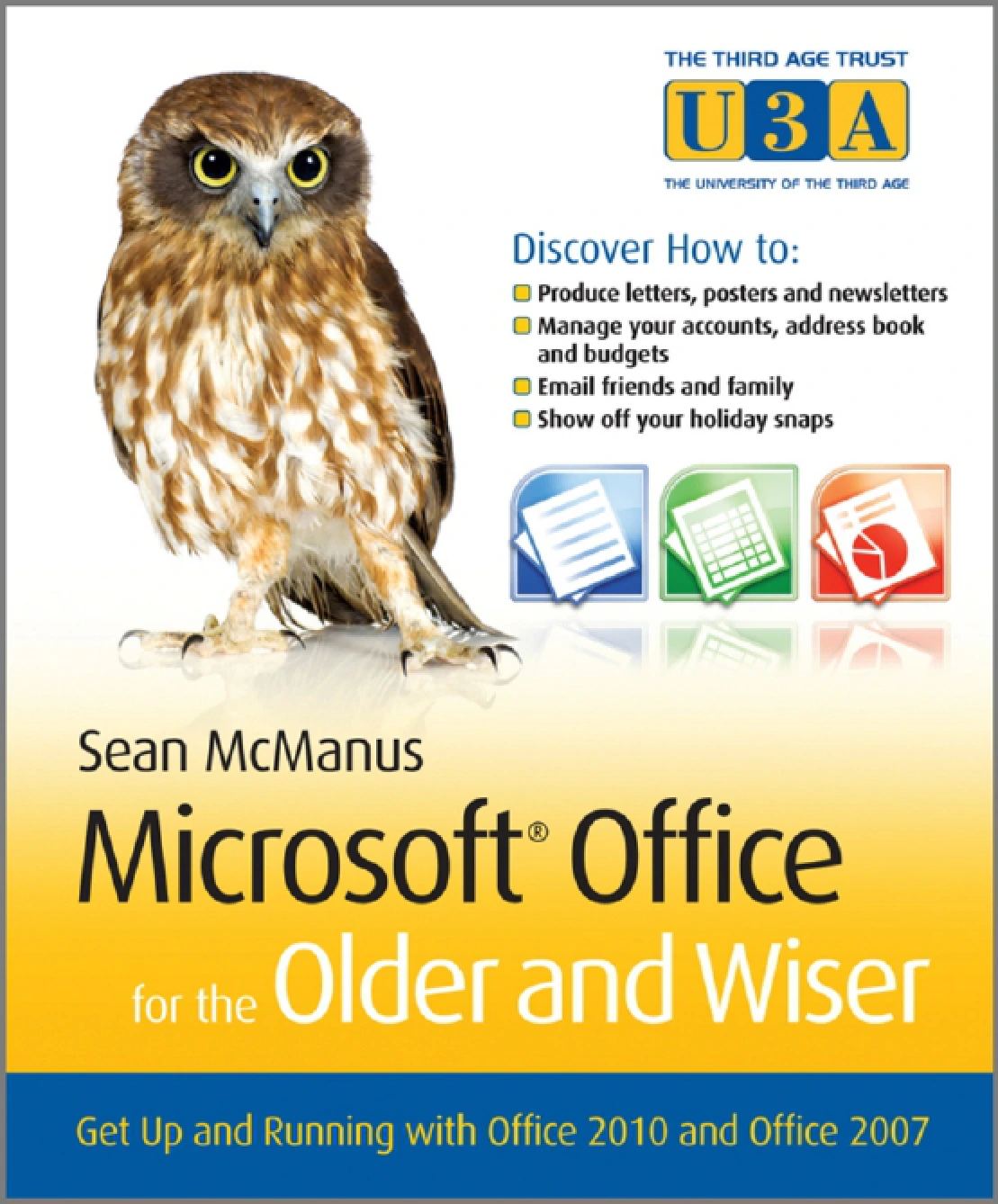
Microsoft Office for the Older and Wiser: Get Up and Running with Office 2010 and Office 2007
Original price was: $5.00.$2.50Current price is: $2.50.

Sean McManus
Product Specs:
- File Type: PDF
- File Size: 8.9 MB
- Book Language: English
- Total Page Count: 324
- Instant Download
Microsoft Office Made Approachable 💻
Opening Microsoft Word or Excel for the first time can feel like being handed a toolbox with no labels. Microsoft Office for the Older and Wiser by Sean McManus is a calm, patient guide that labels the tools and shows you what to do with them. Instead of racing through every feature, it builds confidence through practical projects: a letter, a poster, a newsletter, an address book, a holiday budget, party invitations, a photo slide show, and a recipe notebook.
Published by John Wiley & Sons in 2011, the book covers both Office 2010 and Office 2007. It speaks directly to older and wiser readers who may be new to computers or returning after a break, and it keeps the tone clear, respectful, and free of unnecessary jargon.
Writing and Designing with Word 📝
The Word chapters begin with the basics of starting the program, saving your work, and typing a letter. You’ll learn how to make changes, move text around, adjust formatting, add your address, check spelling, and print. From there, the projects grow more creative: building a poster with a template, inserting pictures and clip art, and publishing a newsletter with columns, images, and a table of contents.
Each task is broken into manageable steps, so you can see how individual actions add up to a finished document rather than memorising commands in isolation.
Spreadsheets for Real Life 📊
Excel can seem intimidating, but this guide introduces it through familiar jobs. You’ll build an address book, learning how rows, columns, and cells work as you enter and find your contacts. A holiday budget project shows how to calculate quantities, total costs, convert currency, and write your own formulae. The section even covers adding a countdown, protecting your privacy with encryption, and copying your budget into a Word itinerary.
Later, Excel and Word work together for personalised party invitations. The mail merge chapter walks through preparing an invitees list, selecting recipients, adding names, previewing the results, and creating mailing labels.
Photos, Notes, and Email 🖼️
PowerPoint turns holiday photos into a slide show. The book explains how to start a presentation, preview it, add and delete slides, apply transitions and animations, create an instant photo album, and set the show to play automatically. OneNote becomes a searchable recipe book, with guidance on creating notebooks and tabs, adding recipes, capturing them from the Internet, and finding them by ingredient.
The final part covers email: what it is, how to set it up on a PC, how to read messages in Windows Live Mail, reply, send new emails, and share Office files as attachments. Appendices provide keyboard shortcuts and a glossary for quick reference.
A Gentle Path to Digital Confidence
What makes this guide stand out is its steady pace and its focus on tasks you might genuinely want to complete. The projects are practical rather than theoretical, and the instructions assume no prior expertise. If you have been put off by dense software manuals, the what else can you do? prompts at the end of chapters offer optional next steps without pressure.
Whether you are learning Office for personal projects, family communication, or simply to feel more at home with your computer, the book offers a supportive route through Word, Excel, PowerPoint, OneNote, and email.
Who Will Find It Useful?
- Older readers who want a clear, unhurried introduction to Microsoft Office.
- Complete beginners who prefer learning through real projects.
- Anyone using Office 2010 or Office 2007 who needs a practical reference.
- Readers returning to computers after time away and looking for a confidence-building refresher.
Add this ebook to your Digital Delights library and work through it at your own pace, one useful project at a time.
User Reviews
Be the first to review “Microsoft Office for the Older and Wiser: Get Up and Running with Office 2010 and Office 2007”
You must be logged in to post a review.
Original price was: $5.00.$2.50Current price is: $2.50.






There are no reviews yet.