

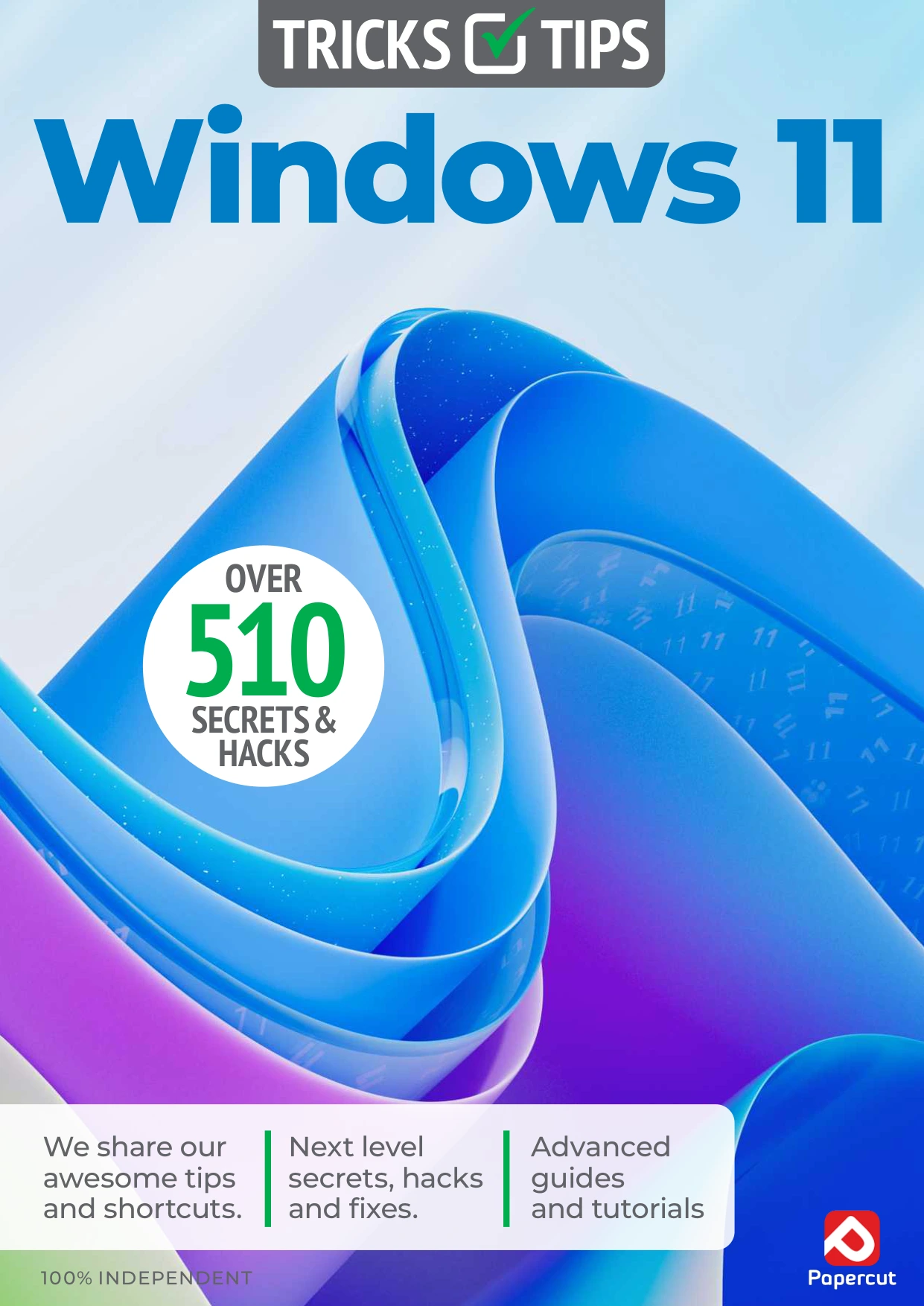
Windows 11 Tricks and Tips
Original price was: $5.00.$2.50Current price is: $2.50.

Papercut
Product Specs:
- File Type: PDF
- File Size: 41.6 MB
- Book Language: English
- Total Page Count: 74
- Instant Download
A Practical Windows 11 Companion 💻
Windows 11 includes many useful tools that often remain hidden behind menus or simply go unused. This 13th edition guide from Papercut Limited brings those features into focus with clear, example-driven instructions. The material is designed for readers who already know the basics and want to make their daily computing more efficient.
Step-by-Step Tutorials for Real Tasks
The guide is organised around the tasks you actually perform on a PC, not abstract theory. Each chapter shows you where to click, what to select, and what to expect. You will learn how to:
- Set up Focus Assist to block distractions and manage notifications.
- Use Nearby Sharing to send files between nearby devices.
- Connect an Android phone to your Windows 11 PC for calls, messages, and photos.
- Import photos from a camera or phone and manage them in the Photos app.
- Edit and organise pictures with built-in tools.
- Plan routes and explore places with the Maps app.
- Keep contacts organised and sync them across devices.
- Use Sticky Notes for quick reminders and ideas.
- Install a wireless printer without frustration.
- Run malware scans to help keep your system safe.
Work Smarter with Built-In Apps
Instead of recommending third-party software, the guide focuses on the features already included in Windows 11. This approach helps you understand the operating system more deeply and reduces dependence on extra downloads. Each walkthrough includes direct references to the settings and menus you will see on screen.
Who Will Find This Edition Useful
If you have been using Windows 11 for a while but suspect you are not using it to its full potential, this publication will help you close the gap. It suits home users, students, remote workers, and anyone who wants a smoother relationship with their laptop or desktop. The language is straightforward and avoids unnecessary jargon, making advanced features accessible without oversimplifying them.
Learn, Apply, Repeat ⚙️
Short, focused lessons make it easy to try one new skill at a time. You can follow the chapters in order or jump directly to a topic that interests you. By the end, you will have a clearer picture of how Windows 11 can support your daily work and personal projects.
User Reviews
Be the first to review “Windows 11 Tricks and Tips”
You must be logged in to post a review.

Photography For Beginners: 3rd Edition
Sold by Papercut
Android For Beginners
Sold by Papercut
Coding For Beginners — 3rd Edition
Sold by Papercut
Coding For Beginners – 24th Edition 2026
Sold by Papercut
Chromebook + Google AI Complete Manual: 9th Edition (2026)
Sold by Papercut
The Complete Cloud Computing Manual – 22nd Edition, 2024
Sold by Papercut Original price was: $5.00.$2.50Current price is: $2.50.






There are no reviews yet.