

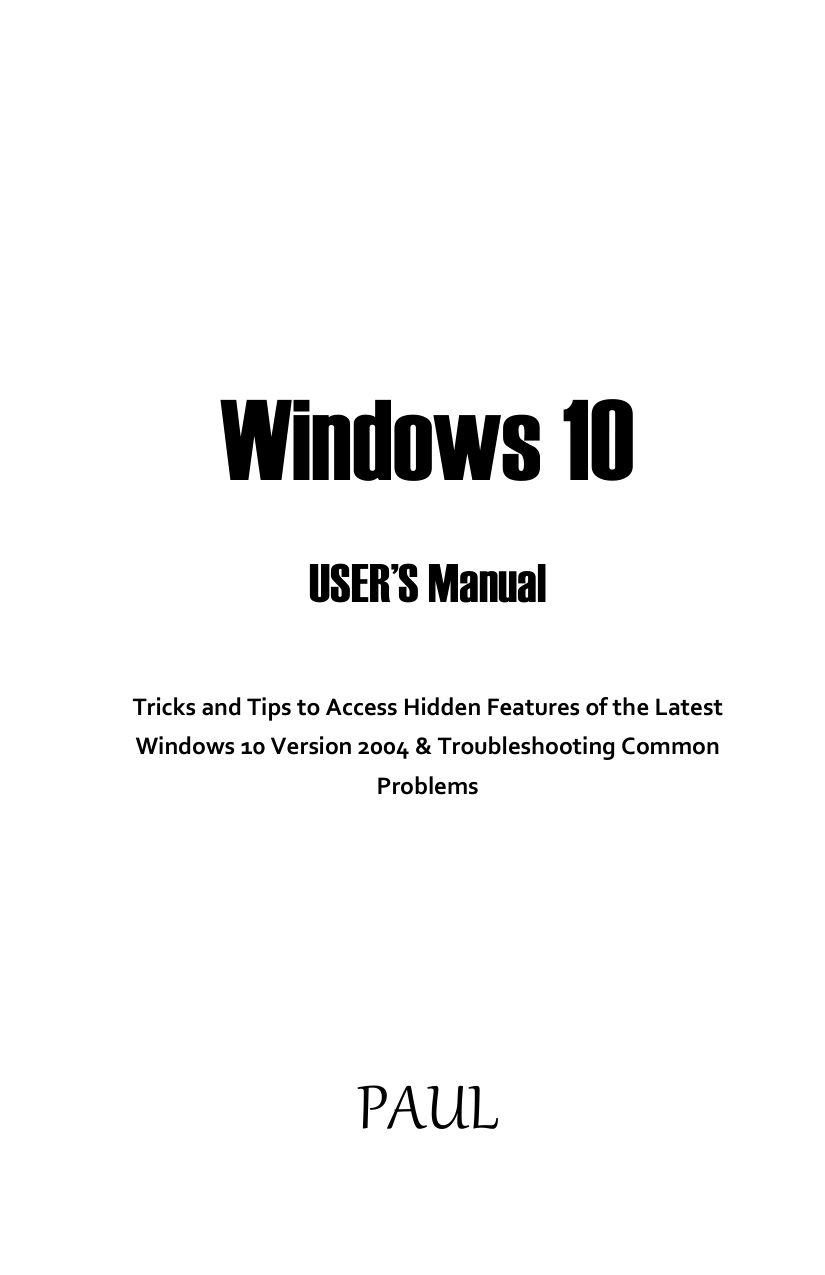
Windows 10 USER’S Manual
Original price was: $5.00.$2.50Current price is: $2.50.

Paul Spurgeon
Product Specs:
- File Type: PDF
- File Size: 6.6 MB
- Book Language: English
- Total Page Count: 184
- Instant Download
Master Windows 10 with Confidence 💻
Whether you have just unboxed a new PC, upgraded from an older version of Windows, or switched from a different operating system, this manual helps you move beyond the basics. Paul Spurgeon’s Windows 10 USER’S Manual is built around the May 2020 Update (version 2004) and includes clear explanations of new features, practical configurations, and troubleshooting steps for common problems.
What This Manual Covers
The book is organized so you can either read it cover-to-cover or jump directly to the topic you need. Inside, you will find practical guidance on:
- Upgrading to Windows 10 version 2004
- Using Windows Subsystem for Linux and Display Driver Model
- Setting up and managing VPN connections
- Customizing the Start menu, tiles, and desktop
- Using Cortana shortcuts and Microsoft Edge effectively
- Exploring the Settings app, privacy controls, and network options
- Troubleshooting keyboard, Mail app, and other common issues
- Improving performance and managing automatic updates
A Closer Look at Version 2004 ✨
Windows 10 version 2004 introduced several changes that are easy to overlook. Spurgeon explains these updates in plain language, helping you understand what has changed and why it matters. He covers everything from minor interface tweaks to more significant system components, so you can make informed decisions about how you use your computer.
Practical Troubleshooting Guidance 🔧
When something goes wrong, this manual gives you step-by-step options to fix it without panic. The troubleshooting chapters address specific failures, including a keyboard that stops responding, a Mail app that won’t work, and system slowdowns. You will also learn how to reset your PC without losing personal files—a valuable skill when Windows becomes unstable.
Hidden Tips and Shortcuts You’ll Actually Use
Beyond the standard settings, the book reveals lesser-known tricks that can save time and reduce frustration. Handy keyboard shortcuts, ways to stop unwanted automatic updates, and performance tweaks are presented in an easy-to-follow format. These small adjustments often make a big difference in daily use.
Who This Guide Is For
This manual serves both beginners who want a structured introduction and experienced users looking for a quick reference. If you are comfortable clicking around but have not explored everything Windows 10 offers, you will likely discover new options here. The language stays approachable, and the instructions are designed to be followed without prior IT knowledge.
With a focus on real-world tasks rather than theoretical background, Windows 10 USER’S Manual helps you get more from your PC. Keep it handy as a reference whenever you need to configure a setting, solve a problem, or simply explore what Windows 10 can do.
User Reviews
Be the first to review “Windows 10 USER’S Manual”
You must be logged in to post a review.
Original price was: $5.00.$2.50Current price is: $2.50.






There are no reviews yet.