

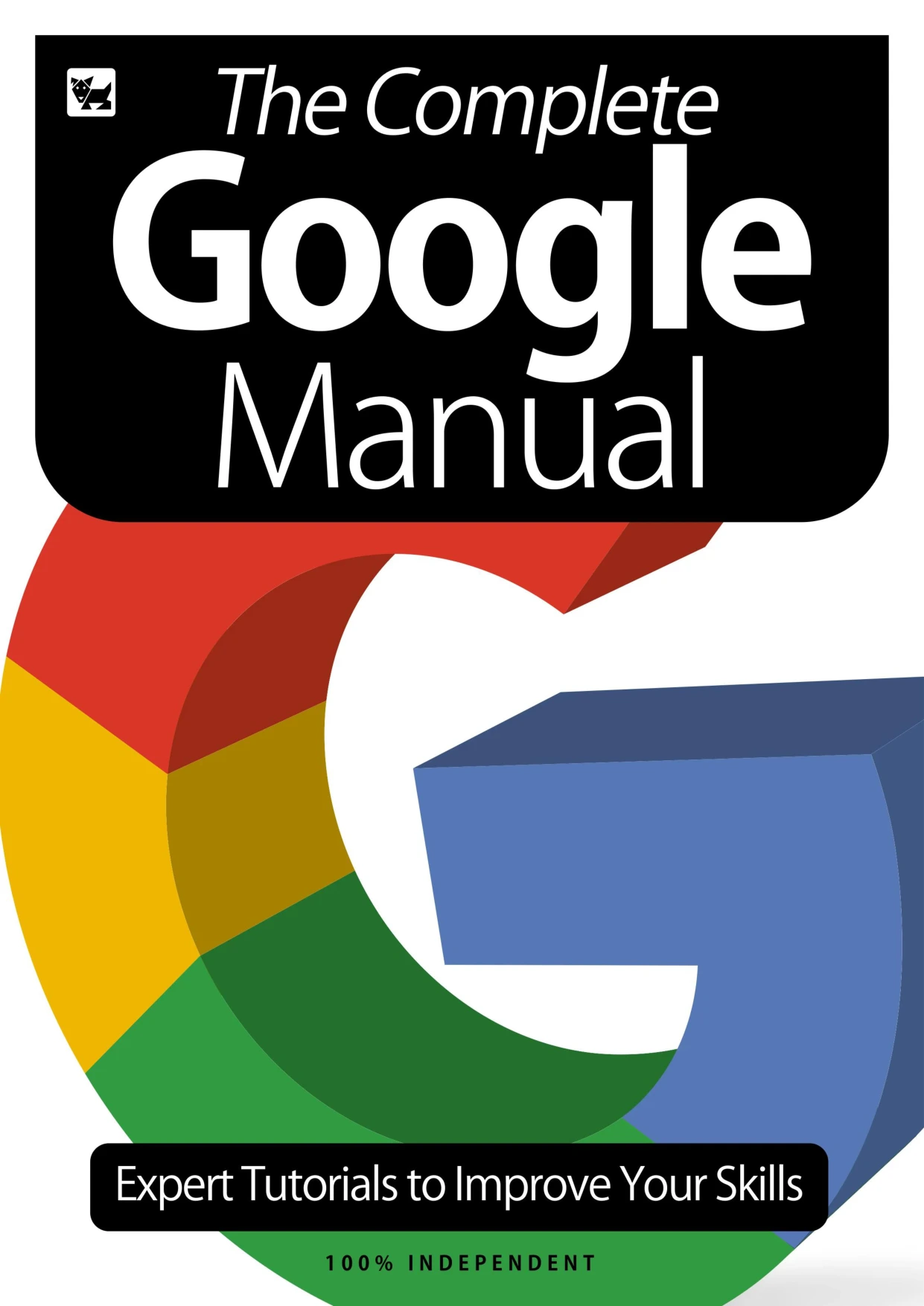
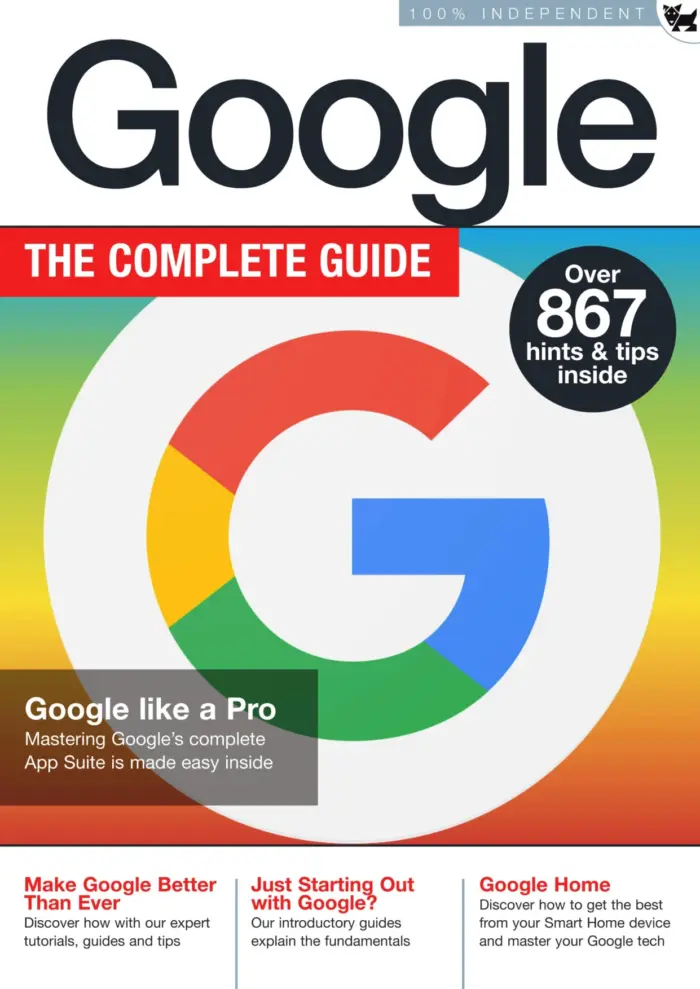
The Complete Google Manual
Original price was: $5.00.$2.50Current price is: $2.50.

BDM Publications
Product Specs:
- File Type: PDF
- File Size: 82.3 MB
- Book Language: English
- Total Page Count: 147
- Instant Download
Master Google’s Free Tools Step by Step
Google is far more than a search engine. From email and cloud storage to maps, photo editing, and smart home control, the company offers a wide collection of free tools that many people use every day without exploring their full potential. This complete manual from BDM Publications provides clear, practical tutorials for getting more from the entire Google ecosystem. Whether you want to tidy your inbox, plan a trip, create a document, or set up a smart speaker, the instructions are easy to follow and supported by screenshots from the apps themselves.
What’s Inside This July 2020 Edition
The book is organised as a hands-on reference rather than a dense manual. Each section focuses on a specific Google product or feature, so you can jump straight to the tool you need. The early chapters help you build a strong foundation with account setup, privacy controls, and security checks. Later chapters cover individual apps in depth, and the final part introduces Google hardware and gaming services.
- Google account creation and security settings
- Chrome browser customisation, sync, and extensions
- Gmail organisation, spam handling, and scheduling
- Google Calendar, Maps, Earth, Translate, and Flights
- Google Photos editing, albums, and animations
- YouTube uploading and app features
- Google Drive, Docs, Sheets, Slides, and Forms
- Google Keep, Pay, Play Store, and Blogger
- Google Home, Pixel, Chromecast, and Stadia
Start with a Solid Google Account Foundation
The opening chapters walk you through creating a Google account, setting up two-factor authentication, and reviewing the privacy dashboard. There is a strong emphasis on security, showing how to monitor signed-in devices, manage recovery options, and download or delete your data. These early lessons are valuable even if you have used Google for years, because the settings are often overlooked.
Explore Core Apps: Chrome, Gmail, Maps and Drive
After the basics, the manual dives into Chrome, Gmail, and Google’s productivity suite. You will learn how to customise the browser with themes and extensions, use Gmail conversations and tasks, and get the most from Calendar. The Maps chapters cover route planning, Street View, sharing maps, and hidden tips. Drive, Docs, Sheets, Slides, and Forms are presented as a connected workflow, showing how to create, store, and collaborate on documents.
Go Further with Google Home, Pixel and More
The final third of the manual moves beyond software into Google’s smart home and hardware lineup. Instructions cover setting up Google Home speakers, playing music, creating routines, and using Bluetooth. The Pixel phone chapter highlights useful features, while Chromecast and Stadia sections explain how to stream media and play games. These tutorials are practical and assume no prior experience, making the manual a useful companion for anyone who wants to make Google’s ecosystem work better together.
User Reviews
Be the first to review “The Complete Google Manual”
You must be logged in to post a review.

Learn Coding: C++ & Python Vol 35
Sold by BDM Publications
Windows 10 – The Complete Guide
Sold by BDM Publications
Photoshop User Magazine Issue 2 – June 2022 Back Issue
Sold by BDM Publications
Coding for Beginners (2nd Edition)
Sold by BDM Publications
iPhone For Beginners
Sold by BDM Publications
The Complete Photography Manual
Sold by BDM Publications Original price was: $5.00.$2.50Current price is: $2.50.



There are no reviews yet.