

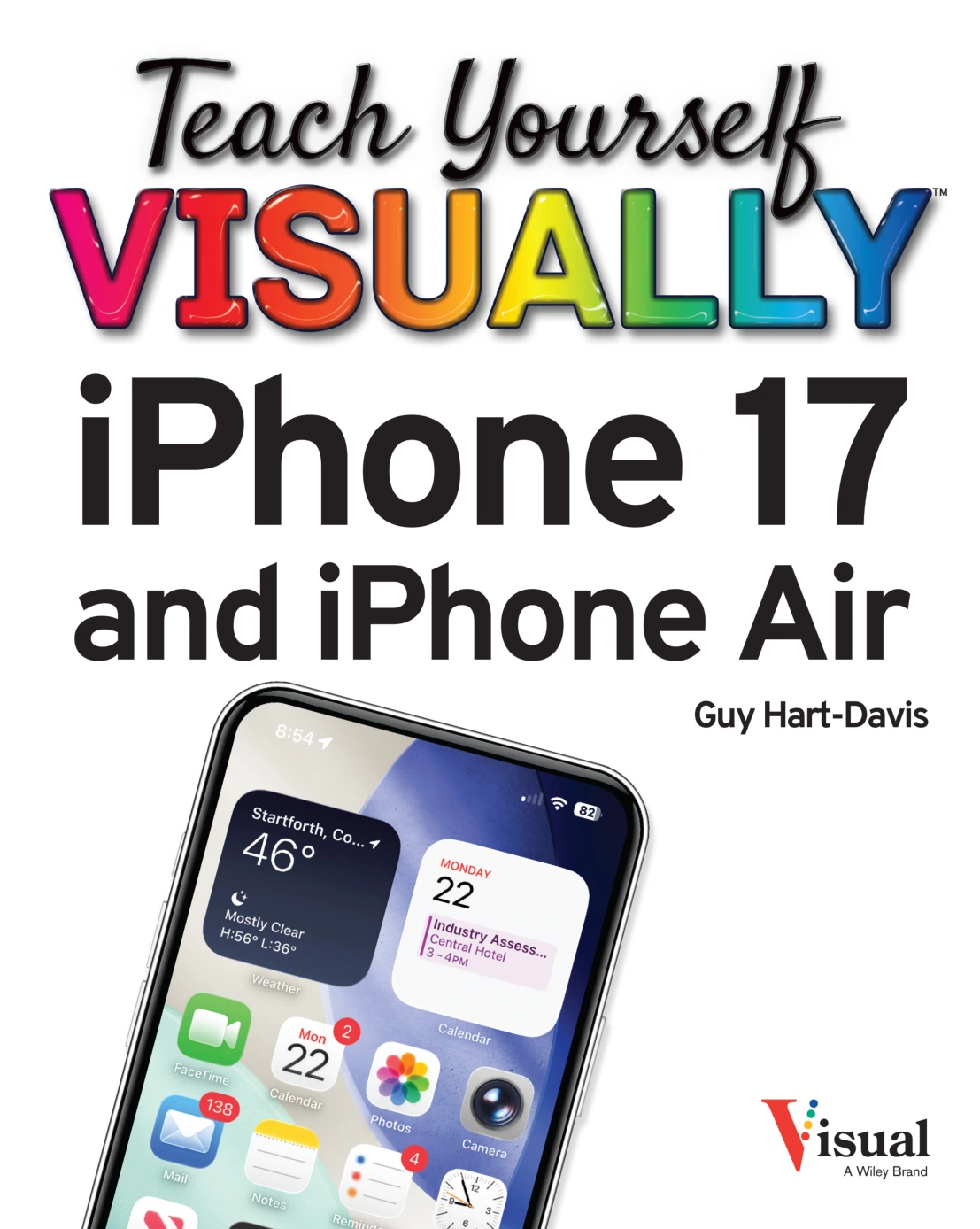
Teach Yourself VISUALLY iPhone 17 and iPhone Air
Original price was: $5.00.$2.50Current price is: $2.50.

Guy Hart-Davis
Product Specs:
- File Type: PDF
- File Size: 68.4 MB
- Book Language: English
- Total Page Count: 319
- Instant Download
See It, Tap It, Master It 📱
Apple’s iPhone 17 and iPhone Air bring plenty to explore, but you don’t need to figure out every screen on your own. This visual guide from Guy Hart-Davis walks you through the essentials with clear screenshots and numbered steps, so you can move from setup to confident daily use without feeling lost in menus.
What Makes This Guide Work
Instead of long paragraphs of theory, each task appears alongside the actual icons and buttons you’ll tap. That visual approach helps you recognize what’s on your screen and follow along at your own pace.
- Start with setup: Activate your iPhone, sync from a computer, and explore the interface.
- Make it yours: Adjust wallpaper, notifications, Focus modes, Face ID, Screen Time, and more.
- Stay connected: Set up mail, contacts, Wallet, Apple Pay, calls, FaceTime, and Messages.
- Work with apps: Organize the Home Screen, use the App Library, lock and hide apps, and manage updates.
- Browse and email: Use Safari tabs, Reading List, privacy features, and Mail folders.
More Than the Basics
Along with everyday tasks, the book covers Apple Intelligence on iPhone, Siri and dictation, accessibility features, iPhone Mirroring with a Mac, and sharing tools like AirDrop and Personal Hotspot. Each chapter builds practical confidence through concise visual steps.
Who Will Find This Useful
Whether you’re new to iPhone or upgrading from an older model and want to quickly understand what’s changed, the clear layout and task-focused format make it easy to look up a specific feature and get back to using your phone.
Digital Delights offers this ebook edition for readers who prefer a searchable, portable format that travels with you.
User Reviews
Be the first to review “Teach Yourself VISUALLY iPhone 17 and iPhone Air”
You must be logged in to post a review.

macOS Tahoe For Dummies
Sold by Guy Hart-Davis Original price was: $5.00.$2.50Current price is: $2.50.





There are no reviews yet.