

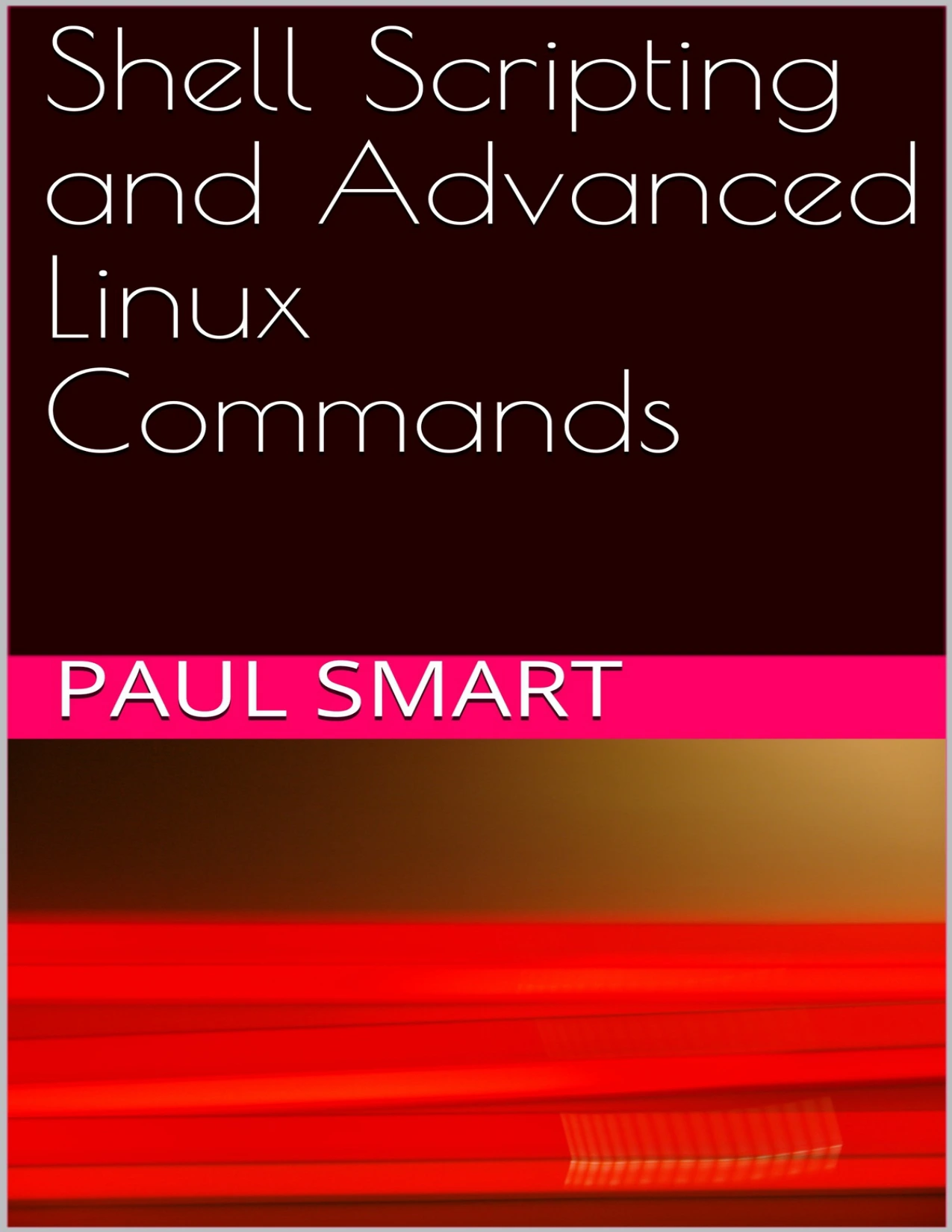
Shell Scripting and Advanced Linux Commands
Original price was: $5.00.$2.50Current price is: $2.50.

Paul Smart
Product Specs:
- File Type: PDF
- File Size: 858.1 KB
- Book Language: English
- Total Page Count: 116
- Instant Download
Automate Linux with Confidence
This guide focuses squarely on the skills needed to write, test, and troubleshoot shell scripts on a Linux system. Rather than merely listing commands, it builds understanding from the ground up: how the kernel, shell, and hardware interact, how commands are located and executed, and how scripts run in their own subshells. The result is a foundation that makes advanced commands far easier to learn and apply.
What the Guide Covers
- Linux architecture — the hardware, kernel, and shell layers explained clearly.
- Shell types — Bourne, C, and BASH shells, with attention to compatibility and practical use.
- Script creation and execution — from plain text files to executable scripts, including PATH and permission handling.
- Shell features — regular expressions, built-in commands, hashing, and process hierarchy.
- Hands-on exercises — most chapters end with a task to reinforce learning and expose common problems.
From Login to Your First Script
The guide begins with the basics of accessing a Linux system, whether via command-line login or a terminal window inside a graphical session. It explains how the system searches for commands, why myscript may not run until the PATH or path specification is set correctly, and how to use chmod to make a script executable. Short, realistic examples show exactly what happens at each step, including how a script inherits the shell of its parent process.
Why BASH Matters
While the Bourne shell is often used for startup scripts and the C shell offers useful interactive features, BASH combines Bourne compatibility with the conveniences of the C shell. This guide uses BASH for its examples, so readers learn a widely available, practical scripting environment that works across many Linux distributions and Unix-like systems.
Learning at a Measured Pace
Each chapter opens with clear objectives and closes with an exercise, creating a structured path through the material. The balance of theory and practice makes it easier to retain what you learn and to return to specific sections when you need a quick reference. Whether you are preparing for a system administration role or simply want to automate repetitive tasks, the topics here provide a solid base for more advanced Linux work.
Explore the guide chapter by chapter or jump directly to the areas you need most. The command-line examples are deliberately kept simple at first, so you can see exactly how each piece works before moving on to more complex scripting challenges.
User Reviews
Be the first to review “Shell Scripting and Advanced Linux Commands”
You must be logged in to post a review.
Original price was: $5.00.$2.50Current price is: $2.50.
There are no reviews yet.