

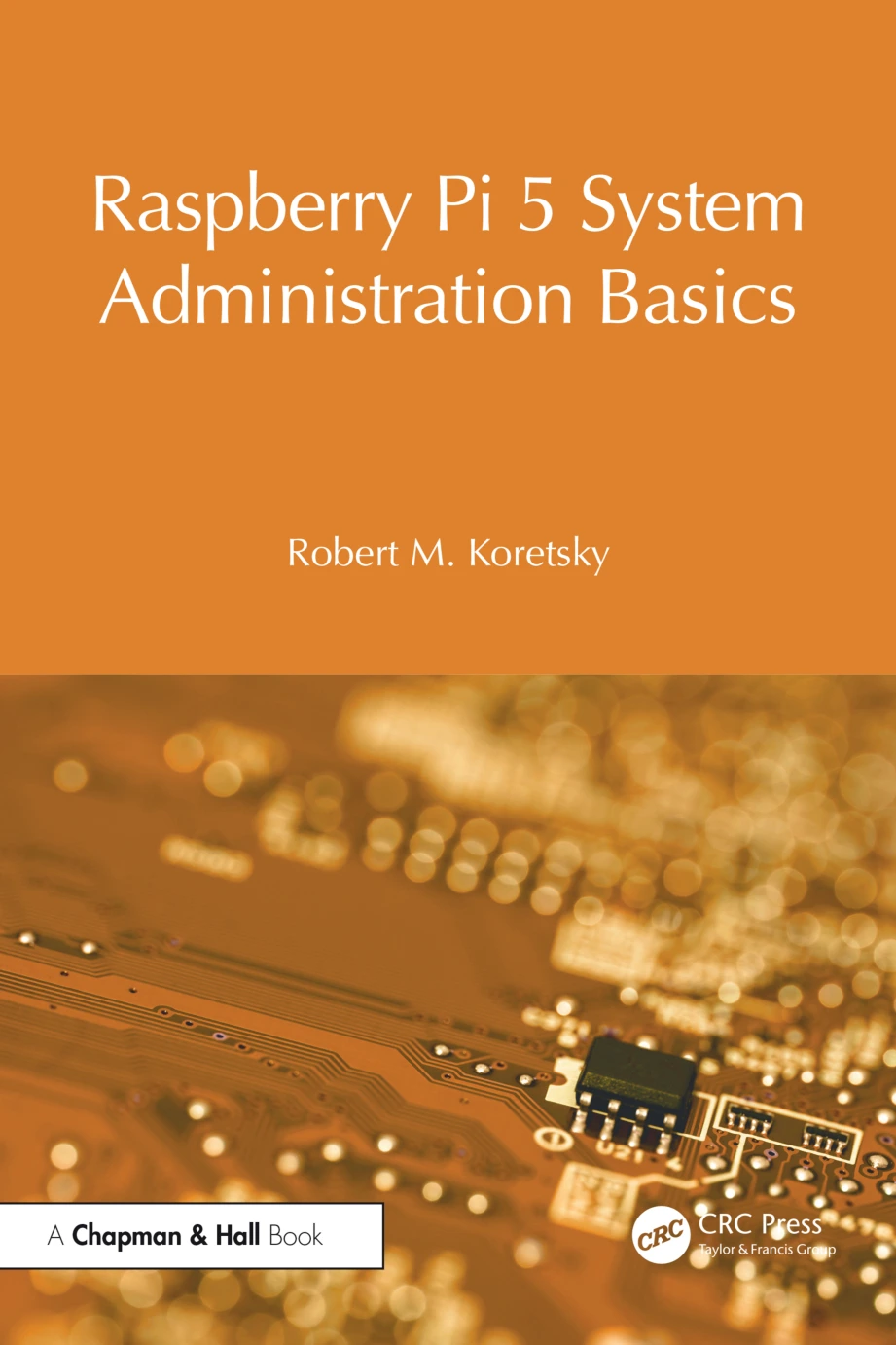
Raspberry Pi 5 System Administration Basics
Original price was: $5.00.$2.50Current price is: $2.50.

Robert M. Koretsky
Product Specs:
- File Type: PDF
- File Size: 9.0 MB
- Book Language: English
- Total Page Count: 374
- Instant Download
A Working Admin’s Companion for the Raspberry Pi 5 💻
The Raspberry Pi 5 changed what people expect from a single-board computer. With a PCIe 2.0 × 1 connector on the board, you can attach NVMe adapters and boot from real solid-state storage instead of a microSD card — which quietly moves the Pi out of the hobbyist drawer and onto the desk beside laptops and desktops. That shift raises an obvious question: do you actually know how to administer the system you have just built?
Raspberry Pi 5 System Administration Basics is written for the reader who wants a straight answer. It assumes you can type a syntactically correct Linux command, that you have a Raspberry Pi 5 running the current Raspberry Pi OS, and that you are ready to use sudo when the job calls for it. From there, it walks through the administration tasks a beginner genuinely needs, in the order you are likely to meet them.
Start at the Command Line
The opening chapter is a deliberate on-ramp. File maintenance commands, how to get help on command usage, and printing commands come first, because these are the text-based tools a system administrator leans on constantly to keep a machine in good order — whether you are working in a character interface or inside a graphical one. Nothing is assumed beyond the ability to read and type.
Users, Storage, and System Integrity
From there the book turns to the fundamentals that keep a system secure and predictable:
- Creating and managing users and groups, with secure access in mind
- Basic password management and the reasoning behind it
- Determining and changing file access privileges
- File systems, connections to persistent media, and adding storage to the system
- Integrating USB3 SSDs and NVMe drives, with file system classification based on physical or virtual media, including NFSv4 and iSCSI setups
- Installing ZFS and working with zpool and zfs command syntax
- Printer configuration, backup and recovery, software updates, and OS upgrades
Performance monitoring and virtualisation methodologies round out the picture, giving the beginner a sense of how a single Raspberry Pi 5 can be stretched toward small servers or cloud-style virtual environments. The material is presented as explicitly applicable to Debian-family distributions broadly — Ubuntu and Linux Mint among them — as well as to other Linux families, so the commands you learn here travel with you.
systemd as the Superkernel ⚙️
The central chapter is devoted to systemd, the “superkernel” that oversees nearly every process on a modern Linux system. The book explains how the Raspberry Pi 5 boots through the initial RAM disk (initrd), what units and unit files actually are, and how to practice on and manage targets. It then extends to other important systemd commands and shows a Python 3 web server running as a new-style daemon — a concrete demonstration of how service management works in practice rather than in theory.
Python 3 Without the Mystery 🐍
A final section introduces Python 3 for readers who have not programmed before, starting with the Thonny integrated development environment and then working through the language’s syntax with illustrative code. Practical examples follow, and a glossary at the end acts as a reference you can return to when a term slips out of memory. A companion GitHub repository hosts the book’s code, updates, and solutions to the in-chapter exercises, so the examples can be run rather than merely read.
Exercises That Build on Each Other
Every chapter contains sequential, in-line exercises that reinforce the material presented before them. That structure rewards working steadily rather than skimming: try the commands, complete the exercises, and the next chapter’s material lands on a firmer footing.
Who This Book Suits
This is an entry point, not an encyclopedia. It fits the newcomer who has just unboxed a Raspberry Pi 5, the student preparing for information technology or computer science coursework, and the working professional who wants a compact refresher on Linux administration built around systemd. If you are already comfortable managing users, storage, and services on Debian systems, you will likely want the more advanced volumes in the series.
📚 Available as a digital edition from Digital Delights — ready to read on the screen you already have in front of you.
User Reviews
Be the first to review “Raspberry Pi 5 System Administration Basics”
You must be logged in to post a review.
Original price was: $5.00.$2.50Current price is: $2.50.





There are no reviews yet.