

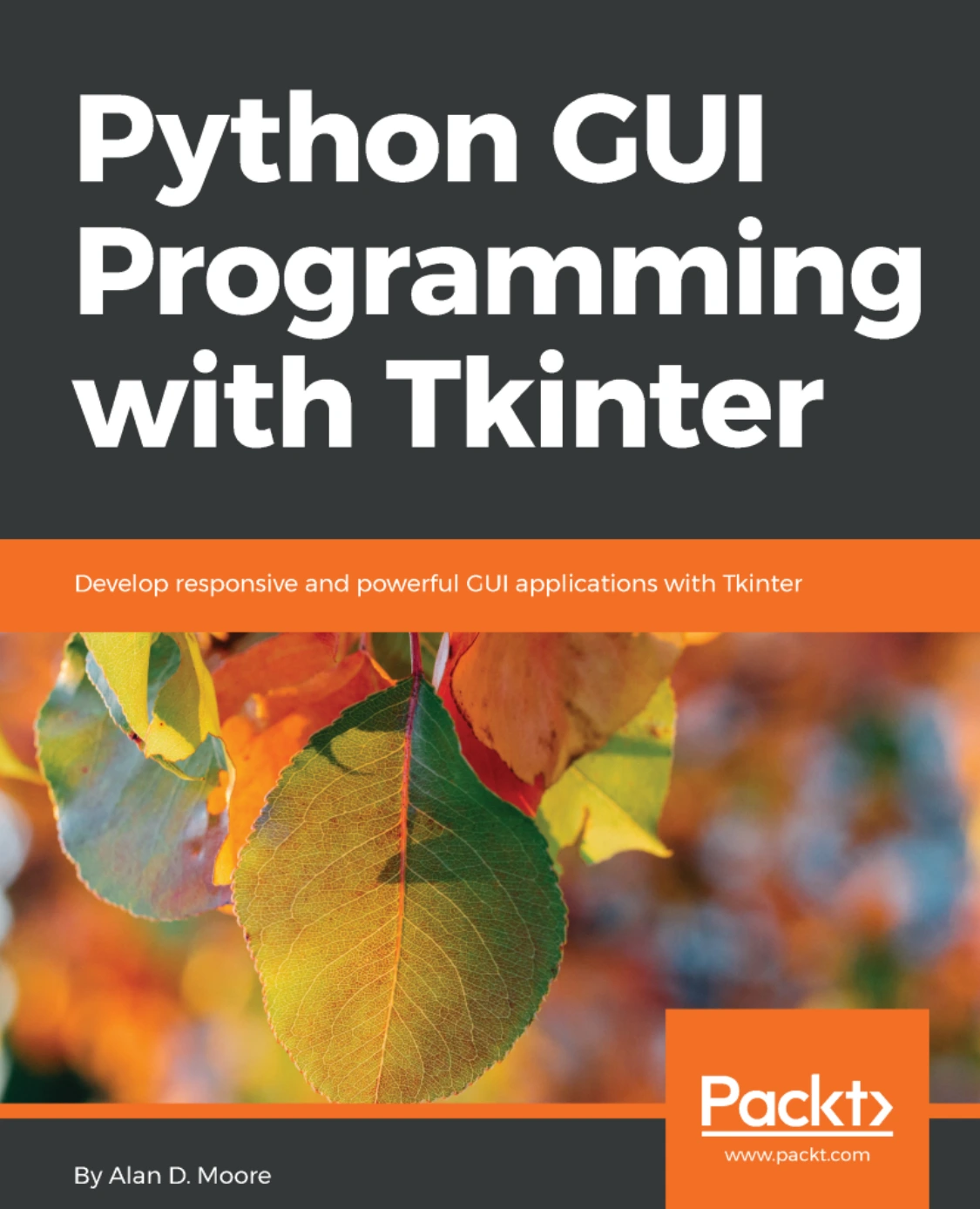
Python GUI Programming with Tkinter
Original price was: $5.00.$2.50Current price is: $2.50.

Alan D. Moore
Product Specs:
- File Type: PDF
- File Size: 3.4 MB
- Book Language: English
- Total Page Count: 442
- Instant Download
Build Python Desktop Apps with Tkinter 🐍
Alan D. Moore’s Python GUI Programming with Tkinter takes a practical, project-oriented route through Python’s built-in GUI toolkit. Instead of scattering isolated widget examples, it follows the creation of a real data-entry application for a fictional agricultural research lab. That narrative thread gives every new concept a place to land: forms, validation, menus, dialogs, record navigation, and the architectural decisions that keep a growing application maintainable.
Published by Packt in 2018, the book is written for Python developers who want to build desktop interfaces without leaving the Python ecosystem. Tkinter ships with Python, which makes it an accessible starting point for tools, utilities, internal dashboards, and small business applications. The book treats that accessibility seriously while showing how to move beyond throwaway scripts.
From First Window to Maintainable Application 💻
The early chapters cover installation, IDLE, and a Hello World before moving quickly into application design. You will work with core Tkinter and ttk widgets, including Entry, Spinbox, Combobox, Checkbutton, Text, Button, and LabelFrame. The book then shows how to group fields, lay out forms, retrieve data, reset inputs, and save records to CSV.
Later chapters turn to the problems that appear once an application starts to grow:
- validating user input and preventing common data-entry errors;
- building custom widgets with multiple inheritance and mixin classes;
- structuring code with the MVC pattern;
- organizing a project into models, views, and controllers;
- adding menus, dialogs, settings persistence, and Treeview-based record navigation.
What Makes This Tkinter Guide Useful ⚙️
What stands out is the book’s willingness to refactor. It does not pretend that the first version of a GUI is the final one. As the sample application evolves, readers see why separating concerns matters, how to reduce redundancy in view logic, and where validation and automation can save users from repetitive mistakes. That makes the material especially helpful for developers who can write Python but have not yet built a desktop interface of real size.
Who This Book Is For
If you are comfortable with Python basics and want to create responsive desktop applications, this book offers a structured path. It is aimed at developers, analysts, and technical professionals who need to build forms, data-entry tools, or internal utilities. Beginners to GUI programming will find the progression approachable, while experienced programmers can use it to understand Tkinter’s widget set and application patterns.
Why Tkinter Remains a Practical Choice
Tkinter may not be the newest toolkit, but it is available wherever Python is installed, it is well documented, and it is capable of producing dependable desktop software. This book shows how to use it thoughtfully: not just placing widgets, but designing interactions, handling data, and organizing code that can be extended later. For anyone building a Python-based tool that needs a graphical front end, it is a focused and useful guide.
Add this digital edition to your programming library and start turning Python scripts into desktop applications with a toolkit you already have. 🧠
User Reviews
Be the first to review “Python GUI Programming with Tkinter”
You must be logged in to post a review.
Mastering GUI Programming with Python: Develop impressive cross-platform GUI applications with PyQt
Sold by Alan D. Moore Original price was: $5.00.$2.50Current price is: $2.50.

There are no reviews yet.