

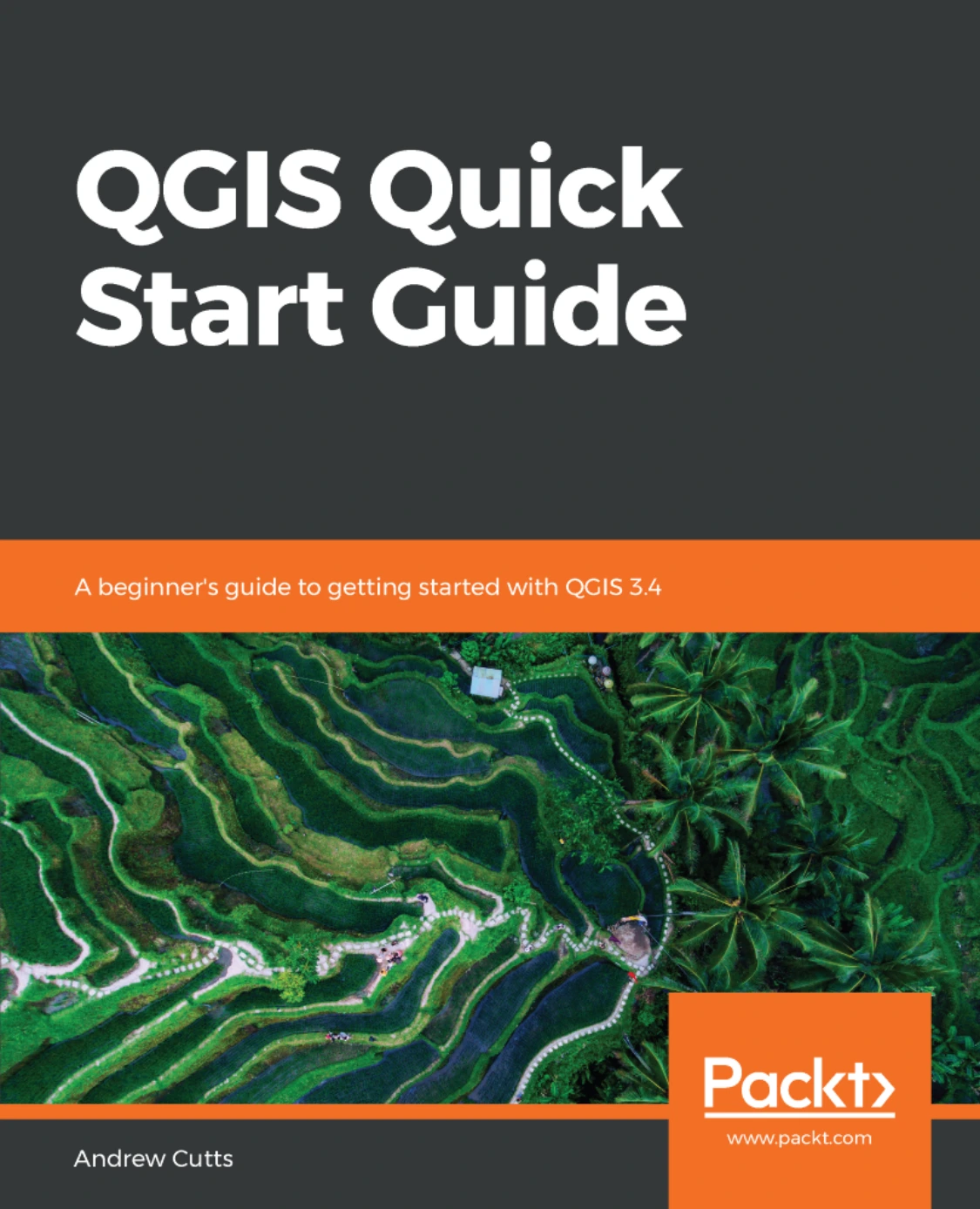
QGIS Quick Start Guide: A beginner’s guide to getting started with QGIS 3.4
Original price was: $5.00.$2.50Current price is: $2.50.

Andrew Cutts
Product Specs:
- File Type: PDF
- File Size: 10.1 MB
- Book Language: English
- Total Page Count: 157
- Instant Download
Get Productive with QGIS 3.4
QGIS Quick Start Guide is a beginner-oriented, hands-on introduction to QGIS 3.4, the open-source geographic information system. Written by Andrew Cutts, a geospatial consultant with almost two decades of experience, the book is designed for readers who are new to GIS and QGIS alike. It assumes no prior knowledge, walking through installation on Windows and Ubuntu, then building practical skills one step at a time.
Across 157 pages, the guide follows a logical progression: from installing QGIS and loading geospatial data to creating and editing vector and raster datasets, styling layers, composing maps, labeling features, and running spatial analysis. Later chapters introduce the Processing Toolbox, model builder, plugins, and the Python command line—giving you a springboard for automating geospatial workflows.
What You’ll Work Through 🗺️
- Installing QGIS 3.4 on Windows and Ubuntu
- Loading, saving, and interacting with GIS data
- Creating GeoPackages, digitizing points, lines, and polygons
- Styling vector and raster data with the Layer Styling Panel
- Making maps, including atlases and basic web maps
- Spatial processing: buffers, intersections, and raster analysis
- Extending QGIS with plugins, model builder, and Python
Hands-On from the First Chapter 💻
The book is structured as a practical quick-start, not a theoretical reference. Each chapter builds on the last, using real data and exercises to demonstrate how QGIS tools work in context. You’ll create your own GeoPackage, populate attribute tables, fix geometry errors, and style layers to communicate information clearly. By the time you reach the spatial analysis chapter, you’ll have a project you understand from the ground up.
Who This Guide Is For
If you work with maps, location data, or spatial questions—and want to learn QGIS without wading through dense documentation—this guide is aimed at you. It is particularly suited to beginners in GIS, students, analysts, researchers, and professionals moving from proprietary GIS software to open-source tools. Because the book assumes no previous experience, it’s also a solid starting point for self-taught learners who prefer a structured path.
QGIS is used across environmental science, urban planning, logistics, public health, and many other fields. This guide focuses on building core competencies that transfer across those domains: getting data in, creating and editing features, styling maps, and running common spatial operations. The later Python and model-builder sections hint at how those skills can grow into repeatable workflows.
Why QGIS 3.4 Matters
QGIS 3.4 brought a mature, open-source GIS to a broad audience. Learning it opens access to a toolset that doesn’t require expensive licenses, making it especially valuable for students, small teams, and organizations that need flexible geospatial capability. This quick-start guide captures that version’s interface and core tools, so the instructions match what you’ll see when you open the software.
Please note: this listing is for the digital ebook edition.
User Reviews
Be the first to review “QGIS Quick Start Guide: A beginner’s guide to getting started with QGIS 3.4”
You must be logged in to post a review.
Original price was: $5.00.$2.50Current price is: $2.50.






There are no reviews yet.