

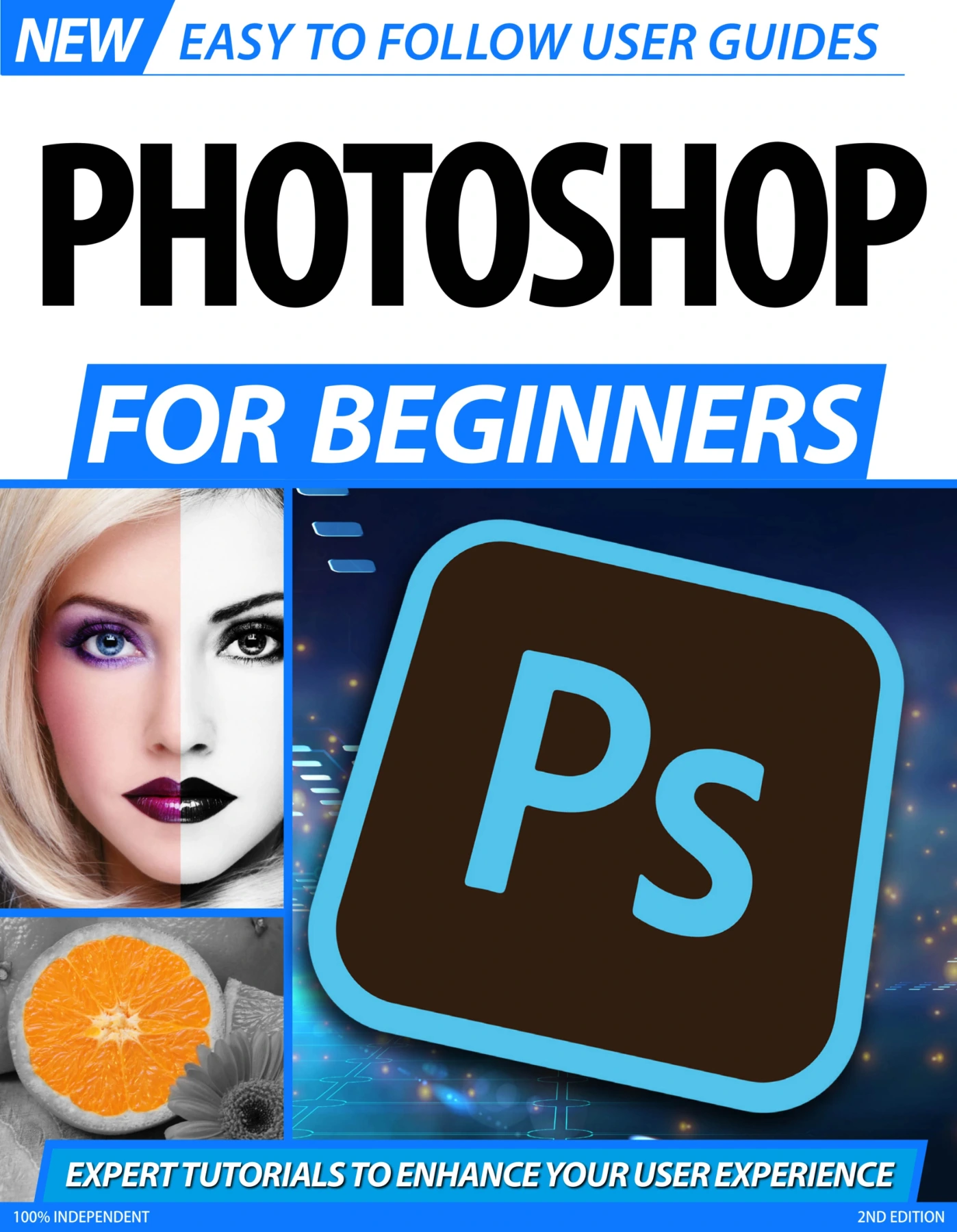
Photoshop For Beginners No 3
Original price was: $5.35.$2.67Current price is: $2.67.

Papercut
Product Specs:
- File Type: PDF
- File Size: 91.2 MB
- Book Language: English
- Total Page Count: 88
- Instant Download
Photoshop for Beginners: A Practical Starting Point
Learning Photoshop can feel like standing in front of a control room with hundreds of unlabeled switches. Photoshop For Beginners (2nd Edition, 2020) takes a different approach: it walks you through the essentials in clear, manageable steps. Published by Papercut Limited as part of the Easy to Follow User Guides series, this 88-page guide is designed for readers who want to understand the software without wading through a dense manual.
What You’ll Find Inside
- An orientation to the main interface, menus, toolbar, and keyboard shortcuts
- Selection tools, the Clone Stamp, brushes, pencils, erasers, gradients, and fills
- Core editing skills: making and modifying selections, working with layers, adjustment layers, curves, and levels
- Practical techniques like cropping, resizing, Quick Mask mode, layer masks, and Content-Aware Fill and Scale
- Photo-focused lessons on exposure, colour correction, contrast, saturation, monochrome conversion, graduated filters, lens distortion, panorama stitching, and colour replacement
- Adobe Camera Raw coverage, including the interface, menus, and workflow for processing raw files
From First Launch to Confident Editing
The guide moves in a logical sequence. It begins with the workspace and the tools you will use most often, then builds toward more involved editing tasks. Early chapters explain how selections and layers work together; later chapters apply those concepts to real photo adjustments. The result is a progression that feels less like memorising buttons and more like learning a workflow you can repeat.
Tools and Techniques in Plain Language
Each topic is presented with straightforward explanations and visual examples. You will find guidance on everything from the Pen tool and paths to Quick Mask mode and layer masks, as well as dedicated sections on curves, levels, and monochrome techniques. The Adobe Camera Raw chapters extend the book beyond basic edits, showing how raw files can be processed with greater control. If you have ever wondered how to make a sky more dramatic, correct a lens distortion, or stitch together a panorama, these pages offer a place to start.
Who This Guide Is For
This edition is aimed at newcomers to Photoshop — photographers, hobbyists, students, and anyone who wants a structured introduction to digital image editing. It does not assume prior experience. The step-by-step format makes it suitable for working through sequentially, while the focused chapters allow you to jump to a specific tool or technique when needed. If you learn best by following along with clear instructions, this guide is built with that approach in mind.
A Useful Companion for Your First Projects
Software manuals can be dry, but this guide keeps its focus on practical skills. The 2nd Edition reflects Photoshop’s core tools and photo-editing workflows as of its 2020 publication. Whether you are retouching a personal photo, preparing images for a project, or simply trying to make sense of layers and masks, Photoshop For Beginners offers a patient, accessible path into the software. Available as a digital guide from Digital Delights.
User Reviews
Be the first to review “Photoshop For Beginners No 3”
You must be logged in to post a review.

Make Your Own PC For Beginners No5
Sold by Papercut
Windows 11 For Beginners
Sold by Papercut
Google Gemini For Beginners — 6th Edition 2026
Sold by Papercut
Outdoor Photography Tricks and Tips
Sold by Papercut
Adobe Elements For Beginners – 22th Edition 2025
Sold by Papercut Original price was: $5.35.$2.67Current price is: $2.67.





There are no reviews yet.