

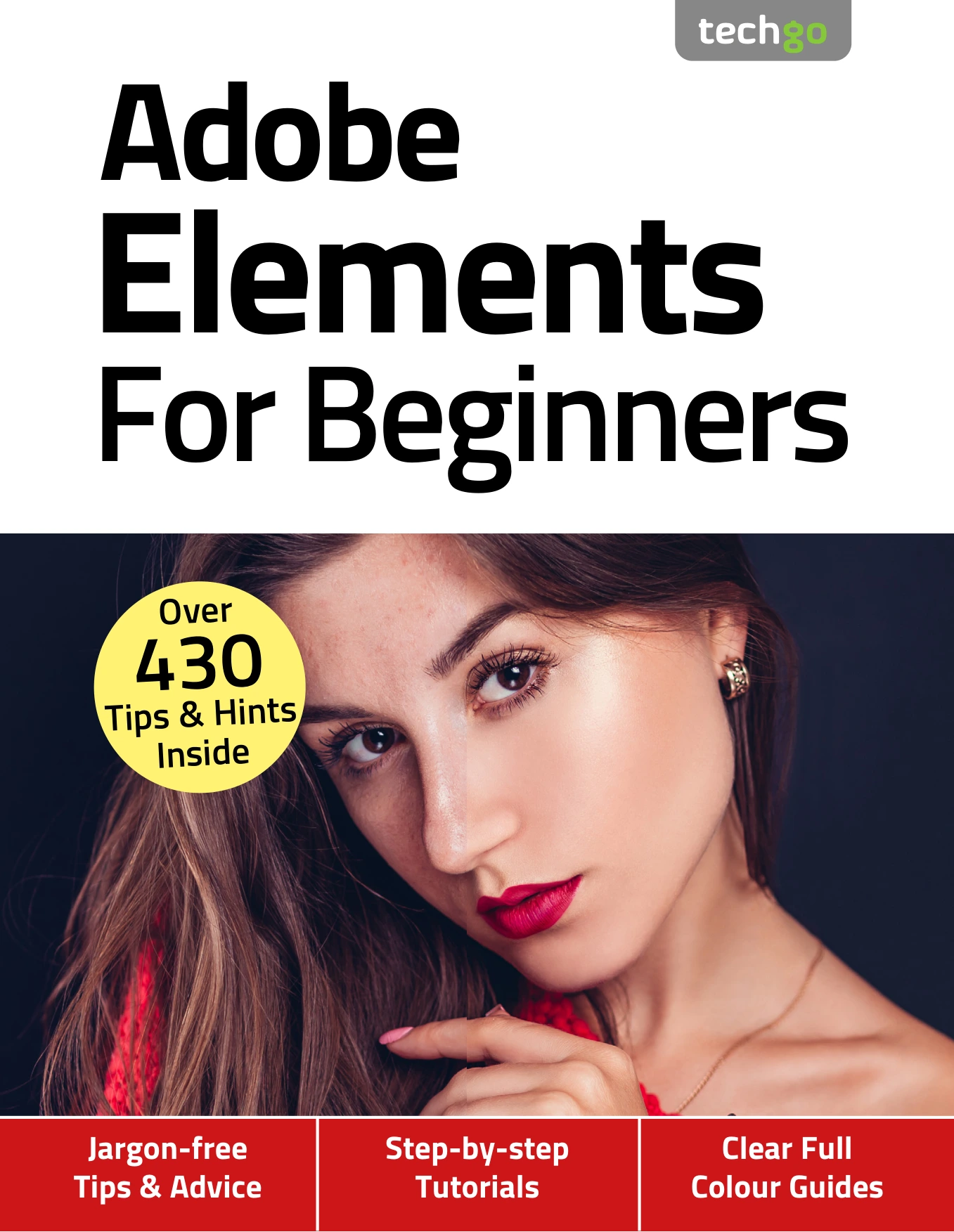
Photoshop Elements For Beginners (4th Edition)
Original price was: $5.00.$2.50Current price is: $2.50.

Papercut
Product Specs:
- File Type: PDF
- File Size: 55.9 MB
- Book Language: English
- Total Page Count: 82
- Instant Download
If you have just installed Adobe Photoshop Elements and are staring at its three different editing modes wondering where to begin, this guide was written for you. Photoshop Elements For Beginners (4th Edition) is a friendly, practical companion that walks you through the software from the ground up. No prior editing experience is assumed, and the focus stays on helping you get real results with your own photos.
What You Will Find Inside
Across 82 pages, the book introduces the complete Photoshop Elements workflow. It begins with the Home screen and the fundamental question: what exactly is Photoshop Elements, and how does it differ from the full version of Photoshop? From there, you are guided through the three main editing environments—Quick Mode for fast fixes, Guided Mode for step-by-step tutorials, and Expert Mode for deeper manual control.
You will also learn how to work with Adobe Camera Raw, understand the Profile Browser, and handle raw files before moving them into the main Photo Editor. The guide explains each workspace clearly, so you always know which tool to reach for.
Organise Your Photo Library 📷
Editing is only half the story. The Elements Organiser is covered in detail, showing you how to import, sort, rate, and tag your growing collection. There are sections on using face recognition to put names to faces, adding location data, creating events, and using auto-curate features to keep your library manageable. If you have ever felt buried under unsorted photos, these chapters alone can change how you work.
Creative Projects to Try 🎨
Once the basics are in place, the book offers a series of hands-on projects that make the software enjoyable to explore. You will find tutorials for:
- Opening closed eyes in group photos
- Creating a partial sketch effect
- Replacing a background
- Building a Photomerge Panorama
- Making a meme
- Adding multi-photo text
- Producing a B&W; Colour Pop image
- Applying a Zoom Burst effect
Each project is presented in the same clear, step-by-step style that runs throughout the guide.
Who This Guide Is For
This 4th edition is aimed at beginners and hobbyist photographers who want to build confidence with digital editing. It is also suitable for anyone who has used basic photo apps but now wants a more capable, organised approach to their images. Because the book focuses on Photoshop Elements rather than the subscription-only Photoshop CC, it is a natural fit for readers who prefer a one-time purchase and a straightforward learning curve.
Why the 4th Edition?
Updated for Photoshop Elements 2019, the 4th edition reflects the interface and features of that version. It remains a useful reference for many later releases as well, since the core modes and Organiser concepts have stayed consistent. With its jargon-free language and plentiful tips, it serves as both a start-to-finish course and a reference you can return to as your skills grow.
Available as a digital ebook from Digital Delights, this guide puts a complete beginner’s course on Photoshop Elements within easy reach.
User Reviews
Be the first to review “Photoshop Elements For Beginners (4th Edition)”
You must be logged in to post a review.

Online Security For Beginners (19th Edition)
Sold by Papercut
Instagram For Beginners: 19th Edition
Sold by Papercut
The Complete iPhone User Manual – 20th Edition 2024
Sold by Papercut
The Complete iPad User Manual – 20th Edition, 2024
Sold by Papercut
Windows 10 Tricks and Tips – 19th Edition, 2024
Sold by Papercut
Chromebook For Beginners — 12th Edition
Sold by Papercut Original price was: $5.00.$2.50Current price is: $2.50.



There are no reviews yet.