

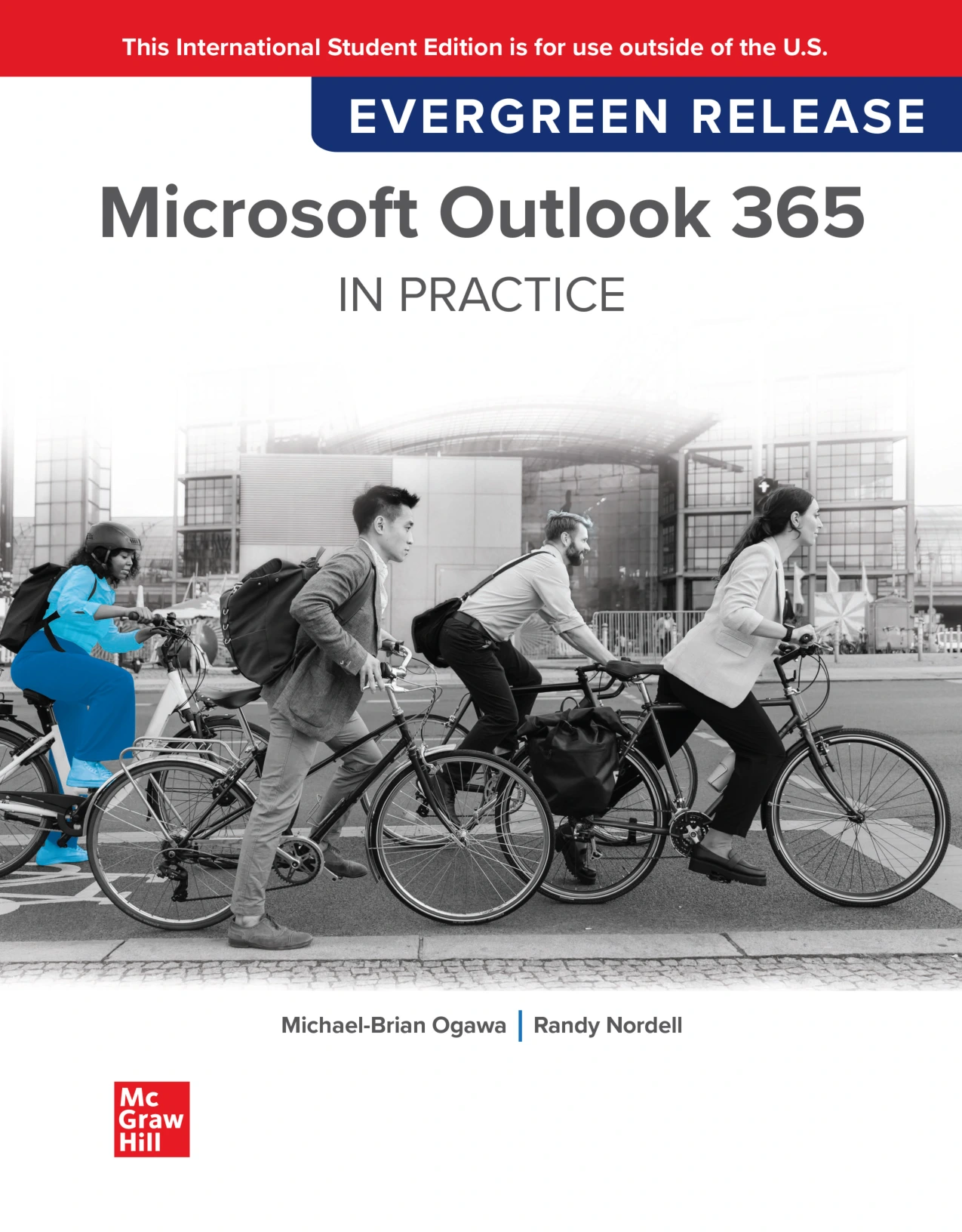
Microsoft Outlook 365 Complete: In Practice, 2026 Edition
Original price was: $5.00.$2.50Current price is: $2.50.

Michael-Brian Ogawa
Product Specs:
- File Type: PDF
- File Size: 118.5 MB
- Book Language: English
- Total Page Count: 561
- Instant Download
Outlook 365, From First Launch to Advanced Workflow 📧
If you’ve ever felt buried under email, missed a meeting because it was hiding in a crowded calendar, or wondered how Outlook’s rules and Quick Steps actually work, this complete guide is built to change that. Microsoft Outlook 365 Complete: In Practice, 2026 Edition is a full course in a single volume, written by Michael-Brian Ogawa and Randy Nordell for readers who want more than a quick tour of the interface. It starts with Windows, Office, and file-management fundamentals, then moves methodically through Outlook’s email, contacts, calendar, tasks, notes, journal, and security tools.
What You’ll Work Through
The book is organized as a sequence of practical chapters, each paired with hands-on practice. Early chapters cover email basics, attachments, message formats, intelligent features like suggested replies and read aloud, categories, follow-up flags, voting buttons, signatures, and themes. Later sections go deeper into contacts and contact groups, calendar views and meeting requests, tasks and to-do lists, folders, rules, Quick Steps, search folders, multiple email accounts, RSS feeds, advanced calendars, sharing, archiving, and security.
- Email that stays under control — organizing, cleaning up, ignoring, and searching your inbox.
- Contacts and groups — building a usable address book, contact groups, and Microsoft 365 Groups.
- Calendars and meetings — appointments, events, recurring items, meeting requests, and sharing.
- Tasks and productivity tools — to-do lists, flags, categories, Quick Steps, and rules.
- Advanced setup and troubleshooting — multiple accounts, RSS feeds, Exchange versus stand-alone use, and quick-reference shortcuts.
Learn by Doing: Projects, Practice, and Challenges ✅
What makes the In Practice approach distinctive is the volume of guided work. Each chapter includes Pause & Practice exercises, Guided Projects, Independent Projects, and Challenge Projects, plus Copilot Challenge Projects that invite readers to explore modern AI-assisted workflows. The appendices add setup guidance for on-site or online classrooms, keyboard shortcuts, a quick reference guide, and troubleshooting tips. Whether you are taking a formal course or learning on your own, the structure gives you clear steps to follow and room to experiment.
Who This Edition Is For
This is a strong fit for college students in computer applications or business courses, instructors who need a ready-made curriculum, and professionals who want a thorough desk reference for Outlook 365. The material assumes no prior Outlook expertise, but it goes far enough to serve readers who already use email daily and want to work faster, automate repetitive tasks, and manage calendars and contacts with less friction.
Why the In Practice Approach Works
Instead of explaining features in isolation, the book shows how Outlook’s tools connect: how categories and flags support follow-up, how rules and Quick Steps reduce repetitive sorting, how contacts and calendars feed into meeting workflows, and how search folders bring order to large mailboxes. The result is a practical, classroom-tested guide that helps you build real proficiency with Microsoft Outlook 365.
User Reviews
Be the first to review “Microsoft Outlook 365 Complete: In Practice, 2026 Edition”
You must be logged in to post a review.
Original price was: $5.00.$2.50Current price is: $2.50.






There are no reviews yet.