

Microsoft 365 Word For Dummies, 2nd Edition
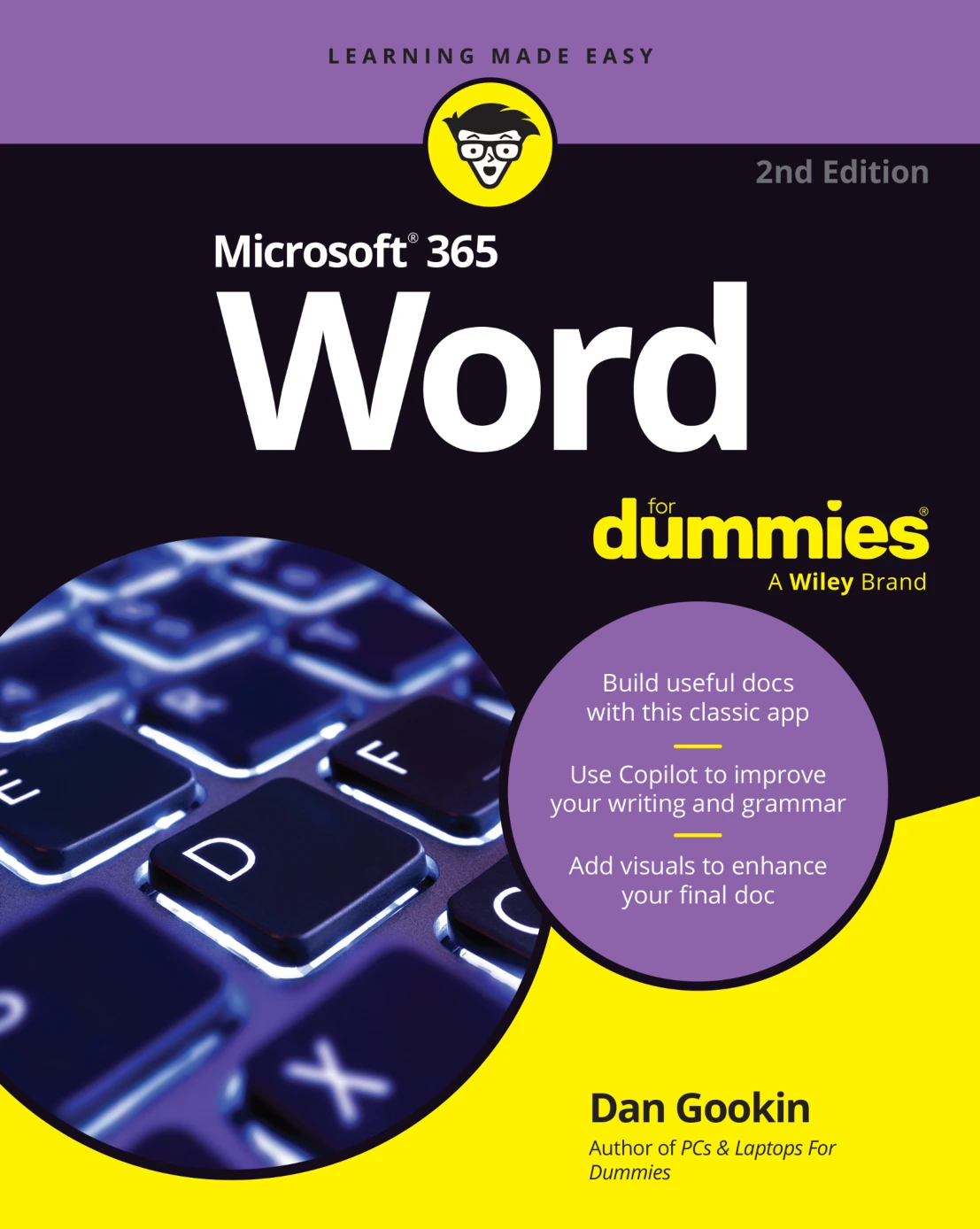
Original price was: $100.00.$50.00Current price is: $50.00.

Dan Gookin
Product Specs:
- File Type: PDF
- File Size: 9.7 MB
- Book Language: English
- Total Page Count: 403
- Instant Download
Microsoft Word Without the Mystery 💻
Microsoft Word is one of those programs that can feel either familiar or baffling, depending on where you click. This second edition of Microsoft 365 Word For Dummies is built for anyone who wants a clear, practical route through the current Word interface — from opening a blank document to formatting a polished file ready to print or share.
Dan Gookin’s approach is friendly, direct, and focused on tasks rather than theory. The book treats Word as a tool you use, not a puzzle you solve.
What This Guide Covers
Across its chapters, the book works through the everyday realities of Word: typing and editing text, moving around long documents, searching and replacing content, and understanding what all those underlines and marks actually mean. It also tackles document creation and saving, printing, and electronic publishing.
Later sections move into formatting, where Word becomes much more powerful. You’ll find guidance on character and paragraph formatting, tabs, page layout, sections, styles, templates, and themes. The goal is to help you make documents look intentional without fighting the ribbon.
From First Draft to Finished Document
Early chapters focus on getting words onto the page and managing them once they’re there. You’ll see how to work with blocks of text, use Undo and Redo with confidence, and keep track of spelling, grammar, and AutoCorrect behavior. The book also explains how documents are saved, opened, recovered, and prepared for output.
For readers who have used Word for years but never explored its deeper settings, these sections can fill in gaps that tutorials often skip.
Formatting That Makes Sense ✨
Formatting is where many Word users get stuck. This guide breaks it into manageable pieces: fonts, text size, color, alignment, line spacing, indentation, tab stops, page margins, headers, footers, cover pages, and section breaks. It also introduces styles and templates — two features that can save a lot of repetitive work once you understand how they behave.
The explanations stay practical. Rather than presenting every option as equally important, the book shows how formatting choices affect the document as a whole.
Who This Book Is For
If you’re new to Microsoft 365 Word, the book starts at the beginning without assuming much. If you’re returning to Word after a break, it helps you reorient to the current version. And if you use Word regularly but want to become more efficient, the sections on styles, templates, and document structure are likely to be the most valuable.
It’s also a useful reference for students, office workers, writers, and anyone who needs to produce clean, consistent documents.
Why the For Dummies Format Works
The familiar For Dummies style is designed for selective reading. You can move through chapter by chapter, or jump straight to the problem you need to solve. The tone is light without being silly, and the instructions avoid unnecessary jargon. For a program as feature-heavy as Word, that balance matters.
Make Word Work Your Way 📚
Microsoft 365 Word For Dummies, 2nd Edition is a hands-on companion for getting comfortable with Word and then getting better at it. Whether you need to write a simple letter or manage a complex report, the book gives you a clearer view of what Word can do — and how to make it do it.
User Reviews
Be the first to review “Microsoft 365 Word For Dummies, 2nd Edition”
You must be logged in to post a review.
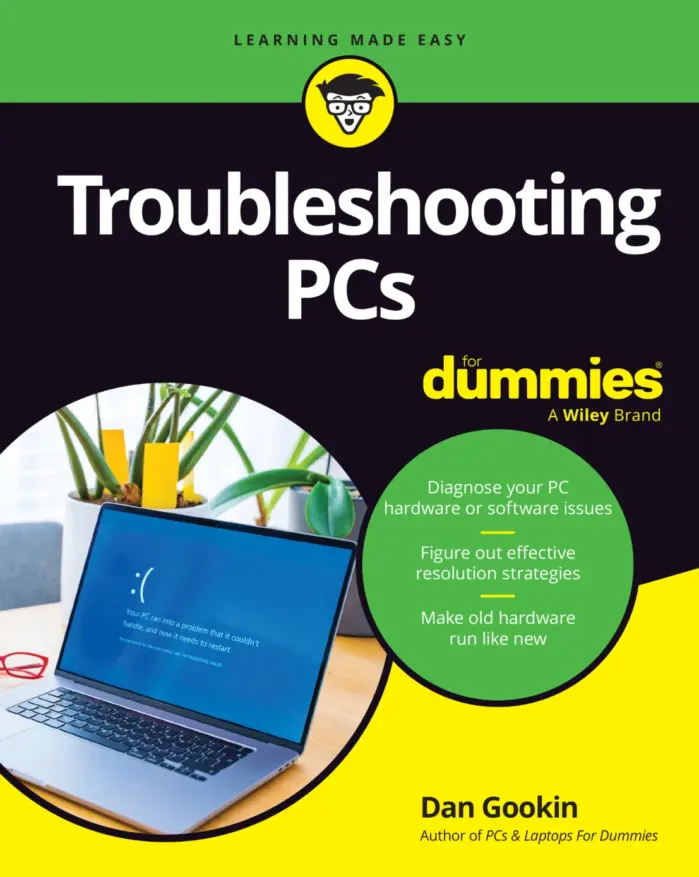
Troubleshooting PCs For Dummies
Sold by Dan Gookin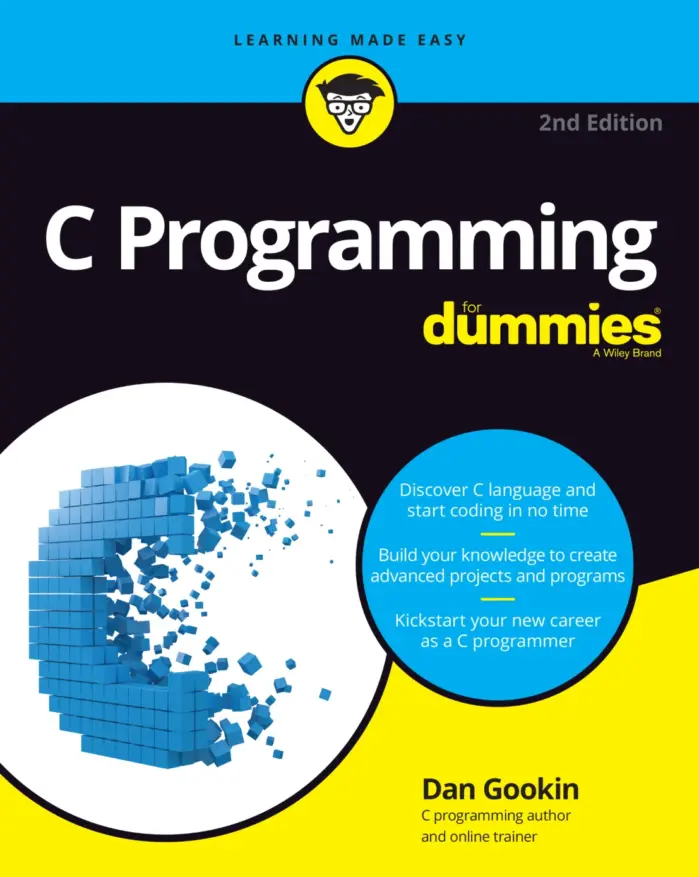
C Programming For Dummies, 2nd Edition
Sold by Dan Gookin Original price was: $100.00.$50.00Current price is: $50.00.






There are no reviews yet.