

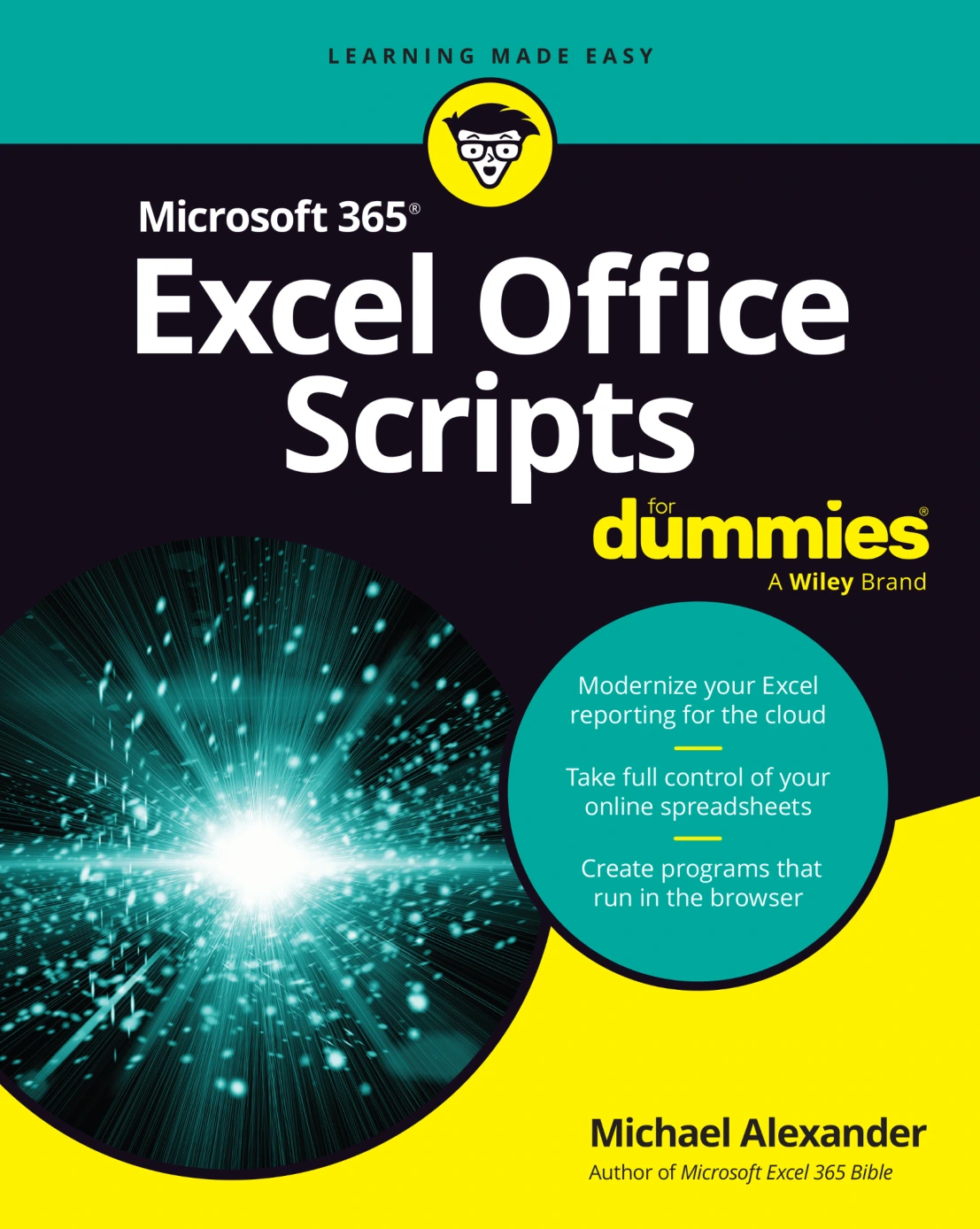
Microsoft 365 Excel Office Scripts For Dummies
Original price was: $5.00.$2.50Current price is: $2.50.

Michael Alexander
Product Specs:
- File Type: PDF
- File Size: 21.4 MB
- Book Language: English
- Total Page Count: 338
- Instant Download
Automate Excel Without Leaving the Workbook 💻
Excel has always rewarded people who can make it repeat itself. What has changed is the toolbox. Microsoft 365 Excel Office Scripts For Dummies introduces the scripting layer Microsoft built directly into Excel on the web — a TypeScript-based environment that lives in the Automate tab and runs in the cloud, rather than in the older, desktop-bound VBA model.
Michael Alexander starts by placing the two side by side: offline versus online, macros versus scripts, where code is stored, and what triggers it. That comparison matters, because anyone arriving with a VBA habit has assumptions worth unlearning, and anyone arriving with none will want to know what the subscription and organizational requirements actually mean before writing a line.
Record First, Then Start Writing ⌨️
The on-ramp is refreshingly practical. Readers work through the Automate tab, write a first script, then use the Action Recorder to capture ordinary clicks and keystrokes as code. Renaming, running, editing, sharing, and deleting scripts follow, along with an honest look at where recording stops being useful, the Insert Action command, and the difference between absolute and relative mode recording.
From there the material shifts from recording to authoring. The object model, methods, variables, the distinction between let and const, data types, comments, and functions are all explained in Excel terms rather than as abstract programming theory.
Error Handling, Conditions, and Control
Code that touches real data breaks. A generous portion of the book is devoted to what happens next: debugging tools, , try…catch, and repeatable error patterns such as validation-first, guard clause, and fallback. Common failure types — syntax, reference, object-not-found, invalid range, and invalid arguments — each get attention.
Conditional logic follows, covering the basic if, equality operators, if…else, else if chains, and switch statements for simplifying long decision trees.
Scripting the Excel Objects You Already Use 🧠
The middle of the book works through the parts of Excel most people touch every day — worksheets, ranges, and tables — before moving into pivot tables and visual elements. Seeing these as scriptable objects quietly changes how you read a spreadsheet: the goal stops being memorizing syntax and becomes recognizing which piece of the workbook you need to address.
Beyond the Grid: Power Automate, Email, and SharePoint
Office Scripts become considerably more interesting once they leave the workbook. Later chapters introduce Power Automate, then show Excel working together with email and with SharePoint. This is where scheduled, unattended automation starts to look realistic rather than theoretical.
Ten Best Practices, Ten Performance Tips
The closing Part of Tens gathers advice that is easy to skip and expensive to ignore: best practices for writing scripts other people — including future you — can maintain, and practical tips for making those scripts run faster.
Who This Book Suits
- Excel users who want to automate repetitive reporting, cleanup, and formatting work
- Analysts and business professionals comfortable with spreadsheets but new to scripting
- Experienced VBA developers curious about Microsoft’s modern automation model
- Anyone connecting Excel to Power Automate, email, or SharePoint workflows
Kept open beside the editor, a digital edition earns its place as a working reference — one hand on the keyboard, the other flipping between chapters. Available from Digital Delights as a downloadable ebook.
User Reviews
Be the first to review “Microsoft 365 Excel Office Scripts For Dummies”
You must be logged in to post a review.
Excel Quick and Easy
Sold by Michael Alexander
Excel 2019 Power Programming with VBA
Sold by Michael Alexander
Microsoft Excel 365 Bible, 2nd Edition
Sold by Michael Alexander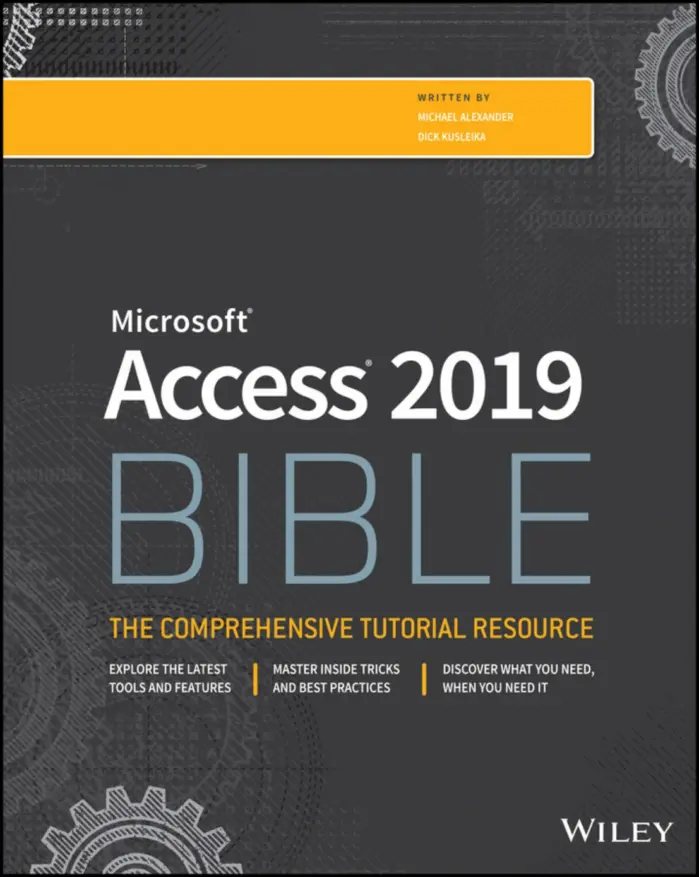
Access 2019 Bible
Sold by Michael Alexander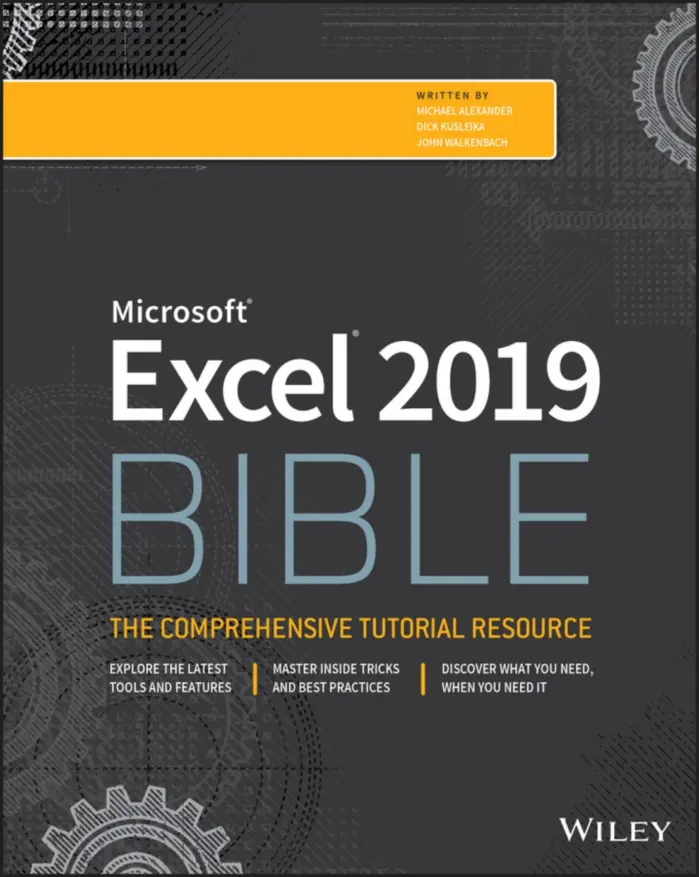
Excel 2019 Bible
Sold by Michael Alexander Original price was: $5.00.$2.50Current price is: $2.50.






There are no reviews yet.