

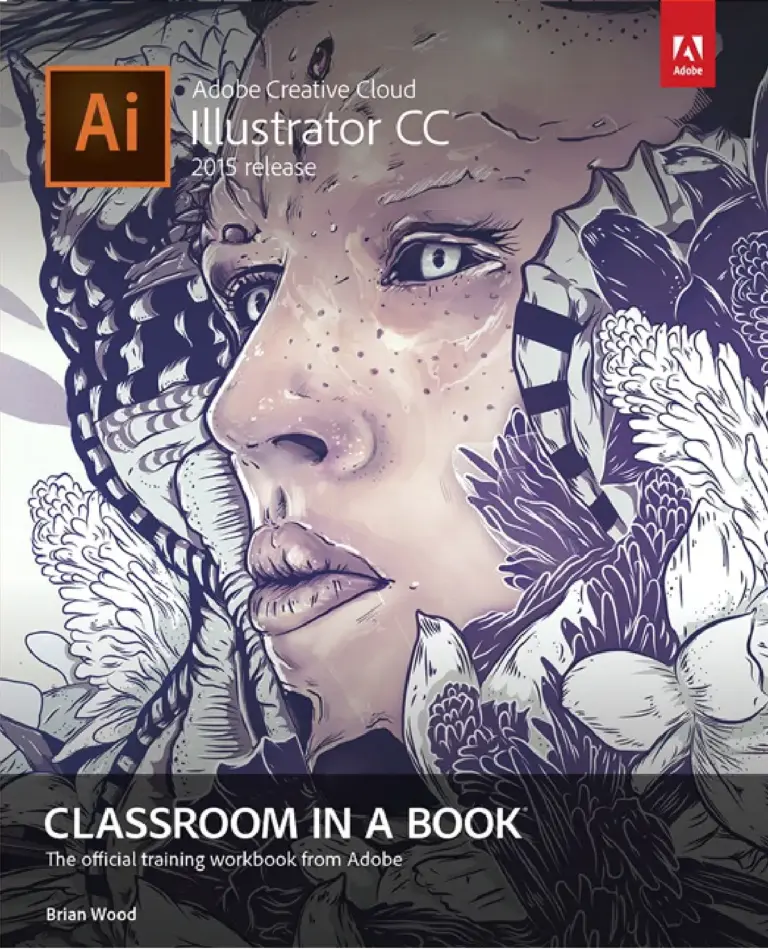
Mastering Adobe Illustrator: A Comprehensive Guide for Designers

Original price was: $5.00.$2.50Current price is: $2.50.

Kamel Bousnina
Product Specs:
- File Type: PDF
- File Size: 2.7 MB
- Book Language: English
- Total Page Count: 48
- Instant Download
A Practical Course in Vector Design 🎨
Mastering Adobe Illustrator: A Comprehensive Guide for Designers is a concise, hands-on guide by Kamel Bousnina to the software that most of the design world still reaches for first when a job calls for clean, scalable artwork. The cover describes it plainly as a practical guide, and its table of contents presents the material as course content — a structured path rather than a loose collection of tips.
That framing matters. Illustrator rewards people who understand why a shape behaves the way it does; a course-style guide can build that understanding in order, instead of leaving readers to assemble it from scattered tutorials.
Built Around Designers’ Actual Work
The subtitle sets the audience clearly: this is Illustrator for designers, not Illustrator as an abstract tour of menus. The guide is aimed at the tools and workflows that matter when you are producing real visual material — the vector drawing, shape, path and type capabilities that sit behind logos, icons, illustrations, layout elements and print-ready graphics.
- Vector fundamentals — how Illustrator’s drawing model differs from pixel-based image editing, and why that difference shapes everything else
- Design application — the software approached through the kind of output designers are typically asked to deliver
- Course pacing — material arranged to be worked through progressively rather than dipped into at random
Who It Suits
If you are a designer, a design student, or a self-taught creative who has been getting by in Illustrator without ever feeling fully at home in it, the guide’s straightforward approach is likely to fit. It is also a reasonable entry point for anyone arriving from raster tools such as Photoshop and needing to understand what changes when artwork has to scale without losing its edge.
Readers who already work in Illustrator daily should expect a structured refresher rather than advanced, specialised technique — the title promises a comprehensive designer’s guide, not a deep dive into niche production problems.
Reading It as a Course 📚
Because the content is presented as course material, the most natural way to use it is sequentially: work through it in order, keep Illustrator open alongside it, and let each stage settle before moving on. Short guides of this kind tend to lose their value when skimmed; they hold up well when actually practised.
Add It to Your Design Shelf
A tidy, no-padding introduction to one of the most important pieces of software in visual design — useful for students building foundations, for working designers tightening up their vector habits, and for anyone who would rather learn Illustrator properly once than patch the gaps later. Available as a digital edition from Digital Delights.
User Reviews
Be the first to review “Mastering Adobe Illustrator: A Comprehensive Guide for Designers”
You must be logged in to post a review.
Original price was: $5.00.$2.50Current price is: $2.50.

There are no reviews yet.