

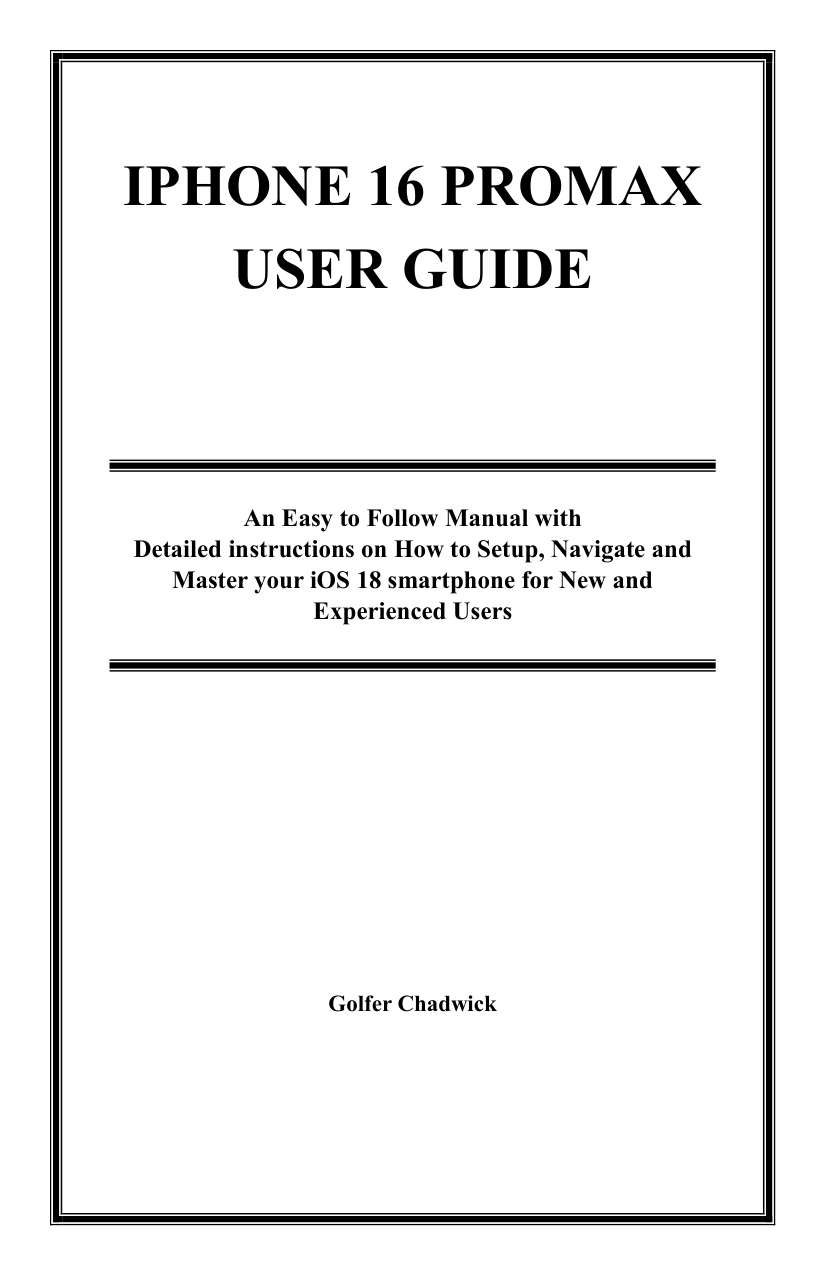
iPhone 16 Pro Max User Guide: An Easy-to-Follow Manual with Detailed Instructions on How to Set Up, Navigate, and Master Your iOS 18 Smartphone for New and Experienced Users
Original price was: $5.00.$2.50Current price is: $2.50.

Golfer Chadwick
Product Specs:
- File Type: PDF
- File Size: 3.4 MB
- Book Language: English
- Total Page Count: 201
- Instant Download
Getting comfortable with a new iPhone means more than learning where the buttons are. Golfer Chadwick’s iPhone 16 Pro Max User Guide brings setup, everyday navigation, communication, camera features, and device management together in a broad reference for users finding their way around iOS 18.
The contents range from first-time setup and transferring data to personalization, accessibility, and troubleshooting. Rather than focusing on one feature, the guide offers a route through many of the tasks users may want to explore as they make the phone their own.
Start with setup, then make the phone yours
Early sections cover unboxing, initial setup, data transfer, and iCloud services. From there, the guide turns to the Home Screen, App Library, Control Center, Notification Center, gestures, widgets, display preferences, audio, and haptics. These topics provide a practical starting point for readers who want to get oriented and adjust everyday settings.
Explore the camera and communication features
The camera chapters address taking photos and video, editing, Night Mode, HDR, and advanced formats such as ProRAW and ProRes. Other sections cover calls, messages, FaceTime, contacts, and built-in apps—useful areas to consult as different needs come up.
Make more of Siri, apps, and Apple services
Chadwick also covers app installation and settings, multitasking, Siri, Shortcuts, dictation, and voice commands. Separate chapters introduce iCloud Drive and Photos, Apple services, AirDrop, Handoff, cellular data, and CarPlay, connecting everyday phone use with Apple’s wider ecosystem.
Privacy, accessibility, and keeping things running
Security topics include Face ID, password management, privacy features, and two-factor authentication. The guide also includes sections on battery life, charging, storage, performance, VoiceOver, AssistiveTouch, and other accessibility options. Troubleshooting coverage includes common problems, restarting or resetting the device, and finding Apple Support.
A broad reference for iPhone 16 Pro Max users
The contents also touch on Camera Control, Apple Intelligence, and augmented-reality applications. New users may appreciate having setup and navigation alongside more advanced topics; experienced iPhone owners can turn to sections that address features they have not used before. For details that may change with software updates, consult current Apple documentation as well.
User Reviews
Be the first to review “iPhone 16 Pro Max User Guide: An Easy-to-Follow Manual with Detailed Instructions on How to Set Up, Navigate, and Master Your iOS 18 Smartphone for New and Experienced Users”
You must be logged in to post a review.
Original price was: $5.00.$2.50Current price is: $2.50.






There are no reviews yet.