

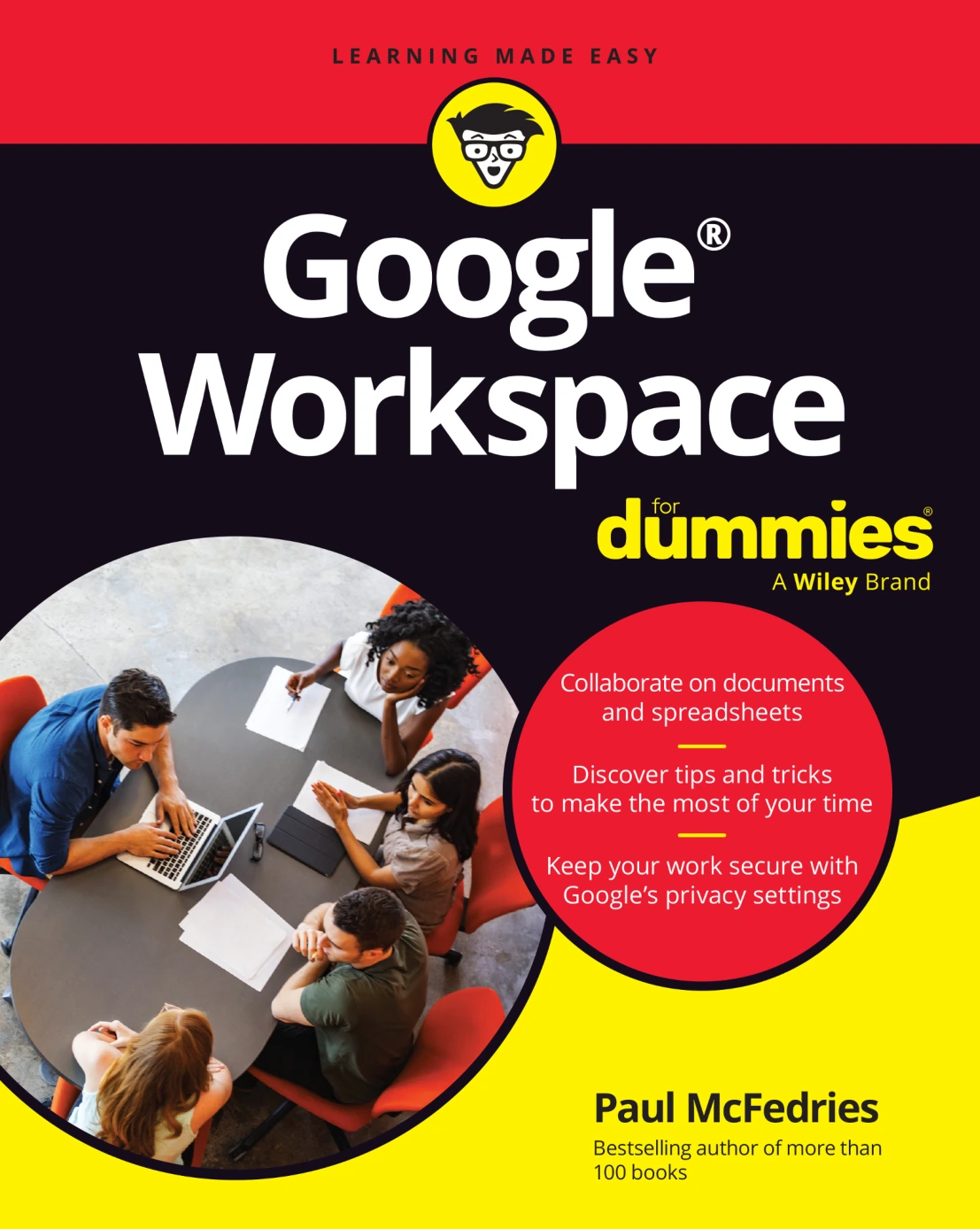
Google Workspace For Dummies
Original price was: $21.00.$10.50Current price is: $10.50.

Paul McFedries
Product Specs:
- File Type: PDF
- File Size: 24.6 MB
- Book Language: English
- Total Page Count: 467
- Instant Download
Google Workspace brings email, calendars, documents, spreadsheets, presentations, and team communication into one connected set of tools. In Google Workspace For Dummies, Paul McFedries offers a practical, approachable guide to using those apps for the everyday work of keeping organized and getting things done.
The book follows a useful path: start with the core apps and personal organization, move into creating documents and working with information, then explore how Workspace supports collaboration. Along the way, it addresses familiar tasks—from sorting out an inbox to coordinating schedules and sharing files with a team.
Get a handle on the everyday essentials
Early chapters focus on Gmail, Calendar, and Contacts. Readers can explore email tasks such as composing messages, handling attachments, organizing and searching mail, and setting up filters. The Calendar and Contacts chapters turn to scheduling, reminders, contact lists, and the details that help keep everyday communication manageable.
Make more of Docs, Sheets, and presentations
The book then moves into creating and shaping documents, arranging page layouts, working with Google Sheets, and building presentations. Its coverage brings together the practical steps of producing work and the tools used to organize information—helpful when a project calls for more than a quick message or a shared appointment.
Work together across Google Workspace
Collaboration has its own section, with chapters on shared files, Calendar, video meetings, Chat, Groups, Forms, and Notes. This broader view helps readers see how Workspace tools can support communication and coordination, rather than treating every app as a separate destination.
Useful guidance beyond the basics
The closing chapters collect advice on working from home, Gmail settings, and privacy and security. A glossary rounds out the book with explanations of Google Workspace terminology. These sections give readers practical reference points as they become more familiar with the suite.
A practical guide for work, study, and personal projects
With its topic-by-topic structure and plainspoken approach, this guide is suited to readers who want to get more comfortable using Google Workspace, whether they are organizing personal tasks, handling schoolwork, or collaborating with colleagues. Choose it as a grounded introduction to the apps and the routines that connect them.
User Reviews
Be the first to review “Google Workspace For Dummies”
You must be logged in to post a review.

HTML & CSS Essentials For Dummies
Sold by Paul McFedries
Web Coding & Development All-in-One For Dummies, 2nd Edition
Sold by Paul McFedries
Math for Web Design: Precision Layout and Animation
Sold by Paul McFedries
JavaScript Essentials For Dummies
Sold by Paul McFedries
Coding For Dummies, All New Edition
Sold by Paul McFedries
Microsoft 365 Office All-in-One For Dummies, 3rd Edition
Sold by Paul McFedries Original price was: $21.00.$10.50Current price is: $10.50.






There are no reviews yet.