

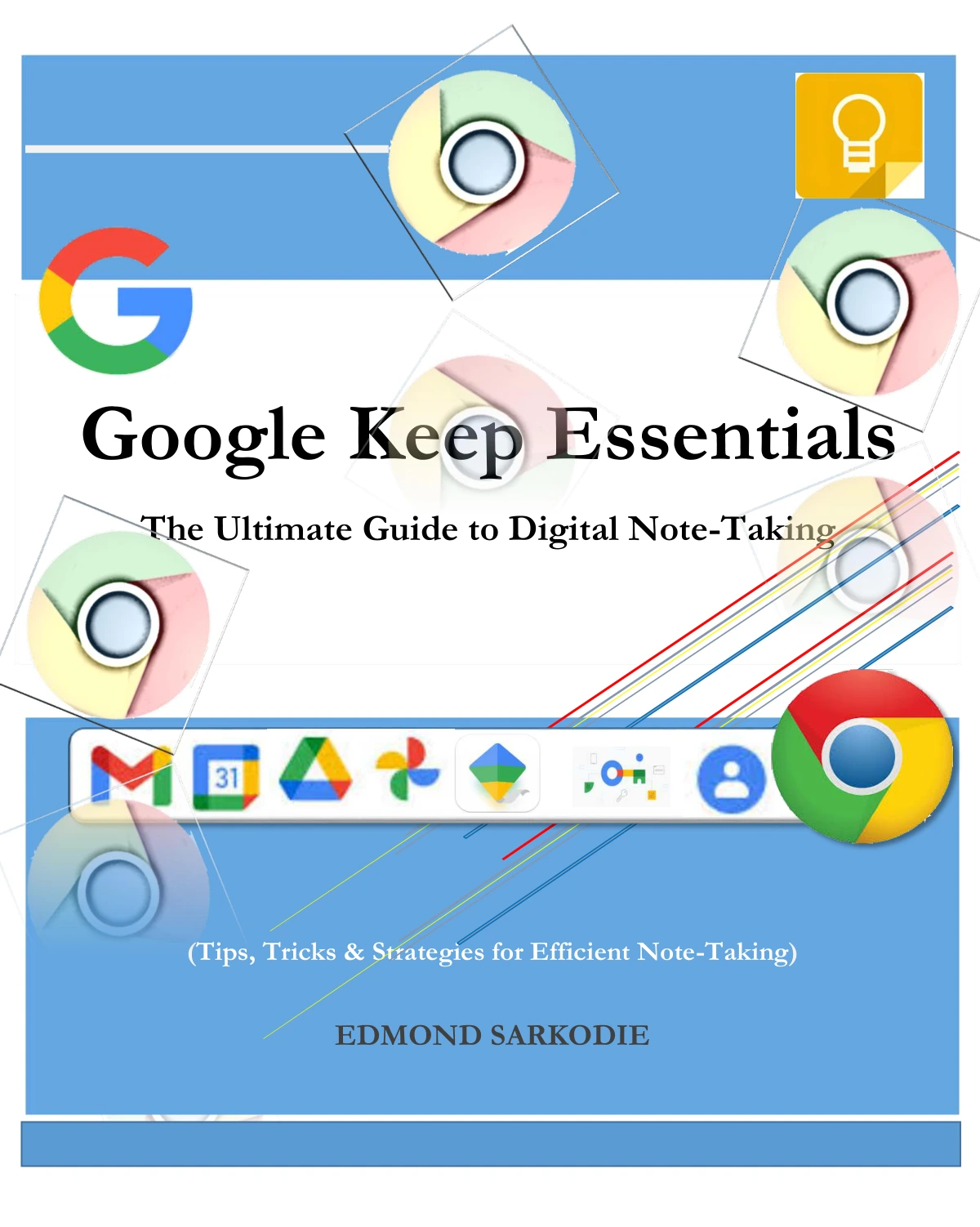
Google Keep Essentials: The Ultimate Guide to Digital Note-Taking
Original price was: $5.00.$2.50Current price is: $2.50.

Edmond Sarkodie
Product Specs:
- File Type: PDF
- File Size: 2.1 MB
- Book Language: English
- Total Page Count: 34
- Instant Download
Notes, reminders, checklists, and passing ideas can quickly scatter across devices and apps. Google Keep Essentials offers a focused introduction to bringing those everyday bits of information together, with Edmond Sarkodie guiding readers through Google Keep’s core tools and ways to put them to work.
Start with the essentials
The guide begins by explaining what Google Keep does and how to access it, then moves into the routines that make a note-taking app useful: creating notes, building to-do lists, sorting with labels and colors, and pinning or archiving items. These basics help readers establish an organization system that is simple enough to maintain.
Capture ideas in more than one way
Beyond typed notes, the book explores checklists, images, drawings, and voice notes with transcription. It also covers reminders and notifications, so notes can serve as prompts for tasks and follow-ups rather than becoming a forgotten pile.
Put notes to work across Google services
Dedicated sections look at Google Keep alongside Google Docs, Google Drive, Gmail, and Google Assistant. The guide also considers organizing work and study notes, collaborating through shared notes, and using Keep as part of a time-management routine.
Practical help for everyday use
The later chapters turn to lesser-known features, common troubleshooting questions, and using Google Keep on the web, Android, and iOS. The book also compares Keep with alternatives and concludes with frequently asked questions and further learning resources.
A useful starting point for Keep users
Readers new to Google Keep will find a feature-by-feature introduction, while existing users can consult the sections on organization, integrations, and troubleshooting to refine how they capture and revisit information. If your notes need a little more order, Sarkodie’s guide provides a clear place to begin.
User Reviews
Be the first to review “Google Keep Essentials: The Ultimate Guide to Digital Note-Taking”
You must be logged in to post a review.
Google Drive Essentials: Store, Share, and Manage Files Like a Pro
Sold by Edmond Sarkodie
Mastering Microsoft OneDrive: Your Ultimate Guide to Cloud Storage and Collaboration
Sold by Edmond Sarkodie
Mastering Google Account: From Setup to Security
Sold by Edmond Sarkodie Original price was: $5.00.$2.50Current price is: $2.50.






There are no reviews yet.