

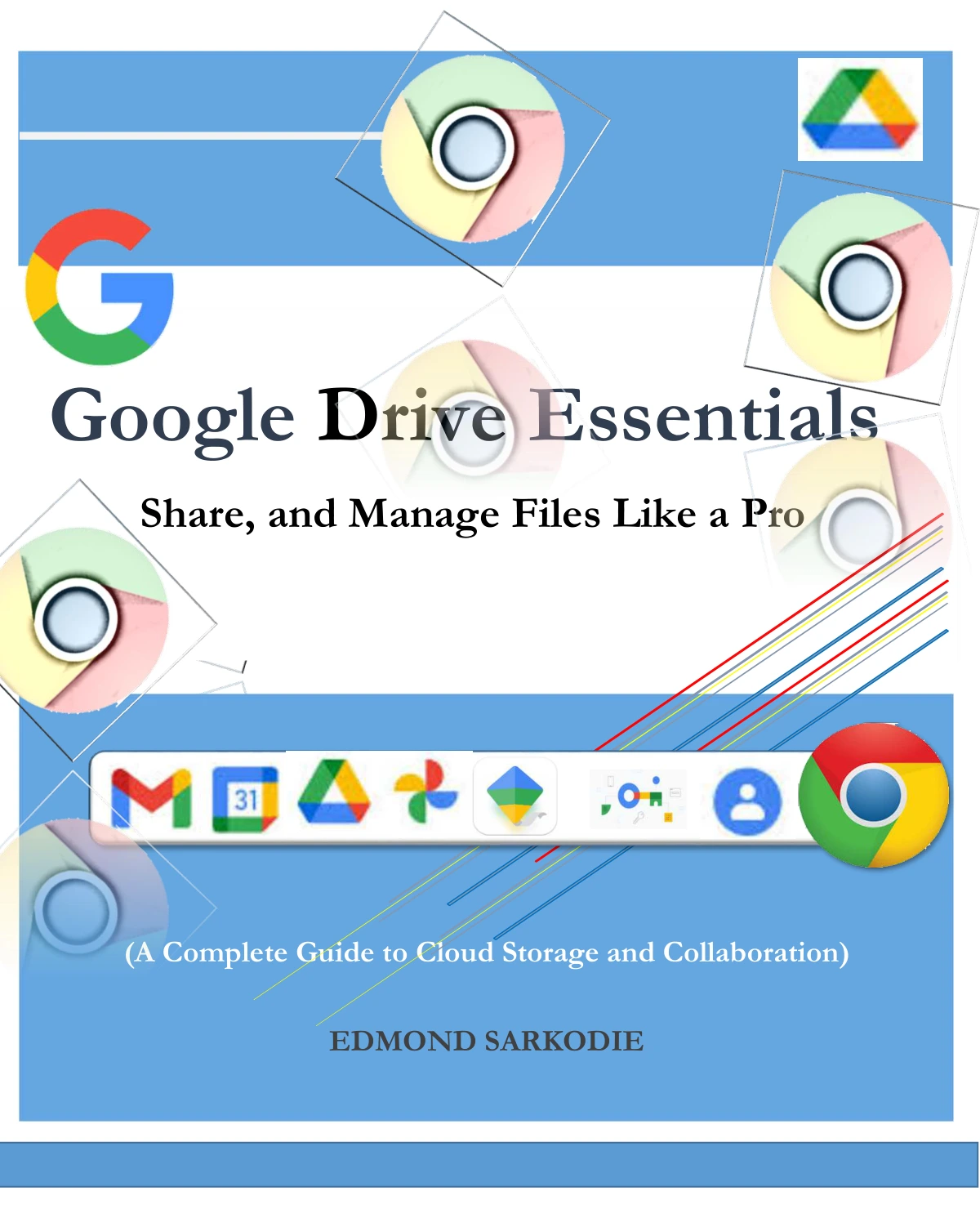
Google Drive Essentials: Store, Share, and Manage Files Like a Pro
Original price was: $5.00.$2.50Current price is: $2.50.

Edmond Sarkodie
Product Specs:
- File Type: PDF
- File Size: 3.5 MB
- Book Language: English
- Total Page Count: 59
- Instant Download
Google Drive is more than a place to put files: it can also help keep documents organized, make collaboration easier, and bring everyday work together. Edmond Sarkodie’s guide takes readers from the basics of getting started to the features and workflows that support sharing, productivity, and team use.
Start with the essentials ☁️
The opening chapters introduce Google Drive, account setup, the interface, storage plans, and installation on desktop and mobile. From there, the focus shifts to everyday file management: uploading files and folders, organizing them, and using search and filters to find what you need.
Sharing and working together
Dedicated chapters cover sharing files and folders, choosing Viewer, Commenter, or Editor permissions, and using Drive for team collaboration. The guide also introduces Google Docs, Sheets, and Slides, showing how these familiar tools fit into a shared workspace.
Explore beyond the basics
Later topics include version history, offline mode, and connections with other apps such as Gmail and Google Keep. For readers interested in work and business use, the book also addresses add-ons, third-party integrations, remote collaboration, and the Google Drive API.
Security, recovery, and troubleshooting
Security and privacy receive their own chapter, including access controls and two-factor authentication. The final troubleshooting material covers deleted-file recovery, syncing problems, and common Drive errors—useful subjects when a routine workflow does not go as planned.
A practical orientation to Google Drive
With its progression from setup and file organization to collaboration, security, and troubleshooting, this guide offers a broad introduction for people learning Google Drive or looking to understand more of its features. It is especially relevant to individual users, students, and teams seeking a structured overview of Drive and its connected productivity tools.
User Reviews
Be the first to review “Google Drive Essentials: Store, Share, and Manage Files Like a Pro”
You must be logged in to post a review.
Mastering Google Account: From Setup to Security
Sold by Edmond Sarkodie
Mastering Microsoft OneDrive: Your Ultimate Guide to Cloud Storage and Collaboration
Sold by Edmond Sarkodie
Google Keep Essentials: The Ultimate Guide to Digital Note-Taking
Sold by Edmond Sarkodie Original price was: $5.00.$2.50Current price is: $2.50.






There are no reviews yet.