
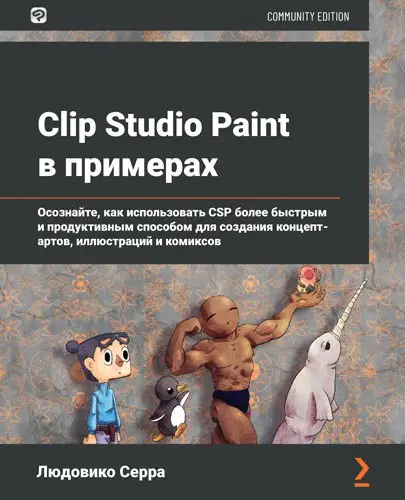
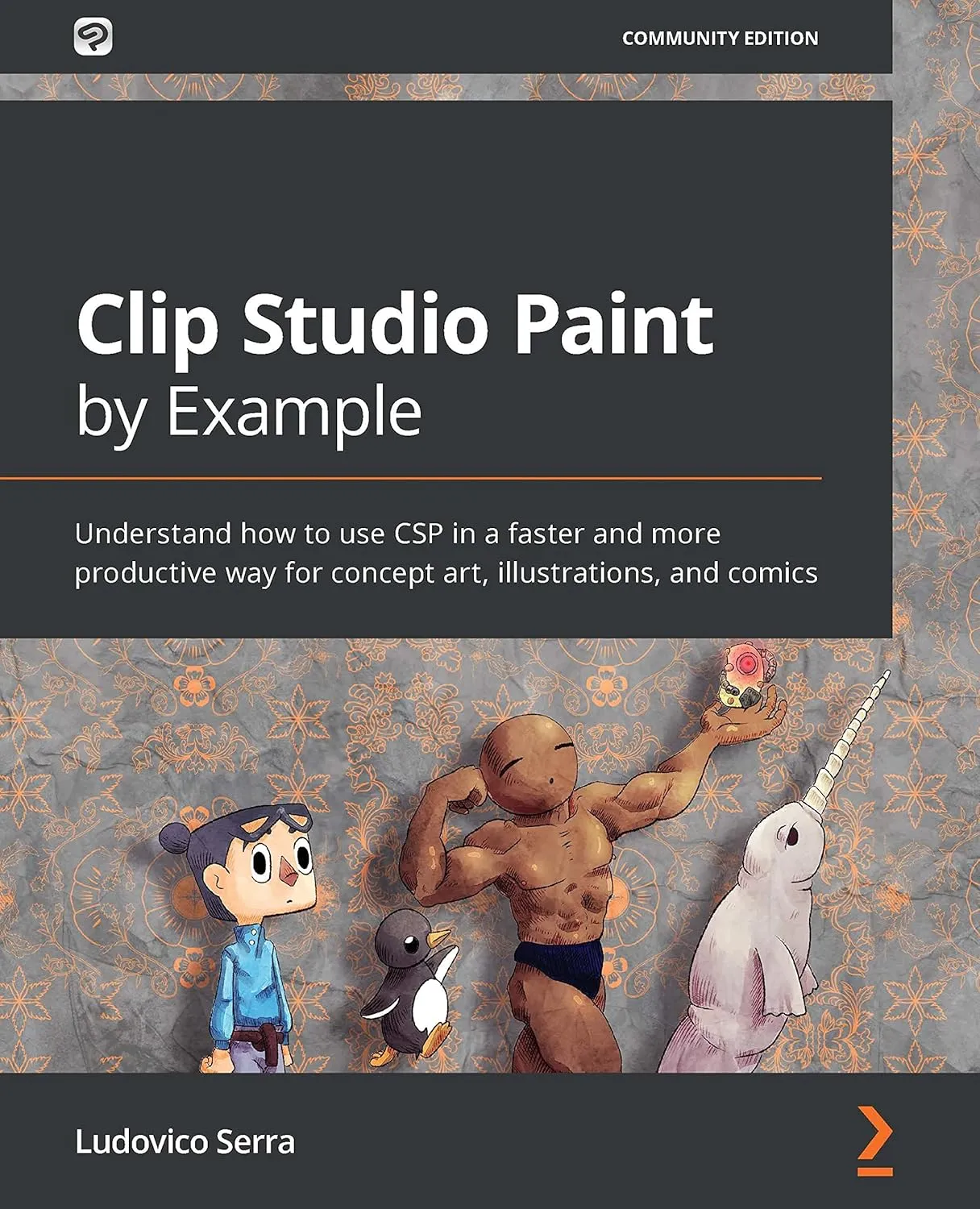
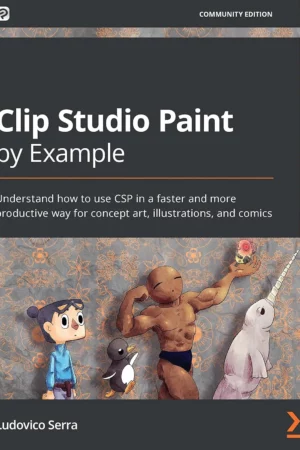
Clip Studio Paint By Example: Understand How to Use CSP in a Faster and More Productive Way for Concept Art, Illustrations, and Comics
This is a digital download. Gain instant access after purchase. This book is designed to help you understand how to use Clip Studio Paint effectively across various devices, including Clip Studio Paint for iPad, Clip Studio Paint for Windows, and Clip Studio Paint for Android. With a focus on enhancing your artistic skills, this guide is perfect for concept artists, illustrators, and comic creators.
Clip Studio Paint is powerful art software that can help you create artistic work with its in-built material organizer, 3D integration, and group work features. It also provides other features that can speed up the workflow of illustrators, concept artists, and comic artists. With Clip Studio Paint by Example, you’ll learn how to use CSP effectively for a wide variety of artistic purposes. The book starts by helping you create the right workspace for concept art, illustration, and comics. You’ll create a brush, set up a canvas, and develop an auto-auction. Along with covering how to work with CS Modeler that comes bundled with CSP, this book shows you how to import and rig characters easily. You’ll then create reusable changeable scenes and a 3D human character in Blender before exploring concept art, illustrations, comics, and how to create your own portfolio. The book features a glossary with brief explanations of all the main CSP functions.
The focus of the book is not on drawing or painting but on helping you enhance your artistic skills using Clip Studio Paint to create an impressive portfolio. By the end of this book, you’ll be able to use the impressive capabilities of CSP to create beautiful digital art in a productive way.
Book Overview
This Clip Studio Paint book goes beyond the technical stuff that helps beginner-level as well as intermediate artists who are new to working in a digital environment and need a more streamlined and seamless workflow relating to illustrations, concept art, and comics in Clip Studio Paint. No prior knowledge of Clip Studio Paint is required to get started with this book.
What You’ll Discover Inside
- Explore Clip Studio Paint and its use cases.
- Become familiar with the Clip Studio ecosystem for solving your artistic problems.
- Implement the CS Modeler and import and rig characters easily.
- Create reusable and editable scenes and props using CS Modeler.
- Build a 3D human character using the Blender software.
- Set up your workspace using CSP tools.
- Create portfolios for your comics, illustrations, and concept art.
Why This Book Matters
This book is significant for artists looking to enhance their skills in digital art creation. It provides practical insights into using Clip Studio Paint across multiple devices, including Clip Studio Paint for Mac and Clip Studio Paint for Galaxy, ensuring that readers can adapt their learning to their preferred platforms.
Book Details
| Format | PDF | ZIP |
|---|---|
| File Size | 78.8 MB |
| Language | Russian |
| Pages | 462 |
| Publisher | Packt Publishing |
| Publication Date | 23 July 2021 |
| Edition | 1st |
| ISBN-13 | 978-1800206038 |
| ASIN | B091J8V4SP |
| Customer Rating | 4.0 / 5 (21 reviews) |
Device Compatibility
This book is compatible with various devices, including tablets, computers, and smartphones. It is designed for use with Clip Studio Paint on platforms such as Clip Studio Paint for PC and Clip Studio Paint for iPhone.
FAQ
- Is this an instant download? Yes, you will receive immediate access after purchase.
- Is there a physical copy available? No, this is a digital download only.
- What formats are compatible? The book is available in PDF and ZIP formats.
Enhance your artistic journey with Clip Studio Paint by Example. This guide is an essential resource for anyone looking to improve their skills in digital art creation.






Reviews
There are no reviews yet.