

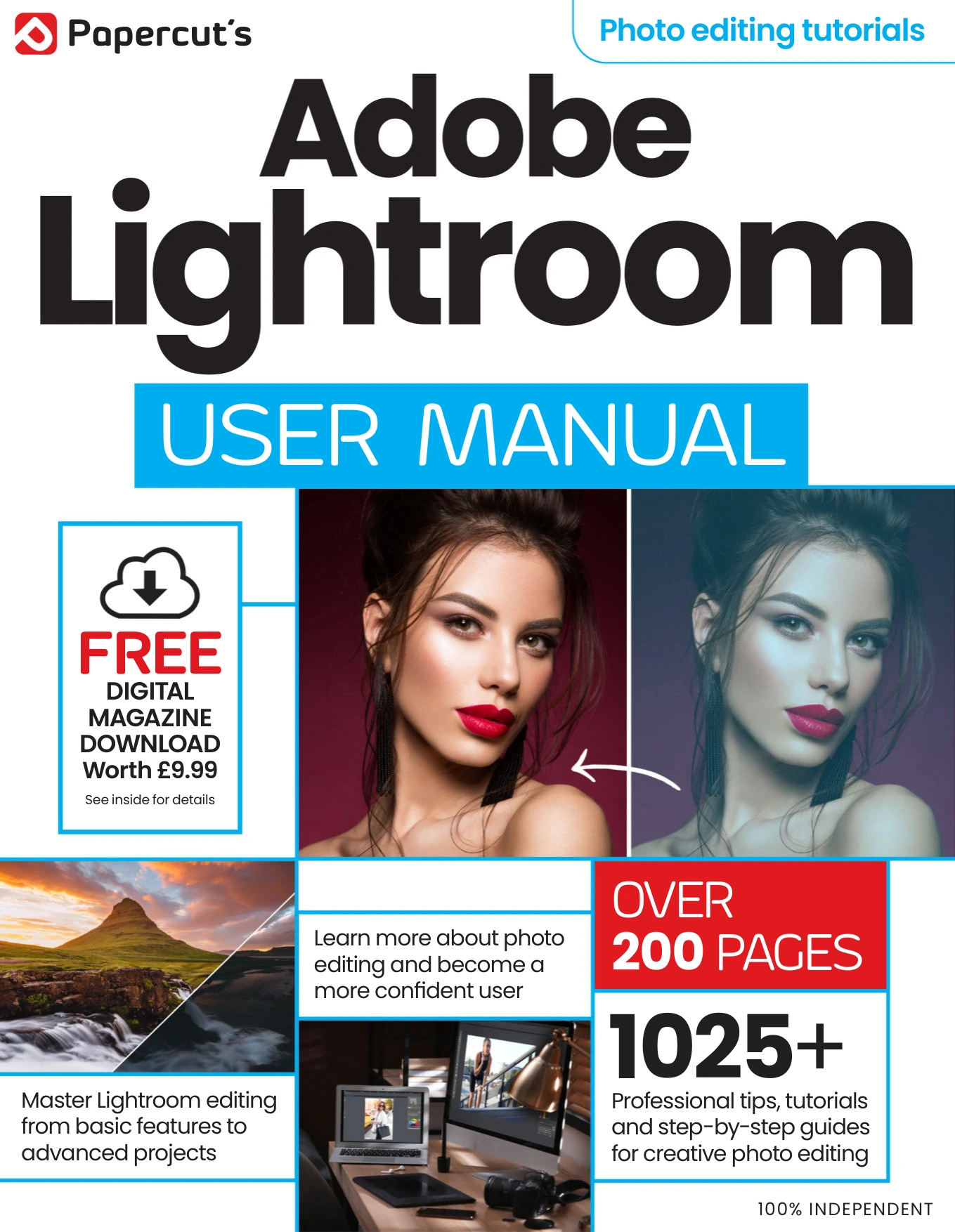
Adobe Lightroom User Manual Issue 6
Original price was: $13.36.$6.68Current price is: $6.68.

Papercut
Product Specs:
- File Type: PDF
- File Size: 107.5 MB
- Book Language: English
- Total Page Count: 208
- Instant Download
Adobe Lightroom guidance for photographers who want a clear, practical roadmap
Adobe Lightroom User Manual is a structured photo-editing guide built around the way photographers actually work. From importing and organizing images to refining color, tone, detail, and masking, the manual lays out Lightroom’s most useful tools in a sequence that is easy to follow and easy to revisit.
What the manual covers
The contents move from core Lightroom basics into more specialized workflows, including:
- Lightroom Classic and cloud-based Lightroom workflows
- Library organization, search, ratings, collections, and face recognition
- Develop module editing, including exposure, white balance, contrast, and color tools
- Advanced image editing such as sharpening, noise reduction, HDR, panoramas, and presets
- Masking tools, AI-assisted selections, and generative remove features
- Map, Print, Book, Slideshow, and Web publishing options
- Mobile editing, syncing, and sharing images on the go
Built for hands-on learning
This is the kind of manual that rewards active use. The emphasis is on showing how Lightroom’s modules fit together, not just naming features in isolation. Readers can trace a path from image import through editing and output, then return later for targeted help with masking, metadata, or publishing.
Who will find it useful?
Photographers, photo editors, and Lightroom users looking for a guided reference will find the subject matter especially relevant. The manual’s chapter structure also makes it useful as a desktop companion when you want to refresh a specific technique without starting from scratch.
A solid reference for everyday Lightroom work
With its mix of fundamentals, workflow advice, and more advanced editing topics, Adobe Lightroom User Manual offers a practical route through the program’s essential tools and newer AI-assisted features. It is especially well suited to readers who prefer a clear, module-by-module guide rather than a loose collection of tips.
User Reviews
Be the first to review “Adobe Lightroom User Manual Issue 6”
You must be logged in to post a review.

Samsung User Manual Issue 5
Sold by Papercut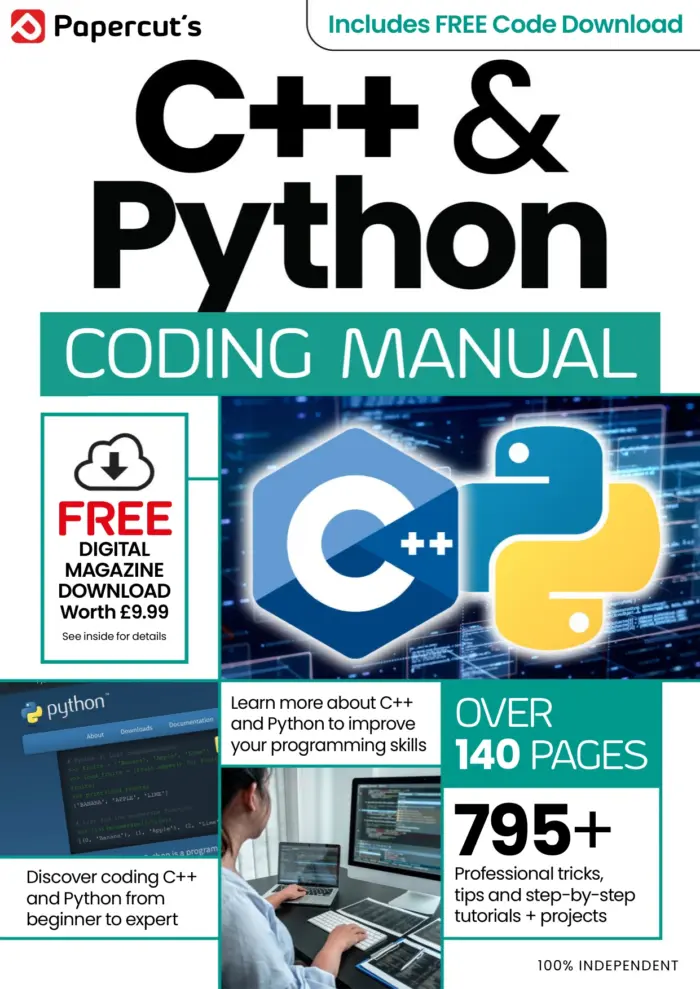
Python & C++ The Complete Manual Issue 7
Sold by Papercut
Instagram Tricks & Tips — 19th Edition (2024)
Sold by Papercut
Internet Security User Manual – 24th Edition 2025
Sold by Papercut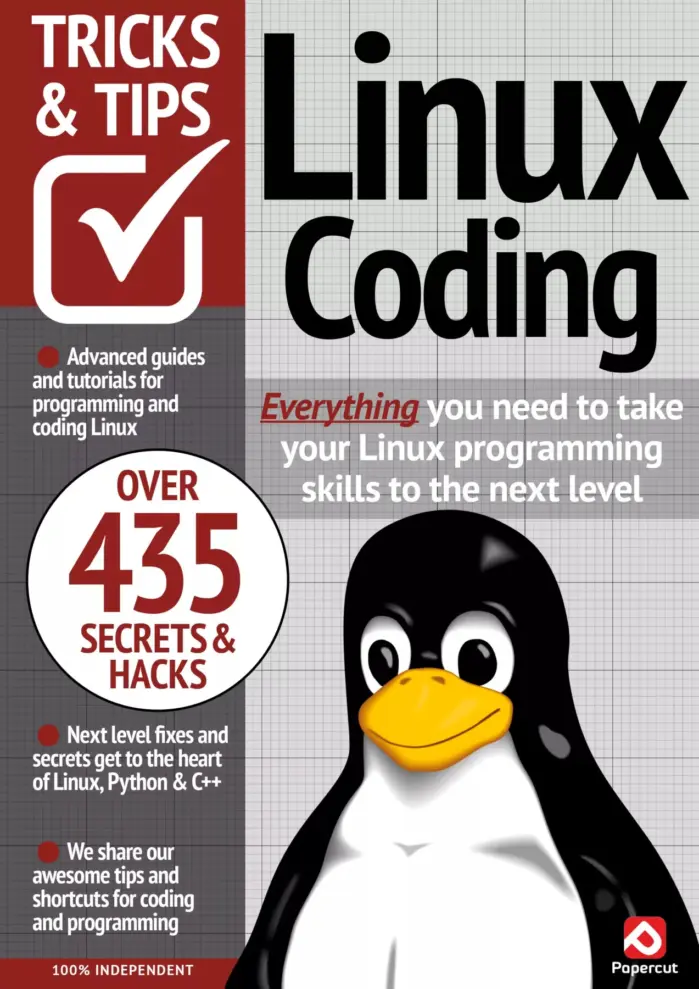
Linux Coding Tricks & Tips – 20th Edition (2024)
Sold by Papercut
WhatsApp For Beginners
Sold by Papercut Original price was: $13.36.$6.68Current price is: $6.68.






There are no reviews yet.