

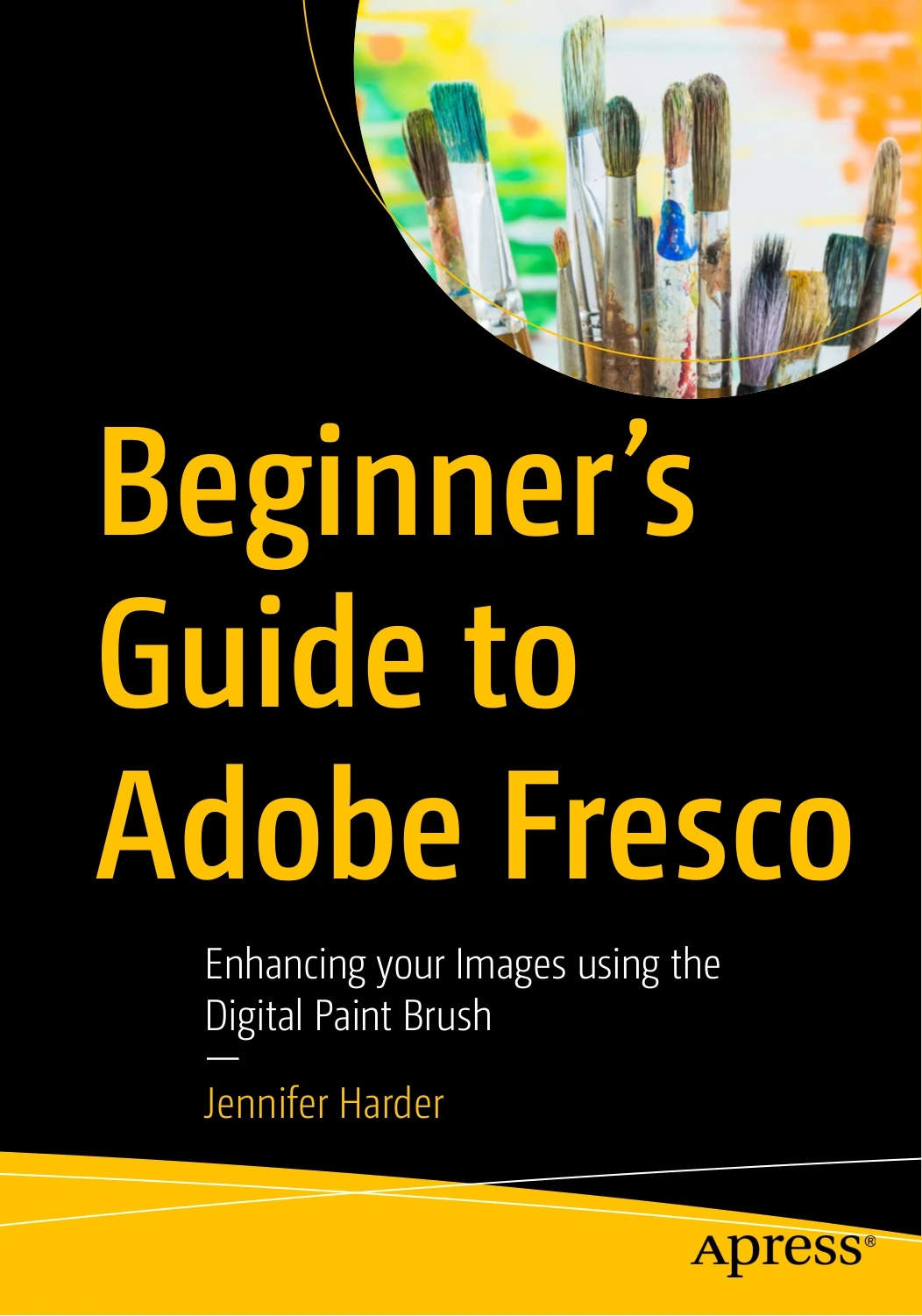
Beginner’s Guide to Adobe Fresco: Enhancing your Images using the Digital Paint Brush
Original price was: $18.00.$9.00Current price is: $9.00.

Jennifer Harder
Product Specs:
- File Type: PDF
- File Size: 61.8 MB
- Book Language: English
- Total Page Count: 705
- Instant Download
Learn Adobe Fresco with a practical, project-based guide
Beginner’s Guide to Adobe Fresco: Enhancing your Images using the Digital Paint Brush is a hands-on introduction to Adobe Fresco for readers who want to create, edit, and refine artwork inside Adobe’s painting-focused app. Jennifer Harder walks through the core tools and workflows in a way that keeps the emphasis on actual use: setting up documents, working with brushes, building with layers, importing artwork, and taking finished files into other Adobe applications.
The book is especially useful if you learn best by doing. Alongside tool explanations, it includes projects that help you practice the software in context—an approach that makes the material feel approachable without losing sight of real creative tasks.
What the book covers
- Getting started with Adobe Fresco and understanding what it is designed to do
- Creating new documents and working with presets, settings, and file options
- Brush tools, erasers, smudge brushes, and other core painting controls
- Selection tools, shapes, color controls, and import workflows
- Layers, masks, reference layers, and the vertical taskbar
- Drawing aids, grids, perspective tools, and guided sketching
- Importing images and editing them inside Fresco
- Basic animation, motion layers, and export options
- Using Fresco files with Photoshop and other Adobe applications
A friendly path into digital painting
Fresco can feel like a specialized tool at first, but this guide keeps the learning curve manageable. It is aimed at beginners, while still acknowledging that a little Photoshop or Illustrator familiarity can be helpful when you start moving images between apps. That balance makes it a solid fit for hobbyists, design students, and creative professionals who want a clearer path into Adobe’s drawing and painting workflow.
Why it stands out
Rather than treating Fresco as a feature checklist, the book shows how the software fits into a working creative process. You get a sense of how brush choices, layers, masks, and export settings affect the final result—and how to move from experimentation to a finished piece without getting lost in menus.
Good to know
This edition is published by Apress and is presented as a first-edition title. If you are building your Adobe skills and want a focused guide to Fresco specifically, this is a useful place to start.
User Reviews
Be the first to review “Beginner’s Guide to Adobe Fresco: Enhancing your Images using the Digital Paint Brush”
You must be logged in to post a review.
A Beginner’s Guide to Digital Image Repair in Photoshop: Volume 2
Sold by Jennifer Harder
A Guide to Adobe Animate: Creating Your First Animations
Sold by Jennifer Harder Original price was: $18.00.$9.00Current price is: $9.00.
There are no reviews yet.