

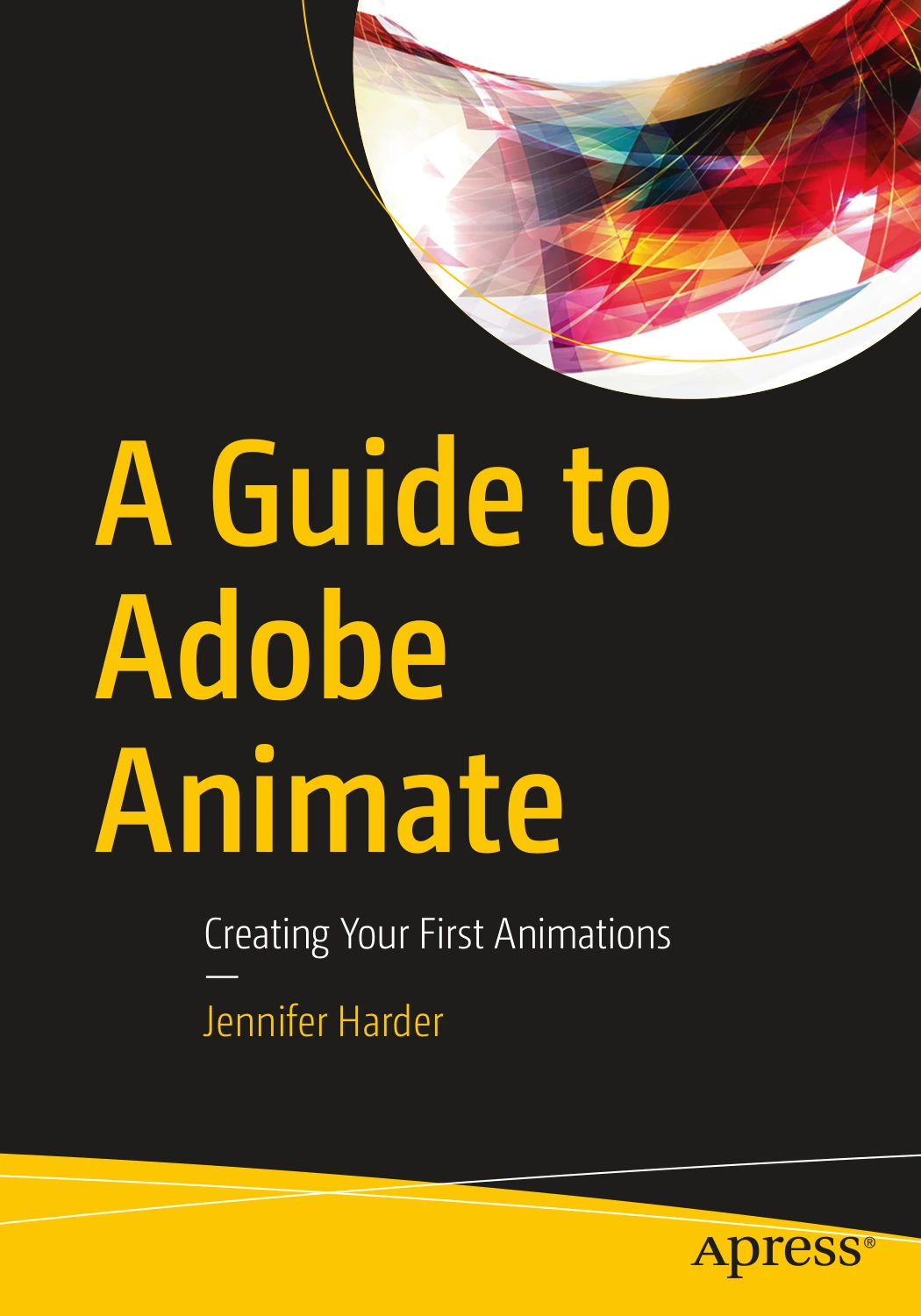
A Guide to Adobe Animate: Creating Your First Animations
Original price was: $22.42.$11.21Current price is: $11.21.

Jennifer Harder
Product Specs:
- File Type: PDF
- File Size: 118.2 MB
- Book Language: English
- Total Page Count: 1136
- Instant Download
Learn Adobe Animate with a clear, project-led approach
A Guide to Adobe Animate: Creating Your First Animations is a practical introduction to Adobe Animate by Jennifer Harder. It is built for readers who want to get comfortable with the application step by step, beginning with the workspace and core tools before moving into timelines, symbols, motion, sound, and publishing.
The structure is especially useful for visual learners. Rather than treating animation as a single big leap, the book breaks the process into manageable parts: shapes and color, text, imported graphics, frame-based movement, motion presets, camera work, layer depth, and character animation using assets and rigging-style tools. The result is a hands-on guide that feels grounded in actual production tasks.
What the book covers
- Setting up files, canvases, and the Animate workspace
- Using drawing tools, selections, color, and text
- Importing artwork from Photoshop and Illustrator
- Working with the timeline, layers, symbols, and tweens
- Applying motion presets, camera movement, and depth effects
- Animating characters with assets, frame picking, and warp tools
- Adding sound, basic actions, and exporting finished animations
A strong fit for creative beginners
This title is a natural match for designers, art students, and creative professionals who already understand visual tools but want a structured route into animation. The chapter progression suggests a course-like reading experience, with projects and chapter summaries supporting steady practice rather than passive reading.
Why it stands out
Adobe Animate can feel wide-open when you first launch it. This book narrows the field in a sensible way, guiding readers from fundamentals toward more advanced features without losing the bigger picture of how animations are built, refined, and published. If you want a focused Adobe Animate ebook that balances technique with practical workflow, this is an excellent place to start.
User Reviews
Be the first to review “A Guide to Adobe Animate: Creating Your First Animations”
You must be logged in to post a review.
A Beginner’s Guide to Digital Image Repair in Photoshop: Volume 2
Sold by Jennifer Harder
Beginner’s Guide to Adobe Fresco: Enhancing your Images using the Digital Paint Brush
Sold by Jennifer Harder Original price was: $22.42.$11.21Current price is: $11.21.

There are no reviews yet.