

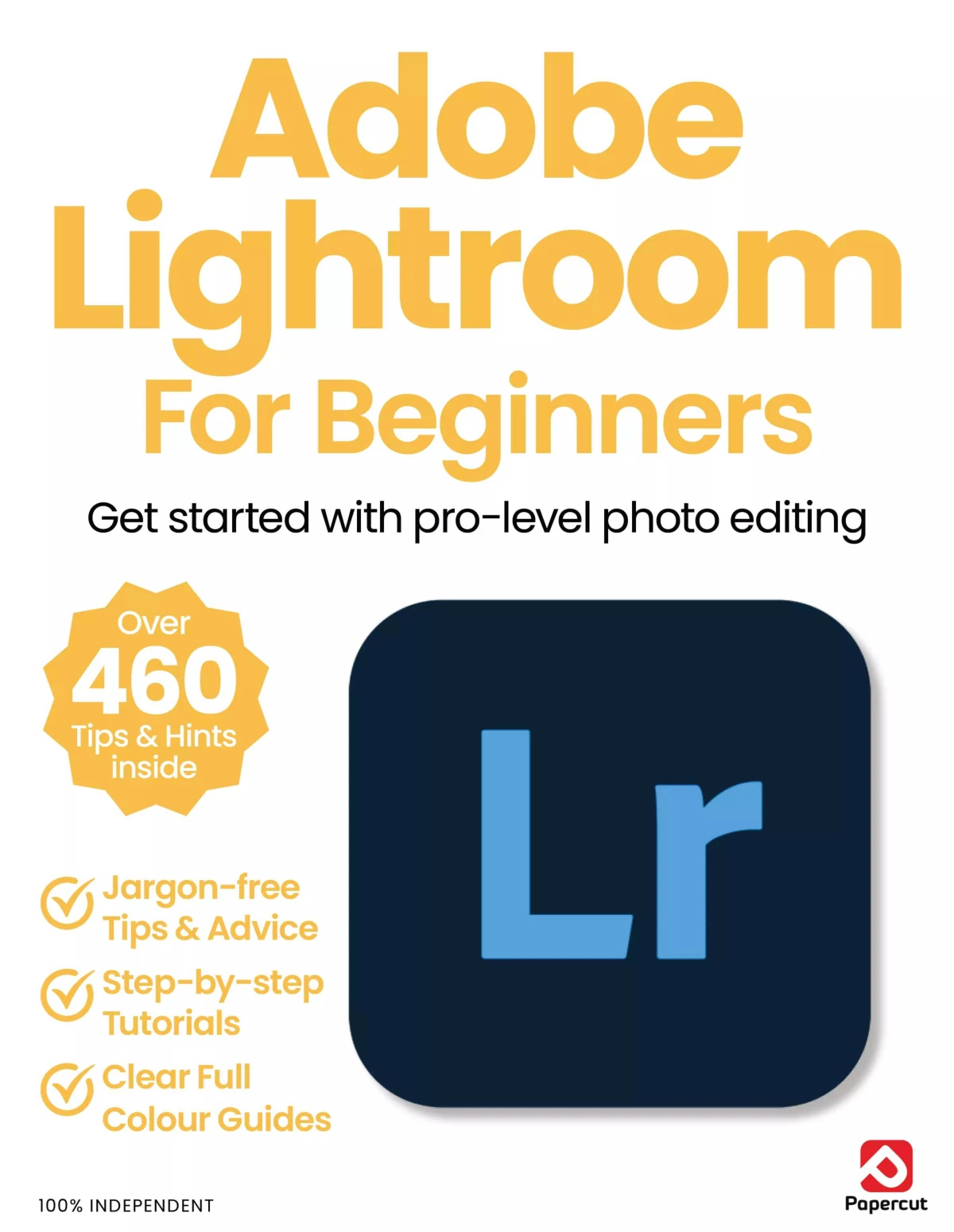
Adobe Lightroom For Beginners
Original price was: $13.36.$6.68Current price is: $6.68.

Papercut
Product Specs:
- File Type: PDF
- File Size: 66.0 MB
- Book Language: English
- Total Page Count: 108
- Instant Download
Start Editing with Confidence
Adobe Lightroom For Beginners is a practical, plain-English introduction to Adobe Lightroom and Lightroom Classic. Built for new users, it focuses on the parts of the software that matter most when you are learning to organise, improve, and finish photographs without getting lost in the interface.
The guide brings together step-by-step instruction and illustrated examples, with a clear emphasis on real editing tasks rather than abstract theory. That makes it especially useful for readers who want to understand how Lightroom works in everyday use: importing and sorting images, moving through the workspace, adjusting exposure and contrast, and making careful improvements to color and detail.
What the Book Covers
- Recent Lightroom updates and improvements
- Masking tools, including subject and sky selection
- Color grading and tone controls
- Metadata and photo organisation
- Cloud-based Lightroom and mobile editing
- Library module basics, including sorting, collections, and search
- Develop module essentials such as cropping, white balance, noise reduction, and lens corrections
A Beginner-Friendly Editing Path
The structure moves from newer features to core workflow tools, which gives readers a sensible way to build confidence. It begins with current Lightroom improvements, then shifts into the classic desktop workflow and the foundational editing tools used most often in photo processing. That progression makes the book feel methodical and approachable, especially for photographers who prefer learning one stage at a time.
For New Lightroom Users
This title is best suited to beginners and early-stage users who want a straightforward entry into Adobe’s photo-editing ecosystem. If you are learning Lightroom for the first time, or revisiting the software after a long gap, the book’s emphasis on clear explanations and practical demonstrations should make the learning curve feel less steep.
Why It Stands Out
Rather than treating Lightroom as a collection of isolated tools, the book presents it as a complete editing workflow. That practical focus is helpful for readers who want to understand not just what each slider does, but how the pieces fit together when preparing photographs for real-world use.
At Digital Delights, we highlight ebooks that teach useful skills clearly and efficiently—and this one is aimed squarely at getting beginners up to speed with Lightroom’s essential features.
User Reviews
Be the first to review “Adobe Lightroom For Beginners”
You must be logged in to post a review.

Android For Beginners
Sold by Papercut
Windows 11 User Manual Issue 7
Sold by Papercut
The Complete macOS Sonoma Manual – Issue 3, 2024
Sold by Papercut
Outdoor Photography For Beginners
Sold by Papercut
Adobe Lightroom For Beginners
Sold by Papercut
Black & White Photography For Beginners
Sold by Papercut Original price was: $13.36.$6.68Current price is: $6.68.




There are no reviews yet.