Python for Data Analysis: Where to Start
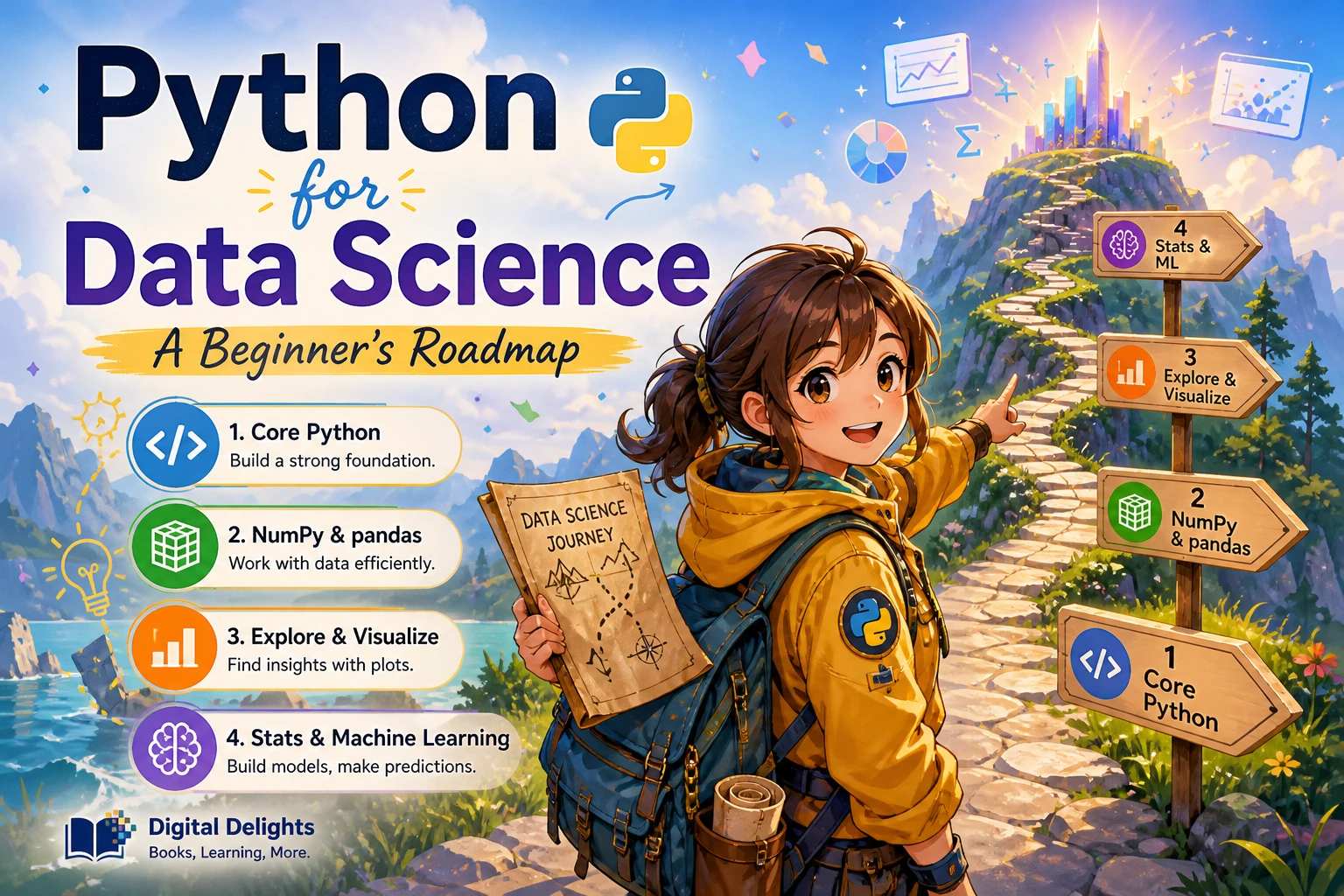
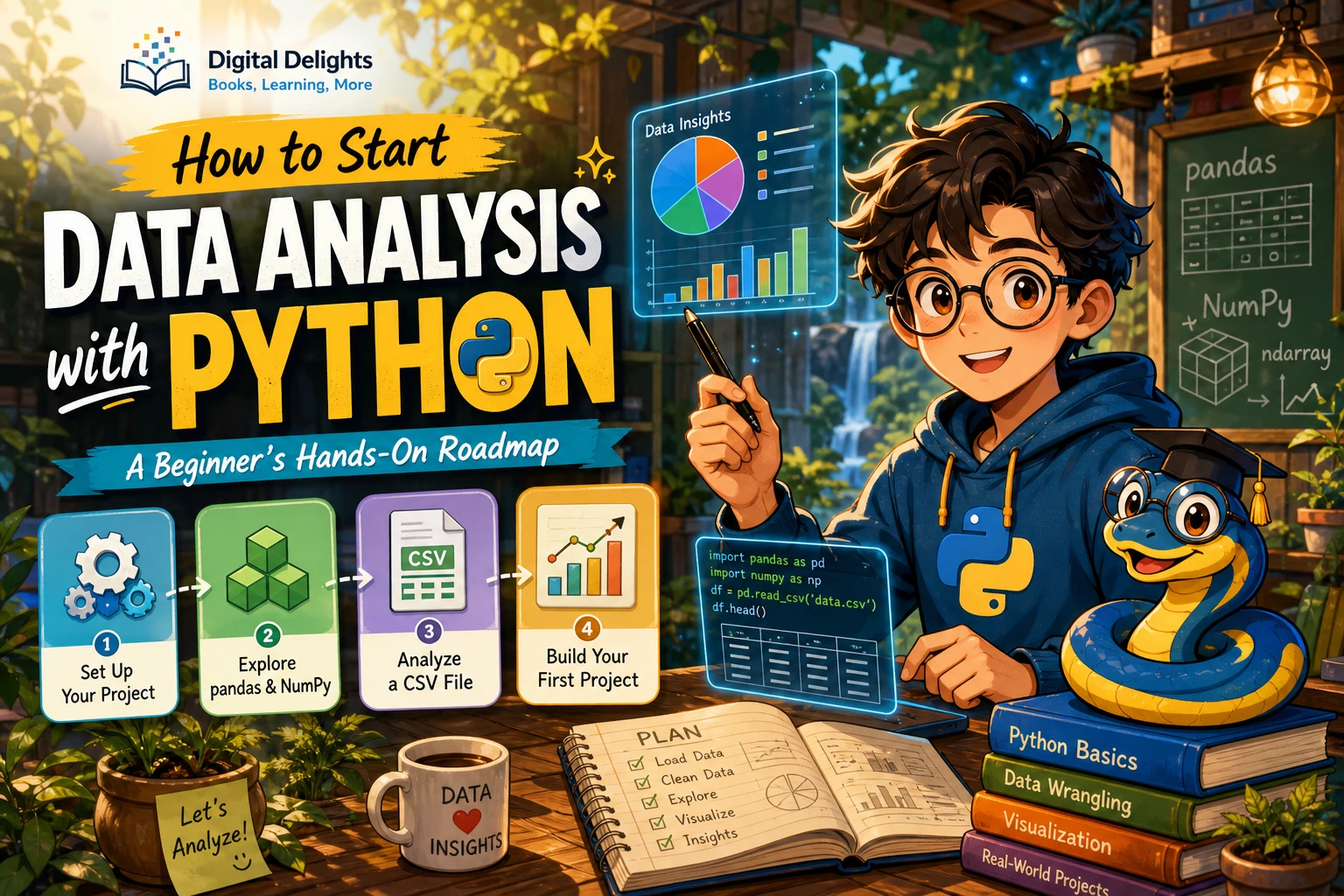
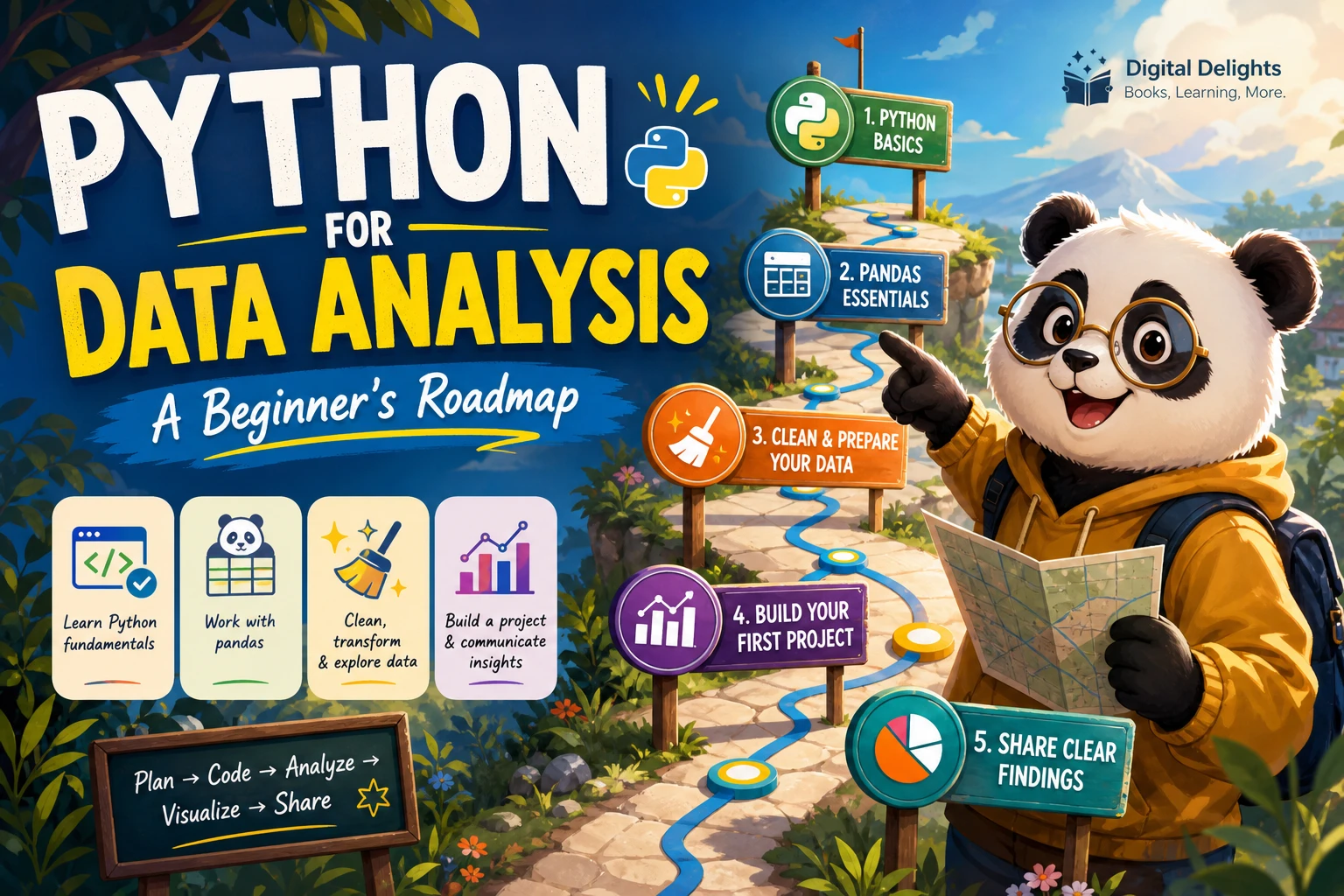
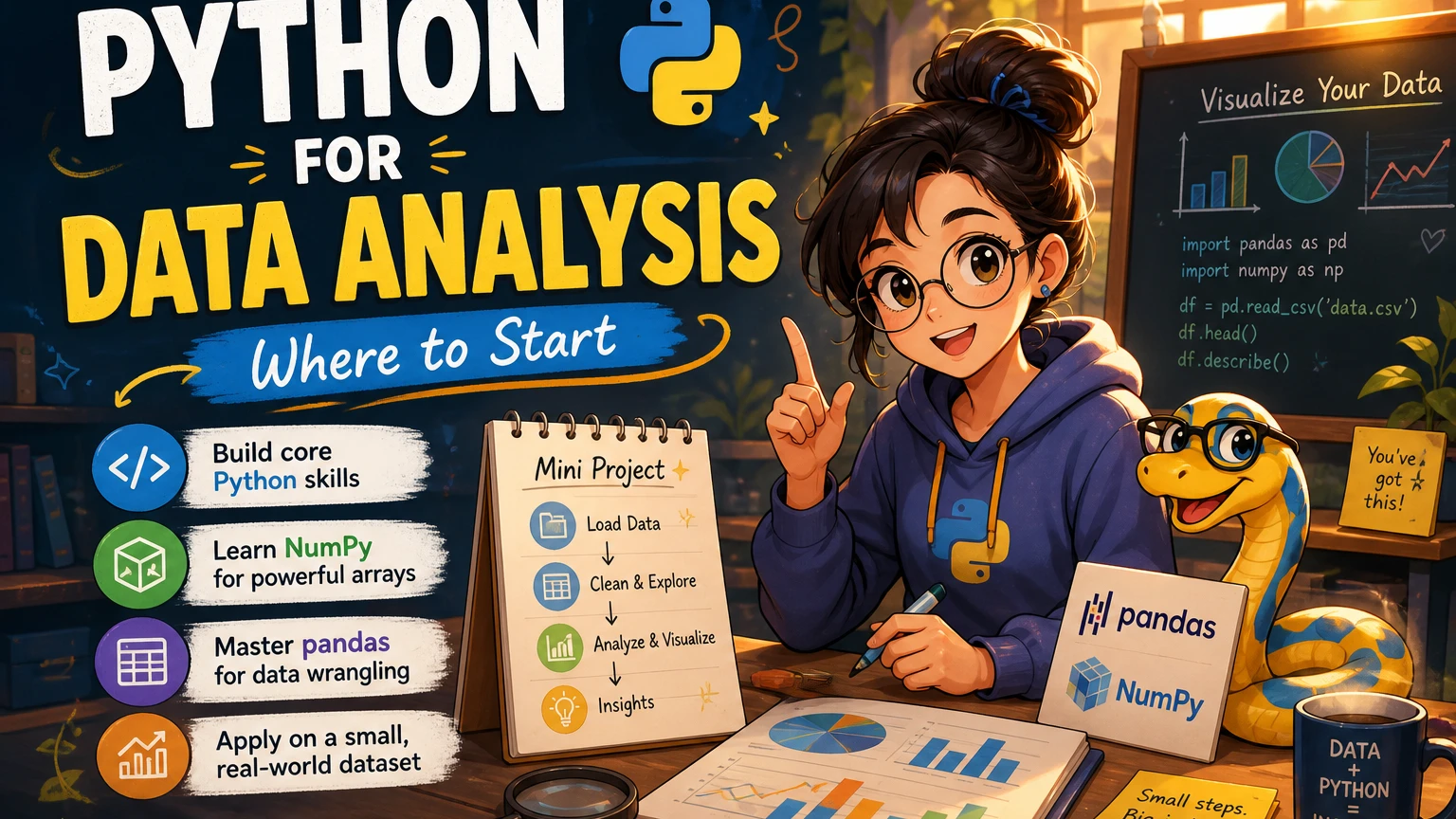
If you want to use Python to work with data, the best starting point depends on whether you are new to programming or just new to data analysis. If you have never coded, learn a small set of Python fundamentals first. Then move into NumPy for numerical arrays and pandas for working with tables. Practise by completing a small analysis from question to conclusion; you do not need to study every Python feature before you begin.
If you already write code in another language, you can move through the Python basics quickly and spend more time on the data tools. Either way, start with the work you want to do—such as cleaning a spreadsheet or comparing monthly totals—and learn each tool as it becomes useful.
Do You Need to Know Python Already?
“Beginner” can mean two different things here: new to programming, or familiar with code but new to analyzing data. The distinction matters. Python’s official tutorial says it is intended for people who are new to Python but have a basic understanding of programming; it is not designed as a first introduction to programming itself (Python Tutorial).
If you are new to coding, first get comfortable reading and writing short programs. If you already understand concepts such as variables, loops, and functions, you can begin applying them to data sooner. A publisher’s guide to Python data analysis follows a similar broad progression, covering Python basics before NumPy and pandas, then moving into data loading, cleaning, reshaping, and visualization (Python for Data Analysis, 3rd Edition contents).
A Practical Python Data Analysis Learning Path
1. Learn the Python basics you will use regularly
You do not need to master the whole language before analyzing data. Start with the building blocks that help you understand examples, organize a workflow, and troubleshoot mistakes:
- Variables, strings, numbers, and Boolean values
- Conditionals and loops
- Functions and how to pass information into them
- Lists and dictionaries
- Reading files and understanding file paths
- Errors, tracebacks, and simple debugging
Practise by writing small scripts, not just reading explanations. For example, load a text file, count how many lines it contains, and put a repeated task inside a function. These exercises build confidence with the language features that reappear in data work.
2. Get familiar with NumPy arrays
NumPy introduces array-based numerical work. Learn what an array is, how to select values, and how to perform basic operations across its contents. The goal is not to memorize every function. It is to understand how data can be represented and manipulated efficiently in a structured form.
You can begin exploring pandas without becoming an expert in NumPy first. Still, a basic understanding of arrays makes many data-analysis examples easier to follow, and NumPy is useful when your work involves numerical data or array operations.
3. Use pandas to work with tabular data
For many beginners, pandas is where Python data analysis starts to feel immediately practical. A DataFrame organizes data in rows and columns, making it possible to work with tables programmatically. Build familiarity with a small set of recurring tasks:
- Load a dataset from a file.
- Inspect its rows, columns, and data types.
- Select columns and filter rows.
- Find missing values and decide how to handle them.
- Sort, group, and summarize records.
- Combine related tables or reshape data when needed.
Learn these operations by answering questions about actual data. For instance, if a table records orders, you might calculate total orders by month or compare the average order value across categories. The question gives each command a purpose.
4. Add visualization when it helps answer a question
A chart is useful when it makes a pattern or comparison clearer. Start with a specific question—such as whether a measurement changes over time—and choose a simple plot that helps you inspect the answer. Learn to label axes and explain what the chart shows. Visualization is part of communicating an analysis, not a substitute for checking the underlying data.
Practise with One Small Dataset
A short, complete analysis is more useful than a long list of disconnected commands. Choose a dataset that is small enough to understand and follow this workflow:
- Ask: Write down one question you want the data to answer.
- Inspect: Check the columns, sample rows, data types, and any obvious gaps.
- Clean: Address only the issues relevant to your question, and keep track of the choices you make.
- Analyze: Filter, group, calculate, or compare the values needed to answer the question.
- Communicate: Summarize the result in a sentence, table, or clear chart.
For example, with a table of daily temperatures, you could check the date range, identify missing readings, calculate monthly averages, and plot the results over time. This simple exercise brings together Python basics, pandas operations, and a reason to visualize. Repeat the process with a different dataset so you practise adapting rather than copying a fixed sequence.
What Should You Learn After the Basics?
Let your next topic follow from the problems you encounter. If you need more control over data preparation, deepen your pandas skills. If your analysis depends on numerical calculations, spend more time with NumPy. If you need to explain trends or comparisons, practise plotting and clear reporting.
Machine learning is a possible later step, not a prerequisite for ordinary data analysis. Before focusing on models, make sure you can load, inspect, clean, and summarize data reliably. That foundation helps you understand what information is going into a model and how to interpret its output. The right sequence can vary with your goals; the steps here are practical guidance, not a rule that every learner must follow.
Common Beginner Mistakes to Avoid
- Skipping programming fundamentals: If code examples feel mysterious, pause and practise the underlying concepts before adding more libraries.
- Collecting commands without using them: Apply each new operation to a dataset and explain what it changes or reveals.
- Trying to learn every library at once: Start with Python basics, then focus on the tools your current question requires.
- Starting with machine learning too early: First build confidence in inspecting and preparing data.
- Following old instructions without checking versions: A resource can still explain useful ideas while showing software versions that have since changed.
Choosing a Resource for Your Starting Point
Choose a learning resource based on what you already know and what you want to do next. A programming introduction can help if you need more practice with Python itself; a data-focused guide is more relevant if you are ready to work with NumPy, pandas, and analysis workflows. The following catalog titles have different emphases, so they are options to consider rather than a ranked list.
| Resource | Focus indicated by its listing | May suit |
|---|---|---|
| Python for Non-Pythonians | Python foundations and data handling, with business-oriented readers and people with little or no coding experience in mind. | Readers who want a gentle bridge into programming and data tasks. |
| Python for Data Science: After work guide to start learning Data Science on your own. Avoid common beginners mistakes of coding. Approach Panda and NumPy to become a brilliant computer programmer | Python for Data Science | The listing describes an introduction to NumPy, pandas, Matplotlib, and machine-learning basics. | Self-directed learners ready to explore common Python data-science tools. |
| Python for Excel Users: Know Excel? You Can Learn Python | Connects spreadsheet experience with Python fundamentals and spreadsheet-related data tasks. | Excel users interested in moving repetitive or multi-step work into Python. |
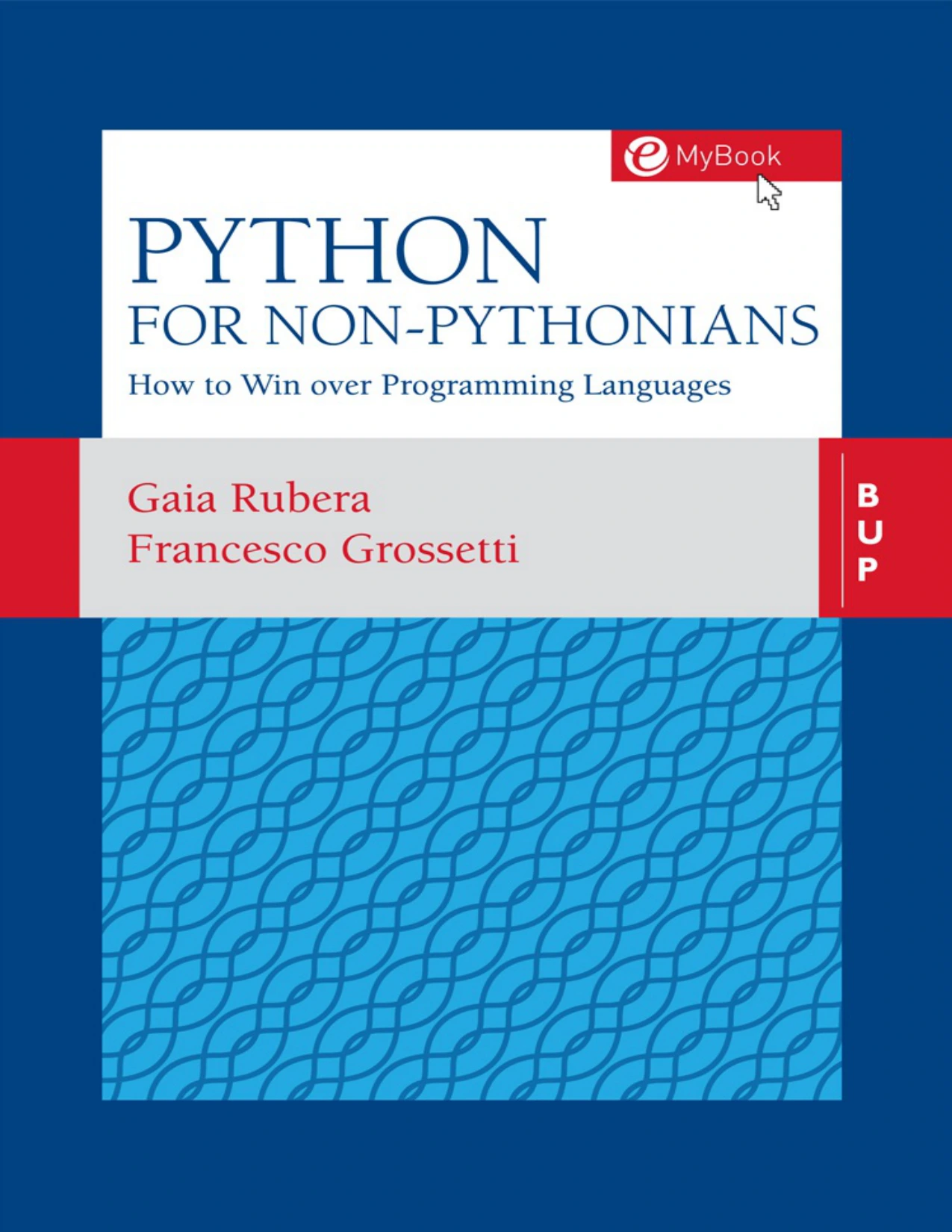
Readers with little or no coding experience who want Python and data-handling basics.
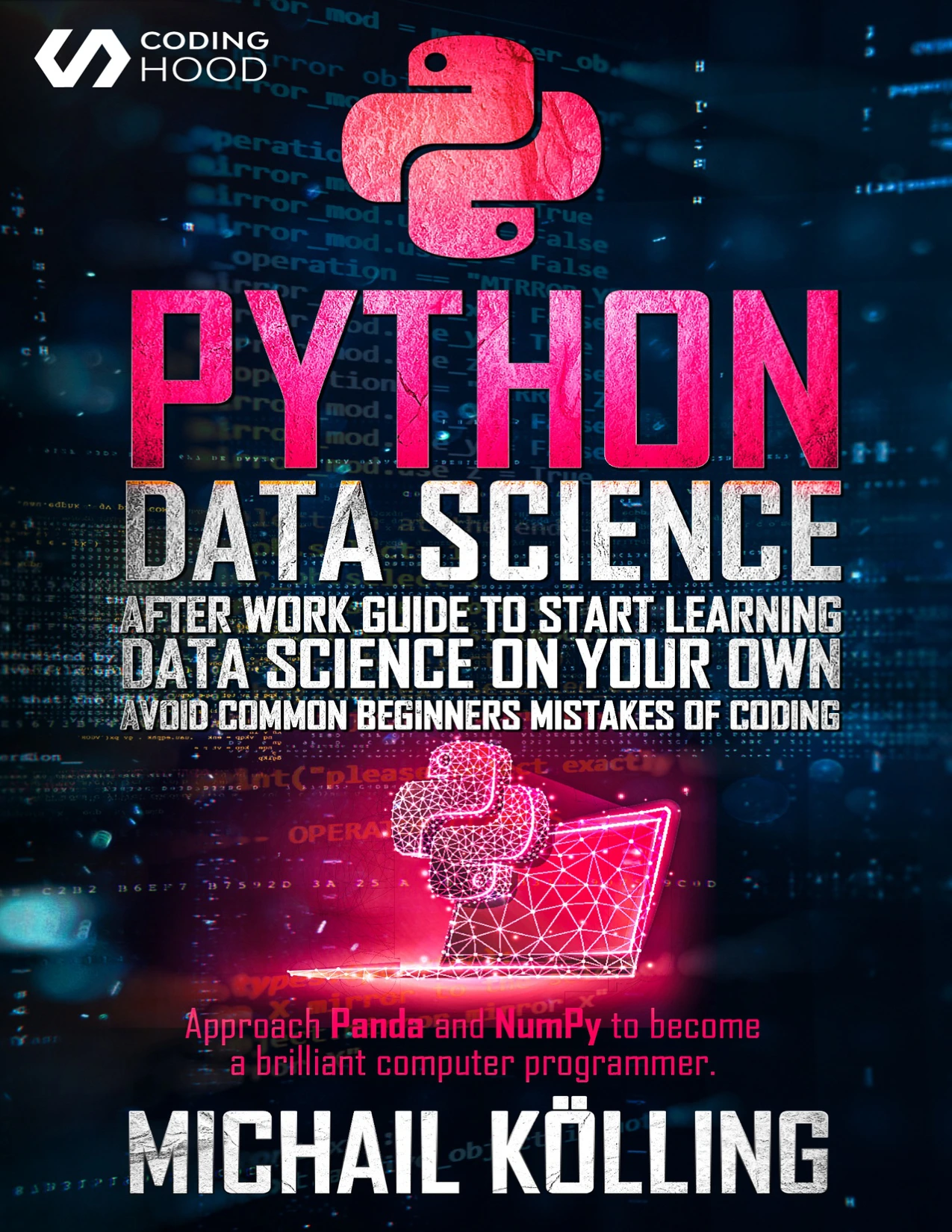
Self-directed learners seeking an introduction to NumPy, pandas, Matplotlib, and machine-learning basics.
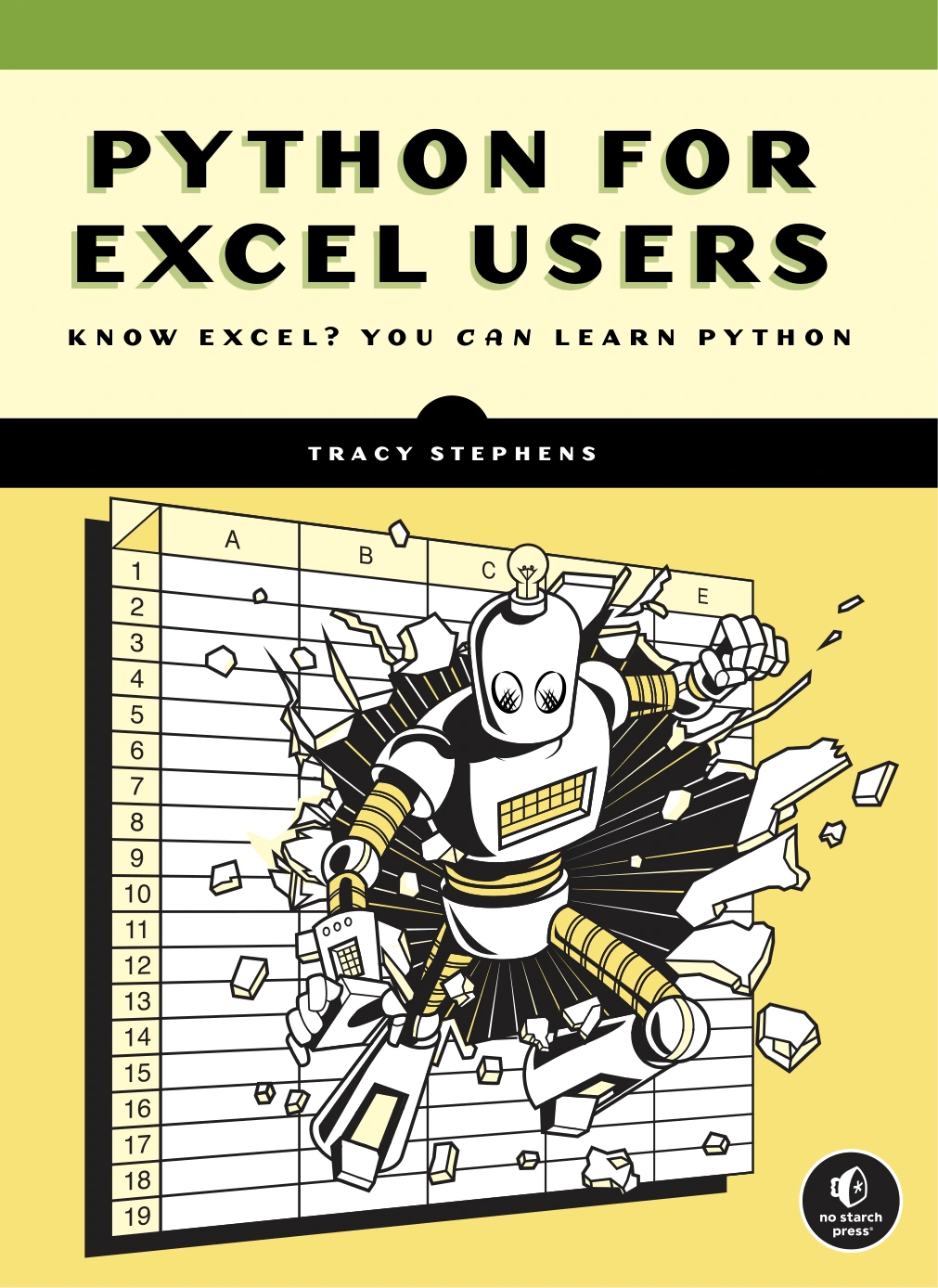
Python for Excel Users: Know Excel? You Can Learn Python
Excel users interested in Python fundamentals and spreadsheet-related tasks.
Descriptions and editions are not a substitute for checking whether a resource matches your current level. The second title, for example, presents itself as a self-study guide and lists NumPy, pandas, Matplotlib, and introductory machine-learning coverage. If you mainly need programming basics, a resource focused on that foundation may be a better first step.
How Should You Handle Older Tutorials and Software Versions?
Older materials may still explain durable ideas, but their commands, setup steps, or examples can depend on specific versions. The third edition of Python for Data Analysis lists Python 3.10 and pandas 1.4 as its software baseline, so readers should treat those as the book’s stated versions rather than assume every example matches a current setup (publisher book page). Check a resource’s version notes and compare them with the documentation for the software you install. The Python documentation provides a version index at Python.org. Compatibility between particular Python and package versions should be checked for your chosen setup; it is not established by the learning sequence in this article.
Frequently Asked Questions
Can I start pandas without knowing Python?
You can try simple pandas examples early, but understanding basic Python makes it easier to read and adapt them. If you are new to programming, first practise variables, lists, conditionals, loops, and functions, then use pandas to solve small data questions.
Should I learn NumPy before pandas?
You do not need to master NumPy before starting pandas. Learn enough about arrays and basic numerical operations to recognize how structured numerical data works, then focus on pandas if your main task involves tables.
Do I need machine learning for data analysis?
No. Many analysis tasks involve loading, cleaning, summarizing, and visualizing data without training a model. Learn machine learning when your goal calls for prediction or pattern-finding methods beyond descriptive analysis.
How should I use a tutorial written for older software versions?
Use it for concepts that remain relevant, but check its stated Python and library versions before following setup steps or copying code. Consult current documentation when an example behaves differently, and verify that the packages you choose support your Python installation.
Start Small, Then Build on What You Learn
A practical place to start with Python for data analysis is a small set of language fundamentals, followed by NumPy basics and pandas table operations. Add visualization to answer a real question, and leave machine learning for when your work calls for it. Choose one manageable dataset, complete a clear analysis, and use the questions that arise to guide what you study next.