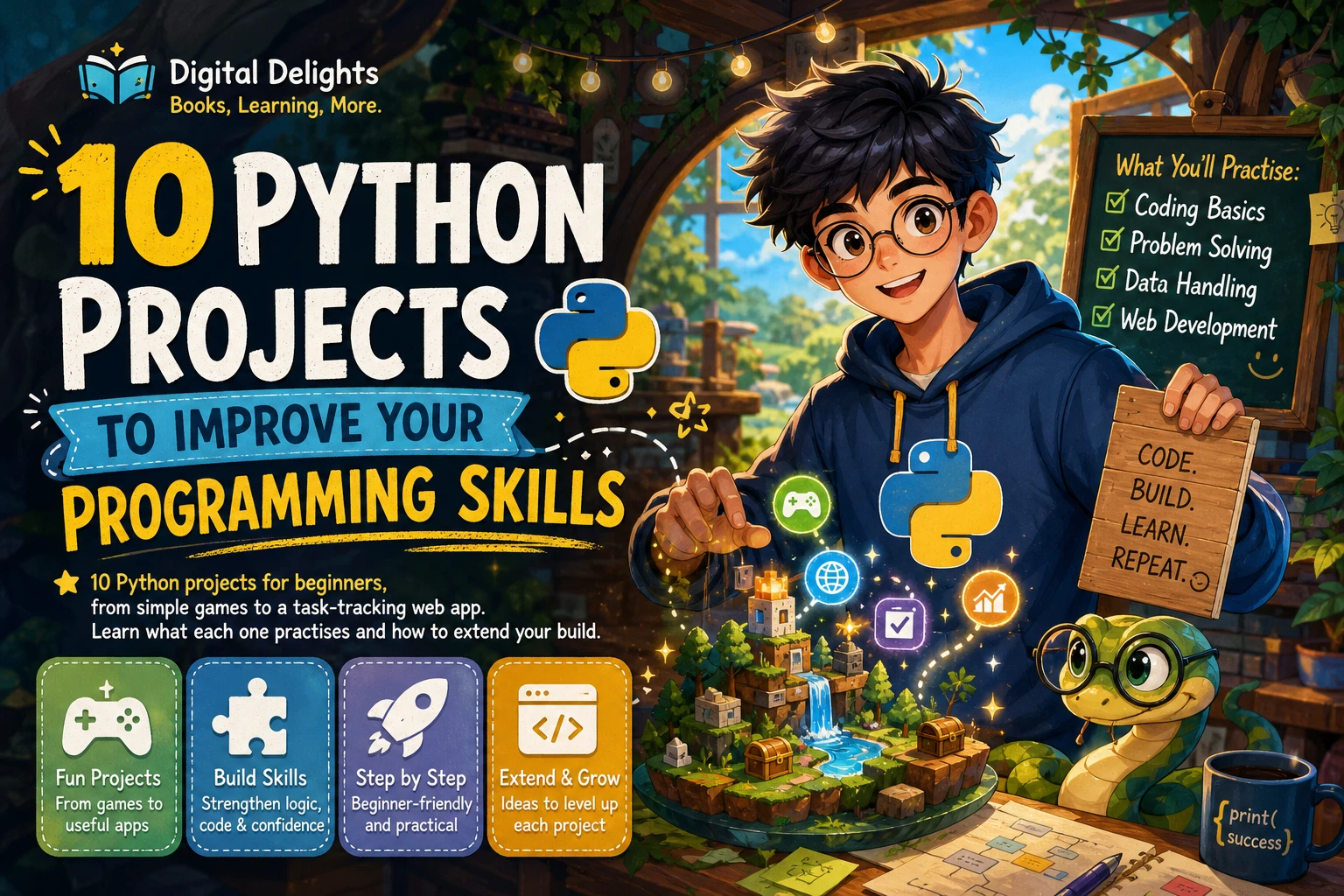
10 Python Projects to Improve Your Programming Skills
Reading Python lessons helps you recognize syntax; building something makes you decide how to use it. These 10 Python projects for beginners move from short games and simple data storage to projects involving web requests, charts, and a web app. The sequence is a practical learning path, not a proven ranking: start where your current skills allow, and treat the later ideas as stretch goals.
Each project below includes the skills it can help you practise and a manageable first version. You do not need to build all ten at once. Choose one, get a basic version working, then add a feature that requires you to think a little more deeply about the code.
Before You Start: Python Basics to Practise
You can begin the first projects with a small set of fundamentals: variables, strings and numbers, if statements, loops, functions, and collections such as lists and dictionaries. As projects grow, you will also encounter modules, file input and output, exceptions, and possibly classes. The official Python tutorial is one reference for learning how modules help organize code.
Several project ideas can be built with Python’s standard library. A chart, graphical interface, or web app may involve installing an additional package or setting up a service. Check the instructions for your chosen tool and Python version before you begin; setup can differ between environments.
10 Python Projects for Beginners
1. Number-Guessing Game
Make a program choose a number within a range, then let the player guess until they find it. After each guess, the program can say whether the answer is too high or too low.
- Practise: loops, conditionals, input, and converting or checking user input.
- First version: use a fixed range and tell the player when a guess is correct.
- Next step: count guesses, add a limited number of attempts, or let the player choose the range.
This small game is useful for learning how a program repeats actions and responds to different inputs. Try entering text or a number outside the allowed range and decide how your program should respond.
2. Quiz or Flashcard App
Create a quiz that presents a question, accepts an answer, and keeps track of the score. A flashcard version can show a prompt first and reveal the answer after the user responds.
- Practise: functions, lists or dictionaries, loops, and score tracking.
- First version: store a few questions and answers directly in your program.
- Next step: shuffle questions, show the final score, or let users add their own cards.
Keep question data separate from the code that displays and checks it. That makes it easier to add questions without duplicating the quiz logic.
3. Hangman or a Text Adventure
Build a word-guessing game or a short text adventure in which the player chooses what to do next. Both ideas require the program to remember what has happened so far.
- Practise: strings, conditionals, loops, game state, and dividing work into functions.
- First version: make one word-guessing round or a short story with a few choices.
- Next step: add multiple words, branching paths, lives, or an inventory of items.
Represent the game’s state clearly. For example, keep track of guessed letters or the player’s current location in named variables. Small functions for tasks such as showing a scene or checking a guess help keep the rules manageable.
4. Expense Tracker
Write a program that records an expense, such as its description, amount, and category, then calculates a total. Start with data stored for the current session before adding saving and loading.
- Practise: numeric values, collections, file handling, and summaries.
- First version: accept a few expenses and print their combined total.
- Next step: save entries to a CSV or JSON file and show totals by category.
Think about what should happen when an amount is missing or cannot be interpreted as a number. If you save entries to a file, test what happens when the file does not exist yet or contains unexpected data.
5. File Organizer
Create a script that sorts files in a chosen folder into subfolders based on a rule, such as file type. Begin by listing the files and deciding where each would go before making any changes.
- Practise: paths, directories, loops, and error handling.
- First version: print a proposed destination for each file without moving anything.
- Next step: add an option to move files, skip name conflicts, and report files that could not be processed.
Test on a temporary folder containing copies of a few files. A preview or dry-run mode is a sensible safeguard while you are developing a script that changes files.
6. Contact Book
Build a small program for storing names and contact details. Users should be able to add a record, search for a person, and view saved contacts.
- Practise: dictionaries or other data structures, search, functions, and saving and loading data.
- First version: add and find contacts while the program is running.
- Next step: save records between sessions, allow editing or deletion, and handle duplicate names.
Decide how each contact will be represented before adding features. For example, a contact might have a name, email address, and phone number. Clear data structure choices make search and updates easier to reason about.
7. Web or API Client
Make a command-line program that requests information from a web service and displays selected results. Many services return JSON, which Python can parse after a successful response.
- Practise: HTTP requests, JSON, parsing data, and handling network errors.
- First version: request one piece of public information and print a few fields.
- Next step: let the user choose a search term, format results clearly, or cache a previous response.
Network requests can fail: a connection may be unavailable, a service may return an error, or the response may not contain the fields you expected. Check the API’s terms and documentation, and avoid placing private credentials directly in code you share. The exact request setup depends on the service and tools you choose.
8. Data Visualizer
Use a small dataset to answer a question and present the result as a chart. You could compare values by category, show change over time, or identify the most common entries in a dataset.
- Practise: reading data, selecting and summarizing values, and explaining results visually.
- First version: load a small CSV file and calculate one simple summary.
- Next step: create a chart with a suitable Python visualization library and add a clear title and labels.
Start with a question rather than a chart type: what should a reader learn from the data? Check for missing or inconsistent values before interpreting the result. A chart can display a calculation neatly, but it cannot make poor or misunderstood data reliable.
9. GUI App or Arcade Game
Give a project a graphical interface: for example, a simple timer, a quiz window, or a small arcade game. Unlike a basic command-line script, a graphical program usually responds to events such as button clicks or key presses.
- Practise: event-driven logic, user interface decisions, and organizing a program into parts.
- First version: create one screen with a single action, such as starting a timer or answering a question.
- Next step: add buttons, keyboard controls, more screens, or a simple score display.
Choose a library only after deciding what the project needs. Graphical tools have their own setup and concepts, so first confirm that the library is supported in your environment and follow its current documentation.
10. Task-Tracking Web App
Build a small web application where a user can add tasks, mark them complete, and view what remains. This is a larger project because it brings together several parts: routes, forms, persistent data, and the web framework you select.
- Practise: structuring an application, processing forms, storing data, and testing behavior.
- First version: show a task list and allow a task to be added.
- Next step: save tasks between visits, add completion and deletion, and test important actions.
Keep the first version small. Begin locally and focus on the core task flow before considering deployment. Publishing a web app adds configuration and security considerations, so treat deployment as a separate learning step rather than a requirement for the initial build.
How to Get More Learning from Each Project
- Write down the smallest useful version. Describe what the program should do in a few plain-language requirements.
- Build one working piece at a time. Run the program after a small change so that problems are easier to locate.
- Add a testable requirement. For example, the quiz should handle an incorrect answer, or the contact book should find a saved contact.
- Try normal and unusual inputs. Check empty values, unexpected text, missing files, and other relevant edge cases.
- Improve the code after it works. Use clear names, small functions, and helpful error messages.
- Document how to run it. Note the Python version and any required libraries, and include a short explanation of what the program does.
When you get stuck, first read the error message and identify the line involved. Then reduce the problem to a small example you can inspect. Looking up a concept or a library’s documentation is part of the work; copying a complete solution without understanding it makes it harder to adapt the project later.
Common Beginner Pitfalls to Avoid
- Starting with too much scope: A feature-rich app can become difficult to finish. Make a small version work before expanding it.
- Adding tools before they are needed: Use built-in Python features for the first version when they are sufficient. Introduce an outside library for a specific reason.
- Ignoring invalid input and failures: Users can enter unexpected values, and files or network requests can fail. Decide how the program should respond.
- Skipping testing: Try the behavior you expect and at least one case that might break it. Fixing issues while the project is small is easier to manage.
- Keeping everything in one long block: Use functions to give repeated actions or distinct tasks a clear place in the program.
- Measuring progress only by finishing: A finished program is useful, but understanding one design choice or debugging one tricky error is progress too.
Frequently Asked Questions
What should I know before starting Python projects?
Begin with variables, basic data types, conditionals, loops, functions, and lists or dictionaries. You can learn file handling, modules, and other topics as projects call for them. Start with the number-guessing game or quiz if you are still practising the fundamentals.
Which of these Python projects need extra tools?
The first six can be planned around basic Python features, though the expense tracker and contact book may use CSV or JSON file handling. A chart usually needs a visualization tool; a GUI or arcade game depends on a suitable graphical library; and the web app needs a framework. An API client depends on the chosen service and request method. Check current setup and compatibility instructions before installing anything.
How should I share a finished Python project?
For a small project, include the source files and a short README with its purpose, how to run it, any required Python version or dependencies, and a sample of expected behavior. Remove private information such as API credentials before sharing. If the project uses external services or data, explain those requirements without sharing secrets.
Choose a Project and Keep Building
Pick the idea that matches what you already know and make its first version deliberately small. Games are a friendly way to practise control flow; file and contact tools introduce persistence; data, API, and web projects add new setup and design decisions. The useful outcome is not just a finished program but a clearer understanding of how you made it work.
If you prefer structured practice alongside your own builds, Python Bookcamp: Exercises and Projects covers Python fundamentals through lessons and case studies. For interactive examples that include chatbots and recommendation systems, Python Practice Lab: Learn How to Code through Interactive Examples is another catalog resource to explore.

Python Bookcamp: Exercises and Projects
Learners who want guided practice with Python fundamentals and hands-on projects.
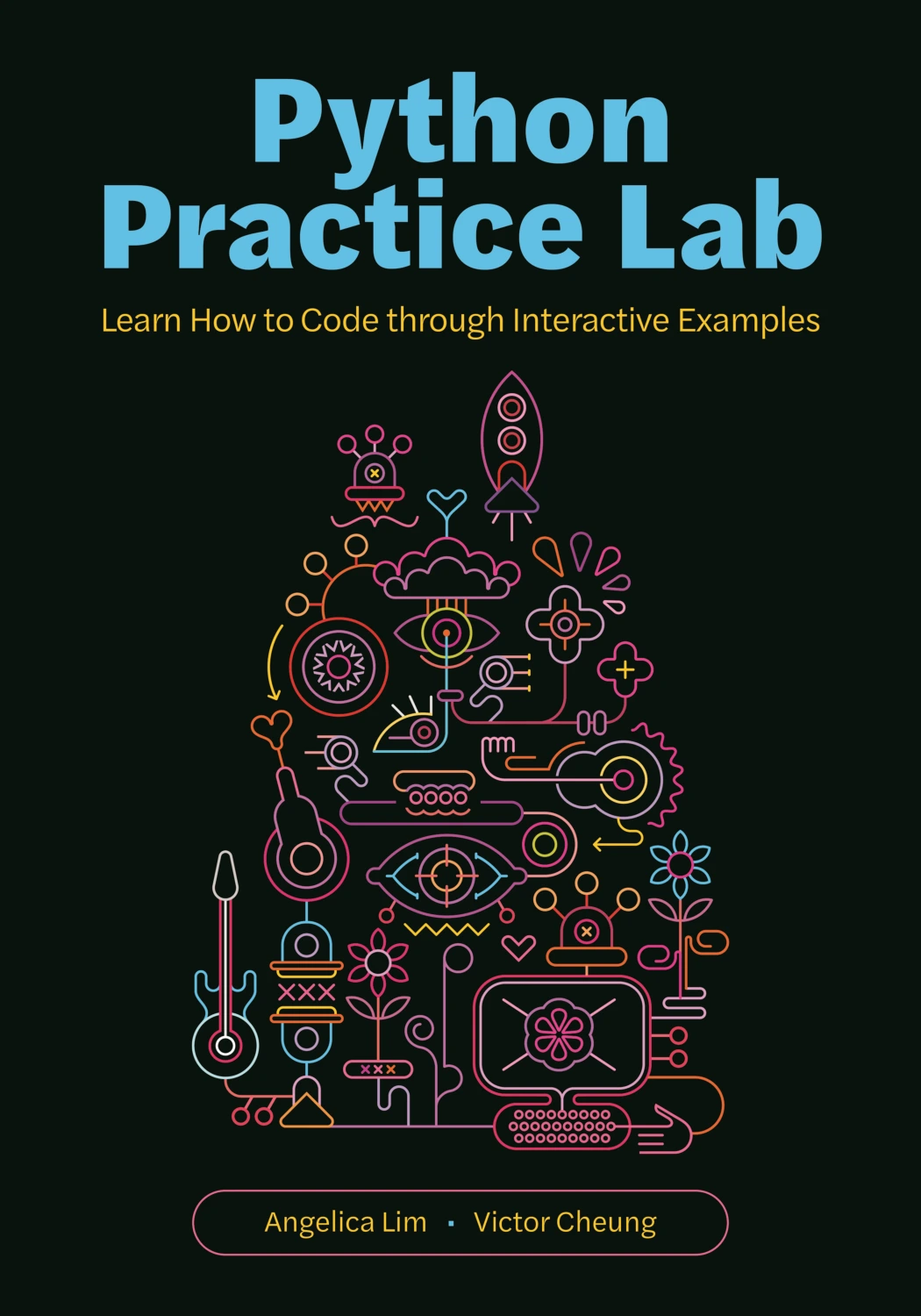
Python Practice Lab: Learn How to Code through Interactive Examples
By Angelica Lim
Learners interested in interactive Python examples involving chatbots and recommendation systems.